

5 Common Mistakes Owners Make With New Game Consoles (And How To Avoid Them)
We may receive a commission on purchases made from links.
When you get a new console, the rush of excitement you feel can make you eager to start playing right away. You may put off doing some things to get properly set up, thinking you will do them down the line. You might even think they're not that important. However, skipping them can lead to some grave consequences, including data loss and even a bricked console.
For instance, not ensuring that the console has enough breathing room can lead to overheating issues, and not using a surge protector can subject the console to sudden high voltage spikes. Both of these oversights can lead to long-term issues, and they're far from the only problems that can arise if you take some precautions and exercise a little patience. The good news is that these common mistakes owners make with new game consoles can easily be avoided. Here are some of the most important pitfalls to guard against and how to avoid them.
Using the console without a surge protector
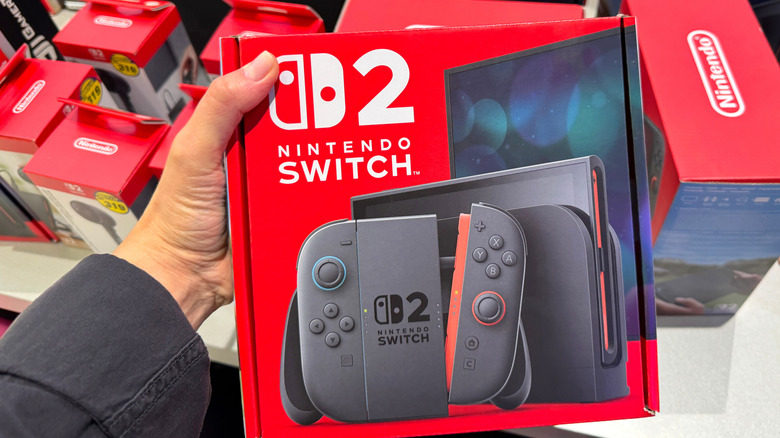
Due to the ongoing RAM crisis, the prices of consumer gadgets are rising. For instance, Sony raised the price of the PlayStation 5 in April 2026, with a console that used to start at $499 now starting at $599. The Xbox Series X Digital went from $599 to $749, and the Nintendo Switch 2 went from $449 to $499. It would be a shame if something happened to those expensive units because a power surge fried their internal components — at any price, but especially now that costs are escalating even further. New console owners, and even some seasoned ones, often forget to do this (or just ignore the need) and fail to buy a surge protector until it's too late.
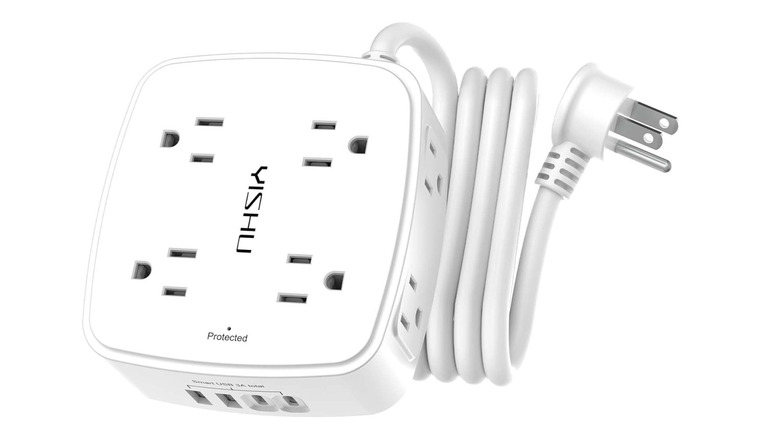
Surge protectors are a well-established way to protect electronics, but they also introduce an extra cost, and people don't like those. However, a surge protector is not that expensive, even if it's a gadget you should never cheap out on. For example, the Yishu Six-Foot Surge Protector Power Strip retails for $11.99 on Amazon, but it can protect a console worth hundreds of dollars. This strip also has a rating of 4.6 out of five stars based on over 50,000 Amazon buyer ratings, meaning it's held in high regard by users. The six-foot-long Yishu has eight outlets and four USB ports, and it can absorb 600 joules of electric energy, preventing your console and other devices from blowing up during a power surge.
Forgetting to transfer data from an old console to the new one
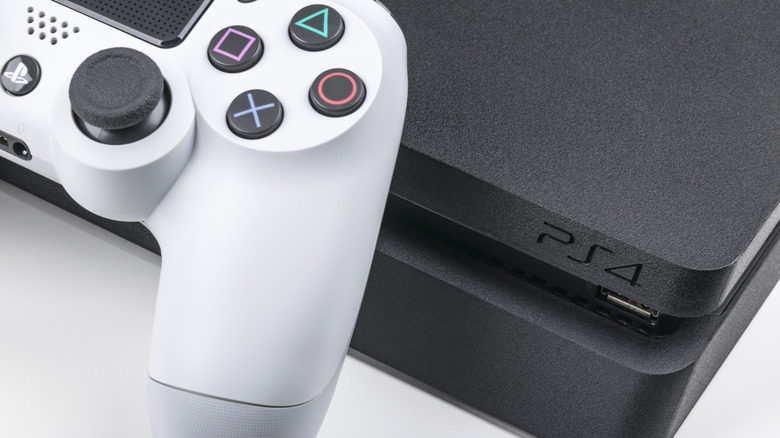
Every major console has backward compatibility to some degree. Whether you're on a PS5, Xbox Series X and S, or Nintendo Switch 2, transferring data from one console to another is as easy as just logging in to your PlayStation, Microsoft, or Nintendo account, respectively. However, this will only transfer over a limited amount of data. So if you want to pick up where you left off, especially if you plan on formatting the old console afterward to give it away or sell it, transferring every bit of your data to the new console is essential for an uninterrupted experience.
If you are moving from the PS4 to PS5, you just need to connect the consoles to the same network and use the PS5 transfer utility. This will migrate data like your games (no need to redownload), save files, and configurations to the new unit. With Microsoft's consoles, you can back up the data, including your games, apps, saves, and settings, on the Xbox One and transfer it to the Series X over the network as well. Cloud saves transfer automatically the moment you sign in to your Microsoft account. When setting up the Switch 2, the system will ask if you want to transfer data from your original Switch, which you can do by bringing the consoles close to each other so they can communicate. Data that will transfer includes save files, user profiles, console settings, and even your videos and images.
Blocking the console vents
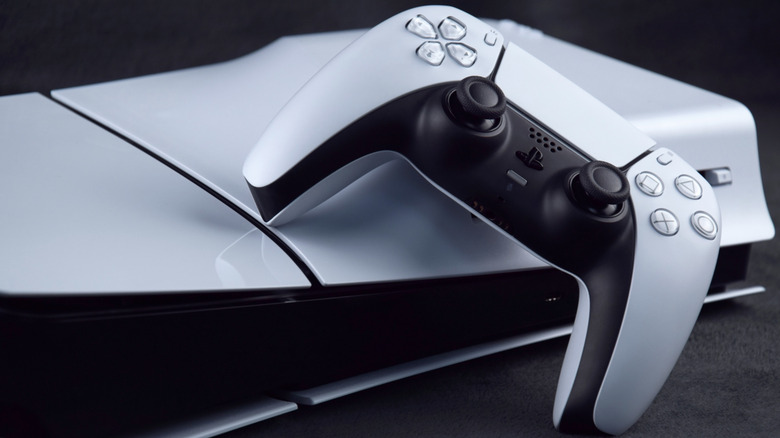
Consoles have vents for a reason — namely, to expel heat generated by the CPU and GPU. When a console is running a very demanding game, these components will draw more power to run the action smoothly. This will generate a lot of heat, and that's when you will start to hear the fan spin, trying to keep them cool. If the vents are blocked, that heat gets trapped internally, and it can build up until the console overheats. If it's particularly bad, it can even damage some components on the motherboard, potentially turning your console into a brick.
So when playing your console, make sure that it's placed in an area with plenty of airflow. There should be nothing within four to six inches of the vents to ensure that the hot air is expelled efficiently. Also, do not place the console on top of another device that generates heat, such as a cable box, Blu-ray player, or subwoofer. If you live in a particularly hot area, you can get cooling accessories if there's no air conditioning in the room where your console is housed. For instance, you can get this AC Infinity MULTIFAN S1 for $13.99. You just place it adjacent to the console's air vents so it can help move the hot air away from it.
Not getting protective accessories for handheld consoles
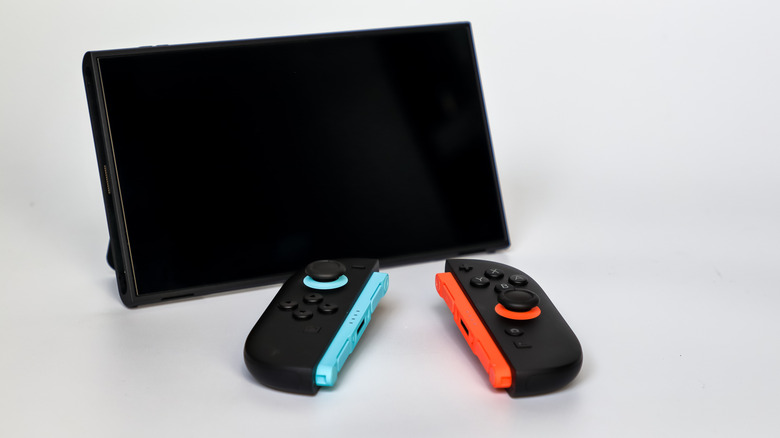
Handheld consoles are delicate pieces of equipment that can easily get damaged in various ways if you don't take extra care to protect them. Whether it's a Nintendo Switch 2, Steam Deck OLED, Asus ROG Ally X, or an Android retro gaming handheld like the Anbernic RG477V or AYN Thor, you're going to be playing it on the go. This exposes it to all kinds of trauma, including drops and banging.
So you're just asking for trouble if you carry your handheld console around without outfitting it with some form of safeguards. A screen protector and a protective case are the obvious choices — just like on your phone and tablet. Granted, not every handheld console will have these protective accessories available, but if yours does, it's highly recommended that you get them. If you tote your console around in a bag, you might also want to put it in a carrying case as an extra buffer against all the jostling.
Furthermore, you also need to protect the console's batteries by avoiding bad charging habits that generate excessive heat. Heat kills lithium-ion (Li-ion) batteries by causing irreversible changes that reduce their capacity to hold a charge. You also shouldn't charge or deplete them all the way, because that practice stresses them out and hastens chemical aging. To avoid this, try to keep the battery charged between 20% and 80% of full capacity (this is called the 20-80 rule). This advice also applies to controller batteries.
Not wishlisting games
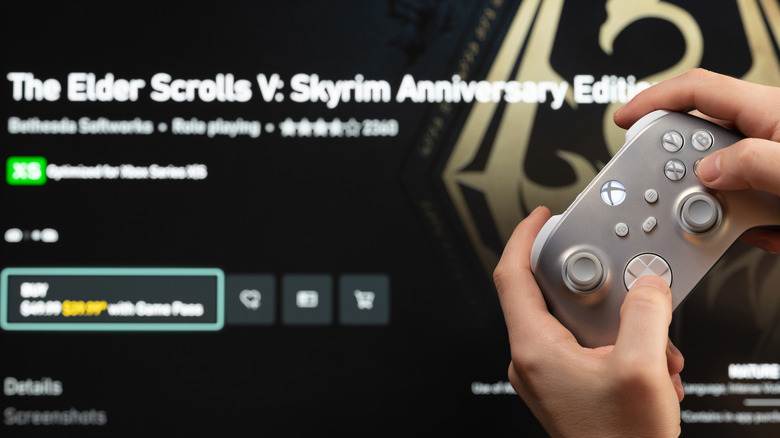
Most of the major consoles, including the Steam Machine now, occasionally put the games themselves on sale, sometimes affording you massive discounts on various titles. Yet many new game owners constantly browse the PlayStation Store, Microsoft Store, Nintendo eShop, and Steam, always checking to see if a game is on sale. However, that's hardly ever an effective strategy.
Life gets busy, or you simply forget that you were eyeing a particular game. But when you log back into the digital store, you suddenly discover that the game is currently on sale, leaving you with only days or even hours to act (if you even happen to see the sale at all). If you're not prepared to buy right away, it might mean waiting longer for another sale, and that can really hurt if the discount was a huge one that only comes along once in a while.
Well, people who have had consoles like these for a good long while know that the best way to keep tabs on game prices is to wishlist the game you want right away. Once you do that, you will get a notification the moment that title goes on sale, allowing you to act immediately or plan ahead. On PlayStation and Xbox, for example, you will get a notification on the Home screen and the mobile app. Just ensure that wishlist alerts are enabled in settings. On Nintendo, you'll receive an email — provided you have opted in to receive promotional emails.