

5 Gadgets That Can Turn Your Office Into A Hybrid Gaming Setup
We may receive a commission on purchases made from links.
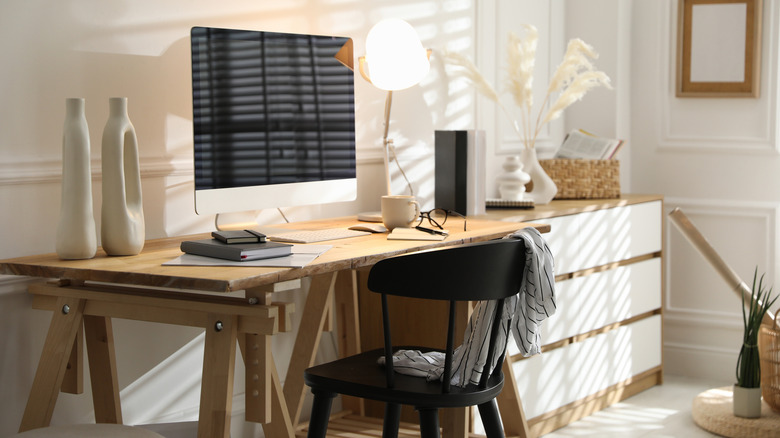
With hybrid and remote work becoming more popular in recent years, many people have started using the same computer for both work and gaming. That's because, in many cases, the available space inside the home itself is not enough to separate an office from an entertainment area. So it is easier to invest in home office upgrades and use the same environment for both tasks.
There are certain gadgets you can buy that work very well for anyone who wants a desktop or laptop made for work, but also doesn't want to give up good gaming performance. Monitors with higher refresh rates, mechanical keyboards, or even ambient lighting are versatile enough to make themselves useful in completely different situations.
With that in mind, we've gathered up some examples of gadgets that are perfect for anyone who wants to turn their workstation into a hybrid space — one that's ready to get the job done efficiently without losing performance when it's time to play. This way, with the right choices, you can get even more use out of the available space.
Gigabyte M27UP
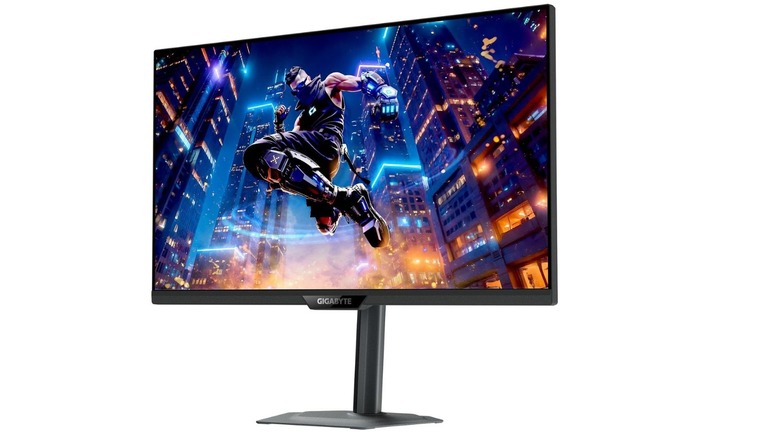
There are many things to consider when buying a new monitor, but if you're after one that you can use as your main screen while gaming and working, the Gigabyte M27UP is the perfect option for both categories. It retails for $330 on Amazon, and in terms of specs, it has a 27-inch IPS panel and two available resolutions, allowing you to play in 4K at 160 Hz or in an FHD mode at 320 Hz.
By letting you switch between two different resolutions, this monitor offers a good balance for different user profiles. 4K resolution, for example, works well for anyone who wants more clarity when editing images or videos, and it should also shine in single player games. If you drop it down to Full HD mode, you'll gain a higher refresh rate, which is great for competitive games or for anyone who finds text too small in 4K.
Another advantage of this monitor is the built-in KVM switch for multitasking, letting you control two different devices using the same keyboard and mouse. So if you work with a corporate laptop and have your own desktop, you won't need to keep switching cables when moving from one machine to another.
Keychron K10 Max
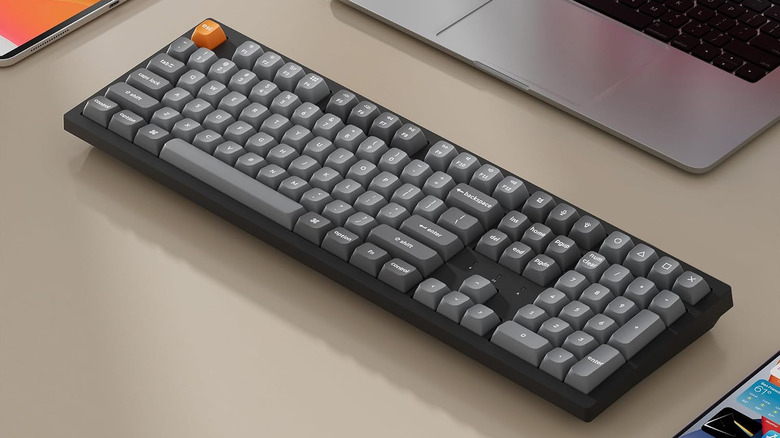
Whether for gaming or work, a mechanical keyboard is a more ergonomic choice than a membrane keyboard. At $109, the Keychron K10 Max is a good option because it features a low-profile design, includes a number pad (which is great for anyone who needs to work with numbers), and won't disappoint when it comes time to play.
The Keychron K10 Max also comes with different usage modes. For example, it has a 2.4 GHz wireless connection and works with a 1,000 Hz polling rate, helping reduce latency between the command and its response on the screen. In addition, you can also use Bluetooth 5.1 with up to three devices, or simply connect the keyboard by cable when needed.
Using Keychron's own software, you can remap keys or create shortcuts, and you can even set up macros that can be very useful to avoid having to press the same buttons over and over again when performing a task at work or in a game. If you want a more gaming focused keyboard, the best mechanical keyboard options also deliver performance similar to this.
Logitech G502 X Lightspeed
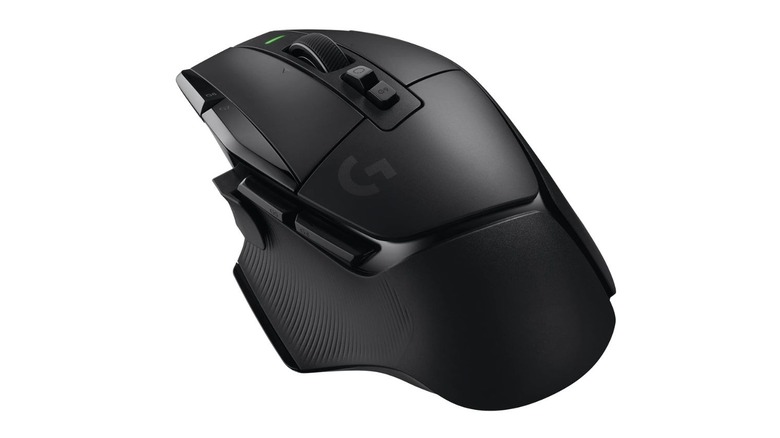
The Logitech G502 X is one of the best wireless mice you can find for both gaming and work. Thanks to Lightspeed technology, it delivers a faster response than the previous generation of Logitech wireless mice, so you don't get as much delay when clicking something. This may not be a major problem at work, but it can certainly get in the way in competitive games.
In addition, this mouse has several configurable profiles, so you can dedicate one to work and another to games, creating easy shortcuts to use in any situation. For games, it has hybrid switches that offer more comfort while playing, especially if you're the type of user who likes longer sessions after work.
Another point is that the basic G502 X model has a simpler design and no RGB lights, so for anyone who does not want to draw so much attention to their home office, it offers a cleaner look for around $160 on Amazon. If you actually want the extra flair, it is also available in a Plus model that is slightly lighter and features RGB lighting, and you can usually find it for around the same price.
SteelSeries Arctis Nova 5 Wireless
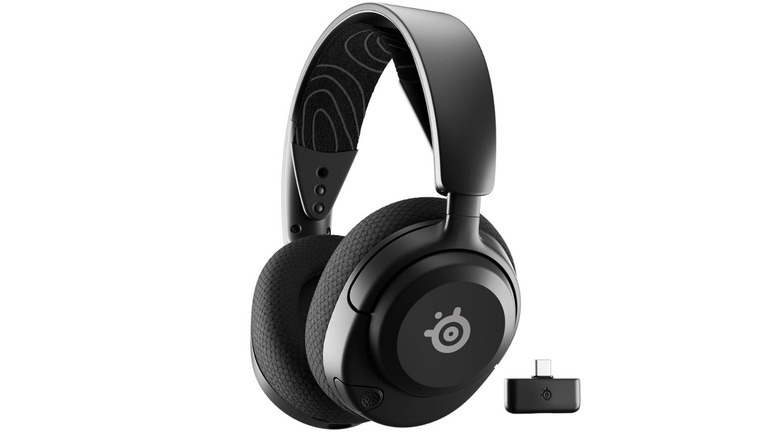
If you're looking for headphones that will serve you well in both gaming and your work routine, then the SteelSeries Arctis Nova 5 Wireless are a great option at $149. There's an optional USB-C dongle that you can plug into the console or desktop to play games with low latency, all while keeping Bluetooth connected to a corporate laptop. This means that devices can be switched between easily without having to pair them again.
The Arctis Nova 5 headset also scores points with its design. You can retract the microphone so that it looks less like a headset in meetings. This is a nice bonus for people who have to be on video calls and don't like the big microphone that gaming headsets have, but still want to have good audio quality.
The battery also helps make the Arctis Nova 5 one of the best gaming headsets of 2026. It lasts up to 60 hours when connected via Bluetooth, and up to 50 hours when connected via 2.4 GHz wireless. The fast charger helps, too, since 15 minutes of charging gives you six hours of use. One issue to be aware of is the lack of active noise cancellation, which means that noisy environments can be a problem.
Govee Gaming Light Bars H6047
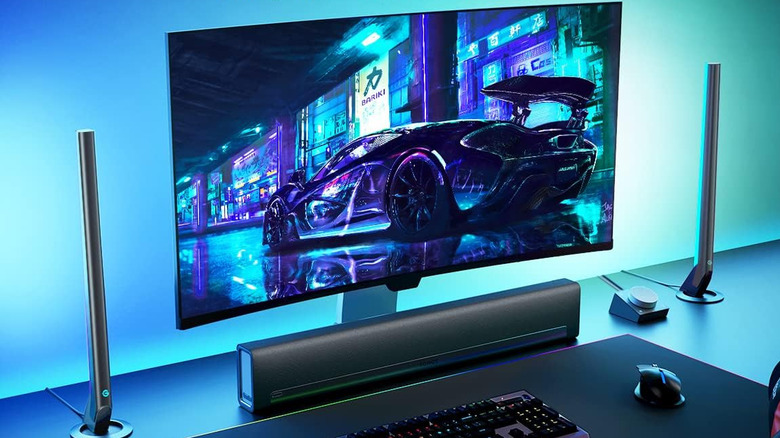
You can find the Govee Gaming Light Bars H6047 for around $78, and because of the adjustable color temperature, you can use them to light your setup for both gaming and home office use. This lets you set a white, more neutral lighting environment during work hours, then switch to RGB when gaming. There's a physical dial you can use to switch modes without needing to open the app on your phone, and you can install the lights around your monitor or keyboard without taking up much space.
RGBIC technology lets each part of the bar show a different color at the same time, and the lights react to the sound of games and movies — both through speakers and the headset — while also syncing with Razer Chroma through Razer Synapse 3. So, for anyone who wants to transform the look of their setup, this light set is one of the best gadgets to level up your gaming space, providing lighting that helps rest your eyes while working or gaming.
How we choose the gadgets that can turn your hybrid setup
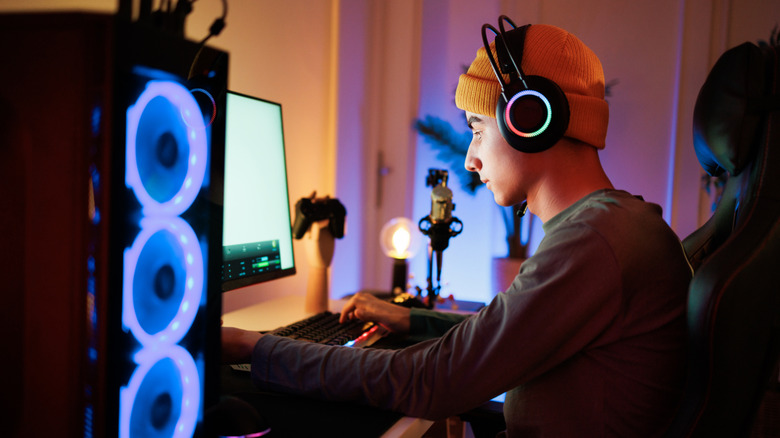
To make this list, we first considered the dual-use nature of modern workstations. Selecting only gaming products may seem like the most obvious choice, since they usually offer higher overall build quality and specs. But they have their own disadvantages and tend to cost a little more than the overall average, so instead, we looked for products that sit between home office and gaming. We also considered features that make sense for this kind of user, such as wireless connections, the possibility of having several profiles, and designs that don't stand out as much, as is the case with many gaming-focused products.
In addition to that, we aimed to include different categories so the list would not solely consist of traditional peripherals. Price, specifications released by manufacturers, and ease of switching between productivity and entertainment were also considered. For that reason, we gave preference to gadgets that solve some practical home office problems during the day, but still offer useful features when the same space starts being used for gaming.