

8 Alternative App Stores You Should Try Instead Of Google Play
The vast majority of apps are available on the Google Play Store. It is by far the dominant way Android users get apps on their phones, and some might even think it's the only option they have for an Android phone. However, the truth is that there are numerous alternative ways to get apps on your phone, yet Google Play is simply the most convenient. In reality, there are many reasons why you'd want to look elsewhere; some Android phones can no longer access Google Play, plus, there's surprisingly useful apps not available on the Play Store.
It's worth noting that some of these alternative app sources (specifically APKPure and APKMirror) are not fully-fledged app stores, and require that you sideload apps which you download from them. Thanks to Google's new rules for sideloading, that process can be a little annoying, but it's still worth it to get the right app. Under the new policy, a once-off "advanced flow" now means jumping through multiple confirmations, restarting your phone, and an enforced 24-hour waiting period before you can enable sideloading.
In 2024, Google was ordered to open Android to third-party app stores, and as of 2026, the company has started hosting some third-party stores within Google Play. Notably Aptoide, which we'll cover below, is available to U.S. Google Play customers as "Aptoide Games." For storefronts that are not yet on Google Play itself, you'll have to sideload the store's app, just like you'd sideload any other app.
F-Droid
At the top of any list about alternative Android app stores, you'll usually find F-Droid, and this one is no different. The creators of the app refer to it as an "app distribution ecosystem," and it's a repository of software completely dedicated to free and open-source apps. In other words, all the apps you find on F-Droid have open source code anyone can inspect and modify.
To have an app in the main catalog, it needs to have its source code published. F-Droid actually builds many packages from that published source code instead of accepting a pre-compiled APK file. This means the storefront can guarantee that what is in the published source is in the app you download. F-Droid is privacy and security focused, but that doesn't mean every line of code in every app has been inspected and verified.
One of the neat things about F-Droid listings is that they show you if there are "anti-features" such as advertising or tracking. So it's not that these user-unfriendly aspects of apps make them ineligible. F-Droid's policy is simply to be transparent that they are present, and leave the choice of downloading any app up to you. Installing the storefront is as easy as using the QR code on the home page to sideload the APK. If the idea of these FOSS apps appeal to you, then why not start with these essential open-source apps every Android user should try?
Aurora Store
Aurora Store isn't strictly-speaking its own independent app store. Instead, it's an open-source client that acts as a front-end for the Google Play Store. Why does this matter? The main value proposition here is that you can browse and install Play Store apps without even having a Google account, and with complete anonymity.
Who would want to do this? After all, if you've already got Google Play on your Android phone, and you're logged in with your Google email, what's the point? As we mentioned earlier, some phones no longer have Google's ecosystem on them at all for legal reasons. Then, there are people who "de-Google" their phones on purpose. For example, you can install a custom ROM like LineageOS or Graphene OS.
There are some important limitations here, though. Aurora cannot get you past paywalls or bypass app copy protection. It is not designed to enable software piracy. So it's great for apps that are free to download, but you aren't going to get apps that need payment through it. However, if you log into Aurora Store using your Google account and waive being anonymous, then you can access apps that you have paid for in the past through the official Google Play Store app. However, Aurora warns against this, since using the store violates Google's Terms of Service. So if Google knows who you are, your account can be blocked, which would be disastrous for people who rely on Google for everything.
APKMirror
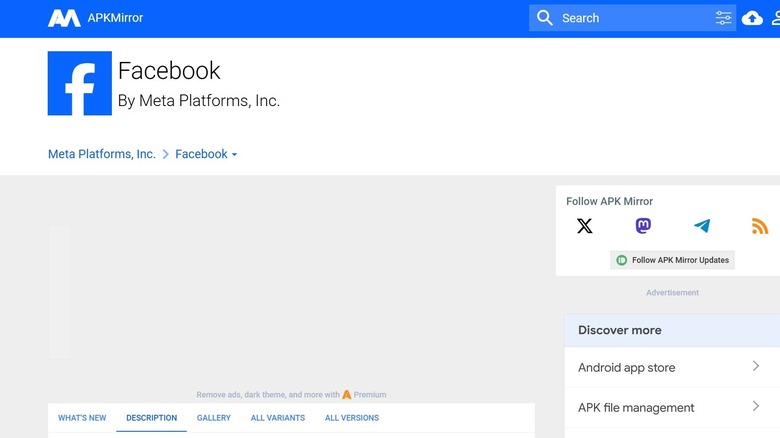
APKMirror is, as the name suggests, an independent app repository. There's no storefront, just a website from where you can download apps as APK files. You don't have an account or profile, all you need to do is search for the app you need, and download it to your phone. From there, just install it like any APK file.
APKMirror has been around for a long time, and the platform has proven its usefulness time and again. One of the most valuable functions it serves is access to older versions of apps. Apps on the Google Play Store are always the latest version. Usually this is a good thing, but sometimes a new version of an app has problems, ones that can even be specific to your device. Likewise, if your current Android device no longer supports the latest version of an app, but older versions work fine, APKMirror is worth its weight in gold. It's also a neat option if you're trying to use Android apps on your Mac or PC. All you have to do is download the file and use it with the Android player or emulator of your choice.
The nature of APKMirror should rightfully make you wary, but the site does have a strict anti-piracy policy and several strong security measures in place to ensure APKs are legitimate and malware free. Still, you should probably scan them with an Android Antivirus App, even if some people think we don't need them.
Samsung Galaxy Store
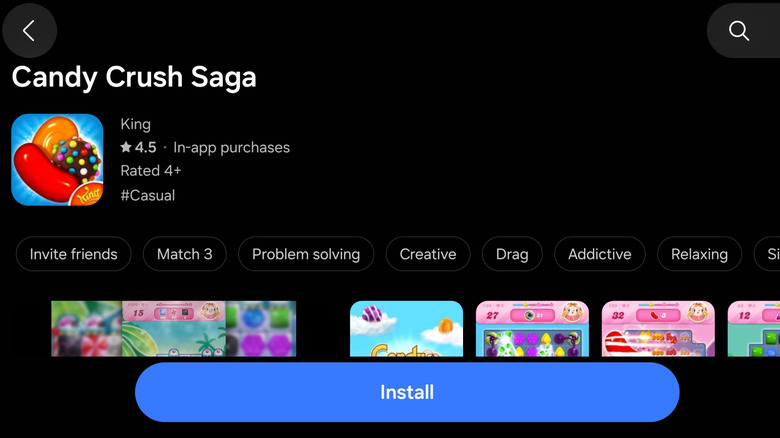
This next one is actually a proper, full-on app store, but unless you have a Samsung phone, it's not all that relevant to you. That said, about one in four people In the U.S. do have a Samsung phone. If you have a Samsung Galaxy phone, the Galaxy App Store is already installed on your device.
Of all the alternatives, it's one of the safer options, though there have been incidents with malware making it past the filters. At least there's zero effort needed from your side to access the store. That's a point in its favor, but if you've been ignoring it so far (or had no idea it was there), are you missing anything?
That depends on what you use your phone for and the types of apps you enjoy. The Samsung App Store has a much smaller selection of apps compared to Google Play, and few exclusives. So you might see the same games, for example, in both stores. At times, with promotions and sales, you can get apps on the Samsung App Store for less than on Google Play, but of course, Google has its own sales. If you're going to buy an app from the Play Store, it's often worth checking the Samsung Galaxy Store to see if the same app isn't available for a better price. However, if you foresee that you might one day change to a different brand of Android device not from Samsung, then you'll lose access.
Uptodown
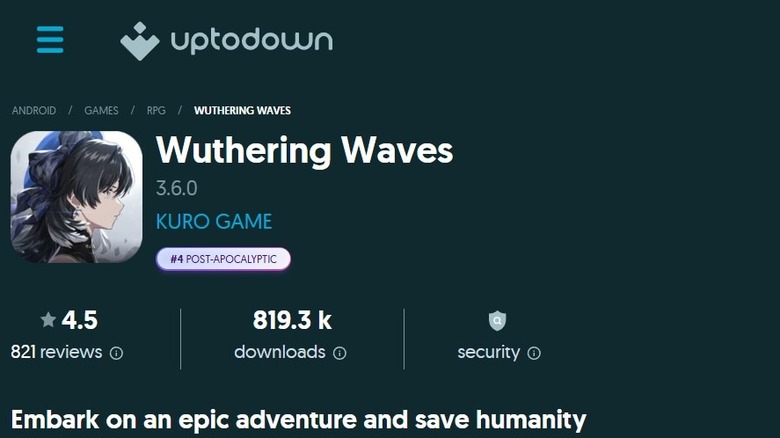
Uptodown is an independent software storefront with both a website and an app. Unlike Aurora, Uptodown hosts and distributes its own copies of apps. So the source of the apps is not the Google Play Store, and therefore there is no risk of getting your account blocked if you log in with your email.
However, you can actually use Uptodown without creating an account, and it allows for direct downloads of APK and XAPK files. You can also use the client app to update the apps you've downloaded on your device. Like APKMirror, Uptodown is useful for accessing older versions of apps, and makes it easy to roll your apps back to those older versions. Oftentimes, apps may be missing from your regional Google Play Store, and Uptodown can help you bypass this issue. Although if the app has regional checks built in, installing it may not make any difference without using a VPN or some other way to spoof your location.
Uptodown is very open about its safety practices. Every file it hosts is run through dozens of virus detection engines using the VirusTotal tool. Each file also has detailed information about it published on the store, and the store claims that all of its apps are manually reviewed by editors after passing through the automated screening. According to Uptodown, all of the app files come from the official, original source like the app developer. And since they also say that these files are never altered by Uptodown, it should be quite safe.
APKPure
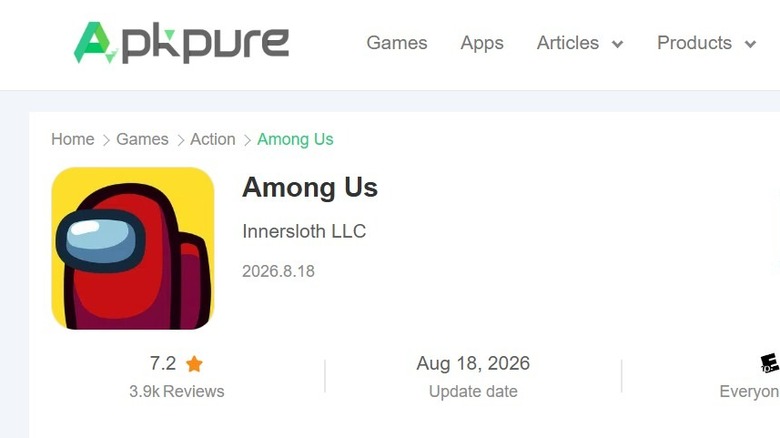
APKPure has an app and operates much more like a traditional app store. It offers convenient support for XAPK file bundles. With lots of modern apps, only the base app is in the APK, and then requires further downloads for additional data. An XAPK package can contain all the disparate parts that the full final app requires.
This makes APKPure a good place to get Android games from. Especially large titles that have lots of extra data. This is handy for games from the Google Play Store that are not in your region. Even if you got the APK file, you might still be unable to download the rest of the game thanks to those regional restrictions. It's also a good place to find older versions of apps and games that are still compatible with your device if it's fallen a few Android versions behind.
While there don't seem to be any overt safety concerns with APKPure as of this writing, it's important to now that in 2021, the APKPure app was flagged for containing malware. This was quite a while ago, the issue was rectified, and it hasn't happened since, but it's worth being aware of. That said even Google and Samsung have had security issues as well, since there's no such thing as perfect security.
TapTap
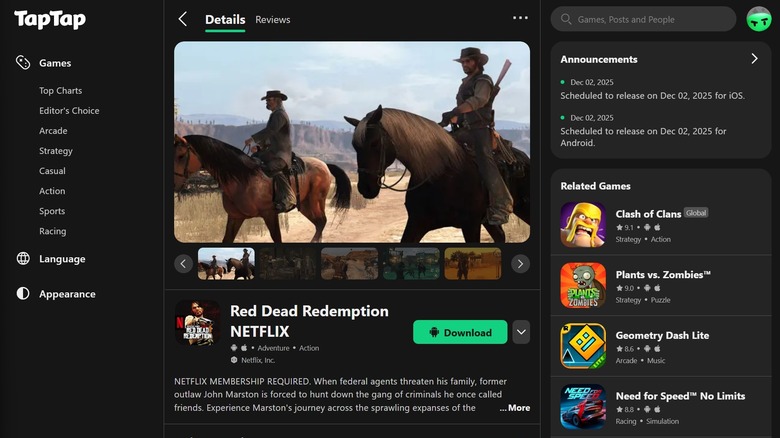
TapTap is the most specialized entry on this list, because this storefront is all about the games. According to the site, it offers access to more than 120,000 games and serves a community of over 60 million players. Since TapTap is effectively like Steam, but for Android, it's purpose isn't to give you access to general apps but to help you find games that match your tastes and needs.
Thus, it's packed with relevant information that makes it easier to decide if a game is for you or not. On Google Play, games often have few reviews, and terse ones at that. On TapTap, there are both numerical ratings and millions of user reviews. The editorial staff also put together lists of the best games by genre, or for certain themed tastes.
As for the games and where they come from, it's a little complicated. Some games are a direct download, and those games are on TapTap because the developers wanted it to be there. Other games will simply redirect you to the Google Play Store, but TapTap provided value thanks to its curation and metadata. In some cases, you could also be redirected to an external download source; again because the developer prefers it that way. Games that are submitted to become part of TapTap's store must pass strict specifications and rules. TapTap won't replace Google Play, but if you're an Android gamer, it's a far better way to find your next addictive title.
Aptoide
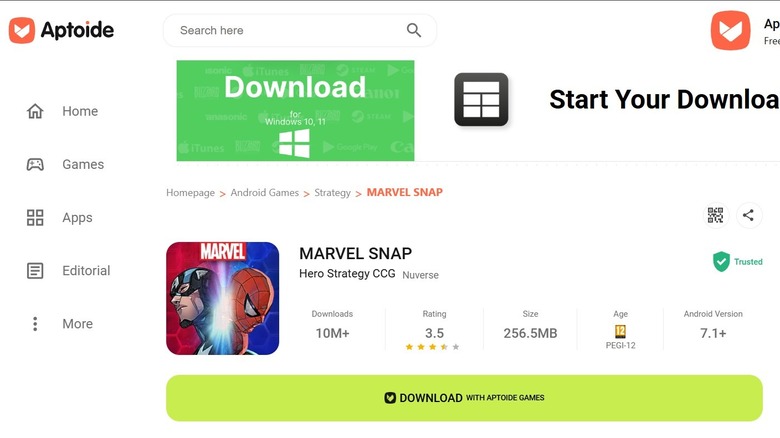
We'll end this off with a true "banger," as the kids say. Aptoide is genuinely aiming to knock Google Play off its throne. This is the full-fat app store experience with a proper client app, website, payment infrastructure, and developer distribution platform. Aptoide has a much more open attitude than Google, and developers, companies, and communities can effectively operate their own stores-within-stores using Aptoide as the framework. Best of all, as we mentioned above, Aptoide Games is available via the U.S. Google Play Store. For now, you still have to sideload the regular Aptoide store, though.
Aptoide works pretty much the same as Google Play, but also allows for app version management, fewer regional restrictions, and comparable app updating managed from the Aptoide client. It's worth reading Aptoide's Developer Distribution Agreement for a clear view of how apps make it into the store. You'll find it's structured to protect customers and filter out harmful content, with clear guidelines that developers must not violate, or risk losing access.
The Aptoide security FAQ is also essential reading before you decide to start using the service. When it comes to malware, Aptoide states that it uses automation that includes both third-party detection engines and in-house software as well. The process is laid out on the site, and if an app passes, the storefront page sports a green badge. Again, we should all be wary of any apps that don't seem on the level, but Aptoide seems to be comparable to Google Play when it comes to taking security seriously.