

5 Affordable Tablets That Can Replace An Old Laptop
We may receive a commission on purchases made from links.
Some affordable tablets can now essentially replace an old laptop, especially for anyone who wants to use these devices mainly for browsing the internet, work, and streaming. That is because many recent models come with better processors, more RAM, and stronger multitasking support. So, for anyone who wants to replace an old computer but does not want to invest much, they can be perfect substitutes.
In this $550 range, you can find some good mid-range tablets that, at times, make some trade-offs to offer better specs in exchange for something else. However, they aren't as basic as the lower-priced models, which often deliver weaker-than-expected performance, but they also aren't the latest-generation devices like flagships. Some tablets in this price range can even go beyond work use and run some games.
In addition, there are different ways to turn a tablet into a laptop replacement, especially if you plan to use a mouse or keyboard. That is why we have chosen the best options for anyone who wants to replace their old desktop with a tablet focused on work, studies or even some games.
iPad A16
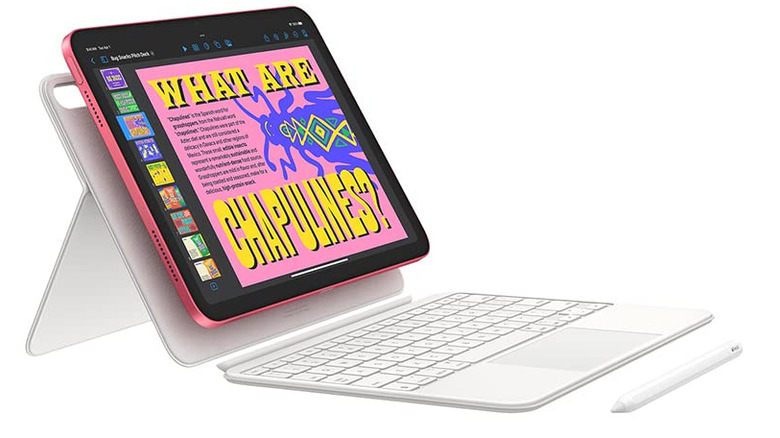
It may not have the M5 chip, but the iPad A16 is still one of the best tablet models that Apple has launched, especially for anyone who doesn't want to spend a lot on a flagship. It is also a well-balanced machine, with enough performance to browse, do some video editing or even play games. Today, the A16 starts at $399 for the 128GB version.
Much of the iPad A16's versatility comes from the iPadOS ecosystem, since most apps released for Apple devices are optimized for the best performance on supported devices. In addition, you can do several things with an iPad besides media consumption, which expands its usefulness in daily life.
For games, the A16 chip may not be as powerful as the M5, but it can still run most App Store games, like "Genshin Impact" and "PUBG Mobile." However, this iPad chip cannot support traditional games like the "Resident Evil 4 Remake" port that came to iOS.
Samsung Galaxy Tab S10 FE
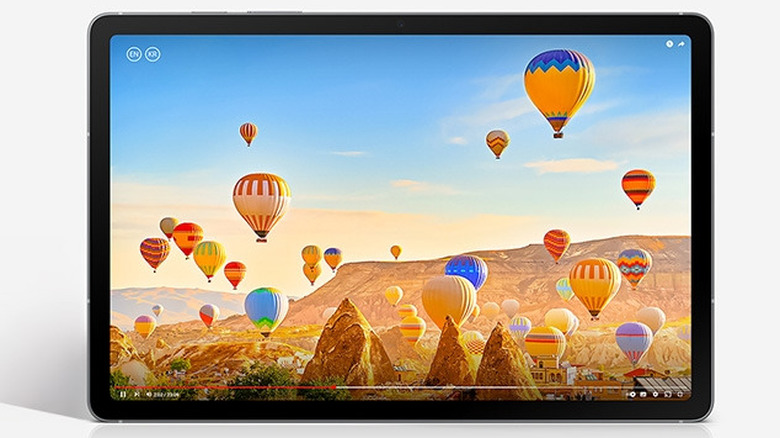
Few models in this price range can compete with the Samsung Galaxy Tab S10 FE, particularly if you need one for multitasking. The more affordable option in the lineup starts at $419 and features 128GB of storage, 8GB of RAM, and the Exynos 1580 processor. This combination is more than enough to run several tabs at once, also includes S Pen support, which works very well on the device.
The software is another strong point. Samsung's interface offers good features for splitting the screen and working with several apps, and you can use DeX for a desktop-like experience. The Galaxy Tab S10 FE also appears to be one of the best 5G tablets you can buy, in case mobile connectivity matters when working away from Wi-Fi networks. This tablet can also handle some games without much difficulty. Mobile titles such as "Genshin Impact" run well, even if they stay below 60FPS and stutter in more intense scenes, making it a better choice for casual gamers.
Lenovo Idea Tab Pro Gen 2
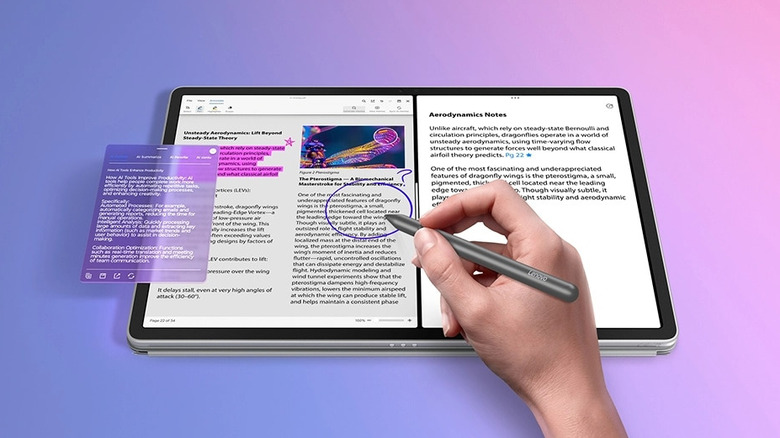
This Lenovo tablet is one of the best affordable options for anyone who wants to replace an old computer without sacrificing performance. For $499, although this price drops during promotions, it has a Snapdragon 8s Gen 4, which can come equipped with 8GB or 12GB of RAM, while also featuring a 13-inch screen. This combination is more than enough to keep documents, several tabs, and other apps open at the same time.
The model also supports the 2-in-1 keyboard pack, DisplayPort output through USB-C, and microSD cards up to 2TB, which are features that help a lot with work. In fact, these characteristics make Lenovo one of the best tablets for students in 2026. For games, the Idea Tab Pro Gen 2 also delivers good performance. Several games can run at 120FPS with some trade-offs, but you can improve quality at the expense of smoothness.
Samsung Galaxy Tab A11+
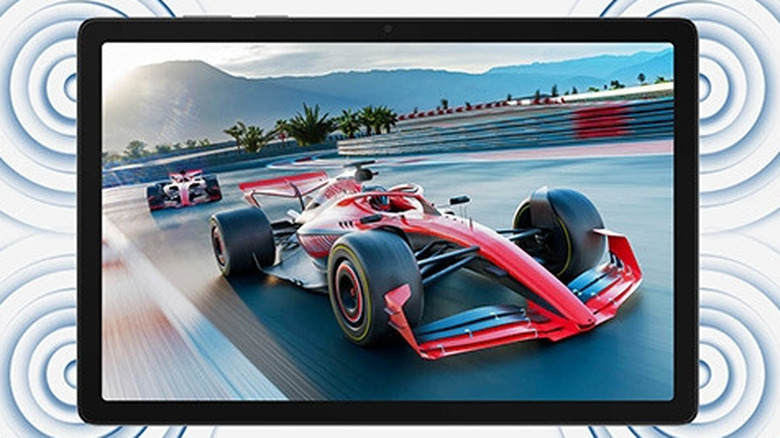
The Galaxy Tab A11+ is a good alternative for those who want to enter the Samsung ecosystem but don't want to invest so much in a TAB S10 FE, which offers a more complete mid-range experience. This model is a more budget-friendly option for everyday tasks and basic hardware. This model starts with a modest 6GB of RAM and 128GB of storage, which is sufficient for anyone who needs to get work done. It also offers an 8GB/256GB option.
Costing around $299, this model is also one of the cheapest Android alternatives to the iPad in 2026. It has an 11-inch 90Hz display and offers Samsung DeX support, but it lacks the same productivity and similar features as the Galaxy Tab S10 FE. And if you want to play games casually, this model can also serve you well. For example, in "PUBG Mobile," it can even reach 60FPS during gameplay with some tweaks.
OnePlus Pad Go 2
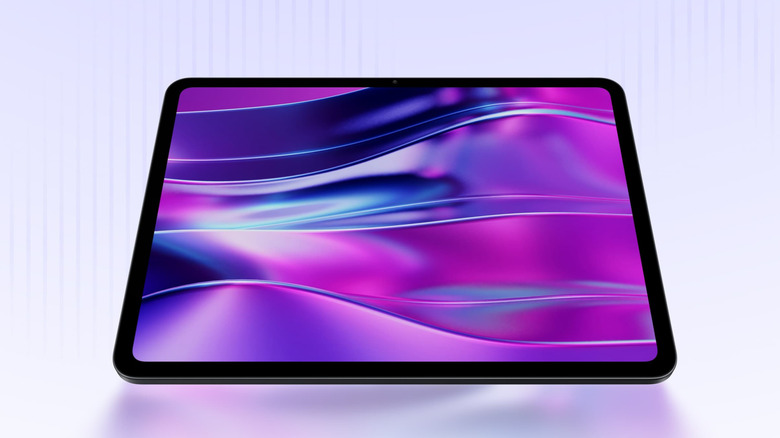
The OnePlus Pad Go 2 is an interesting alternative for anyone who wants an accessible tablet focused mainly on productivity and multitasking. Starting at US$ 400, this budget tablet pairs the Dimensity 7300-Ultra with 8 GB of RAM and a 12.1-inch 2800 x 1980 120 Hz display. OxygenOS also lets you keep up to three apps open at once, which is a great feature for power users who have to multitask throughout the day.
For anyone who wants a little entertainment with games, this OnePlus model can also deliver enough. In some benchmarks, games like "PUBG Mobile," "Call of Duty: Mobile," and "Red Dead Redemption" are playable. However, more demanding titles may require you to run them at lower settings for a stable experience. So, if you want a tablet to replace a laptop for multitasking and occasional gaming, it is the best choice, but serious gamers will want something with more power.
How we chose affordable tablets that can replace an old laptop
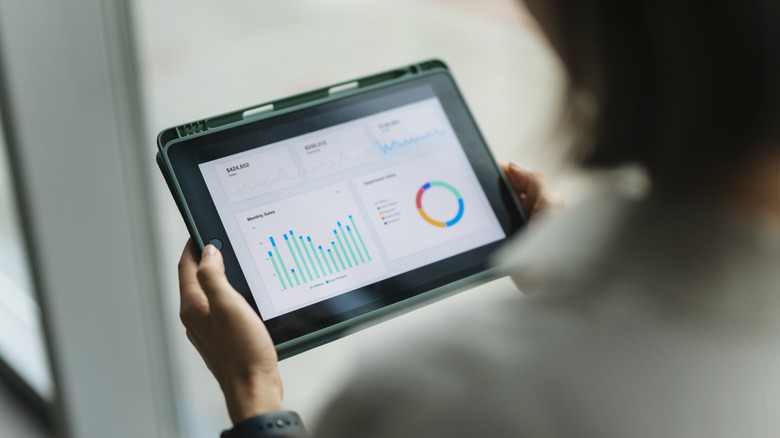
To determine which models made the list, we set a limit of US$ 550, which keeps these devices below the price of many notebooks and flagship tablets. Within these parameters, we preferred tablets with at least 8 GB of RAM or similar performance on other platforms, along with 128 GB of storage. The goal was to avoid choices that are too basic and only serve streaming or light browsing.
We also considered features that let a tablet handle typical laptop tasks, such as keyboard and mouse support, multitasking, larger screens, and strong performance in productivity apps. The chosen models needed to perform well with documents, multiple browser tabs, video calls, and daily use without many restrictions. Although it was not an essential criterion, we also analyzed their gaming performance, since it adds greater flexibility to these devices.