

The Cheapest Way To Turn Your Tablet Into A Retro Gaming Powerhouse
We may receive a commission on purchases made from links.
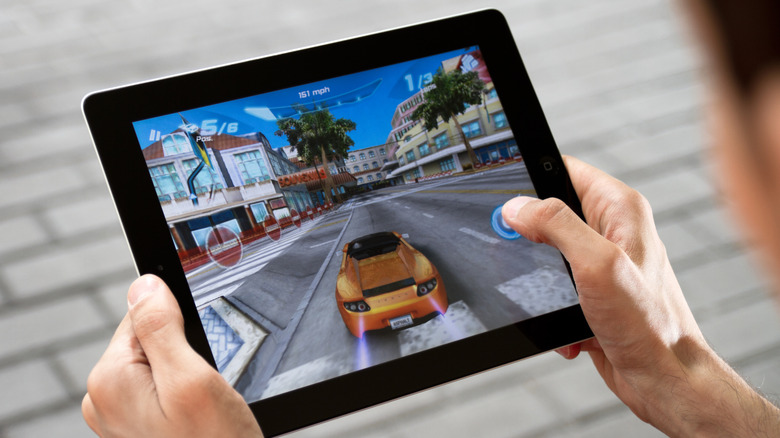
You don't need a special console to be part of the retro gaming resurgence. At the minimum, you need a phone, but a home tablet would be a better choice. With the right apps and cheap accessories, it can become a powerful portable console that can breathe new life into the retro games you've been collecting over the years.
Gameplay benefits from the tablet's bigger screen and longer battery life, allowing for better fidelity and extensive play sessions compared to a smartphone. Furthermore, emulators carry modern quality-of-life improvements, such as screenshots, save states, filters, online play, and even achievements, which all make gaming more fun and engaging.
For the ROMs you will use, ensure that you obtain them legally. Although this is a legal gray area, you should be good to go if you made a backup of your physical titles for personal use, whether it be a disc or a cartridge. If you download the ROMs elsewhere, even if you own the physical games yourself, or share the backups with others, you're basically participating in piracy — and we all know that's illegal. So, if you're all set with the ROMs, it's time to know what to install to run them on your tablet, whether it's an iPad Mini, iPad Pro, Lenovo Tab One, or Samsung Galaxy Tab S11.
The best apps for retro gaming on a tablet
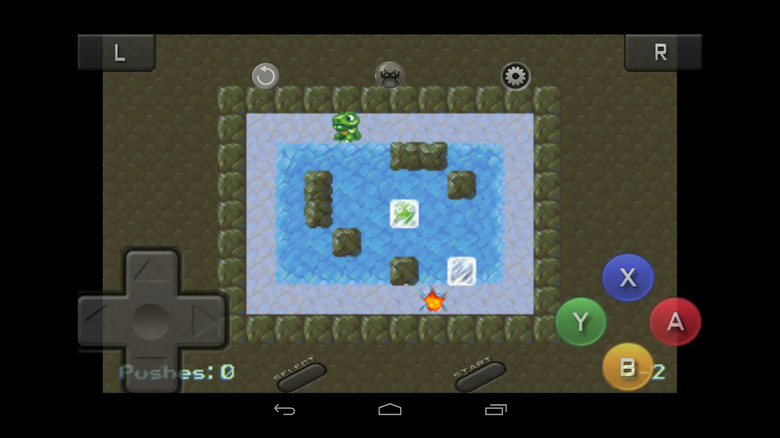
It's time to set up the right app for retro gaming. I recommend RetroArch, which lets you manage several emulators under a single interface. It's open-source, completely free of ads, and supports emulators (also called cores) of almost every mainline console, from the '70s Atari 2600 to the 2000s PlayStation 2. However, newcomers can struggle to set up RetroArch and some of its 200 cores, and following an installation guide might be necessary.
If you only want to play one particular system, downloading its standalone emulator might be better. Free and open-source software include PPSSPP for PSP, Dolphin for the Nintendo GameCube and Wii, and Azahar for the Nintendo 3DS. These can sometimes offer better performance than a RetroArch core. Also, if you download the emulators that support RetroAchievements, they will have built-in achievements like the ones you find on modern consoles, offering ways to show off and track your triumphs on fun challenges. You can track these achievements with an app like RA Tracker.
With many of these emulators also supporting online play, you will need Discord for voice chatting and screen-sharing with friends. Also, that's where you can find the community for your emulators of choice, giving you access to tips, guides, and hacks to enhance the experience.
You also need a controller (maybe a stand as well)
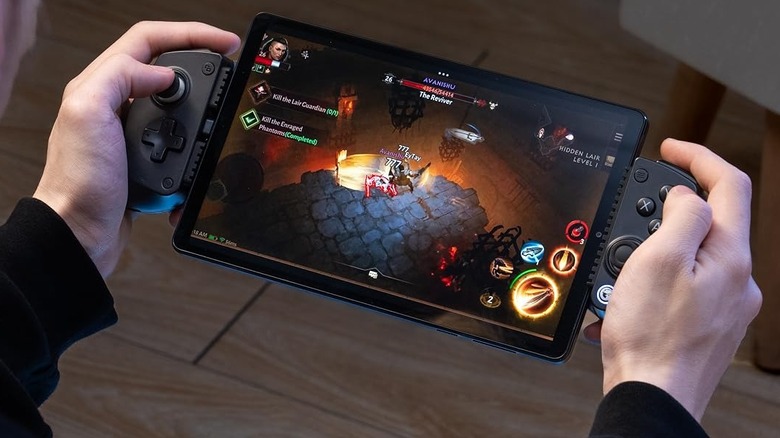
While the tablet's display is big enough so the on-screen controls don't obstruct it, touch controls can still can be imprecise, especially with the lack of tactile feedback. If you have a mini tablet that is less than 8.4 inches, you can get a cheap mobile controller like the GameSir X5 Lite for better performance. It costs $34.99 and has Hall-Effect joysticks, turbo functionality, and connects to your tablet's USB-C port (with support for pass-through charging). It's a pretty basic controller, but for retro gaming, that's all you need.
Most of the mobile controllers you'll find on Amazon are for mini tablets, but you can also use Bluetooth controllers from well-known brands like 8BitDo, Razer, and AceGamer. You can even use a PS5 DualSense controller or the Xbox Wireless Controller to play on a larger tablet.
Since you won't be holding the full-sized tablet like a portable handheld, you'll need a case that also has a stand. There are affordable universal cases that do that, like the Fintie Universal Case, which costs $9.99. It's a leather case with a microfiber interior and three insets at the bottom to adjust your viewing angle. Alternatively, you can get the inexpensive Ugreen Portable Dock for $9.99, which can fit an 11-inch tablet on its base lip. The back support can be adjusted for a comfortable viewing angle, and its anti-slip base can stand firmly on any surface.