

4 Disadvantages Of Using An AMD CPU
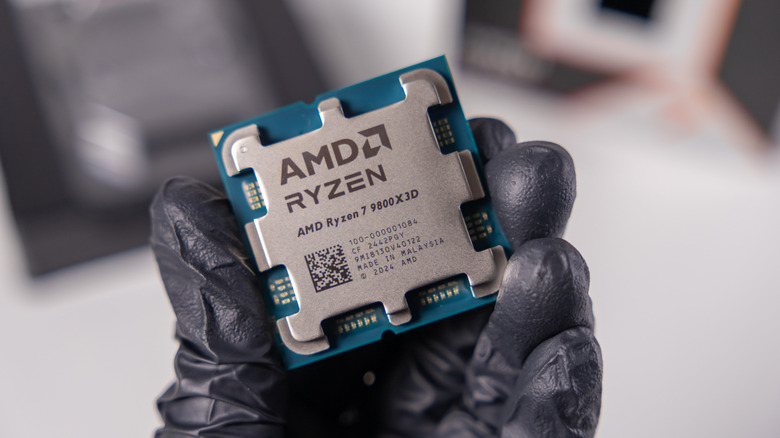
Unlike with GPUs, AMD has a much more balanced fight in the processor market, where it competes with Intel. The Ryzen line offers solid options for anyone who wants to play games or boost productivity, and X3D models are particularly powerful for gaming. It's no coincidence that several of the brand's processors appear among the most powerful desktop CPUs on the market.
This doesn't mean, however, that AMD processors are automatically the best choice in every situation. Depending on the type of use, there are still some disadvantages compared to competitors, mainly Intel. This difference shines through in some professional apps and other tasks that take advantage of specific platform features. The core configuration of Ryzen chips can also require a little more attention.
Although AMD is still an excellent choice for many users, mainly for anyone thinking about building a gaming desktop, there are several situations where having one of the company's processors is a disadvantage. For that reason, we highlighted some of these instances so you can understand what can get in the way of your daily use.
Some professional apps still work better with Intel CPUs

Although AMD processors are excellent for games and general tasks, Intel CPUs still have the advantage in video editing. This happens mainly with video editing programs, which can take advantage of exclusive technologies from the company's processors, such as Quick Sync. In certain workflows with H.264 and HEVC, this acceleration makes a noticeable difference when exporting or playing files.
Puget Systems tests with the Ryzen 9000 line showed that Intel processors can stay between 10% and 30% ahead in some of these workloads, with even greater advantages in specific cases involving HEVC. This is one of the reasons why the dispute between Intel vs. AMD still depends a lot on the type of task, since Intel remains competitive in the video editing area.
If you want to build a PC with the intention of doing better editing and playing fewer games, an Intel processor can be the best option, especially those from the Core Ultra line. Within AMD itself, the Ryzen 8000G chips reduce part of this disadvantage by offering more complete encode and decode features. Still, they belong to a different category and don't directly replace the Ryzen 9000 chips aimed at high performance desktops.
AM5 can be finicky with large RAM configurations
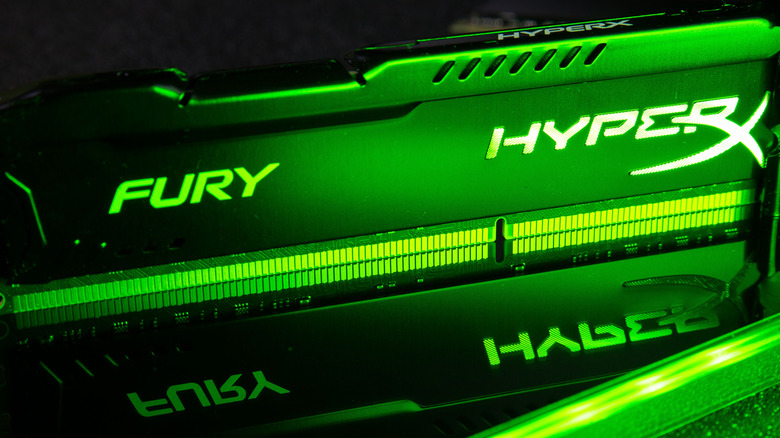
One of the limitations of the AM5 platform, which houses most of AMD's most powerful Ryzen chips, is that it can have problems in configurations with many RAM sticks. Current controllers work better with two DIMMs than with four.
The Ryzen 9950X, for example, supports DDR5-5600 if you have only two modules, but that value drops to 3600 if you occupy all four RAM slots. It's among the essential tips for beginner PC builders, especially when choosing memory and a motherboard.
Another issue is memory training, which can increase boot time a lot on some AM5 boards, especially with high-capacity kits or EXPO profiles in use. In different systems, this doesn't happen in a uniform way, and functions such as Memory Context Restore can significantly reduce these times after the initial setup. Even so, anyone who plans to install four modules or overclock memory may find more options and tests than expected.
Thunderbolt support is less common on AMD systems

Anyone who chooses a Ryzen processor finds USB4 more often than Thunderbolt on AM5 motherboards. Although the two technologies are closely related, there are important differences between Thunderbolt and USB-C.
USB4 can carry data, video, and PCIe traffic through the same connection, while Thunderbolt 4 adds certification requirements that guarantee features such as 40 Gbps bandwidth, PCIe support, and specific video and power capabilities.
In practice, this makes the Thunderbolt experience more predictable, while the features available in a USB4 port can vary from one motherboard to another. If you use features that depend on this type of connection, or want to build a workstation with several connected devices, it's one of the disadvantages you'll need to face concerning AMD CPUs. This type of technology, on the other hand, is much more common on Intel processors, mainly in the Core Ultra line.
Gaming-focused X3D CPUs aren't always the best all-rounders
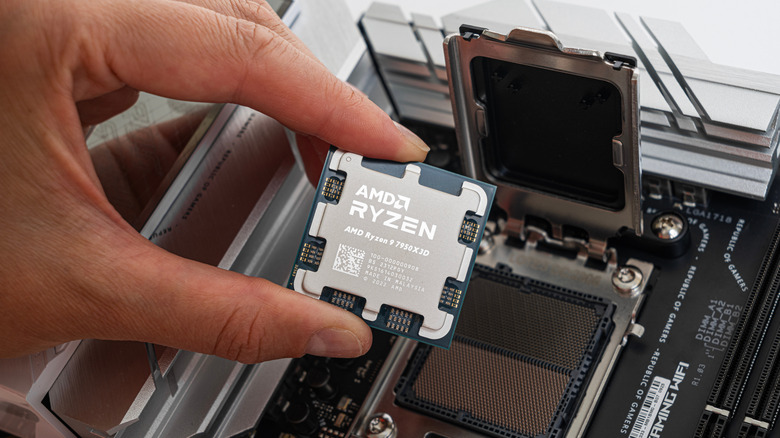
For anyone who wants to play games, AMD's X3D processors have a good reputation, since 3D V-Cache can greatly improve performance in games limited by the processor. However, this doesn't make every X3D chip automatically the best choice for any task you want to perform on your PC. Models like the Ryzen 7 5800X3D, 7800X3D and 9800X3D prioritize gaming performance with eight cores, while CPUs with more cores generally do better managing heavy productivity.
If you want to build a PC that, besides gaming, you also want to use for video editing, rendering, code compilation, or other tasks that take advantage of more cores, this is a disadvantage of AMD. In fact, for gaming, one of the ways to save money on the computer is choosing a processor that doesn't overdo the core count, making X3D chips perfect choices.
At the same time, there are exceptions within AMD's own line. The Ryzen 9 9950X3D combines 16 cores with 3D V-Cache, making it much more suitable for anyone looking for great performance in games and productivity on the same system. But in exchange for this larger investment, you end up paying considerably more, which makes a Ryzen 9 without X3D or an Intel chip better choices.