

10 Ways To Save Serious Money On Your Next PC
We may receive a commission on purchases made from links.
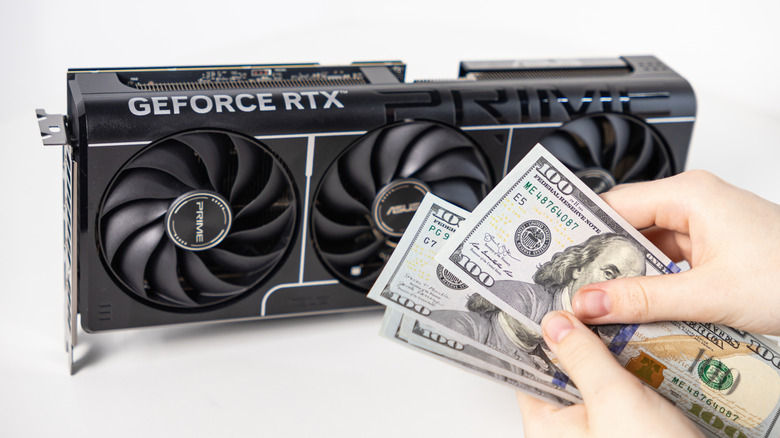
Building a PC has traditionally been a way to save money compared to buying a pre-built machine, while also offering you a way to take control of every component that goes into the system. Sadly, it's not always cheaper to build your own PC in 2026. Rising component prices, driven by AI data center demand, mean that prebuilt systems often have a price advantage. There seems to be no relief from this in the foreseeable future, so many would argue there's simply no need to build your own computer anymore.
But what there's actually no need for is to be quite this negative. Building your own PC is still an opportunity to save money, and even if it doesn't come out quite as cheap as a prebuilt system, you can still have something faster, more reliable, and better suited to your specific design tastes.
If you're not quite ready to give in to the temptation of a prebuilt computer, then get your pen out to take notes, because if you're smart and patient, you can have the PC you've always wanted without an impossible budget.
Buy a used PC or used components

Buying used components is the most obvious money-saving strategy, but if it were that easy, everyone would just do that. Used PC markets can be tricky. There are some PC parts you should never buy used according to conventional wisdom, and other PC parts you should always buy used, depending on who you ask.
The thing is, that advice only makes sense under normal circumstances. Yes, it's generally good to avoid a used power supply, since this is a component that can have catastrophic consequences if it decides to blow up, but everything else is now on the table given the price delta with new components.
There are plenty of strategies to follow here. You can focus on only buying components most affected by the price increases as used parts. You can buy an entire used PC, replace some parts with new ones, and sell the unused parts off again to defray costs. Then there's the fact that you always have some degree of space to negotiate with private sellers. You might also be able to get the cash price down with a partial trade for something you don't want. Once we move into the world of barter and trade, you're limited only by your ability to negotiate.
Skip the last CPU generation or two
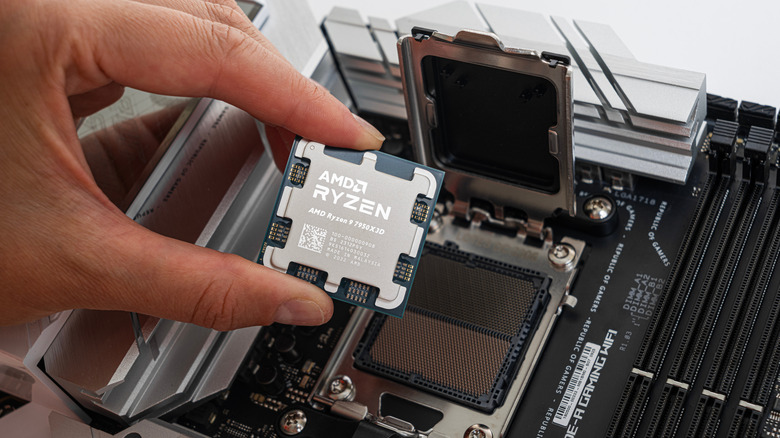
One of the most important components in a PC is the CPU, or Central Processing Unit. This component affects the performance of everything your computer does, so choose one that offers the best mix of cost and performance. You need to make a few key decisions, such as whether an Intel or AMD CPU is better for your PC. That platform choice has knock-on effects on how many upgrade options you have in the future, and what sorts of features and power consumption priorities you get. Within those two major platforms, you also need to choose what generation of CPU your next computer should have.
Simply going for the most powerful desktop CPUs can be poor value for money. Yes, these are the fastest CPUs that money can buy, but the truth is that generation-on-generation CPU performance improvements have been less than impressive for a while now. Beyond that, CPU performance has been "good enough" for the vast majority of computing tasks for a long time.
So if all you're looking for is an internet-browsing and light-productivity machine, you can safely dip into CPUs that are old enough to be unaffected by demand driving up prices, but still perfectly capable of working for you. If you're a gamer, or someone who needs high performance, stepping back a generation or two might lose single-digit performance gains, but offer double-digit cost savings.
Buy older GPUs that still have plenty of performance
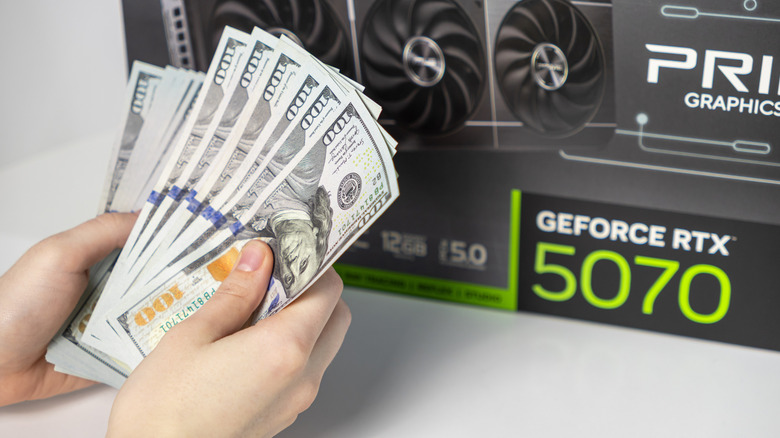
GPU pricing and supply have been a bone of contention for years, and the AI boom isn't helping. However, like CPUs, the actual raw performance improvements in the world of GPUs haven't been all that impressive. Instead, NVIDIA and AMD (the two main GPU makers) have been adding features like ray-tracing, AI-upscaling, and frame-generation instead.
To illustrate this, consider that the RTX 3080 from NVIDIA has similar raw performance to the RTX 5060 Ti or 5070. Powerful modern cards. The main differences are a lack of support for the latest AI-upscaling technology (though it still has it) and no frame-generation. Whether those features mean anything to you is a personal choice, but a used RTX 3080 goes for under $400 as of this writing while a used RTX 5070 goes for around $700. These are rough estimates, of course, since individual sellers on sites like eBay change their prices based on the specific card brand and original value.
There are some caveats. Some older cards may be roughly as powerful as an expensive new card, but have less VRAM. This shortens how long the card will be relevant for future games with higher-fidelity textures. The other issue is power efficiency. A 3080 and 5070 might have similar benchmark scores, but the 3080 needs more power to get there. Whether that additional long-term cost matters depends on you.
Don't buy too much RAM
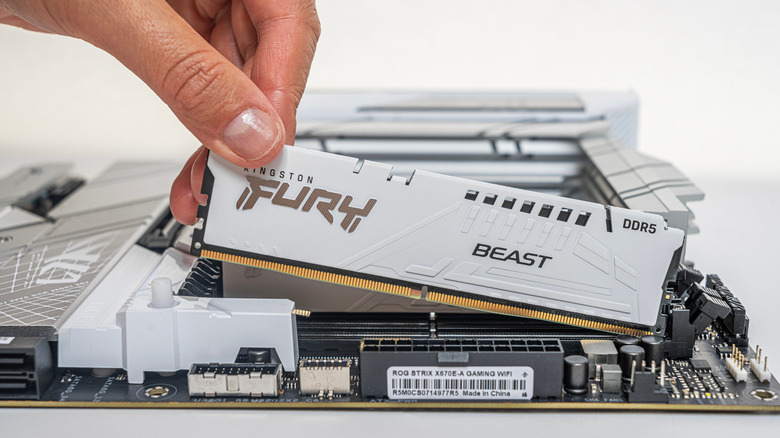
The key driver of the high cost of computers today is RAM, or Random Access Memory. In some cases, the latest DDR5 memory is roughly 600% more expensive compared to before this pricing crisis began. This means that if you want to keep the price of your next PC down, you'll buy only as much RAM as you actually need.
A small handful of video games have started adding 32GB of RAM to the recommended specifications, but by and large the vast majority of software that most people use, games included, will be perfectly happy with 16GB of RAM. Unless you're a heavy multitasker running professional tasks in the background while you work in the foreground, adding more RAM won't necessarily make any difference to your application performance.
You also have the choice of using a 24GB kit for a middle-ground solution, without doubling your expenditure. Likewise, stepping back to DDR4 probably won't make much of a difference to most people, and this older generation of RAM has been a little less affected by price increases. Although it hasn't escaped the pricing pressure by any means. Consider running a single stick of RAM in single-channel mode with an eye on adding another stick later when things are looking better. This has a big impact on theoretical memory bandwidth, but with the exception of a few specific types of workload, the real-world impact is minimal.
Reuse as many parts from your old PC if possible
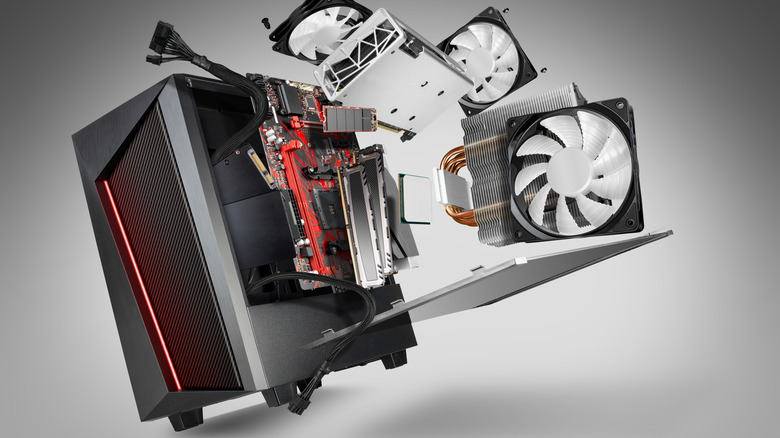
If you're getting a new computer to replace your old one, it might make more sense to break your old system up and sell it off part-by-part rather than as a full working system. This gives you the opportunity to reuse components instead of buying them again. It might not be the most elegant or stylish solution, but it can save you that new component tax, and if the old parts are still in good working order, why not keep using them?
The most important components here are the SSD and RAM. If your old system uses DDR4 or DDR5 RAM, then it's almost reckless not to port that forward to your next system if at all possible. Of course, in the case of DDR4, your new system would have to be compatible with it, so this influences your choice of CPU and motherboard.
If you have a PCIe 3.0 or later NVMe SSD, that's more than fast enough for any modern application. Faster SSDs are really only relevant for high-end professional tasks, and even then a PCIe 3.0 SSD will hold its own. Likewise, if your old system has SATA III SSDs, hold on to them. A huge number of games and software applications perform no better on a SATA III SSD than an NVMe model. So why use that premium real estate for apps that can't benefit? Reuse your PSU too, but please check it with a PSU tester.
Take your time and track sales prices

When it comes to putting together the best PC you can for the least money possible patience is a virtue. If you aren't under time pressure (and be honest with yourself here), you can take your time and wait for sales or the right used component listings to come your way.
This does require some planning, of course. You need to have a shortlist of parts you're looking for, and know how much you're willing to pay for them. There are some parts that you can get first without worrying that they'll become outdated while you wait. Your RAM, SSD, PSU, chassis, and even motherboard are all long-term components. So snap those up when the price is right. It's the CPU and GPU that might require the most patience until that perfect deal comes along.
You don't need to do this all by hand either. You can use PC part price trackers such as CamelCamelCamel to track Amazon listings, or PC Price Watch for used component listings. These aren't endorsements of these sites in particular; they're just examples of the types of tools that are at your disposal. With tracking and alerts set up, you can get on with other things until a component comes up on your wishlist at a price you're happy with. Trackers like these allow you to jump on short-lived price drops quickly.
Don't go overboard on the CPU cores
First, let's get something out of the way: the only thing that matters when it comes to CPU performance is how well it runs the software you actually use. You can easily become lost and overwhelmed by talk of CPU core counts, clock speed, cache levels and size, but in the end it means nothing if that CPU runs your apps poorly.
In case you aren't familiar, a "core" is an independent processor within the CPU package. So a "quad-core" CPU has four independent processors which can each process data and lines of code indepently. In theory, if you have four cores working at their full potential, you have four times the performance. In reality, some types of software don't make full use of multiple cores. They only spawn a small number of "threads" or have one master thread that limits the total speed of the software. In this case, the "single-core" performance of the CPU might matter more than the total core count.
To give you some concrete examples, video games rarely scale beyond six or eight cores today. Tellingly, some of the best gaming CPUs only have eight cores, like those from the Ryzen X3D series processors. Your browser or office software is also unlikely to make use of processors with more than eight cores. Video editors, AI models, and other similar "pro" applications can often benefit from high counts, but if you're just an average user, don't go overboard.
Use air cooling instead of liquid
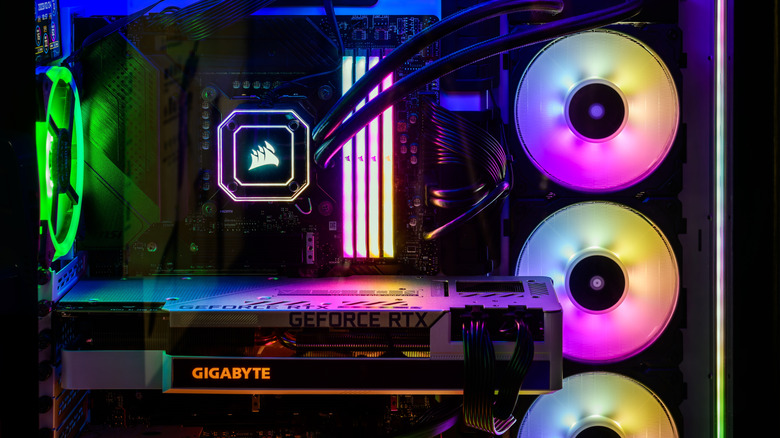
This doesn't apply to mainstream desktop PC users that much, because liquid cooling tends to be a consideration for high-performance users like gamers, or those who like to crunch numbers for engineering, 3D modeling, or other CPU- and GPU-intensive tasks. Of course, there are other reasons to want liquid cooling. For example, in some small builds it's the only practical choice because there isn't enough room for a tall air cooler.
But if you're still under the impression that air coolers are worse at keeping your computer's temperatures under control than liquid cooling, it's time to update your preconceptions. Air coolers have continued to advance with more airflow, better designs, and technologies like vapor chambers and better heat pipes. So even power-hungry CPUs that would only reach their full potential on liquid coolers in the past can work with modern air coolers.
Of course, the idea here is to save money, and when you're looking at the high-end of air coolers, there may not be that much in the way of savings. It's in the mid-range where you'll get adequate cooling at a more palatable price than liquid cooling. The fact that there's much less maintenance and zero chance of a leak that can destroy your expensive components should also be taken into account. That aspect might not save you money upfront, but it could save you the cost of a new PC a few years down the line.
You don't need a cutting-edge SSD
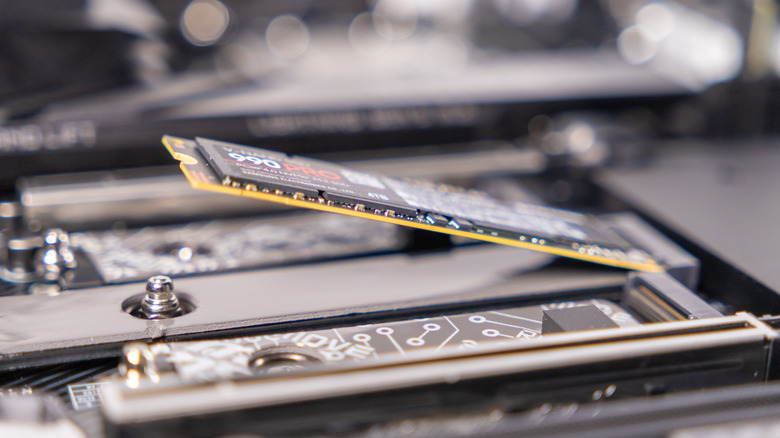
If you have some old PCIe 3.0 NVMe SSDs, you can reuse them in your new build because they're still plenty fast enough for just about any modern application you can name. However, when it comes to actually buying new or used SSDs for your next PC, there's some nuance to this idea that needs to be unpacked.
We wouldn't recommend buying PCIe 3.0 SSDs for your build, but at the same time you can safely avoid PCIe 5.0 SSDs with confidence. The sweet spot is in the world of PCIe 4.0 drives. They have a small price premium over 3.0 drives, while offering significantly more speed, which will remain relevant over the medium- to long-term.
These 4.0 drives generally offer speeds between 5GB/s and 7.5GB/s. The percentage of people who actually, genuinely need more than this is vanishingly small, and software that benefits from higher speeds is also a rarity, and even then the improved performance's value is debatable. Once you've settled on a PCIe 4.0 drive as the best compromise, you should concentrate on other factors such as whether the drive has a DRAM cache, what its write endurance is, and, of course, getting as much capacity as you can afford.
Skip Windows for Linux
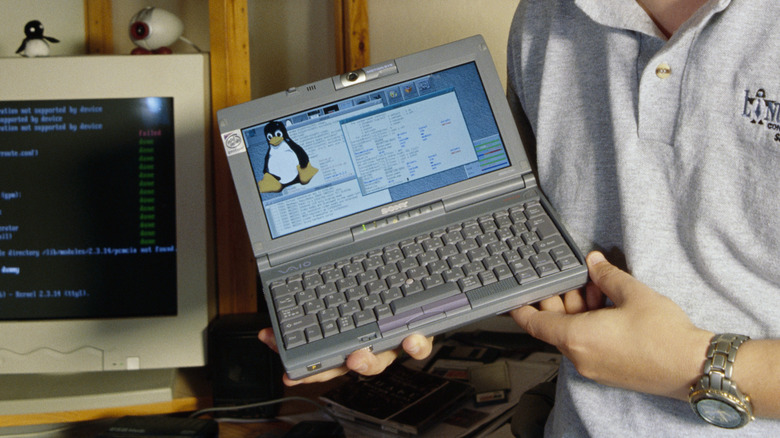
If you're building a PC, then you get to choose which operating system to install. The savings are smaller on a prebuilt because the OEM version of Windows 11 is cheaper than a retail copy, but a saving is a saving. Besides, Windows shows ads wherever it can. How much is dodging that worth to you?
If you're not going to use Windows, what should you use? Yes, Linux is the obvious answer, but that's just the start. There are so many "distros" (distributions) of Linux that are as different from one another as macOS is from Windows. The easiest recommendations are distros aimed at fleeing Windows users. Zorin OS is designed to be Windows-like, and Linux Mint is another popular choice. The most mainstream distro is arguably Ubuntu Linux. Any of these should be easy to switch to, even if you've never used Linux in your life.
If you're a gamer, leaving Windows has not traditionally been an option, but things have changed immensely. Distros like Bazzite and SteamOS have shown that a huge number of Windows games can run perfectly on Linux using compatibility layers. It's not an ideal situation yet, especially for online gamers, but if you have the right hardware and play the right games, you might not need Windows at all anymore.