

5 Things To Know Before Buying A Refurbished Galaxy Watch
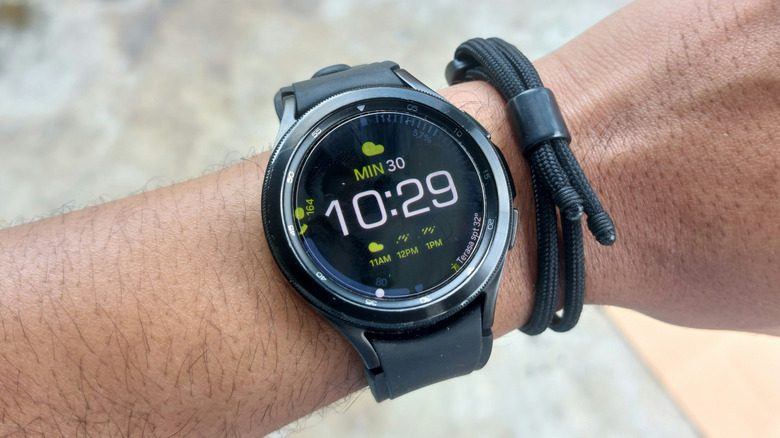
Buying a refurbished electronic device is a great way to save money, but having the right information ensures you can be confident with a purchase. Just like there can be some disadvantages to buying a refurbished smartphone, there can be certain considerations users need to factor when it comes to buying a refurbished watch — Samsung Galaxy models included. Don't get us wrong, an older model Galaxy Watch can still be good for receiving calls, texts, and performing other functions, but there may be some big things you're missing out on by going used.
Though users can typically rely on a refurbished device being cleaned, repaired, and tested, they should still do their due diligence to verify proper software updates and inspecting how the device physically functions. Battery issues can also be a problem based on what was done to the smartwatch, but some additional research and knowing what to look for can play a big role in getting something worth keeping.
An important thing to remember about Galaxy Watches is that the company moved from a Tizen-based operating system to its own Wear OS operating system starting with the Galaxy Watch 4 series. Devices prior to this definitely no longer receive support from Samsung (and you should continue reading regarding other models). It's also worth considering how long Android watches typically last in general before making a purchase.
It may need to be charged more often
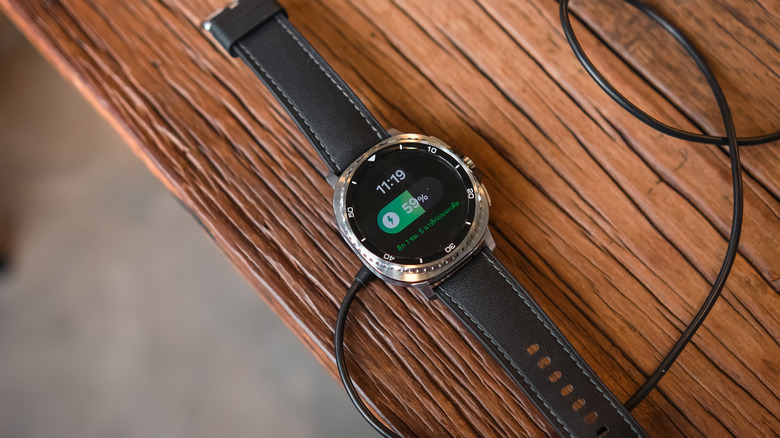
Samsung is working on some groundbreaking new tech for Galaxy Watches, but it's still highly likely that a refurbished Galaxy Watch contains a lithium-ion battery, which naturally degrade over time. On a brand-new Samsung Galaxy Watch 5, you can get up to 50 hours of use on a fully charged battery, but there is no guarantee that a refurbished watch will reach these numbers, even though such devices should come with a replacement battery.
Even if an authorized seller replaces the battery in a Galaxy Watch, you may find that the device still doesn't hit the same numbers as something fresh from the box. There are some ways to check the battery status, though. If the device is a Galaxy Watch 4, Watch 5, or newer, you can check battery health through the Samsung Members app (though the device will need to be paired with a smartphone). Open the app and select Connected device diagnostics, then select Battery status option. This should give you an idea of how the battery is doing. You can also view battery information in the Galaxy Wearable app. Open the app, select Watch settings, tap About watch, then choose Battery. Older models may open the app and select About watch or About Gear.
Software updates can be vital
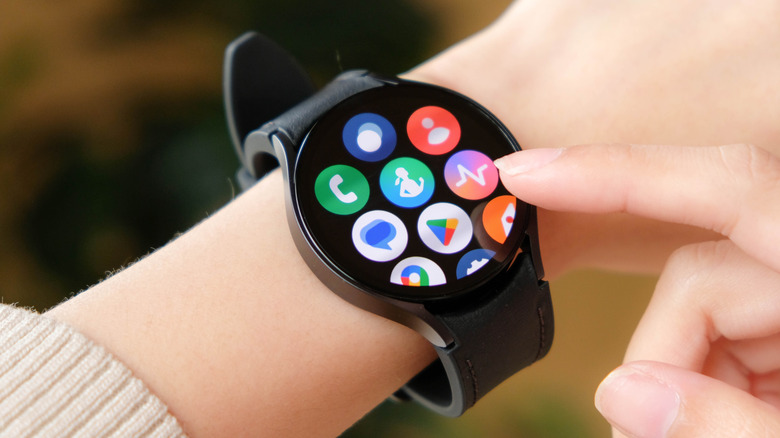
Like virtually any piece of modern tech, there eventually comes a point where Samsung Galaxy Watches no longer receive software updates or support. Unfortunately, this can also vary by model. For example, The Samsung Galaxy Watch 9 and the Galaxy Watch Ultra 2 are expected to have about five years of updates, but something like the Galaxy Watch 6 only receives four. Being boxed out of updates can have major consequences on your device.
At minimum, this can prevent you from getting access to software updates, which can help deliver new and interesting features to your wearable (and there can be plenty of features to get excited about). However, once you stop receiving security updates, that's when the trouble can really start in general. Just as an example, the Galaxy Watch 4 and the Galaxy Watch 4 Classic no longer receive Wear OS updates, including security patches. You can still use the watch, but an outdated OS may experience performance issues or have problems with certain apps.
Thankfully, you don't blindly have to purchase a device in the hopes that it will still receive software updates. The website endoflife.date has a page dedicated to Galaxy Watch information, including if devices are still receiving Wear OS upgrades and security updates. You can also check for an update on the device. Connect the Watch to a charger and pair it to a smartphone, then navigate to Settings > Software Update on the wearable. You will see a Download and install option if an update is available.
Inspect the hardware
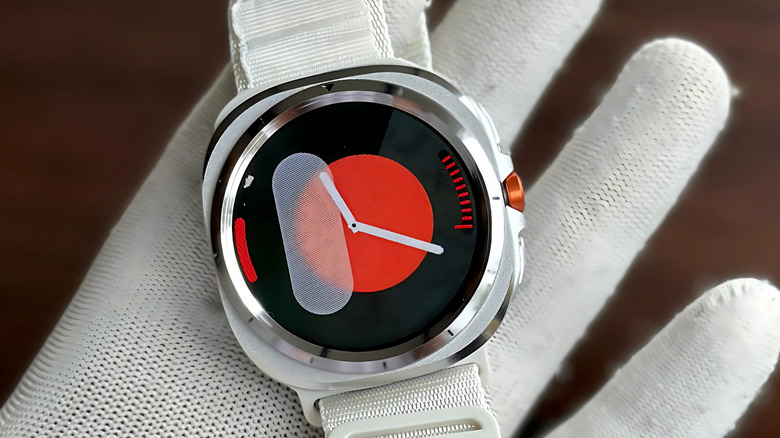
Checking for software updates can help avoid running into trouble when purchasing a refurbished watch, but observing the actual hardware is also crucial to making sure you get your money's worth. An authorized shop providing a warranty can be most ideal (Samsung warranties are typically only good for one year), but seeing a product labeled "excellent condition" or "like new" can also be a good sign you're getting something that's actually usable.
Even if you see a product with these descriptors, checking things for yourself can still be smart. Looking at the listing itself to see if the seller mentions any repaired parts or cosmetic damage can be a good place to start, but asking the right questions helps, as well. In a perfect scenario, a refurbished stop will also provide information on what they test and check before selling a device to a customer. Naturally, there are some things you can check yourself.
Looking at the screen to make sure it isn't damaged is a great start, but also ensure that all of the buttons or the rotating bezel is also functioning properly. Make sure it charges properly, and also check the conditions of the strap pins and lugs. Something important to remember is that the rubber gaskets and adhesives that help make a device water resistant can also naturally deteriorate over time. People can make plenty of mistakes when buying a smartwatch, but making sure you check the hardware shouldn't be one of them.
It still requires proper care and maintenance
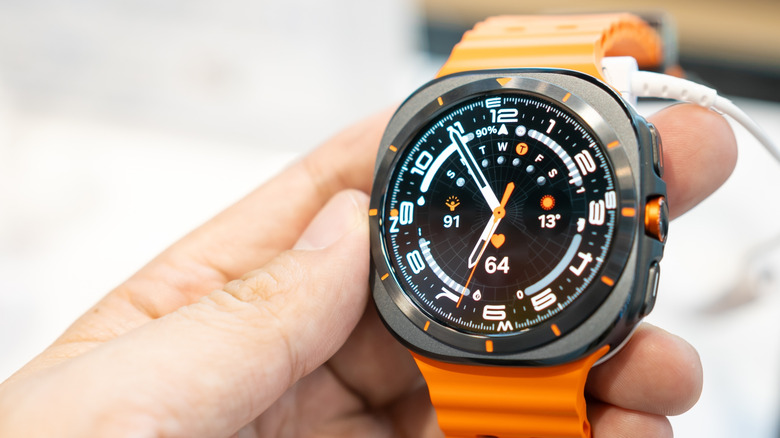
Just because a watch is used or refurbished doesn't mean that a little bit of maintenance won't help maintain its longevity. Users can take some preventative measures to ensure the product lasts as long as possible. Along with checking for software updates (explained above), one important thing users can do to ensure longevity is ensuring that the Watch is stored in a dry, cool environment when not seeing use.
Users may want to consider a tempered glass screen protector to help avoid scratches, but Samsung also has some advice on keeping the watch clean. The company recommends washing the Watch band after a big sweat, and it recommends using a soft cloth free of lint to dry it. Make sure you're avoiding soap, cleaning agents, compressed air, heat, ultrasonic waves, and abrasive materials when cleaning your watch. You can use a moistened brush with soft bristles for stains and other materials.
Regularly cleaning your Galaxy Watch can help ensure functionality, but don't forget that properly charging it can help preserve the device, as well. Avoid overcharging the Watch and try to use its original charger the device came with or one that's been approved by Samsung. While smartwatch users may upgrade their devices fairly often, preventative measures can help elongate update cycles. Additionally, it may be a good idea to see what cleaning measures the reseller has taken, if any.
Check user reviews for device and seller
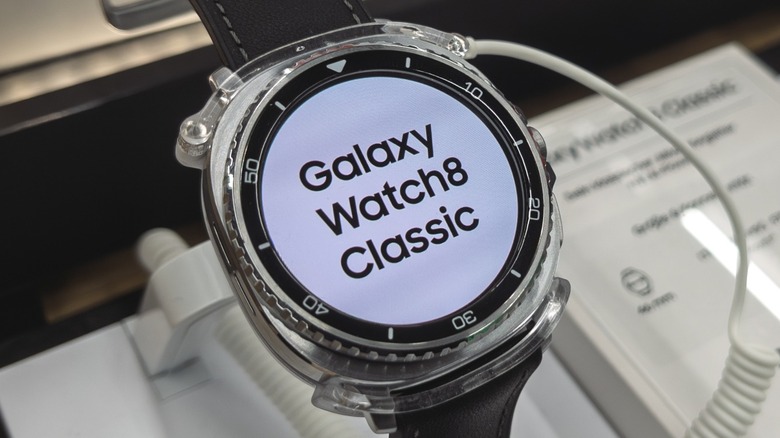
Before spending any money on a refurbished Galaxy Watch, it can definitely help to do some additional research. While the items on this list are all things you should consider before visiting an authorized reseller, snooping around online for what others have to say may save you some money in the long run. For starters, you should be sure to double check that the Watch you're interested in is actually compatible with your smartphone. An old smartwatch still has its uses, but it's pretty likely you want to use it while connected to your phone.
It's not just about compatibility, however. If you're able, looking at reviews for your chosen seller can help you determine if the seller is genuine. Do other customers find the seller to be trustworthy and reliable? A quick Google search for the name of the seller may provide you some pertinent information. Researching your chosen Galaxy Watch model may also yield some important information, such as whether or not other users think an older Watch model is the right move.
Something else to consider is that doing some additional research may just save you some money in the long run. After all, the price of a used or refurbished Watch at one store may not be the same price at another. Comparing prices may take some additional leg work (and you may need to do even more research if a price seems too good to be true), but it can be a solid way to potentially save some additional cash.