

5 Reasons Why Your Headphones' Bass Sounds Worse Than It Actually Is
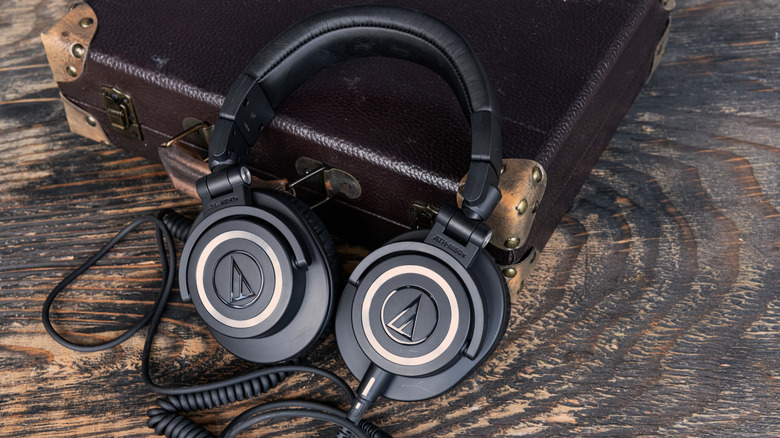
Bass heads know that a good rumble can be just the thing to really get the party going. But whether you want to hear lower frequencies during a movie or your favorite album, there are more than a few reasons you may not be getting the bass response you want from your headphones. Just like making common mistakes when buying headphones in the first place, understanding why your device's frequency response may be poor can be the first step toward a good party in your head.
Paying attention to your headphone volume is a good start (and healthy for your ears), but some users may not realize that how you wear them matters too. Additionally, certain settings or companion apps may boost your bass, yet these same tweaks and features can also reduce performance if set up improperly. Users may also want to consider the headphones themselves, as they may be due for retirement or weren't built for proper bass in the first place.
Just because cheap headphones always seem to sound worse, there can be a number of reasons why you may not be getting the bass response you're looking for. A small EQ adjustment may do wonders, but another factor to consider is the type of audio you listen to. Hip-Hop has more bass than country, of course. You also may not want a podcast to thump. Keep these ideas in mind as we go through this list.
Start with volume
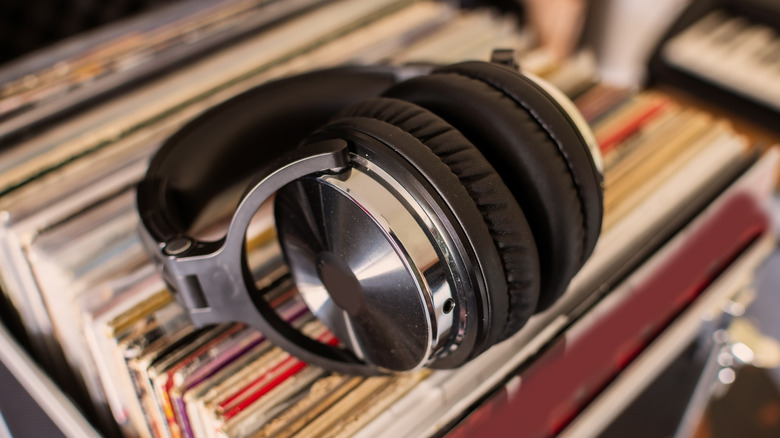
As someone who spent way too much of my youth pushing volume to its absolute limits (and has the hearing problems to prove it), I can say high volume can be incredibly powerful, but it can also distort your overall sound. Keeping things quiet can produce thinner bass response, but loud bass can also push the drivers (essentially mini speakers) in your headphones too hard. If things sound distorted, you may want to adjust the volume.
Equalization can also play an important role in this process, though we'll dive more into specifics later. However, your gain and preamp controls (if available) can also affect both your volume and your bass delivery. Push these controls too high, and they may produce the same distorted results as turning your volume too high. Whether you have preamp and gain controls depends on your setup, so be sure to do some research.
It may not be the most fun answer, but try to avoid listening to audio at max volume. Your ears will likely appreciate it. Following the 60-60 rule can also help protect your hearing. Additionally, high volumes can destroy headphone drivers, especially in lower-end models. You don't need to buy the most expensive headphones you can find, but it's worth considering if you're using a less expensive pair. As fun as it can be to listen to something at full volume, dialing it down a bit may produce better bass.
Don't break the seal
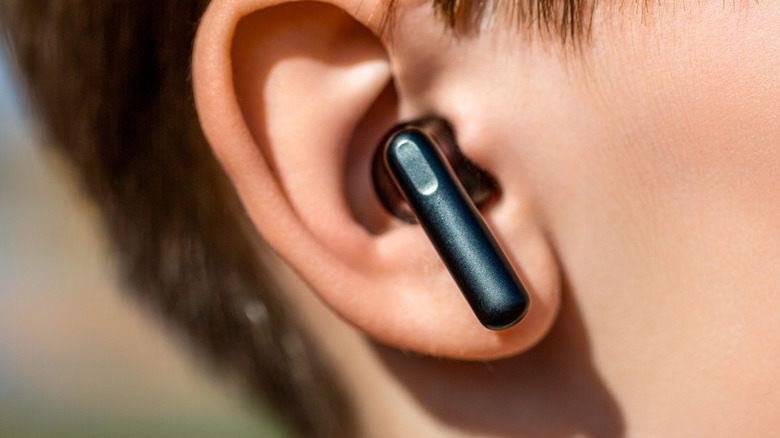
Getting good bass response often depends on how well the headphones seal to your ear. If your headphones don't have a tight seal, this can affect the overall volume you experience and may also let external sounds bleed through. That's why earbuds like the Apple AirPods come with different-sized ear tips to help listeners get the best audio possible. Essentially, you don't want the bass leaking out of the headphones.
A bad seal can also cause poor bass in certain types of over-ear headphones, though users may need to think about how they achieve that seal differently. For example, with over-ear headphones, accessories like glasses may prevent a tight fit, since the frames can get in the way of the headphones. Someone with big hair may also get a weaker response if they can't tame it to form a proper fit.
If your bass feels less punchy or loud, it may be how the headphones sit in your ears or on your head. If you wear glasses, try a pair with smaller arms, if possible. For what it's worth, some earbuds and over-ear headphones can adapt to these issues. For example, open-back headphones can intentionally let air pass through, and some earbuds are open as well. Some listeners may also want to consider whether open-ear or on-ear headphones suit them best.
Look at your app settings

The app you use, its settings, and even any special features it has can also affect the bass your headphones produce. For example, the streaming service Tidal can support third-party apps and equalizers depending on your operating system, though they may not perform as you expect. It may take some experimentation on your end, but searching within a streaming app's settings for available options can help you tweak your bass sound.
One thing that can be common among streaming services is an equalizer (EQ), which helps adjust the audio frequencies being produced. For Spotify on iPhone, tap your profile icon, then go to Settings> Privacy > Playback > Equalizer. Spotify also offers presets you can choose from. When adjusting an EQ, don't immediately push things as high as they can go. Pushing your bass too hard can distort your sound. Instead, try boosting 60 Hz, 100 Hz, and 150 Hz while avoiding the 250 Hz range. Try small increases at first.
Of course, with Spotify, other settings may be impacting your sound quality as well. Essentially, look for audio settings in apps and try to adjust them to taste. For example, Dolby Atmos, Adaptive Sound, Volume leveling, Headphone sound personalization, and others may affect your bass. Of course, headphones may also have their own software features you may need to tweak, which brings us to our next point.
Companion apps can help (or hinder)

Depending on your headphones, the manufacturer may have included a companion app with a variety of audio settings and features. We at BGR know of at least four brands that include helpful audio software, but for this article, we'll use Bose as the example. Available on both iPhone and Android, the Bose app works with a variety of the company's products (such as its Noise Canceling Headphones) and lets users adjust audio directly on a Bose product.
While the Bose app (and others like it) can help with audio tweaks, these adjustments may positively or negatively affect your bass frequencies. For example, the Bose app offers both Bass Boost and Bass Reducer, giving users options to suit their needs. Keep in mind that some features, such as certain surround sound modes, may be better suited to movies than music. It's also a good idea not to use multiple bass effects at the same time, if applicable.
Since we're talking software, users may also want to keep an eye out for any firmware updates their headphones may have. Check your manual for specifics, but some companies make additional audio tweaks after a hardware release. You may also want to check any companion apps you already use to make sure certain controls aren't causing a weak bass response.
Choose the right headphones
We've already discussed how volume can affect a pair of headphones, but users should also consider whether it's time to retire their current pair. Some headphones are fully modular (meaning they have replaceable parts); however, even replacing the (usually replaceable) ear pads on over-ear headphones can do wonders for bass response, as can replacing the tips on earbuds. If your headphones have no replaceable parts yet still sound worn out, it may be time to replace them.
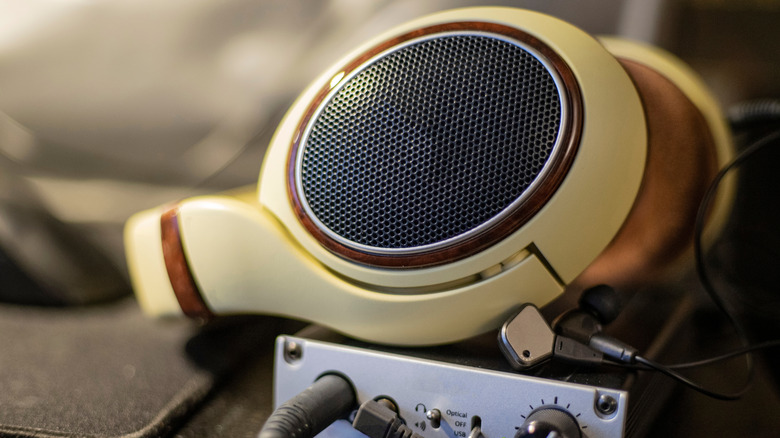
Another thing to consider is that not all headphones are built to deliver exceptional bass. While we discussed open-back headphones earlier, these models typically don't deliver on the lower frequencies, and some models focus on overall clarity rather than something booming. Ideally, users should go with some earbuds or closed-back headphones that create a solid seal. Those looking for deep bass should consider headphones that have 40mm or 50mm drivers, preferably ones that are dynamic and tuned for bass.
If you're looking for a new pair of headphones, do some research online to see what other users say about a pair's bass response. Be sure to check customer reviews alongside more traditional reviews. Knowing where major headphone brands rank in customer satisfaction may also help. Finally, remember that more bass isn't always better. Typically, you're looking for bass responses with punch and depth without washing out other frequencies.