

What's The Average Lifespan Of An SD Card?
We may receive a commission on purchases made from links.
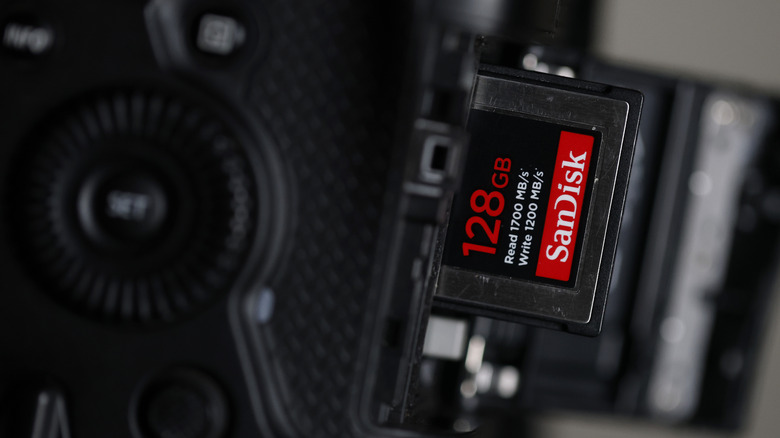
In a time when digital ownership is in question, it can be reassuring to have your favorite photos, videos, music, games, and apps stored safely on an SD card. But unfortunately, physical media is not forever. Your SD card may fail unexpectedly due to age or data corruption. If you want to preserve your precious data, it's important to back it up to another storage drive before it's too late.
The average lifespan of an SD card is between five and 10 years. SD cards use a technology called NAND flash memory, which has a limited number of write and erase cycles. This means that the more you use the SD card, the quicker it will reach the end of its lifespan. In fact, 10 years should be considered the maximum data retention time for most SD cards. Experiments show that data stored on an SD card can degrade even when not in use, ultimately becoming unreadable after 10 years under ideal conditions.
If you want something that will last for longer than five years of heavy use, you might try some of the SD card brands that photographers swear by. For example, the Sony Tough M Series UHS-II SD Card has proven to be waterproof, dustproof, shock-resistant, and relatively break-proof compared to less rugged cards. These design considerations will keep the elements from wearing down the SD card, but keep in mind that write/erase cycles will still be a limitation.
How can you extend the lifespan of your SD card?
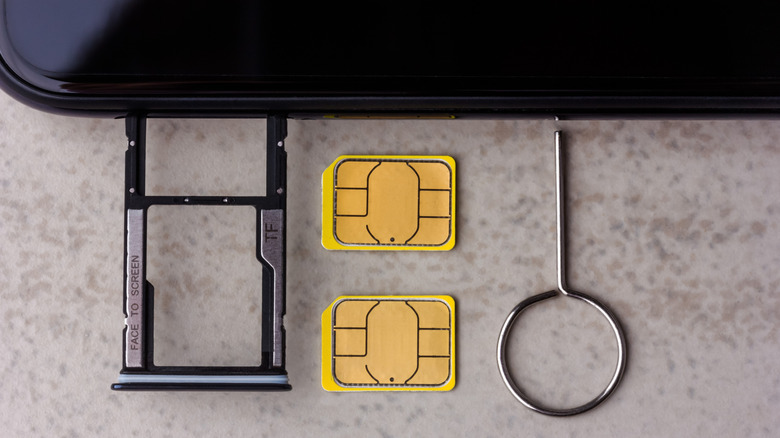
It's only practical to get the most time and use out of your SD cards so that you don't have to replace them frequently. After all, you shouldn't buy USB drives or SD cards during an expensive storage crisis. But keep in mind that even the best consumer-grade SD cards will be limited to up to 10,000 cycles per memory cell. A 512GB card may have nearly 4.1 trillion memory cells, but that can go by surprisingly quickly.
So, short of simply never using the SD card at all, how can you make it last longer? The answer lies in safe storage and handling. Heat, moisture, and magnetism can all damage the data stored on an SD card, so it's best to tuck it away in a protective case. It's also best to leave some free space on the card, as filling it up can make the data more likely to become corrupted. When in use, make sure the card type matches the device — and be sure to eject the card properly when you're done.
Even if you're taking good care of your SD cards, try to keep track of how old they are. Once you've had a card for about five years, it's time to start seriously making sure that you have backups of the data stored on it. On top of that, old SD cards have some practical uses, but the most important thing is protecting the data itself.