

5 Things To Know Before Buying A New CPU
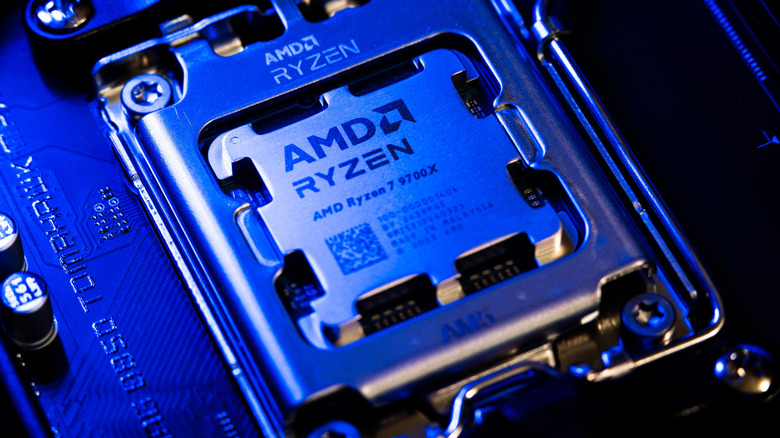
Today, buying a new CPU requires more than looking at prices, counting cores or choosing the latest model from AMD or Intel. The processor needs to deliver enough performance for the games and programs you use, and it must be compatible with your other components. Without this planning, you may overspend on your CPU and even more on other upgrades.
If you're planning to improve the PC you already have, the first step is understanding whether the processor is actually limiting performance. Depending on the situation, it may be more worthwhile to consider upgrading the GPU instead of the CPU, especially depending on the tasks you perform. A better processor helps in several situations, but it does not automatically solve all these problems. Depending on the CPU model you want to buy, this investment may also require new parts to install. Usually, depending on your configuration, the processor may require a new motherboard, memory, or cooler. For that reason, we've narrowed down some of the points to consider before buying a new CPU.
Your new CPU must be compatible with your motherboard
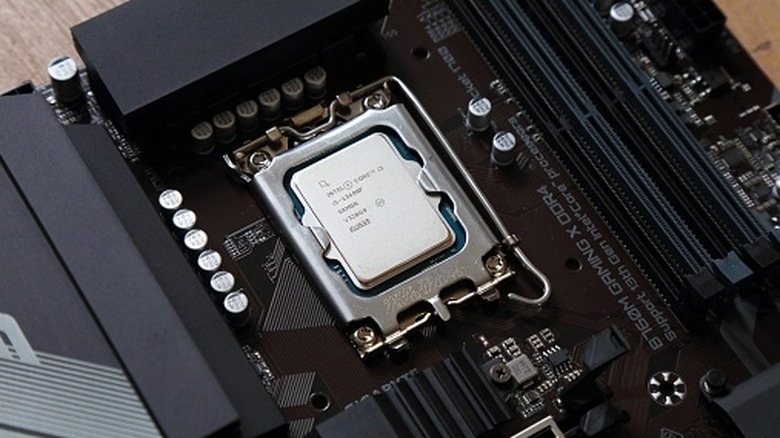
Before buying a CPU, the first point to consider is whether it is compatible with the motherboard you currently have in your PC. Even the most powerful processors on the market need a suitable platform to work, since the socket needs to be compatible with the processor. Usually, this varies considerably depending on whether you choose an AMD or Intel CPU.
For AMD processors, such as Ryzen, choosing a motherboard is a little easier. The platform currently supports AM4 and AM5, so one is not compatible with the other, but you only have two options. With Intel, this is usually a little more varied, since the company tends to change its processor socket more often. For example, Series 2 Core Ultra processors use LGA1851, which isn't compatible with LGA1700.
Still, even if the socket matches your motherboard, it's worth checking the supported CPU list on the manufacturer's website. It shows which processors were validated and the required version for each one, and in some cases, manual updates are necessary. Without them, the computer may not start because of an incompatible BIOS.
Your CPU must be based on how you use your PC

CPUs, especially flagships, can be very expensive, so before you invest in one, think about what you plan to do on your PC. The best model for you will depend on your particular needs, be it gaming, video editing or rendering, and these may need different characteristics, so the model with the most cores is not always the best for you. It's a good idea to clearly define these priorities before you begin researching your model.
For example, if you're buying a CPU for gaming, architecture and cache memory influence performance in addition to core quality alone. Ryzen X3D processors are an excellent option for this segment for exactly that reason, since they use additional cache to accelerate certain workloads. At the same time, some limitations of Ryzen X3D processors make them a less viable option for anyone who wants to focus more on editing.
Look for benchmarks of the games and applications you plan to use with your new processor, and check the configuration used in the tests. Also consider the GPU, since if it limits performance, a new CPU won't provide as much gain.
A new CPU can require other costly upgrades
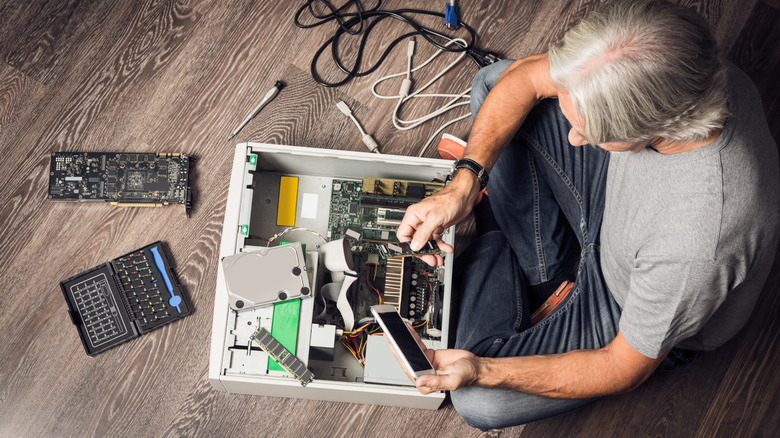
If you already have a PC and want to upgrade the CPU, it may be only part of your investment. If you need to change platforms, you'll also need to consider extra expenses, since your budget will mainly need to cover a motherboard. In addition, if you move from a DDR4 processor to DDR5, for example, you also need to buy new RAM. If you don't plan to install these components yourself, you also need to factor in service costs.
Once you have all these costs in hand, consider whether it's really worth changing platforms. If another processor option is compatible with your current parts, you can save money by reusing those components. In many cases, making this entire change to your setup for a minimal performance gain is one of the PC upgrades that isn't worth it. For that reason, add everything up and evaluate whether the performance gain justifies the cost.
Your current cooler may not handle the new CPU
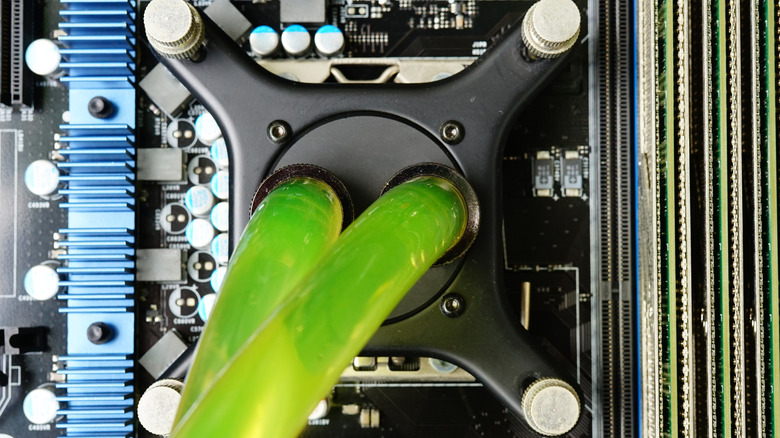
Before buying the CPU, check whether it comes with a cooler and what cooling the manufacturer recommends. If you plan to keep the cooler already in your PC, make sure it is compatible and can handle the demands of the new processor. If the cooler isn't good enough, the CPU may reduce its clock speed to keep temperatures in check, so you might not get the performance you expected from the upgrade.
So, if you also plan to switch from air cooling to liquid cooling, consider the processor, budget, and use case. Don't assume every powerful model needs a liquid system, but also don't assume every air cooler will be enough. Research cooler tests with a similar CPU, paying attention to the temperatures other users reach during prolonged tasks, especially if you want to game or render for hours.
Also check the available space in the case before choosing the cooling system. Tall heatsinks can prevent the side panel from closing, while certain fans sit over the RAM modules and require adjustments. With liquid systems, check support for the radiator and its fans. Finally, consider airflow, since the cooler needs to work inside a case that can exhaust the heat produced by the components.
CPU power requirements go beyond the advertised base power
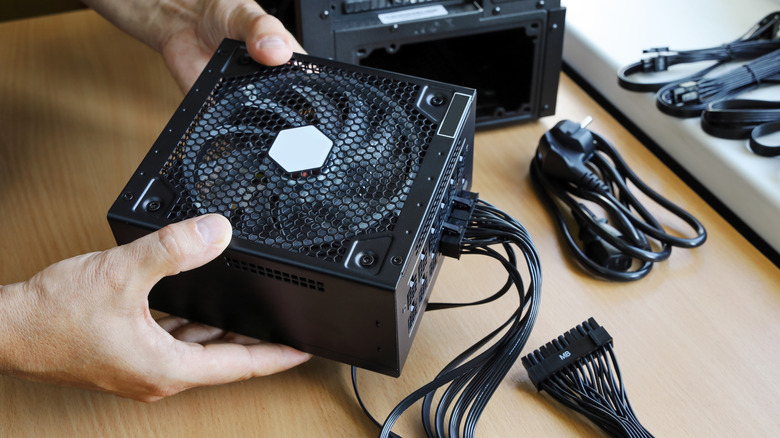
Replacing a CPU also means checking whether the rest of your PC can support the change, including the power supply. For that reason, evaluate the processor's power consumption alongside the graphics card and other components, leaving headroom for variations and future upgrades. Also check the model's maximum power specifications, since base values don't necessarily reflect its turbo limit. This way, you avoid sizing a power supply based on a number that does not reflect every usage condition.
Besides wattage, check the connectors the motherboard requires, especially if you plan to replace it. CPU power uses EPS/ATX12V, and the number of required connections should follow your motherboard manual. If your current power supply already offers enough capacity and the correct cables for the upgrade, replacing the processor doesn't mean you will also need to replace the power supply. However, if it is insufficient for your new specs, you should also upgrade the power supply, since it can damage your PC.