

How To Set Up A Mesh Wi-Fi System For Townhomes With Multiple Floors
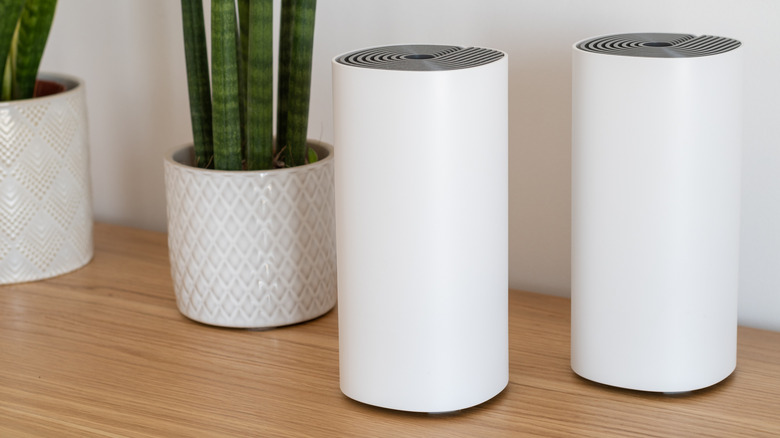
Setting up or establishing a home network seems like it would be fairly straightforward. You or the service technicians just hook up the modem, connect to your Internet Service Provider (ISP), and then place the router to distribute the wireless network — your Wi-Fi. If you have a mesh router system, you'll have to place not only the base unit but also the surrounding nodes or satellites. When the network is up and running, you can start connecting your devices and smart home tech. However, a lot of this also assumes you have a basic, single-floor layout. Things get a little more complicated when you have multiple stories to cover, whether in a townhouse or a multilevel home. So, what is the best way to set this all up in one of those scenarios?
For large, open areas or multistory homes, you really need to consider installing a mesh router system instead of a simple, standalone traditional router. Mesh Wi-Fi won't make your internet faster in terms of maximum speeds, but it will help spread coverage reliably over a large area. In general, mesh Wi-Fi networks can cover areas between 2,000 and 10,000 square feet, which is much more space than a single router configuration supports — around 1,500 to 2,500 square feet on a single plane.
You'll want to install the main node closest to your modem and then place the additional nodes on extra floors to spread coverage. As for where to actually place those nodes, you should follow the same guidelines as any conventional router. The absolute best router placements, mesh nodes included, are away from walls and obstructions, especially exterior walls, far from appliances and other electronics, and in centralized areas to help spread wireless signal better and reduce dead zones.
What centralization actually means for node placement
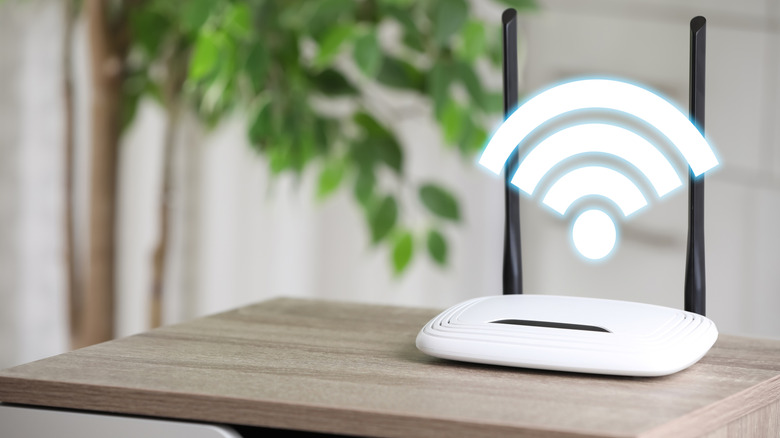
The term "centralized" means that routers should be placed away from corners and outer walls, but how does it apply to multiple stories? You should aim for a balanced placement both horizontally (on the current floor) and vertically (floor-to-ceiling). Routers spread Wi-Fi signals outwards, in waves, which propagate as a toroidal shape when not interrupted. That last bit is important because thick concrete walls, appliances, and other obstructions can weaken or block a signal, creating a dead zone.
Proper horizontal and vertical router placement can help spread the wireless signal evenly throughout a property. A node placed higher, in addition to spacing one node per floor, spreads the donut-shaped signal both laterally and below, helping to cover gaps and eliminating common signal degradation issues. Enterprise networks, as you'd find in a hotel, contain nodes mounted on ceilings or high up on walls to achieve this. Mounting isn't necessary in a townhome, but the higher vertical placement is. Identify extra node placements using your home's square footage, per story, as a guideline. Moreover, with multiple access points, evenly-spread coverage is better than dense pockets, so maintain about 30 feet between each base unit and node (though you never want to place a mesh node in a weak signal area). You should also consider using a wired connection (instead of wireless) between access points and the base unit if possible.
Open areas like staircases, family rooms, and hallways, especially those with elevated ceilings, are good examples of where to place a router or node. They offer large, open areas for the Wi-Fi signal to spread with minimal interference. Meanwhile, rooms to avoid include kitchens, laundry rooms, attics, and basements. Also, avoid enclosed cabinets or closets and areas near the floor.
Here's when you should upgrade your mesh system
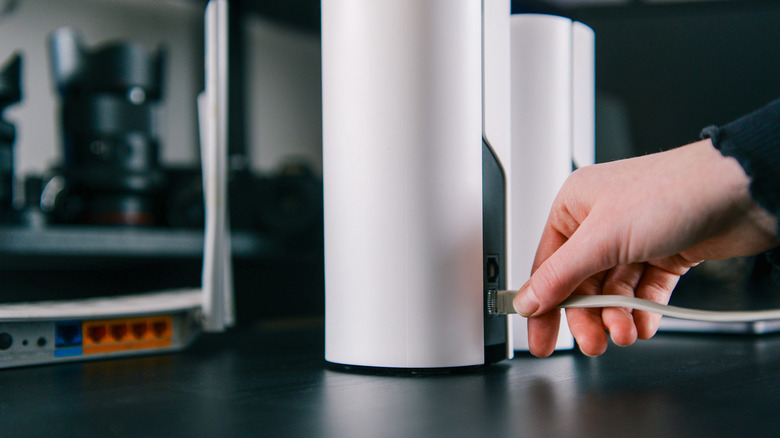
Upgrading to a mesh router system can significantly improve your Wi-Fi experience, but there are other ways to achieve a mesh network. Some conventional routers support add-ons, so you may be able to create a mesh network using your existing router. The best way to find out is to look up your router's documentation. That will also explain what additional hardware you need, if any – some systems only work with a subset of Wi-Fi nodes and extenders.
If you have a Wi-Fi 5 (or below) router, you may want to consider upgrading to a newer, much faster Wi-Fi 7 router or mesh system. You could also opt for Wi-Fi 6 hardware, the previous generation, to save money if you're on a budget. If your existing router doesn't support mesh configurations, an upgrade should definitely be in the cards.
The seamless scalability and general modularity of most mesh router systems means, depending on the square footage of your home, you can start with two or three nodes and expand later. That can also give you some time to use your new network and figure out where the signal is the strongest in your townhome, and where it needs a boost.