

Why Your Anker Charger Might Not Be Charging At Full Speed
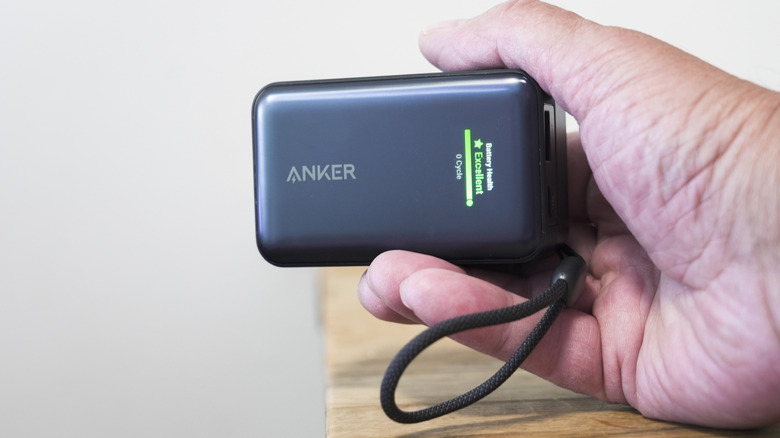
It's your afternoon break and you know you have a long night ahead. You plug your phone into your power bank—many of the best ones are made by Anker—and find after 15 minutes that you're not getting as much juice as you should be. What's going on? Time to deploy a diagnostic checklist.
First, make sure neither your phone or power bank are running hot. If they are, your devices will negotiate lower charging rates down to a certain degree to minimize additional thermal stress. High heat can lead to adverse behaviors in your phone (including failure to charge and rebooting) and, in extreme cases, cause batteries in either device to expand and explode. A general rule to follow is to disconnect them when they're getting too hot to comfortably hold. Then, let them cool off before reconnecting them.
If you aren't gaming or performing another intensive task on your phone, confirm there isn't a background process you might not be minding that's using up most of that fresh charge. Charging with a cable? Try connecting it to a wall adapter or computer and make sure wear and tear hasn't eaten into it. If your phone supports rates of 100W or greater, you'll need a cable with an embedded E-Marker chip that facilitates high currents to achieve those peak speeds. Got a good cable, but your phone's consistently charging slowly across different sources? Consider taking it to a technician to either get the USB charging port repaired or used-up battery replaced.
But before a trip to the repair shop, let's take a closer look at that power bank.
Slow charging is part of the process sometimes
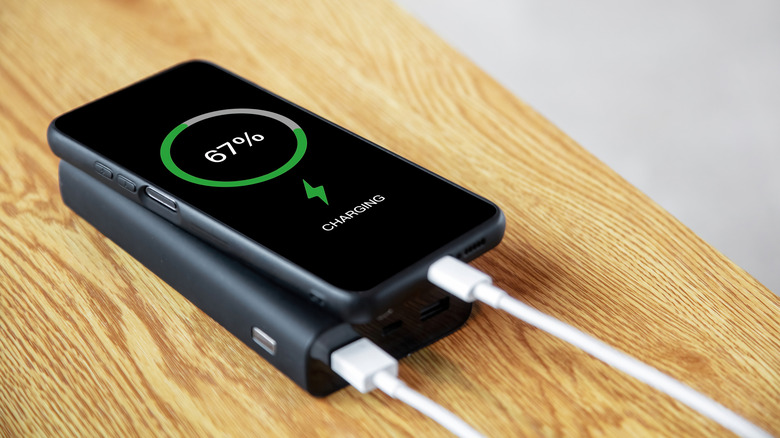
Many electronics that have USB ports, including Anker's power banks, are programmed to support a variety of charging profiles. Some profiles are special branded ones like Anker's PowerIQ, or its new 150W protocol. Most, however, conform to USB standards, including USB Power Delivery. USB PD determines how much power a USB port can put out by setting fixed voltage and amperage combinations along with other rules to ensure safe and fast charging. When you plug your phone into a power bank, the two devices communicate with one another, including to identify themselves and determine which profiles they support. Then, they agree on one before beginning the cycle.
A power source tends to push its highest rates early on in the process. The closer to empty a battery is, the longer those peak rates are typically sustained. As the cell nears 100%, the connection will switch to lower power profiles to avoid overcharging or any potential thermal stress. Sometimes, both sides aren't able to agree on a supported high-speed profile safely and will opt for a lower-rated profile anyway. To be clear, lower wattages are normal in many situations, so there typically isn't much you can do about slow charging when it happens, other than to check heat. Review your power bank's user guide for the full range of supported output profiles.
Troubleshoot your power bank
A power bank's programmed logic can be overwhelmed when dealing with stressful conditions. This can lead to erratic behavior such as that typically useful digital display showing an inaccurate reading or extreme drainage rates. If you suspect your power bank is behaving poorly, try charging other devices with your power bank and check if they're meeting your expected top speeds. Beyond that point, your power bank may need to be reset.
To reset some older Anker power banks, unplug all devices and look for a power button. The device may instead only have a reset button, hidden in a pinhole, that might require something narrow like a toothpick to reach. Whether the power button or pinhole, press and hold it for as much as 15 seconds. Newer banks without power or reset buttons require you to use a USB-A to USB-C cable and plug each end into the power bank, leaving the battery connected to itself for 15 seconds. In each case, the device's LED indicators should let you know when the process has concluded. Anker recommends charging your bank fully after a reset before using it again.
Other advice when using your power bank
Try to reserve the top-speed port of your power bank for your phone and be especially mindful about where you plug in If you're charging multiple devices at once. When you bought your Anker power bank, you might have seen the wattage number it can produce when devices are plugged into all of its outlets at once—each port has its own maximum rate and the output of all of those ports together comprise that top-line number. Things get complicated the more ports you're dealing with as those limits can change depending on which ports are occupied at any given time. Anker has diagrams in its product listings to indicate max wattages you should expect when any combination of ports are in use.
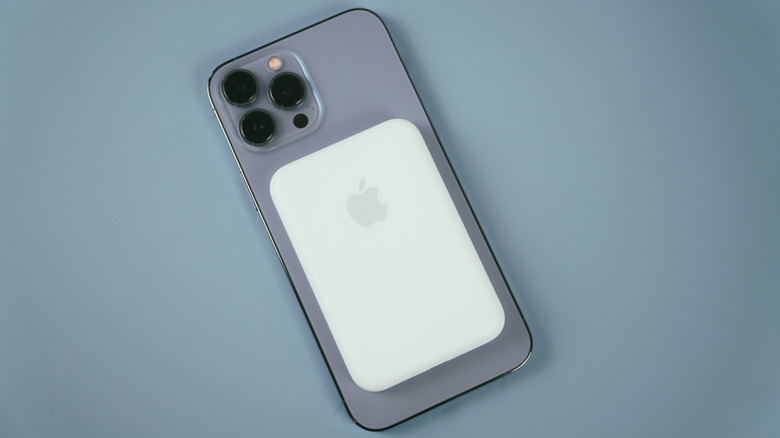
We also recommend skipping out on that MagSafe pad if you regularly need fast charging, even if your respective equipment is capable of super-fast charge rates. Qi and MagSafe rely on electromagnetic induction which is less efficient than a cable connection when you consider how much energy is lost as heat while it transfers from the pad to your device. The more energy wasted, the more time it takes to charge your phone. If you're in a rush, wireless charging simply is not worth it.