

The Real Pros And Cons Of Using MagSafe Chargers
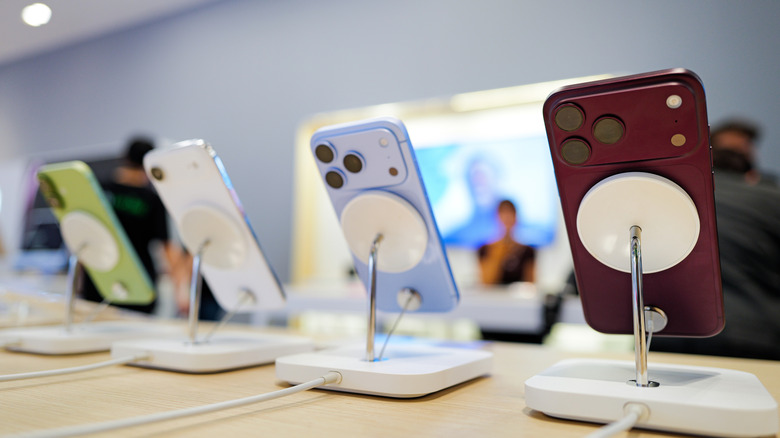
MagSafe is Apple's magnetic charging technology. While MacBook chargers also use it to magnetically align their connection to the computer's port, nowadays, it's usually associated with wireless charging for iPhones. When you place your iPhone on the MagSafe charger's puck, its wireless charging coils magnetically align with the ones on the charger, delivering a steady charging current via magnetic induction. MagSafe chargers are convenient, simple, and a great way to not wear out your phone's charging port. But the technology is not without its downsides. Specifically, you have to deal with slower charging speeds, heat, and some weight and comfort issues.
If you weigh the pros and cons and still decide to get one, there are several MagSafe chargers that you can use with your iPhone. You can even use a MagSafe charger with a few Android phones, because a select few, such as the Google Pixel 10 and Motorola Edge 70 Max, have a compatible magnetic wireless charging technology built in called Qi2. For iPhones and Android devices that lack built-in magnets but support wireless charging, you can sometimes use MagSafe or Qi2 cases to add compatibility. Just keep in mind that charging might be slower if it's a Qi device instead of Qi2.
MagSafe chargers have their fair share of upsides
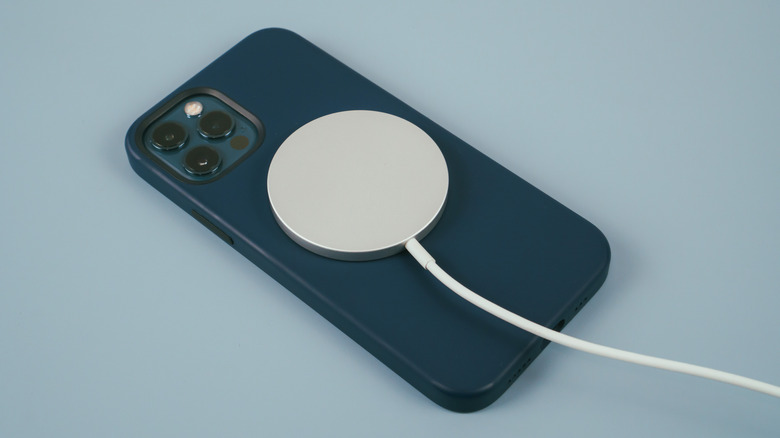
One of the biggest pros of MagSafe chargers is the very reliable magnetic alignment feature. Whether it's a MagSafe battery pack or charging puck, placing your phone on it will lead to perfect alignment. This is made possible by the ring of magnets in the phone and charger. Afterward, a digital handshake occurs, and once the devices acknowledge each other, wireless charging begins. There's no need to struggle with alignment like you might have done with Qi and other non-magnetic wireless chargers. Also, a MagSafe charger offers faster wireless charging speeds, delivering up to 25 W of peak power under ideal scenarios. This is faster than pre-Qi 2.0 wireless chargers that can deliver a maximum of 15 W of power (also under ideal scenarios).
Furthermore, using a MagSafe charger is a great way to give your phone's charging port a break. For iPhones with a USB-C connector, in particular, the "tongue" inside the port presents a tangible weak point. Over the years, the friction from plugging a USB-C cable in and out can cause the conductive plating on the tongue to wear down. Also, sideways pressure on the USB hookup can apply a bending force that causes the connector inside the port to become loose and wobbly over time. One scenario where this can happen is if you're charging the phone while in bed. Bending is also one of the reasons why USB cables tend to fray easily. And if there's too much pressure, the tongue can become bent.
MagSafe charging is still slower than wired charging
The fact that the MagSafe technology perfectly aligns the phone and wireless charger means that less energy is wasted while charging. This is what makes it more efficient than standard Qi charging, but it's still slower than wired charging. MagSafe charging is 80% to 85% efficient, while wired charging is about 95% efficient — provided you don't use a cheap USB cable.
This difference in efficiency isn't that dramatic. However, it can make a MagSafe charger add about 10 to 15 more minutes to the charging process compared to a wired charger. Still, if you need to quickly get as much juice in your iPhone as possible, stick to wired charging. Also, since wireless charging loses more energy, it means that it generates more heat (the destroyer of lithium-ion batteries) compared to wired charging.
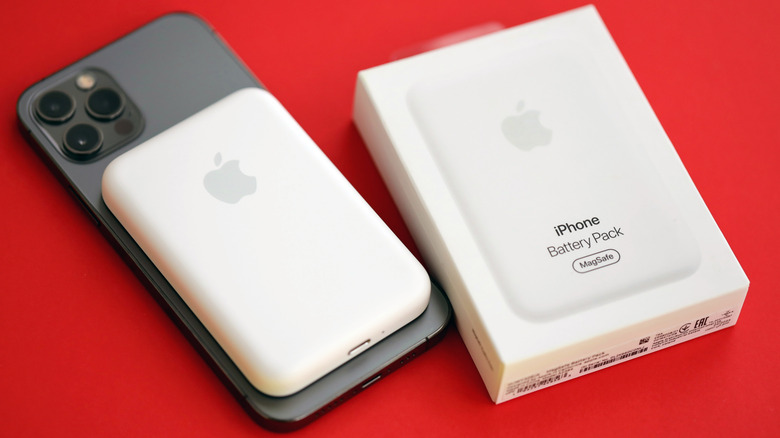
Also, a wireless charger can add some bulk to your iPhone, especially if you're using a MagSafe battery puck. Also, when using the phone one-handed and in portrait orientation, you normally rest the index and middle fingers toward the center of the iPhone. This is where the MagSafe charger now sits. With a noticeable bump there, it can make the phone uncomfortable to hold.