

You Should Ditch The External Hard Drives And Build A NAS - Here's Why
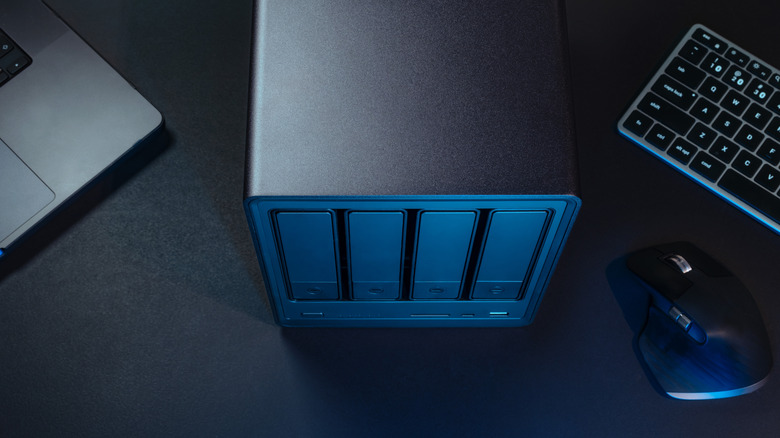
Working with large files usually results in an office drawer full of portable drives. It makes sense that many of us use these storage devices, since they typically won't break the bank and are easy to use. Plus, recent models support the popular USB-C connection, making them more compatible across devices. If you have multiple drives, though, keeping track of them all at once can become a headache, especially if you're like most of us and forget to label them. That's where a NAS (Network Attached Storage) comes in handy, and you can get a lot out of building one yourself.
A NAS is essentially a mini server meant to connect to run in your home or work, 24/7. Many today are designed for access by almost any smart device, and they can use apps and standards that mimic services like Google Drive, Netflix, and Amazon's Ring Cameras. For those of us who have experience building a PC, putting together a custom NAS is essentially the same exercise but with more storage drives. The end result is a cheaper and infinitely more scalable place to store your digital stuff. Plus, you can customize it by choosing our own parts, including which size case best fit your needs.
If you're not the build-it type, you have options. Companies like Synology and Ugreen make retail box versions often no bigger than a toaster, and they come with business-grade software and straightforward warranty support. You do pay extra for the convenience of a pre-built machine, but it also means less setup when you turn it on. Ultimately, building our own NAS avoids those fees and gives you fuller control over our hardware upgrades for years to come.
Automation, accessibility, and the private cloud
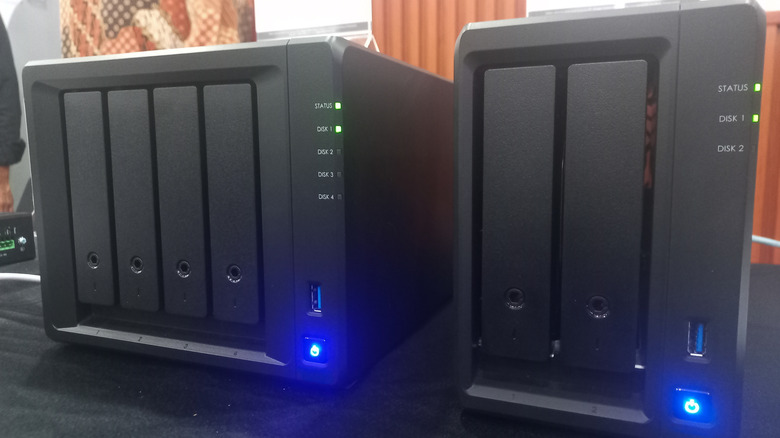
One benefit of NAS is that you can use our phones, tablets, TVs, PCs, and more to access shared storage, back up files, or stream content directly. This even includes sharing secure links with others without paying monthly fees for services like Google Drive or Dropbox. Plus third-party applications like Plex can be installed to view stored media.
A NAS also seriously improves how we interact with our data on a daily basis thanks to automated processes. NAS drives are always plugged in, so they're available for read and write access. All we need to do is set a schedule for backups over Wi-Fi or a wired network connection in the background. And if CES 2026 is anything to go by, even cooler NAS features are coming soon.
Part of why NAS systems are so popular is because they can be less risky than portable drives, which are easily damaged or corrupted. NAS systems can be set up using a software approach called RAID (Redundant Array of Independent Disks), which typically stores data across multiple drives. Depending on your setup, if one or more of those drives fail, your system will continue operating normally. But do not mistake NAS for a backup–think of it more like a short-term failsafe.
Should you build or buy your NAS?
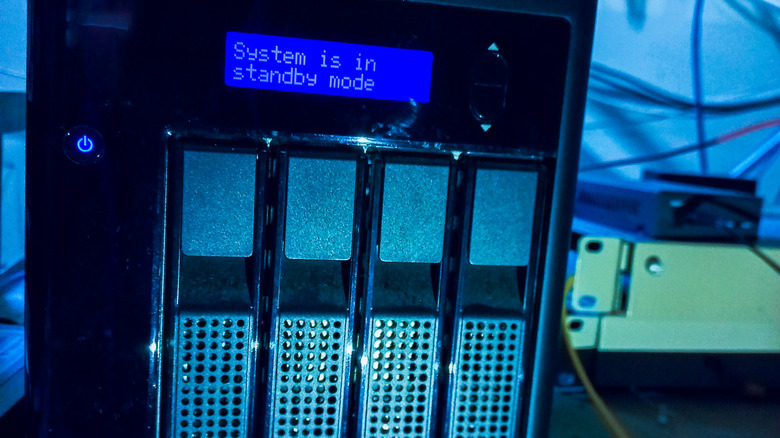
So, should users build their own NAS or buy a unit ready to go? Buying a pre-built unit from companies like Synology and Ugreen offers enterprise-grade software and straightforward warranty support, but all of this comes at a premium for the convenience, including Ugreen NAS units having a HDMI port.
For individuals who have experience building a PC, building a custom NAS is significantly cheaper and infinitely more scalable. It's pretty much like building a mini PC with a lot of hard drives. Plus, users can customize it by choosing their own motherboard, CPU, and case to fit their needs, and ensure there are enough SATA ports to add more drives later on if needed.
Many beginners create their first NAS out of older parts from previous computers, or even discarded laptops and towers from family and friends. One reason is that storage systems don't need computers that are particularly fast to start, and that saved money gives you a chance to get more parts for extra storage drives or faster network connections as you grow.
For those on a tight budget, you can make our own cloud storage with a Raspberry Pi, but you'll need to keep power efficiency in mind as well as a solid operating system. Going for an 80+ Platinum-certified power supply and running a dedicated storage OS like TrueNAS Core is a great way to keep everything running smoothly. These dedicated systems can be set up to automatically double-check your data in the background, ensuring the files on the NAS don't corrupt over time. That makes your data a lot more accessible, and is a great first step toward creating effective backups for your devices without needing a degree in computer science to set up.