

The Reason Why Your Roku TV Might Turn On By Itself
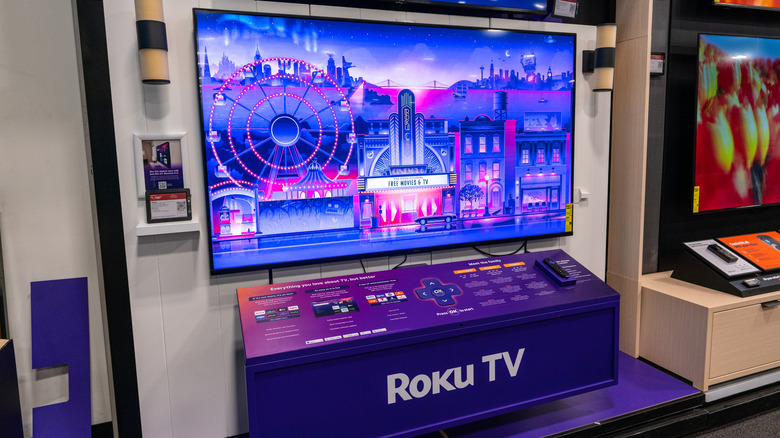
Streaming devices and smart TVs are wonderful ... when they're not waking you up in the middle of the night, that is. If you or someone you know is the proud owner of a Roku device – whether that's an HDMI-connected dongle, a TV that Roku made, or a TV that licensed Roku OS — you may be in for some unpleasantness. Numerous Roku users are experiencing a phenomenon where their streaming tech powers on all by itself. In some cases, it even launches apps and starts playing movies.
There isn't much in the way of rhyme or reason to this behavior, either, although most reports are from folks running Roku OS version 15.3, which went live in August 2026. This isn't happening to every device running 15.3. I've yet to be shocked out of a sound sleep at three in the morning, for example, and I use Roku OS exclusively.
Generally speaking, unplanned device waking is often attributed to features like HDMI-CEC, which most Roku devices support and is enabled by default. Consumer Electronics Control (CEC) allows you to control multiple HDMI devices using just one remote, and it's also a technology that has historically caused unplanned power-ons and input-switching between TVs and AV components. To disable CEC in Roku OS, go to Settings, select System, then Control other devices, and finally, uncheck 1-Touch Play.
Will Roku OS 16 fix the unplanned waking glitch?
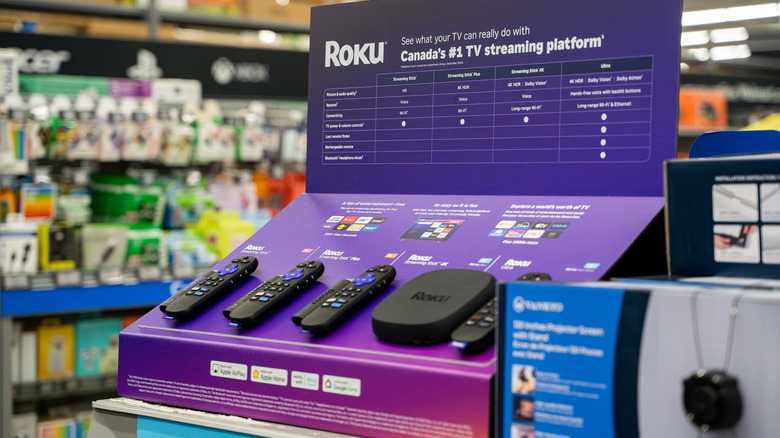
HDMI-CEC acts like a daisy chain between your audio-visual (AV) components, so if you're using a dedicated streaming device, you might want to disable CEC on any hardware your Roku streamer interfaces with. That includes TVs, AV receivers, and soundbars with built-in HDMI switching. And if you own a Roku-branded TV or smart TV running Roku OS, it might also be a good idea to disable Fast TV Start (go to Settings, then System, then Power).
Fortunately, Roku OS 16 is just around the corner, and the release notes get into all the nitty-gritty developer stuff that's planned for the latest software version. While the auto-waking-and-launching-content issue isn't mentioned, it's still entirely possible that Roku has patched the problem for OS 16. Based on most available information, though, it seems like the brand-new update is mostly focused on GPU and UI optimizations.
But sometimes, the squeaky gear gets the grease. If your Roku tech is robbing you of precious sleep hours, use the company's support portal to get in contact with customer service. To do so, scroll to the bottom of the page and click Start chatting to either initiate a bot chat or set up a call with a Roku representative. In the meantime, we simply recommend unplugging your Roku streamer or smart TV when you're finished using it for the night.