

5 Things You Should Never Do When Cleaning A Blu-Ray Disc

Having a Blu-ray collection is one of the little joys of being a movie lover, but keeping each disc in good condition takes careful cleaning. Although discs can offer better audio and video quality than streaming, you can end up damaging your movie if you don't look after it properly.
Even wiping off small fingerprints with your shirt can be enough to scratch the surface or otherwise damage it, especially if the fabric is dusty. At first, doing this may sound like a practical way to keep your disks in good condition, but little shortcuts can cost you down the road, because the longevity of your Blu-ray collection depends on how you treat the disks.
Thankfully, looking after them isn't complicated, and you don't need to stock up on cleaning products to do it. You just need to choose the right materials and pay attention to how you remove dirt. For that reason, we gathered some tips to help your Blu-ray movies last much longer.
Cleaning a Blu-ray disc in circles
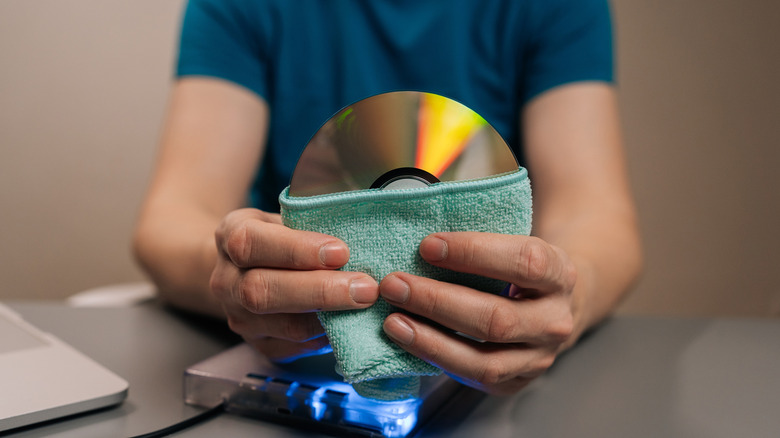
Because of the round shape of Blu-ray discs, cleaning them with circular motions feels like the natural thing to do, but it's a habit you should break. That's because the main recommendation is to move a soft cloth in a straight line, starting at the center and working toward the edges, without following the circumference of the disc.
The reason for this has to do with the way the disc stores data, since that information follows a spiral track. If you accidentally make a scratch while cleaning the disc in circles, it can end up following that track and affecting a longer sequence of information stored there. On the other hand, the errors caused by scratches that cross a track are easier to correct afterward.
That doesn't mean cleaning in the right direction makes your Blu-ray immune to damage. It's another precaution you need to take when removing dirt to preserve your Blu-rays, so always clean them with gentle movements from the center outward.
Using glass cleaner on a Blu-ray disc
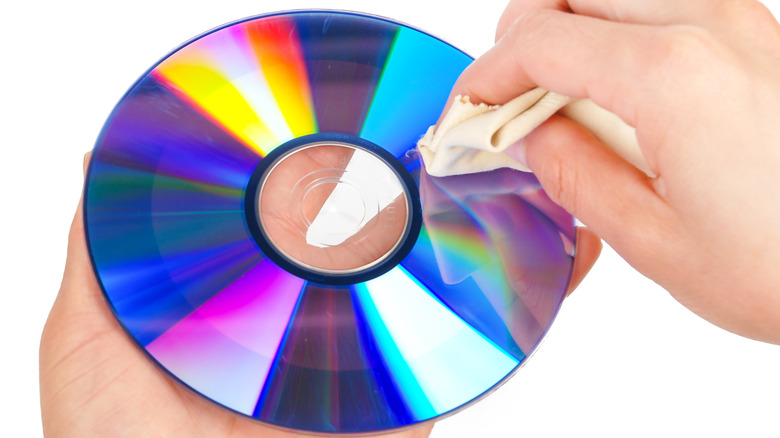
Glass cleaner might leave your living room mirror spotless, but that doesn't make it the best choice for your Blu-rays. Many of these products use ammonium-based formulas or other ingredients that weren't designed for optical media. That means they can leave residue or affect the discs' protective coating with repeated use. You're better off leaving that bottle in the cupboard.
This vulnerability to damage is one of the major drawbacks of Blu-ray discs, even though they have a layer designed to resist scratches. That protection doesn't mean every cleaning product is compatible with the surface, especially since the effects of glass cleaner might not show up right away. The problems it causes may only start appearing after several uses.
The easiest way to clean your Blu-ray with liquid is to use distilled water and lightly dampen a clean microfiber cloth. If the dirt still won't budge, it's best to check the manufacturer's instructions before reaching for other solutions.
Spraying liquid directly onto a Blu-ray disc

Even if you've chosen water or a suitable cleaning solution for your Blu-ray disc, don't spray it directly onto the surface. One of the main recommendations is to apply a small amount to the cloth first, since that gives you better control over moisture during cleaning.
The idea is to use just enough moisture to loosen the dirt without soaking the disc. If the cloth is dripping, that's your cue to remove the excess before you start. That's because, in the case of Blu-rays, excess liquid can reach the disc's center hole or edges when it doesn't need to.
After cleaning, you still need to go over the surface with a soft, dry cloth to remove moisture, and it's also a good idea to let the disc finish drying naturally before putting it away. If what looks like dirt is actually a scratch, throwing more product at it won't remove it from the disc's surface. That requires different care from a simple cleaning.
Don't use paper towels or a T-shirt to clean your Blu-ray
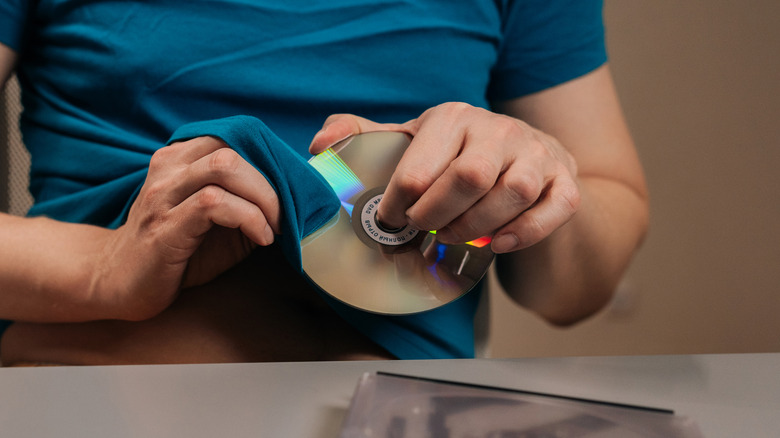
There may be quick ways to deal with a little dirt on your Blu-ray disc, like grabbing your own T-shirt or a paper towel to wipe it away, but these materials can leave scratches. Paper towels, for example, contain fibers that can leave small marks, while clothing can carry dust or other debris that you'll drag across the surface during cleaning.
Even if your T-shirt looks clean, it can still house particles that could damage your disc without you noticing. That's why a fabric feeling soft isn't enough to tell whether it's suitable for cleaning a disc. Sometimes, it's better to find a proper cloth than to trade some dirt for a permanent scratch.
Folding the paper or T-shirt several times and pressing harder to remove a stubborn mark won't help much either. The extra pressure doesn't make these materials suitable for cleaning, and it can drag particles already on the disc's surface across it with more force.
Avoid touching your Blu-ray disc's surface

Cleaning a Blu-ray by holding it by its reading surface can put new marks right where you just wiped away the dirt. Even if your hands look clean, they still have natural oils on them that can be transferred to the disk and attract dust. With DVDs and Blu-rays, the data is read by a laser, so these marks may interfere with playback, causing problems when you're next watching it.
To prevent that back and forth on cleaning, the better option is to hold the Blu-ray by the edges or center hole, keeping your fingers away from the reading area. Slide it over to another section, maintain the same grip, without resting your thumb on the area you just cleaned.
When you're finished, the same care is needed. After checking the result in good light, put the disk back in its case without touching the surface. That way you don't get it dirty again and have to go through the whole routine anew.