

10 Ways To Preserve Your DVDs And Blu-Rays For Years To Come
We may receive a commission on purchases made from links.
Optical discs like LaserDisc, Compact Disc, Digital Versatile Disc, and Blu-ray are marvels of modern science and engineering. The latest optical technology offers Blu-ray discs with up to 128GB in capacity, but even this is well over a decade out of date. Thanks to the rise of online digital media, optical discs have been in decline. They aren't gone yet; new discs are still being made and sold, but the clock is certainly ticking. One of the biggest moves towards ending discs in recent history happened when PlayStation announced it was ditching physical games.
If you have a collection of movies, games, and music on disc, there's a good chance many of these copies are decades old by now. Certainly I have PlayStation games that were pressed in the late '90s, and my parents still have music CDs from the late '80s onward. They all look and work pretty much the way they did when new, and as long as they are treated right, there's no reason to think these discs will fail during our lifetime.
However, if you want your optical disc collection to last you for the rest of your life, you can't just be casual about how you use and treat them. Giving your (soon-to-be irreplaceable) discs the best chance at longevity isn't hard, but you should know the ABCs of DVDs, CDs, BDs, and even LDs.
Store your discs the right way
All things eventually deteriorate through the simple passage of time, but clearly a banana and a glass marble don't have the same lifespan. Just because something will eventually crumble to dust doesn't mean you should speed that process along, and by far the most important thing when it comes to optical disc longevity is how you store them.
The ideal disc environment is cool, dry, and stable. "Cool" means room temperature, without excessive humidity. You don't want a storage environment beloved by mold, for example. You also don't want large temperature swings. Repeatedly heating and cooling a material can introduce stress fractures and layer separation as the thermal fluctuations exert mechanical force on the disc.
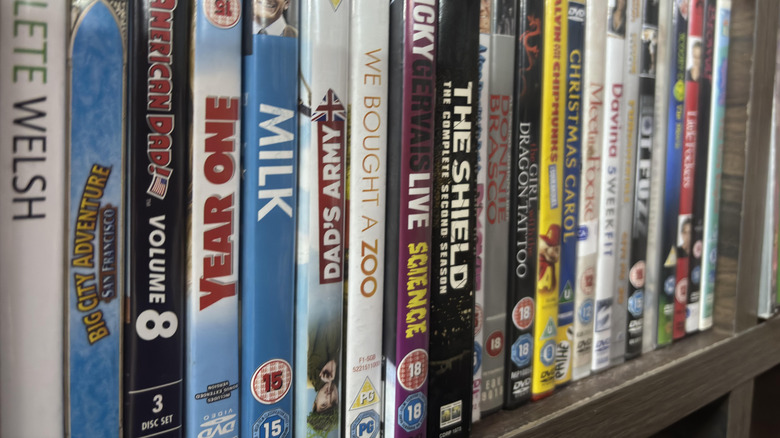
Avoid storing your discs in an attic without insulation, or a dank, wet basement. Keep them away from windows where the sun repeatedly heats them each day. It's best to store them vertically in their original cases, which also protects them from dust and other environmental hazards. If you stack your disc cases on top of each other, the ones on the bottom might be too heavily weighted and break. Disc binders aren't a bad way to store large numbers of discs, but be wary of cheap models that might scratch or damage your discs by putting them under pressure. Binders with loose pages and soft microfiber material in the disc sleeves are best.
Handle your discs properly (or you'll regret it)
If you mishandle your optical discs, you can damage them in short order, when just a little care and attentiveness could have kept them functional for decades. To understand why, it's a good idea to quickly go over how CDs, DVDs, and other discs actually work. A disc is a sandwich of different materials. The actual information is stored as pits and lands physically pressed into a layer of polycarbonate plastic. This is backed by a reflective metal layer, a label layer, and then protective lacquer.
As the disc spins, a laser reads the transition from pit to land or vice versa, and converts this into binary code. If the laser cannot pass through the data layer, hit the reflective layer, and read the resulting signal, it can't see the data. This means that surface scratches on the data side, fingerprints, dust, and dirt can get in the way. Likewise, a label-side scratch deep enough to damage the reflective metal layer will also make the disc unreadable.
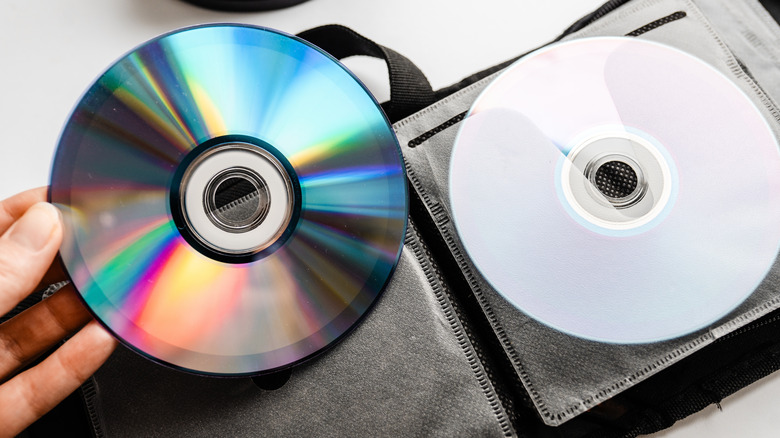
So, always handle your discs by the edges. Put your ring finger through the central hole, and your thumb on the outer edge. This lets you insert or remove the disc without ever touching the data side. Never place the disc anywhere other than in a drive, its case, or its sleeve. Putting the disc label-side down is still dangerous! A scratch through the label can still render it unusable.
Clean them immediately and correctly
No one's perfect, so if you have dirtied your disc by storing or handling it incorrectly, all is not lost. What is important is to clean your disc as soon as possible and to do it in a way that won't damage it. The good news is that we've had decades to figure this out, and organizations such as the Council on Library and Information Resources have official guidelines for maintaining and preserving optical media.
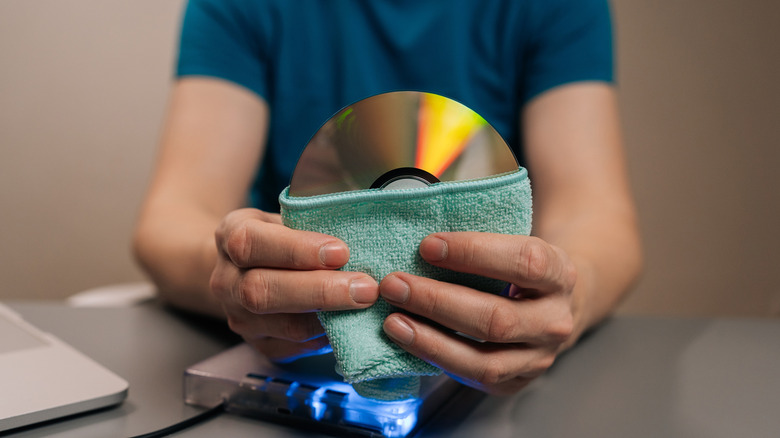
The first thing to do is use air to blow away any dust or solid particles. It's best to use a blower like those designed to clean camera sensors. If you don't clear solid debris with air first, then you'll end up scratching the disc by rubbing dust or sand particles into its surface. Next, try cleaning the disc with a soft, lint-free cotton cloth. The cloths used to clean camera lenses or glasses are also acceptable.
If there's still dirt on the disc after this, you can attempt a wet cleaning. Use a small amount of clean water, preferably distilled or with the mineral content filtered out. Otherwise, it may leave residue. Ideally, use a specialized disc cleaning fluid. For oily stains, you can use a small amount of isopropyl alcohol, since this won't attack polycarbonate and it evaporates quickly. However, don't use any on the label side. Wipe from the center outward on the disc, not in circles.
Never put stickers or labels on a disc
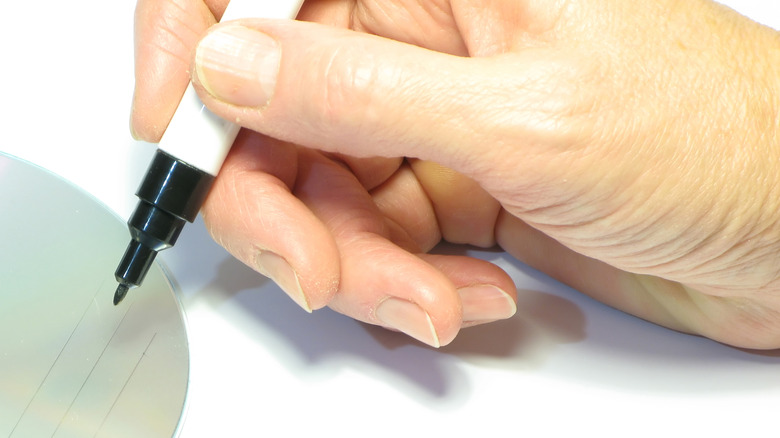
This mainly applies to blank discs that you burn yourself (which we'll look at more closely later), but you should never, for any reason, stick a label on a disc. There are a few obvious and not-so-obvious reasons for this.
Discs spin at hundreds to thousands of revolutions per minute, depending on the type and how fast the data needs to be read. Anything that unbalances the disc can cause a fatal wobble that can shatter it and damage your drive. That's not an immediate issue with a full-disc label sticker, but even then it can shrink and pull away from the disc over time, creating a similar balancing issue.
There's also a chance that the adhesive can interact with the protective lacquer on the label side of the disc, which can also have unpredictable effects on its longevity. If you have to label a disc, use a permanent marker, not a hard-tipped pen or anything that can scratch or indent the disc's surface. If you want a safe label design, consider buying a LightScribe disc burner. Using special LightScribe blank discs, you can burn designs onto the label side using the drive's laser. It's very cool!
Rip your discs to preserve them (where legal)
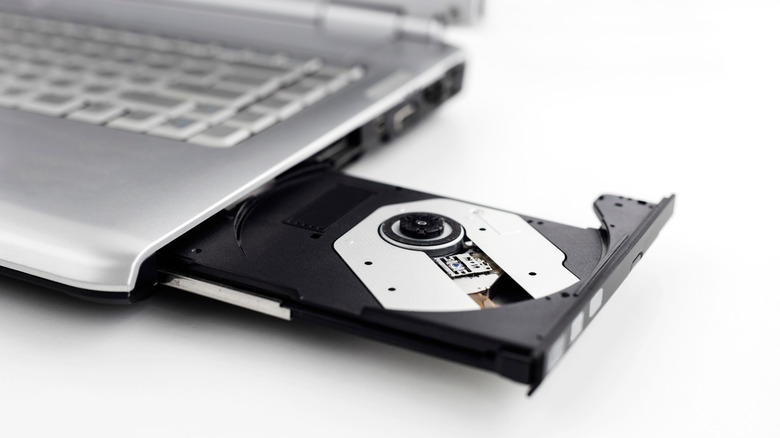
While optical discs are pretty robust if you handle and store them correctly, every time you do, there's a chance of damage. Things can go wrong, so while it may sound counterintuitive, one way to preserve your discs is to minimize how much you actually use them. For some titles, like a movie you watch once every year or so, this is a non-issue. But some people have comfort shows (e.g., "King of the Hill" or "Friends") where the discs get a lot of play time. If you've ever seen these types of sets in used condition, it's clear they got a lot of love.
One option is to use software such as HandBrake or MakeMKV to create digital file copies of your disc. Using software like Plex or Jellyfin, you can create your own personal streaming service. You control the quality as well, so if you have the storage space for it, you don't have to compromise in the way commercial streaming services do to save bandwidth.
The actual process is simple; the catch comes from the legal gray area that making copies of your own legally purchased discs falls into. Organizations like the RIAA have stated that, in general, it's fine to, for example, rip your music CDs to use with your MP3 player. However, in many regions of the world, while making backups of your own disc is legal, breaking copy protection on discs that have it isn't.
Monitor your discs periodically
I have some of the best sci-fi movies ever made in my DVD and Blu-ray collection, and they certainly look great displayed on my shelf, but how do I actually know that the multiple editions of "RoboCop" I own are still in working condition?
If you're storing discs long-term, you need to test them from time to time to ensure everything still plays correctly. Even if there's nothing visually wrong with your discs to the naked eye, there may still be playback issues. It can always be an issue with your player, but that's easily determined by trying a problematic disc in a different player to see if the issue comes along for the ride.
If you have discs in your collection that you haven't watched yet, make them a priority. Manufacturing errors can happen, and you have a limited window to return and replace defective discs. In some cases, defects affect an entire run of discs, and the manufacturer may offer a disc replacement program. However, these programs also don't last forever, so make a point of watching each disc you want to keep in your collection at least once, and then again every few years.
Avoid disc polishing if possible
If you've ever rented DVDs or Blu-rays from a video rental store (remember those?), you'll probably have seen a disc-polishing machine. These disc-resurfacing devices remove scratches from the data side of a disc by removing a thin layer of the disc itself.
Every time you put a disc in the machine, it removes layers of polycarbonate a few microns thick. CDs and DVDs can withstand more cycles before you need to buff the data out, compared to Blu-rays. But then, Blu-rays are more scratch-resistant in the first place.
Disc polishing should be used only as a last resort for a scratched disc that no longer works properly. The chances of something going wrong are higher with older discs, such as decades-old retro console games. These can be quite valuable, and there's always a risk that the disc polishing process will permanently destroy any disc, especially if you keep repeating it, hoping to buff out a deep scratch. The practice of resurfacing certainly has its place, and it can rescue some more badly damaged discs, but tread carefully when it's a disc that still works and can't easily be replaced.
Inspect your disc for signs of rot
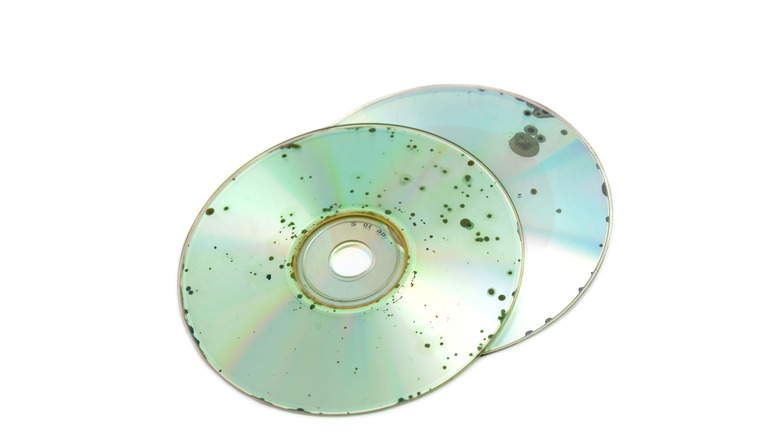
How long you can expect your discs to last depends on multiple factors, but you may have heard of the dreaded disc rot issue, where you open a disc you've had on the shelf for ages, only to see that some degradation has happened, and that it's progressing.
While the term "rot" is used to cover all of these degradation forms, there are different types with various causes. CD rot is usually the oxidation of the metal layer, which removes its reflectivity and makes the data unreadable. Oxidation can only happen if the metal layer comes into contact with air. While this can happen due to damage, it can also result from manufacturing errors.
DVD rot is usually a case of delamination, where the layers of the DVD come apart slightly, enough to disrupt reading the disc. Unlike the foggy look of CD rot, DVD rot can look like a coffee stain. Then we have the original "Laser Rot," which refers to the first optical video format: LaserDisc. Early discs are notorious for oxidization due to poor adhesives. This was a bigger issue with double-sided discs, but with LaserDisc, that's a common format. Blu-rays? The jury is still out since the format hasn't been around that long, but so far there have been no notable reports. If you have rot, that disc is lost; replace it as soon as possible.
Maintain your player to avoid disc damage
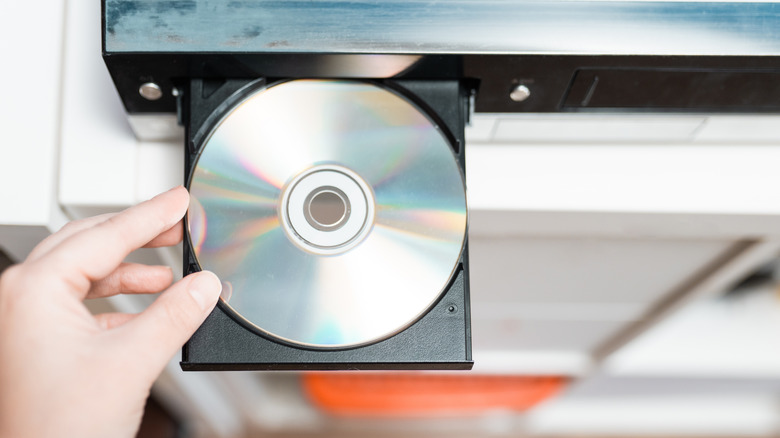
One of the reasons that optical discs last so long is that they don't wear down from playback in any significant way. It's not like a bad record player ruining your vinyl records, because there's a stylus physically in contact with the media. While it's rare, a faulty or poorly maintained disc player can damage your discs. One of the Xbox 360's many issues, for example, was how it could seriously scratch discs due to a drive design defect.
Your disc doesn't just float in space. It's spun on a motor-driven spindle, and physical forces act on it. I've personally seen discs shatter in PC drives from being spun too fast, though for a set-top player that's not a likely scenario, and the disc would already need to have some sort of damage to make this happen. That said, if your disc tray is dirty, or if there are burrs or other debris large enough to contact the disc as it spins, you could be in trouble.
Slot-loading disc drives (such as the one in the PS5) physically grab a disc and ingest it using rollers, which leaves the potential for scratches in a unit with worn rollers or with dirt. Personally, I'd first try a sacrificial disc with a player that I've never used before and ensure the player was maintained according to the manufacturer's advice going forward.
Give your burned discs special attention
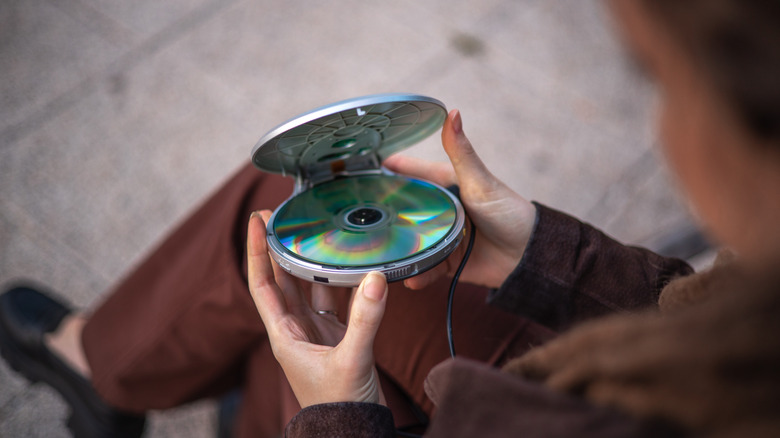
While the care and handling of both factory-pressed discs and ones you burn at home are pretty much the same, these two types of optical media work in very different ways. In a pressed disc, the data is represented by physical pits and lands pressed into the polycarbonate. In a burned disc, a layer of dye is altered by a powerful laser so that it becomes either reflective or non-reflective, mimicking the signal from a pressed disc.
It's that dye layer that creates a special situation. If a factory-pressed disc is intact, there is no reason to think it will degrade on your shelf within a time span meaningful to humans. However, the actual lifespan of these discs can be anywhere from a few years to over 200 years. It all depends on what exactly was used for the dye layer and how well the disc was made.
It's special archival-grade discs that have (predicted) lifespans measured in centuries, but an off-brand DVD-R you bought for a few cents might only last a few months, and certainly you can expect discs to start failing around the 10-year mark even for good brands. Of course, individual discs can last a very long time, but it's best to proactively make fresh copies or backups for these discs before it becomes an issue.