

5 Disadvantages Of Using All-In-One Desktop PCs

Buying a solid all-in-one (AIO) PC can seem like a smart move. With an often compact size, small desktop footprint and likely coming with everything you need to get started, they can be especially appealing to those who want a running workstation without much hassle. However, before you splurge your money on an AIO, be aware that these machines can have some real disadvantages.
Considering compactness is typically the name of the game with an AIO, this often leaves little room for upgrades, which can be especially problematic given that these machines can often be underpowered when compared to their tower PC brethren. Though their overall designs can be aesthetically pleasing, the same design may also be creating overheating problems, and repairing the device won't be easy should anything go wrong. If you decide that AIOs simply aren't right for you down the line, you may also lose quite a bit trying to sell it.
This isn't to say that a good AIO isn't worth the money, but their legacy as an all-in-one solution has certainly waned. Those considering an AIO solely based on prices should be aware there are other ways to be frugal when buying electronics. Having a machine that combines all of a PC's components into one machine may seem like an ideal scenario, but they may ultimately create issues that a tower PC could have easily solved.
Upgrades are difficult
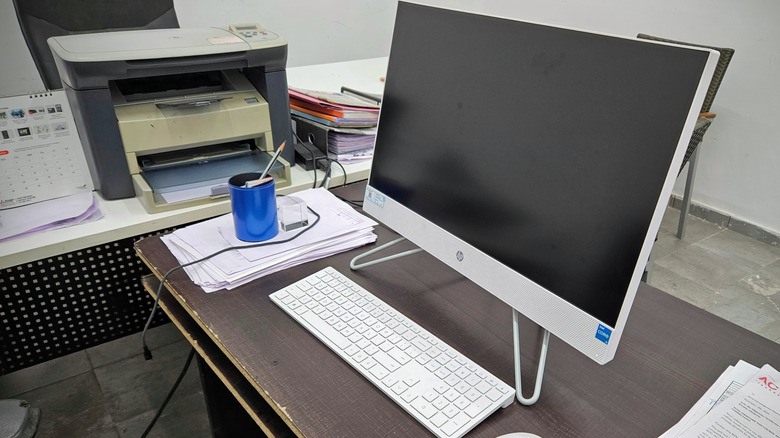
When you first purchase an AIO, you may initially appreciate the components inside the machine, but if you ever decide you want to upgrade, you'll likely need to replace the entire thing. This isn't to say that every all-in-one available these days has poor specs. After all, the Dell 24 AIO includes a 6-core Intel Core 3, a 512GB SSD, 8GB of DDR5 memory, and a 23.8-inch touchscreen display. For everyday users, this is likely fine, but if you want to upgrade something like the CPU, you're sunk.
That said, not all modern AIOs are entirely incapable of being upgraded, but options may be limited. Going back to the Dell example, the memory and storage can be upgraded, but that's about as far as it goes. Not only does this potentially leave you trapped with the specs the machine arrived with, but if anything goes wrong with a specific component you won't be able to potentially replace it yourself.
If you build your own machine or go with a tower PC, you can pretty much customize the machine to whatever your motherboard is capable of supporting. If you have any interest in upgrading your machine, checking what an AIO does support in terms of hardware upgrades may save you from having to entirely replace a machine further down the road.
They can be underpowered
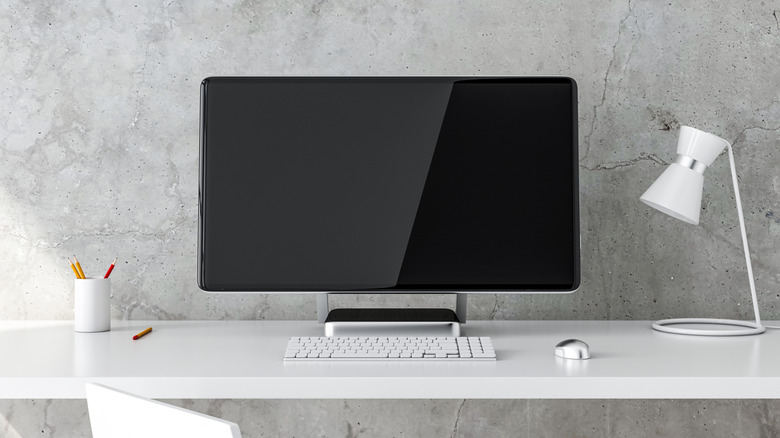
Let's go back for a moment to the Dell 24 we looked at in the previous section. While we mentioned it was good for everyday use, some may have noticed that the specs are somewhat lacking. This is because an all-in-one likely isn't going to prioritize hardware, but rather save as much space as possible. A good AIO typically utilizes a compact design, and while this is great for aesthetics and convenience, it may not be good for specs.
Of course, with tech prices constantly rising, finding any sort of deal on a tower PC or AIO may be more difficult. For example, those that look hard enough may find something like the MSI Codex R2 for about the same price as the Dell 24 AIO. The MSI comes with 16GB of RAM, an Intel Core i5 processor, and a 1TB SSD. You would have to worry about finding your own monitor, of course, but we're the type that knows plenty of affordable monitors to choose from.
If you are going to go the AIO route, it may be a smart idea to consider a laptop, as you're rather likely to get similar specs alongside the additional benefit of better portability. Those in businesses or trades that require high-end hardware may also want to consider a tower PC (or something that can more easily be upgraded). The initial convenience of an AIO may be appealing, but you might not be as satisfied once you hit the power button and see how your hardware actually fares.
They might overheat
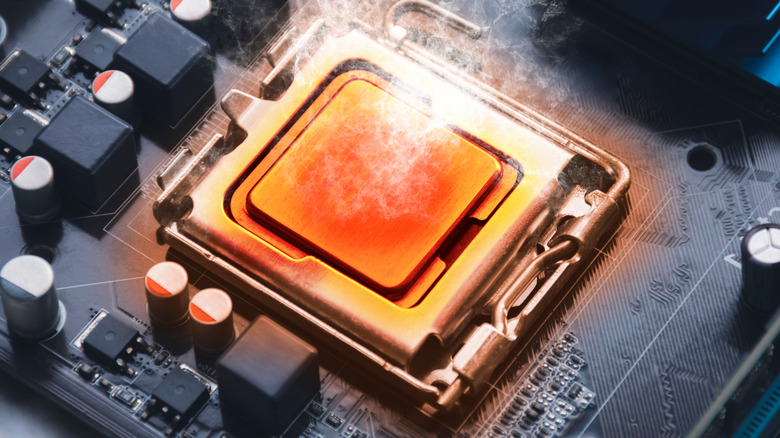
As a general rule of thumb, electronic devices aren't big fans of heat. Larger PCs can typically accommodate heat through larger heat sinks, more breathing room, and better fans. However, AIOs typically come with a slim design, which can also be an issue in terms of heating and cooling.
Along with a compact design potentially limiting the amount of active cooling options, users may also need to worry about the display. This isn't always the case, but users may also need to worry about the processor and heatsink sitting directly next to the display. Modern AIOs typically don't have this issue, but some AIO models might still be prone to screen damage under prolonged use. Additionally, AIO PCs that rely on active cooling may also need their fans cleaned more frequently due to narrower airflow paths and quicker dust accumulation.
Of course, using an AIO doesn't mean putting up with heat until the system explodes. For starters, knowing the reasons why your PC may be overheating in the first place is a good start, and there are things users can do to mitigate the issue. For starters, keep all of your software, including drivers and BIOS, up to date, and make sure you're closing unused apps. Additionally, keep the machine in a well-ventilated area, and clean it regularly with compressed air.
Good luck repairing it
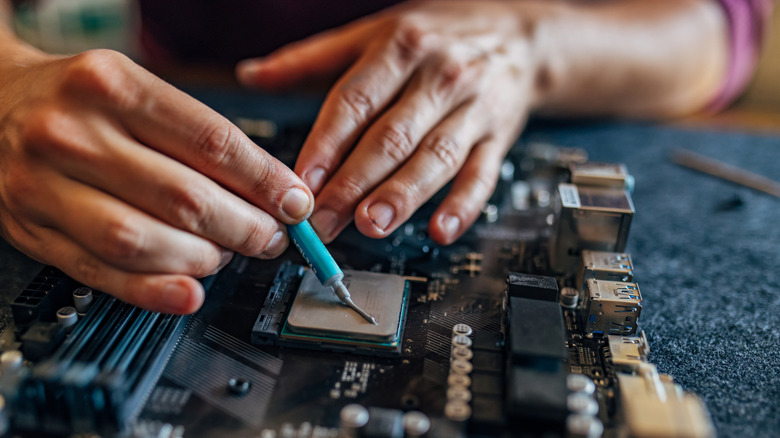
An AIO can be good for productivity, but naturally, there's little you can do with a broken machine. A perk of going with a tower PC is that you can replace components pretty much at-will, and this factor is useful for more than just upgrades. Even if you go with an expensive AIO that's built from quality parts, there are still a number of ways to easily break a computer, and fixing an AIO can often be easier said than done.
Fixing a tower PC often just means cracking it open and pulling out whatever has gone bad to replace it. With an AIO, however, the manufacturer typically doesn't build them for consumers to open and access easily. The process can sometimes involve accessing the internals through prying open the screen assembly. Even if you do manage to get it open (which might even void the warranty), it's possible that many of the parts inside are soldered directly to the motherboard, making the process even more complicated. Let's also not forget that many AIOs rely on specialty components to accommodate their slimmer profiles.
Not all hope is lost should something go wrong with an AIO, but it will likely involve sending the machine to a professional. Not only can this be more expensive than getting a typical tower PC repaired thanks to the specialized parts, but you'll also have to worry about lost time if you use the machine for work. This isn't meant to be a complete horror story, as many AIO manufacturers do offer warranties when buying a new machine.
Little long-term value
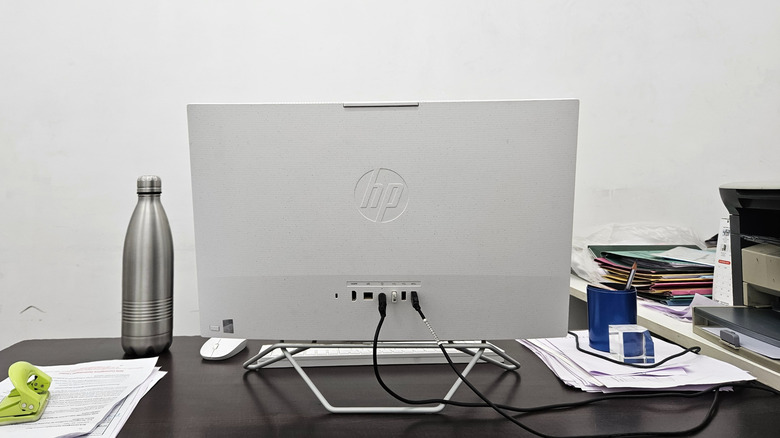
Ultimately, the true value of a PC depends on what the user gets out of it. We already explored how AIOs can be underpowered compared to other machines on the market, but another issue with these devices is that they often have higher up-front costs than their tower counterparts. Naturally, upgrading components in the machine likely won't be an option, so you'll need to buy a brand-new machine even if you're just looking to update something like the GPU or CPU. This in itself is costly, but you may also run into issues if you want to sell the device.
When it comes to selling a used AIO, the type of screen that's in the machine is going to be one of the largest determining factors for its resale value. For example, an AIO with a 4K screen is going to fare better than a 1080p display. Scratches on the screen can bring down the price, too. How many of the components can actually be replaced also matters with resale value, as does the overall thermal design (i.e., how well it stays cool).
Getting the most money back on a sale often means keeping the machine in pristine quality, while also retaining the original packaging and accessories. If you're buying an AIO for long-term use, this may not matter as much. One with good components should last between five and 10 years, but again, remember that replacing components may be difficult. However, should you decide to keep it around when you're done with it, there are still plenty of productive uses for old work computers.