

Should You Update Your Printer's Firmware?
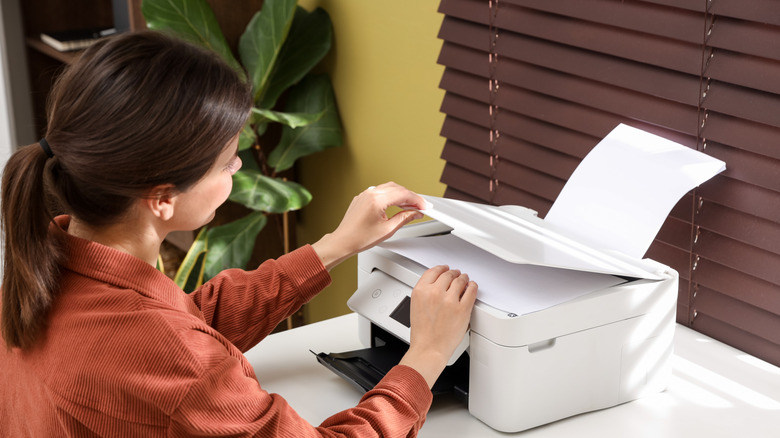
Thanks to features like Wi-Fi and Bluetooth printing, using your printer at home is a much more convenient process than it once was. However, you will inevitably get a notification prompting you to update its firmware. It seems inconspicuous at first, but if you've read accounts of fellow printer owners complaining about their devices being rendered useless due to these updates, it's only fair to question whether it's right to install that update. Considering all the fixes an update could bring, it will either benefit you or cause you trouble. In this case, it's always best to know how you use your printer and do some research on how the latest firmware will help your machine function.
Firmware updates should help your printer work seamlessly. However, one of the most common printer problems users have encountered after an update is a printer refusing to work at all. For instance, in 2025, Ars Technica shared reports from users who dealt with bricked HP printers after an update that caused several of its models to stop printing for as long as they did not have genuine HP ink installed. To get their printers to start working again, some users would have to opt into the HP Instant Ink subscription service, which some believe is a tech subscription that shouldn't really exist.
Similar cases were reported with other printer brands like Brother, Canon, and Epson. On Reddit, a user noticed their Brother MFC-J4420DW printer refused aftermarket cartridges after a firmware update, while another Reddit user reported that their Canon Pixma E560 refused to print with a manually refilled ink cartridge in use. With that, switching to recovery mode or downgrading to older firmware were discovered as solutions to unblock third-party ink, as was the case for a Redditor with an Epson XP-4200.
Factors to consider when updating printer firmware
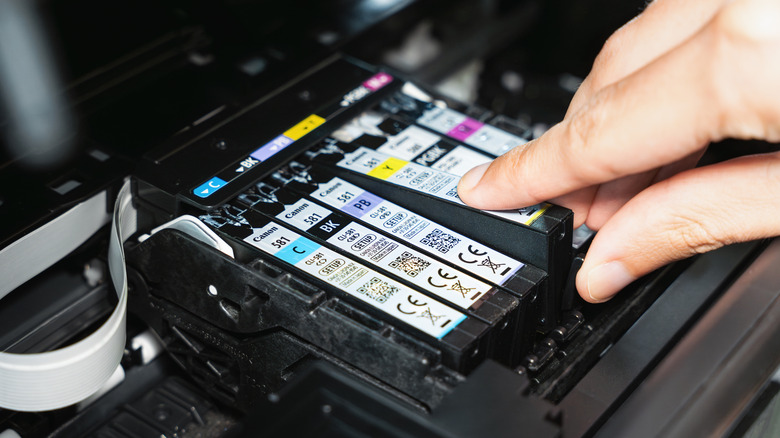
"If it ain't broke, don't fix it" — this is the general consensus for installing firmware updates on printers. If your printer works fine, or if you believe your printer may no longer function after the update, you may want to avoid updating its firmware until your printer absolutely needs it to function. With this dilemma, however, users have pushed others to switch to refillable ink tank printers, which, in the long run, tend to be cheap printers that don't make you spend a fortune on ink — saving you some frustration over other models rejecting third-party cartridges and toner.
So why are ink cartridges the common denominator leading to bricked printers? Cartridges these days have a chip installed that can identify whether they're genuine or not. A third-party cartridge may get flagged by the firmware as inauthentic, which will hinder any printing process sent by the user. If purchasing genuine ink from the manufacturer is not a viable option for you, you can try downgrading to an earlier version of the firmware, then disabling automatic updates on your device. On the other hand, if you do not have any issues with printer ink, but you experience connectivity and security issues, perhaps the next best step is to install that update. After all, printers are not exactly invulnerable to malware and cyberattacks — and if you have one connected to your Wi-Fi network, security should not be overlooked.