

10 Tech Subscriptions That Shouldn't Exist (But Do)
It may be hard to remember, but there was a time when you paid for a product like a TV or a car, and that was the end of your transaction. Unless you needed repairs, accessories, or a periodic service, you didn't have to hand over more money to the company that made the item in order to enjoy it fully.
The advent of internet-connected devices and technologies means that anything can be changed to a subscription-based model. But just because you can turn something into a subscription service doesn't mean you should.
And yet, some companies seem determined to apply the infinite money cheat of subscription models to every product they sell. Even when it makes little sense for the actual customers. What's even worse, in some cases your only option is to use a subscription. With products like Adobe Photoshop, it's no longer possible to buy a standalone copy of the app. In the case of software like Photoshop, there's an argument for ongoing subscriptions, but with these other subscriptions, there's no real excuse at all!
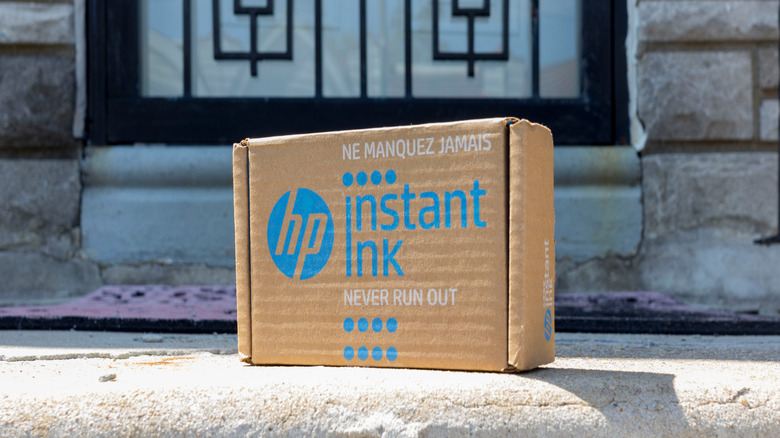
Printer ink that stops working when you cancel — HP Instant Ink
When it comes to the cost of desktop inkjet printing, it's always been a rather expensive affair. Because some inkjet printer cartridges include the print heads, you're actually replacing one of the most complex parts of the printer every time you run out of ink. With some cheap entry-level inkjet printers, you could replace the entire printer for the cost of your first set of refill cartridges.
This is why HP Instant Ink seems like such an appealing deal at first glance. Because you pay per page that you print. It doesn't matter if you print a page of sparse text or a large full-color image; the cost per page is the same. If the printer detects you're low on paper or ink, it ships refills to you at no additional cost, in time to avoid a gap. For people with very low-volume printing needs, an Instant Ink subscription might actually be worth it.
However, this service has numerous pitfalls. You choose a number of pages for your subscription, and as long as you print at or below that limit, your payments are fixed. The service does roll over a few months' worth of unused pages, but once you've used it all up, you'll be billed for every extra page, and it's not cheap. Cancel your subscription, and you'll need to go out and buy non-Instant Ink cartridges to resume printing.
Online multiplayer in games you already bought — PlayStation Plus, Nintendo Online, and Xbox Game Pass

Multiplayer video games have always been popular. Even during the arcade era, many games had two sets of controls, so players could compete against or cooperate with each other. Even arguably the first video game ever made, "Tennis for Two," is, well, a game for two people. As the home PC and console markets kicked off, playing games together on the same screen was all the rage. PC gamers and some console players even had access to local network play, where each person would get their own screen and gaming device, connected by network cables.
As the internet grew more common in people's homes, online multiplayer became the juggernaut it is today, with world-changing games like "World of Warcraft" proving people could have entire lives online. While there was some online gaming with the PlayStation 2 and original Xbox, with the next generation of consoles, an internet connection was integral to the whole design. And, perhaps predictably, console gaming companies decided to charge a monthly fee in order to play online. Not just for first-party games, but for third-party games that host their own servers and carry the cost.
Detailed readings from a wearable you own — Oura Ring
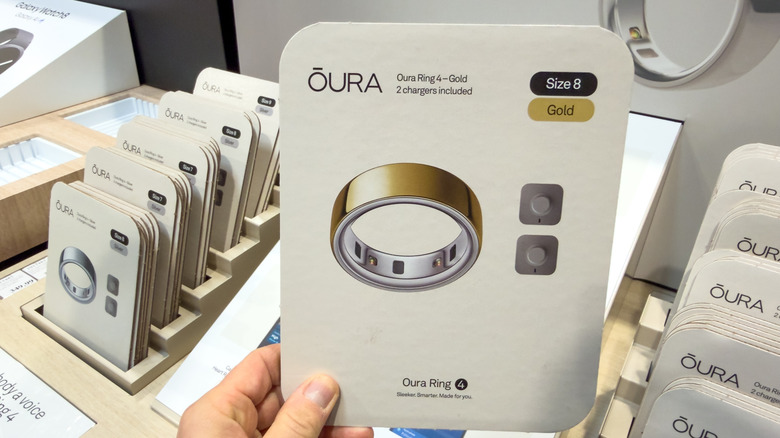
Wearable technology has come a long way. Modern smartwatches and fitness trackers keep becoming smaller and lighter while gaining more sensors with better accuracy. Now, smart rings have pushed this to the extreme, with devices like the Oura Ring 5 packing numerous health-related tracking features into its slim body. While wearing one of these rings, you can't even tell that there's something special about it.
In our review of the Ring 5, we acknowledged how impressive the device is, but lamented how expensive it was. Not only in terms of its upfront cost, but also in the (virtually) mandatory membership. This is one of the most important things to know before you buy an Oura Ring. While you may have paid a pretty penny to take the hardware home from the store, it won't do any more than the most basic forms of tracking without a paid membership.
This is somewhat egregious because the hardware was not cheap, and it's all there literally in your hands. The limitation on tracking is entirely artificial. Even if the ring itself can't do the processing of the data it collects and stores locally, your smartphone certainly could. The good news is that there are cheaper alternatives to Oura, such as the Samsung Galaxy Ring, which does not require an ongoing membership to prevent it from being a circular paperweight.
Temperature schedules for your bed — Eight Sleep Pod
A good night's sleep is fundamental to our health. Smart beds that can adapt to different needs and our sleep patterns are a great idea in principle, but locking off crucial functions behind a subscription paywall just feels wrong. Especially when the hardware was so expensive.
The Eight Sleep Pod 6 is a good example. At up to $2,999 for the largest size, this is no small investment. The Pod can heat or cool each side of the bed independently, allowing each person to have a temperature suitable to their body. The Pod learns about your sleep patterns and can make adjustments to help improve your sleep over time. Paying the membership fee unlocks a vibration and thermal alarm, sleep and health reports, and access to software updates and new features.
Locking software updates behind a paywall already raises red flags, but automatic and scheduled temperature adjustments are also listed as features of the $199-per-year subscription. In other words, when you cancel the membership, you have to make all temperature adjustments manually. All the "smart" of your smart sleep temperature controller just goes away. The Pod comes with a 12-month subscription to give you enough time to get used to these features, but being able to set a timer on a bed heater shouldn't be subscription-based, if you ask us!
Settings on a baby bassinet — SNOO
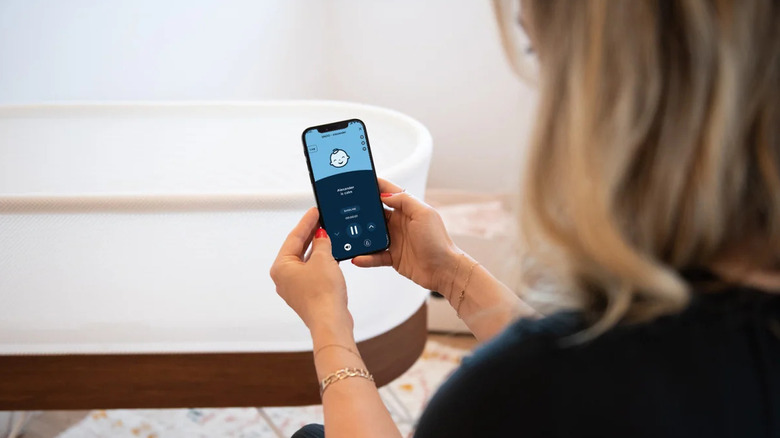
If you paid nearly $2,000 for a baby bassinet, you'd hope that you're getting everything the hardware can provide for that money, right? The SNOO is a smart bassinet designed to help babies sleep for longer. The website promises an extra two hours of sleep, which weary parents will apparently pay any price for. Who could blame them?
There are two sets of features that come with this bassinet. Everything is controlled through the Happiest Baby app, and those who aren't paying a subscription get remote operation, volume adjustment for the soothing sounds it can play, and motion limiting for the rocking feature. Pay the monthly fee of $19.99, and you unlock features such as Weaning mode, Level Lock, responsiveness adjustment, and changing the level of motion at the start of the cycle.
People who rent a SNOO or who are original buyers get premium access in the price, though it's just nine months' worth for those making an outright purchase. Used buyers are on the hook if they want those extra features. What makes this subscription plan so egregious is that we're not talking about some advanced AI behavior analysis or sophisticated cloud-based reports. This is pay-gating basic hardware features on an already-expensive device. It's also extra problematic that it's aimed at parents desperate for just two more hours of rest.
Parental controls on your own router — TP-Link HomeShield
Home network routers are effectively small specialized computers with a CPU, RAM, and storage. Modern units can do far more than just route network traffic. They can run applications to perform network services for you, like a media server or a VPN. Router makers have applied this capability to security and privacy as well. So now you can get ad-blocking and malware prevention directly on your router too.
TP-Link's HomeShield feature has a basic free tier that allows for security scans and malware protection, but the parental controls that are thrown in for free are quite rudimentary. You can set time limits, activate safe search settings, and do some web filtering.
However, for $17.99 a year, those parental controls expand to allow for custom bedtimes and online access schedules. It also shows you detailed tracking information about the apps your children use and how much time they spend on them. As far as we can tell, there's no reason these have to be paid features, since they can all run and work on the hardware you already bought. It might not be a large amount of money in the greater scheme of things, but all of these unnecessary subscriptions add up quickly!
Reviewing footage from your own doorbell — Ring
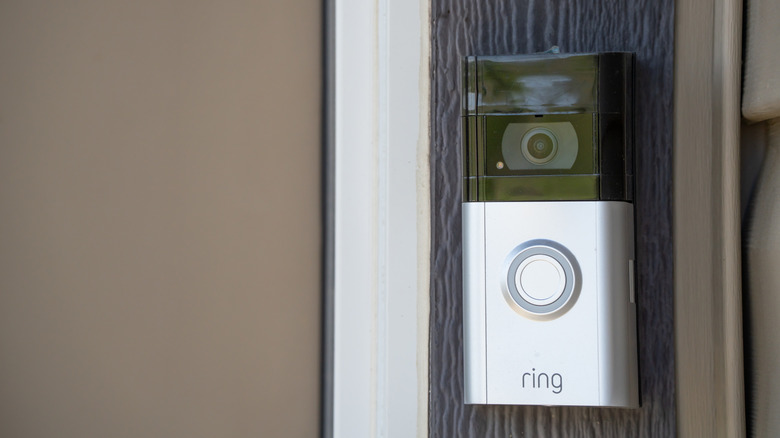
Video doorbells have revolutionized how we deal with callers at our front doors, allowing you to screen people (no more soliciting!) and talk to whoever is ringing from anywhere in the world. That last one has certainly helped a lot with package deliveries when no one's home. The footage these cameras capture has also become an important security asset and can play a key role in insurance claims or help authorities track down suspects.
However, if you're a Ring customer, you'll have to pay a monthly subscription fee to see anything other than the live feed from your camera. If you want to store, review, and save video, then the only way is to pony up. Ring cameras have no local storage options at all. Even though it would have cost very little to include an SD card slot, other video doorbells offer local storage.
Saving money isn't the only reason to want local storage. Luckily, there are several Ring camera alternatives that may even save you money in the long run for those that don't require a subscription to access the features you need.
Starting your car from your phone — Toyota Remote Connect
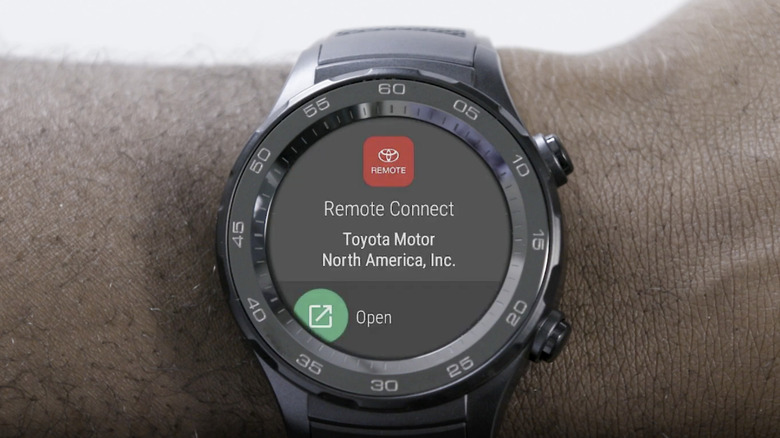
A modern car has more in common with a smartphone (or a smart fridge) than the first cars that rolled off Henry Ford's assembly line. Some offer a remote start feature where the car will start its engine after being sent a command from a remote. Toyota's Remote Connect feature lets owners of compatible vehicle models operate the engine, lock or unlock doors, and check certain vehicle data with their smart device.
Unless your Toyota comes with a complimentary trial, you'll need to cough up $8 a month in the U.S. To be fair to Toyota, the system uses cellular connectivity, and so there is a cost to maintaining the system and infrastructure. However, we live in the age of numerous connection options. Surely there was a way to offer car connectivity that doesn't rely on a Toyota-specific internet connection?
It would be nice to see options where you can provide your own data plan, or use a local Wi-Fi or Bluetooth connection when in range. This is an example of a feature that didn't need a subscription as its only model, even if the paid version of app-based remote start can justify why it costs money.
More horsepower from hardware already installed — Mercedes-Benz Acceleration Increase

A long tradition in the world of cars has seen enthusiasts tune engines to produce more horsepower than the car was rated for from the factory. This "tuner" culture led to entire industries that did more than tweak an existing car's carburetors or (later) reprogram its ECU; they offered aftermarket parts to increase the grunt of the vehicle's power plant.
Well, it seems some car manufacturers are cutting out the middleman and simply charging their customers directly to unlock extra horsepower from the vehicle they already own. This is exactly what Mercedes-Benz did in 2023 with its "Performance Acceleration On-Demand Upgrade" for EQE and EQS vehicle customers. This over-the-air upgrade adds between 60 and 80 horsepower depending on the model and, to be fair to the company, it does sell this as a one-time upgrade.
However, the lifetime upgrade costs between $1,950 and $2,950! Luckily, you can opt for a more "affordable" subscription of $60 to $90 monthly, or $600 to $900 annually. Remember, this is simply a piece of code in the vehicle being toggled to lift the artificial limit on vehicle performance. If nothing in the vehicle has physically changed and it's already built to safely handle that level of power, the additional fee feels greedy rather than innovative.
Hardware-accelerated transcoding — Plex

Plex is for hosting your own video content and streaming it to your own devices. Most people should be perfectly happy with the free tier's functionality. Most premium features behind the Plex Pass subscription are aimed at enthusiasts. This includes advanced server telemetry and monitoring, for example.
Remote streaming, which lets you access your self-hosted content from anywhere in the world, is also part of Plex Pass, as well as a separate, cheaper remote streaming subscription. It makes sense for this to cost money, because Plex has to facilitate this external connection using its cloud infrastructure.
However, the "hardware-accelerated transcoding" feature is also locked behind a paid subscription. This is where a special microchip in your server's CPU or GPU re-encodes video in real time when the client device can't handle the original file's quality or format. In most cases, Plex can simply "direct stream" the video and the target device can deal with it, but in those rare cases where this can't happen, transcoding is essential. Making this feature a subscription feels wrong, because the hardware is yours and Plex costs nothing to use.