

4 Disadvantages Of Using Thin Laptops
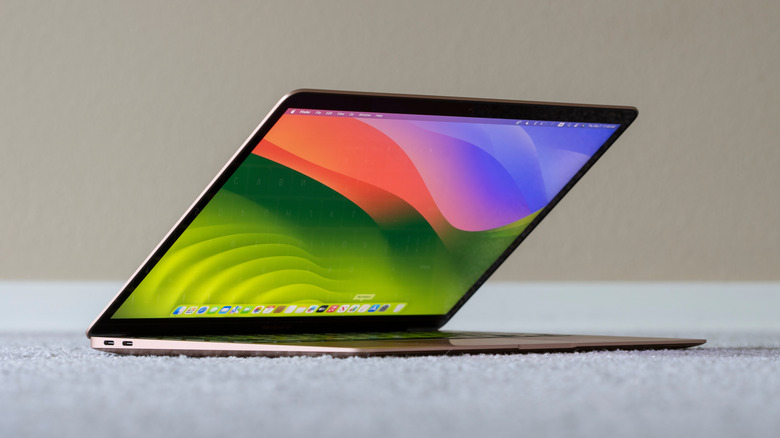
Thin and light laptops are generally appreciated for their ease of portability and minimal aesthetic. That's why offerings like Apple's MacBook Air are incredibly popular, and pretty much all major laptop brands have at least one ultra-portable or thin laptop in their portfolio, if not more.
However, there are several areas in which manufacturers have to compromise to manage the slim form factor while designing a laptop. For example, thin laptops don't always get the best cooling or the best port selection. There can also be ergonomic disadvantages.
While these compromises can be worth it considering the ultra-portable advantage for some, others might not feel the same way. If it's the first time you're shopping for a thin laptop, it's important to consider exactly what these compromises are, and whether they might be a deal breaker for you. Then, you can decide whether you want to stay away from a thin laptop or embrace it.
Limited port selection
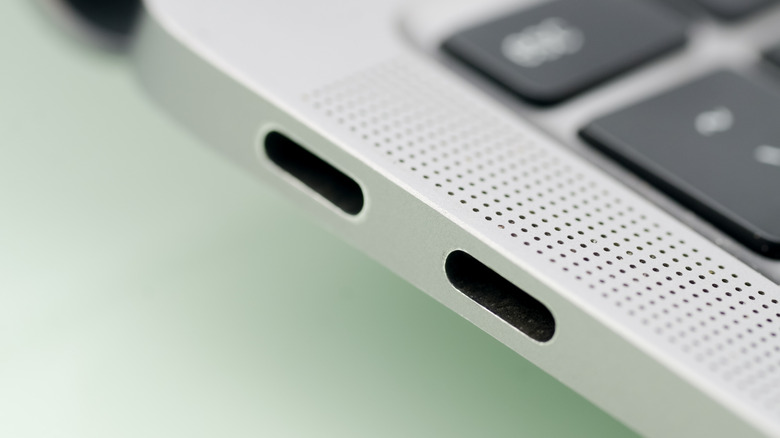
Port selection is one of the most important things that you're forced to compromise on with a thin laptop. Because of the limited chassis space and thickness, manufacturers typically only include a few ports. For example, the MacBook Air (M5) only features two Thunderbolt 4 ports and a 3.5mm audio jack, which you can use to connect different devices. Similarly, MacBook Neo has two USB-C ports and a 3.5mm audio jack.
Windows competitors, like LG Gram 16 and Lenovo ThinkPad X1 Carbon, fare slightly better, with two additional USB-A ports and an HDMI port. Still, the selection doesn't compare to regular-sized laptops, which also often have an Ethernet port, a card reader, and more.
As a result, if you get a thin laptop, you might be forced to rely on USB-C hubs or docking stations to meet your port needs. This is not only an extra investment, but also complicates your laptop setup and requires you to carry another device with you.
Inadequate thermal management
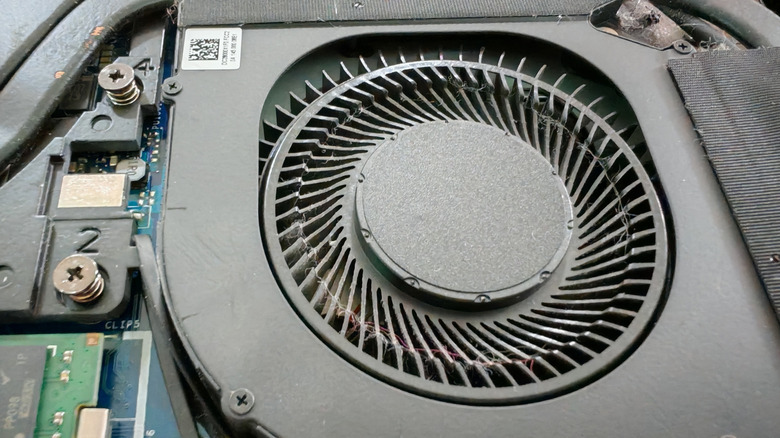
Thin laptops often suffer from poor heat management because, due to space constraints, manufacturers only include basic cooling technologies, such as a tiny fan, and in few cases, no fan at all, such as in Apple's MacBook Air. As a result, when the laptop is dealing with heavy workloads and intensive tasks, the built-in processor can heat up, and in order to keep the temperature in check, the laptop is forced to throttle its performance.
This means you aren't able to get the most out of that processor when you need it. While an external cooling pad can help bring the external temperature down, it's not much help for cooling internal components. As a result, you don't really have any real solutions to deal with this.
While for a home user using the laptop for basic office apps, watching content, and browsing the web, this isn't really a problem, anyone planning to use their laptop for things like video editing, AI tasks, or gaming will often have to deal with throttled performance.
Battery life disadvantage
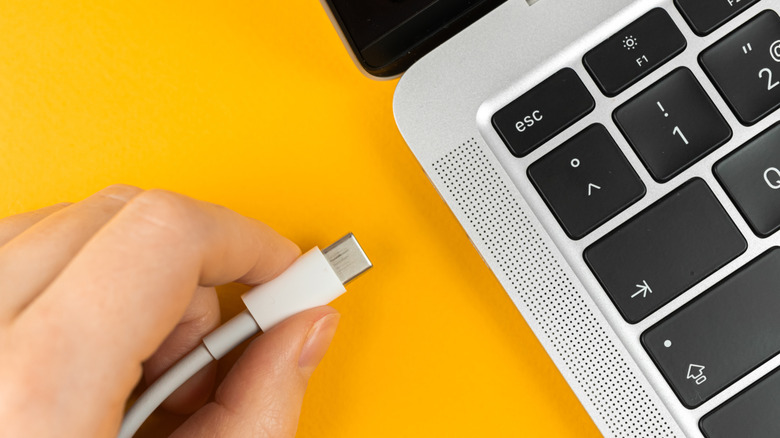
Another drawback of a thin laptop is its smaller battery, as there's simply less space inside the chassis to fit a bigger one. As a result, you get less battery life than standard-sized laptops.
One good example to showcase the disparity is the comparison between the battery life of the Apple MacBook Air (M5) and MacBook Pro 14-inch (M5). Apple claims that the Air can last up to 18 hours on a single charge for both 13-inch and 15-inch models, whereas the 14-inch Pro model will last for up to 24 hours, giving you a six-hour advantage.
There's no real after-sales solution for this disadvantage, and all you can do is plug in the thinner laptop more frequently to a wall adapter or carry a laptop power bank with you on the go if you aren't sure you'll get a power outlet.
Ergonomic challenges

Ergonomics is another area where thin laptops can be inferior compared to their standard-sized counterparts. For example, the thinner chassis leaves limited vertical room for key switches, which results in shallow key travel, and they can bottom out, increasing finger fatigue while typing for longer sessions.
You might also encounter sharp front edges, which can be uncomfortable for the underside of your wrist. Moreover, the keyboard deck and surrounding area on a thin laptop is more likely to warm under sustained loads, thanks to the laptop's aforementioned limited thermal management, and the resulting trapped heat pushing towards the area around the keyboard.
You can mitigate some of these ergonomic challenges by using a laptop riser or cooling pad or a different keyboard. You can add laptop wrist rests to help deal with sharp edges. However, as a laptop is a device to be carried around, and you're likely getting a thin and light option for its portability, it'll be trickier to carry the complete setup around with you.