

Your Password Manager Can Do More Than Store Logins - Here Are 4 Features Worth Using
Modern password managers have become a very important part of accessing the internet. The huge upswing in cybersecurity breaches and targeted online fraud has made password managers a must. Websites and apps have accordingly made password requirements stricter than ever before, and the days when single phrase keywords, numbers, and special character combinations were used are over. Keeping track of many increasingly complicated passwords has become so onerous that it's nearly impossible to do so without the use of a password manager.
Google Password Manager and Apple Passwords are two of the most popular password managers in use today, and while it's better to use either than none, it's more advisable to use a dedicated password manager such as LastPass, NordPass, RoboForm, or Proton Pass, among others. Commercial password managers like these offer platform-agnostic support, strong encryption, and great resistance to common malware. While some of the most highly rated password managers fulfill the key role of storing and recalling passwords securely, they also offer a host of other features that can make online payments more seamless, monitor data breaches, encrypt documents, and even help with avoiding spam.
We researched some of the most popular password managers to see what they can provide besides just password management and found four common and underrated features that could make your online journey even more secure.
Secure payment information
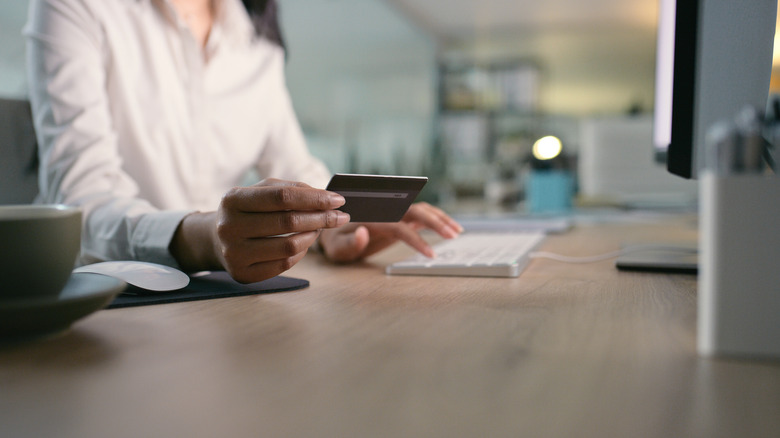
Most people are well aware that browsers such as Chrome, Safari, Firefox, and Edge prompt you to save payment information like credit card details, which can make future checkouts within online stores more seamless. While this is a handy feature, it's not bulletproof. Browsers such as Chrome and Firefox can be vulnerable to malware designed to steal payment and password information that you might have saved on a default password manager. Malware can be introduced if an attacker were to gain access to your device directly or through a compromised public Wi-Fi network.
Dedicated password managers keep this from happening by providing an added layer of security to save payment information. Details are encrypted in the password manager and can be auto-filled only once you have authenticated with the password app itself. This feature is commonly offered on NordPass, LastPass, RoboForm, and others. Dedicated password managers also give password access to trusted individuals who may need to retrieve login details should something happen to you.
Monitor data breaches and the dark web
Most dedicated password managers have built-in features that can alert you if your login credentials or payment information has been compromised. The internet is full of dark corners where illicit players can sell stolen account credentials or even credit card information.
Password managers such as LastPass continuously scan the dark web for account data matching yours, and compare it to partner databases that contain an up-to-date record of stolen or compromised credentials. NordPass offers the same functionality. You can also track where a breach originated or which website was the subject of the leak. Proton Pass also offers this feature, and can discover online breaches as soon as your data is sold on the dark web, often before companies acknowledge a data breach.
If your credentials match any of these records, an alert is sent and clear remediation steps are provided, hopefully before details could be used to commit acts of fraud. If you find yourself without the protection of one of these password managers and get hacked, do these five things first.
Encrypt sensitive documents
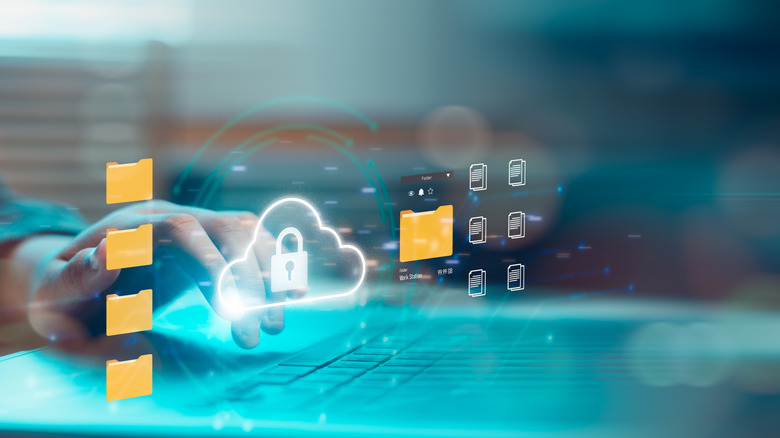
Most types of personal information are stored digitally today, and it has never been more important to safeguard these files. If you have digital documents such as health insurance information, tax documents, copies of passports, or a driver's license, you need to make sure that these files are well protected. If a hacker got access to information such as this, it could be used for identity theft. Most dedicated password managers offer the ability to store and encrypt sensitive documents such as these in a single location.
LastPass has a feature called Secure Notes that lets you safely store, organize, and access sensitive information. NordPass' online document storage has similar features, but also has the added benefit of the XChaCha20 encryption. While popular storage platforms such as Google Drive and iCloud have relatively secure storage, free accounts may not have the required protection you may need. If you want to keep using one of these, be sure to check your preferred storage platform for end-to-end encryption features and make sure you understand who holds security keys that could be used in a database attack.
Create masked email addresses
One of the most useful features that password managers such as NordPass, Proton Pass, and AliasVault offer is the ability to create email address aliases. This is useful as it will not only make it harder to link you to different accounts, but it will also help you to spot who is passing on your email address.
You can use a different alias for every account you create. By doing this you can spot phishing attempts easily. For example, if you've only shared a particular email alias for a bank account, you'll be able to spot a phishing attempt that claims to be from your bank by simply looking at the email address it was sent to.
You can spot which online service or account is passing along your information by looking at the recipient address on new incoming spam emails. If you only use a single alias on a particular account, you'll know right away where the source of the data sharing is. This will make it much harder for attackers or data brokers to target you. If you have fragmented and unconnected email addresses on all your accounts, it makes it much harder to build a profile on you.
How we chose these features
We focused our research on some of the most popular password managers out there, and looked for the most common value-adds they each provide. While we focused on the most popular ones, there are many to choose from. It's worth reviewing these eight password managers that users swear by to get a good overview of what each one offers.
NordPass stood out as the most feature-rich password manager out there, being able to fulfill the most basic function one would expect from a password manager, while offering value-adds in a lot of other areas that are not necessarily covered by other services. In addition to the services that password managers can offer, you would be well advised to check what form fields or payment info is already saved on your browser, and while doing so look into your browser's saved web cookies to make sure that your browser isn't storing potentially sensitive information.
As AI becomes an increasingly popular tool among scammers, it has never been more important to have an added layer of security in your browsing behavior. AI can be used to create pixel-perfect renditions of just about any type of website, but a password manager can pick up spoofed websites much more quickly. If you happen across a spoofed website, your password manager is unlikely to auto-fill log-in credentials if the URL of that site doesn't match the original website in its records.