

11 Things You Should Know Before Buying A Used Android Phone
Over the past few years, smartphones have become a lot more powerful and, in turn, noticeably more expensive. Even some mid-range smartphones carry high price tags that feel hard to justify. That's why many budget-conscious buyers opt for used or pre-owned smartphones. You can get some superb deals on premium smartphones and enjoy modern features at a much lower price, but buying used Android phones isn't always easy or risk-free. It ends up being a great deal only if you know what to look out for. You may come across a used phone that looks fantastic on the surface but has issues you'd notice only after making the purchase. Before getting too excited and squandering your hard-earned cash, make sure you don't overlook crucial checks.
No need to worry, though. We'll walk you through some basic steps that will help you avoid making costly mistakes and enjoy a great after-purchase experience. From hidden software locks to internal issues, we'll cover 11 important things that everyone needs to know before buying a used phone.
1. It's important to verify the seller and warranty options
When you're planning to buy a used smartphone, the first important step is to research the stores and sellers you're planning to buy a used Android phone from. While there's no shortage of options, it's important to select only trusted, reputable sources to better avoid scams or other issues. Check vendor reviews and ratings before making a purchase to stay on the safe side. Proceed only with trusted providers with a good track record and verified ratings, such as well-known websites and certified refurbished stores. They are likely to offer you genuine products and good after-sales service. If you come across sellers with no reviews or few ratings, it's better to skip them instead of regretting doing business with them later.
Additionally, when you're buying a used phone, don't hesitate to ask about the return policy or the remaining warranty on the phone. A solid return policy is one of the strongest indicators that a seller has confidence in their product quality. It also suggests the seller has a good refurbishment process. If the seller tries to avoid any questions about returns or warranties — or tries to satisfy you with vague responses — consider it a red flag and don't proceed with the purchase.
2. Checking the IMEI status says a lot about the phone
Once you've found a verified seller and selected your phone, the first thing you need to do is dial *#06# to check the device's IMEI status. Running a quick IMEI check will tell you a lot about a phone, namely whether it's been reported lost, stolen, or blacklisted by the carrier. Some smartphone owners sell phones and then immediately report them as lost or stolen to claim insurance. This isn't very common, but such tactics still exist in the used smartphone market. It's better to cover basic checks than to get yourself in any trouble. Also, keep in mind that if a device is blacklisted, it may not work on cellular data, or at all.
If you don't check the IMEI, you risk unintentionally buying a lost or stolen phone. Beyond being inconvenient, this could have legal ramifications down the line. Checking a smartphone's IMEI will also help you confirm its specs and authenticity. If the seller's documentation doesn't match the details as described on the phone, it could mean the seller isn't being upfront about the device's history. When doing IMEI checks, make sure you don't rely on screenshots. Run the IMEI yourself and verify all details. Besides being an essential step when buying a used phone, it's also a great way to safeguard your wallet and peace of mind.
3. Some refurbished phones are worth avoiding
Not all refurbished phones are worth buying. Some refurb listings could be former company or enterprise devices that were originally issued to businesses, schools, or other organizations. Such phones are frequently enrolled in Mobile Device Management (MDM) programs, which can prevent you from using certain features even after a factory reset. This is just one way that pre-owned phones can have hidden restrictions or disabled features that aren't obvious at first glance. When such limitations apply, devices often have a lower resale value than you'd expect.
It's worth going for certified refurbished programs with transparent return policies. Make sure to always ask sellers about device history, including who the previous owner was and the device's de-enrollment status. If you see any messages like "automatically configured," the phone is likely MDM-locked. In such cases, ask the seller about de-enrolling it and request proof once it's done.
It's also crucial to verify carrier unlock status to make sure a phone isn't tied to a specific carrier. If it is, you won't be able to switch to better deals or use local SIMs while traveling abroad. As a result, you could end up paying high data roaming fees or get stuck with a device you can't use. A quick way to check if a phone is unlocked is to insert a SIM from another carrier and see if it connects.
4. A factory reset doesn't guarantee an unlocked phone
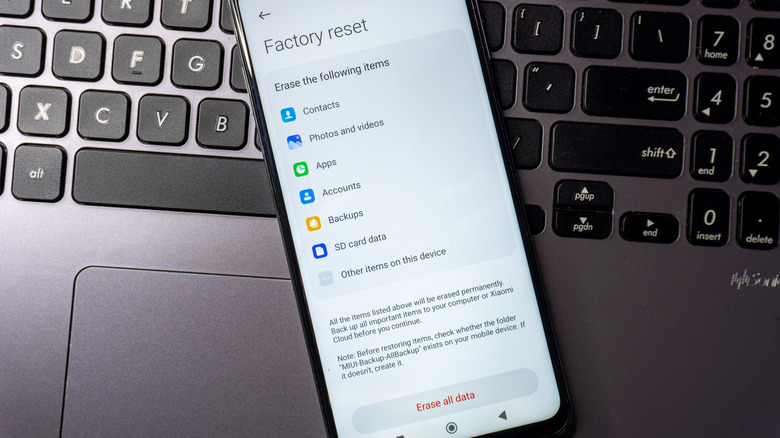
Many people believe factory resets restore phones to like-new condition — no downloaded apps, files, photos, or anything else. However, that's not exactly the case. Yes, factory resets erase local device data, but they don't always remove security mechanisms or account locks. On an Android smartphone, Factory Reset Protection (commonly known as FRP) is a built-in security feature to prevent unauthorized access if your phone is ever lost or stolen.
Resetting an Android phone does not remove the FRP lock, so even post-reset, it could still be tied to the previous owner's Google account. When you turn on an Android phone after a factory reset, it will ask you to enter the original Google account email and password to complete setup. If you don't have those credentials, you can't fully activate the device.
Even if a used phone appears clean or fully reset, it may still not be worth the purchase. Why? Because Android features like Play Store access, cloud backups, and even some system updates depend on Google account access. Before handing over your money, we strongly recommend ensuring the phone isn't locked to any prior Google accounts. To verify this, you can try logging in with your Gmail account or go to Settings, then Accounts, and check that there are no accounts linked to the device.
5. Battery health is more important than you think
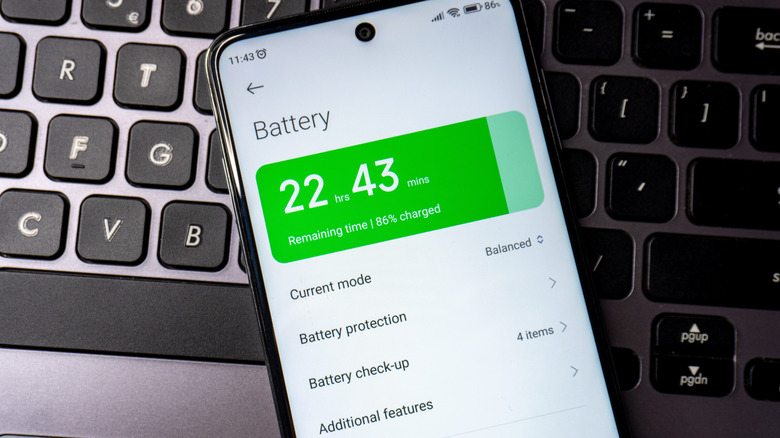
Some used or pre-owned smartphones have internet connectivity issues that are difficult to notice at first. A smartphone's battery is one of its most crucial components, but it does degrade with age. If a phone's battery health is low, you may experience several issues that hamper everyday use: poorly held charges, sudden shutdowns, and performance throttling. You can avoid these issues by checking the battery health of the phone you're planning to buy. That will give you a fair snapshot of the battery's overall condition.
You can easily check battery health on any iPhone right in the Settings app. But on Android, things are different. You have to use dialer codes or download third-party tools to uncover an Android smartphone's battery health. Luckily, though, you can ask sellers to show you battery health. Anything between 90% to 100% indicates robust battery life, while 80% to 90% is average. If your used battery is below 80%, just know that you'll soon need to replace it. Don't forget to test your device's charging port (and other ports, if available) to ensure it works.
6. Software support can make or break the deal
Used phone buyers often care about the makes and models of their prospective devices, but few look into software support. Software support policies vary between Android phone manufacturers. Samsung and Google both offer up to seven years of software updates on eligible models, while OnePlus provides four years of OS updates. Motorola includes two to five years of security updates with its phones, depending on the model. As you can see, not all Android smartphones are bundled with the same degree of software support. Based on support policies alone, Google and Samsung are among the best options if you're concerned with keeping your Android device safe and up-to-date for a long time.
The remaining software support duration on a used phone impacts its value and performance. For phones with generous software support windows, you'll have free access to Android OS updates within the specified time frame. Besides adding new features to your phone, software updates also tackle bug fixes, security patches, and hardware optimizations. Each of these adjustments plays a vital role in maintaining a device's overall functionality and longevity. When selecting a pre-owned phone, make sure you choose a model that can still receive software and security updates. That way, you won't be taking home an obsolete phone.
7. Some smartphone damage isn't visible
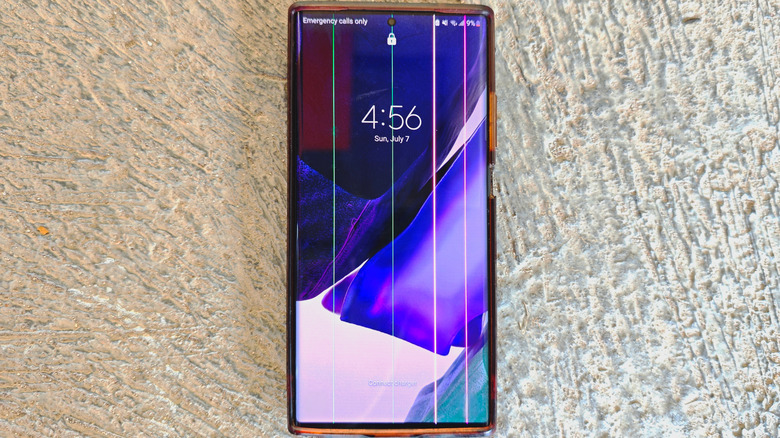
Most people intuitively pay attention to a phone's physical condition before purchasing it. This includes checking for cracks, small chips, scratches, and dents on the phone's display, camera lens, edges, and ports. These issues can worsen over time, so it's critical to perform these checks — but you also need to know that some smartphone damage isn't exactly visible. A used phone might look fine on the outside while concealing internal corrosion on the inside. Even a small amount of moisture within a phone can damage connectors, speakers, microphones, or charging ports. Water damage also voids warranties and can even interfere with touchscreen performance, damage the display, or cause other internal components to fail. Newer smartphones are often equipped with liquid damage indicators in the SIM trays and SD card slots, which can help you figure out if a phone has suffered from water damage.
When you're checking a phone for damage, look closely. Determine whether any repairs have been done on the phone. Replaced screens, batteries, and other components can have a major impact not just on performance, but also on display quality, battery life, and overall reliability. Knowing all of this before buying could save you from hidden problems and unexpected repair costs.
8. Original accessories and cables matter
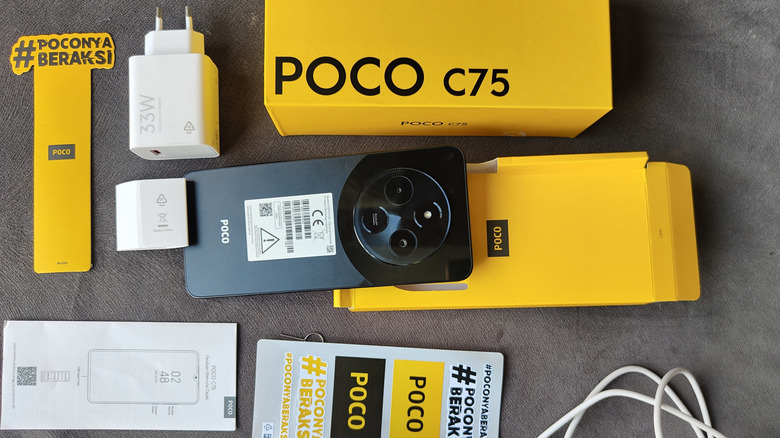
When buying a used phone, ask for the original charging cable and adapter — it does matter what charger you're using with your smartphone. Some adapters and cables may resemble the originals, but differ in build quality, power output, and safety standards. Using original charging accessories ensures safe charging and maintains battery health on your Android phone. First-party chargers are always designed per the phone's individual charging requirements. This ensures the phone receives the right amount of power, which maintains the battery's lifespan. On the other hand, low-quality or incompatible accessories can adversely impact phone performance and trigger issues like slow charging and overheating.
If a phone ships with original accessories but a used device seller isn't offering them, try negotiating the price. Manufacturer-made chargers are generally more expensive than third-party options, especially for phones with advanced proprietary charging standards. If you do have to buy charging accessories separately, be sure to factor that additional cost into your purchase.
9. Some phones run slower than their specs would suggest
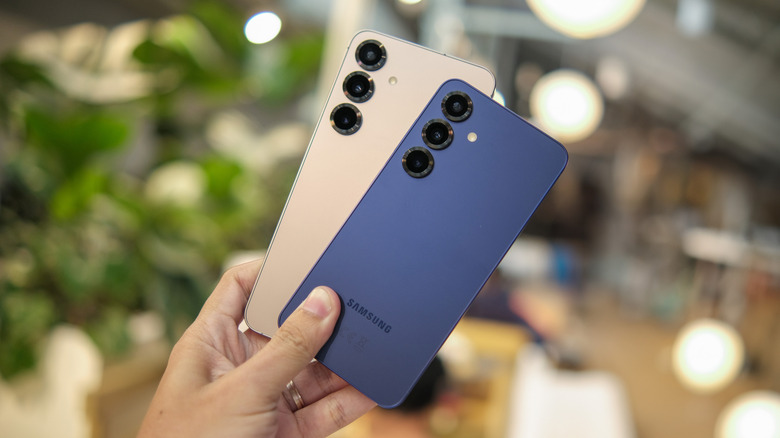
You can easily find a used phone with great specifications. That said, older devices may not actually perform to spec. Smartphones can perform noticeably slower if they suffer from aging hardware or increased software demands. As a result, tasks like switching between apps, using the camera, or playing games might feel sluggish on older device models. And that's normal. A flagship Android phone launched three or four years ago might have the best processor for its time, but it might not offer lightning-fast performance at the time you buy it. If the phone has lower RAM, for example, it might struggle with background processes and multitasking. An older battery might also throttle performance to prevent overheating. These issues wouldn't be apparent from the specs sheet, but they have a huge impact on everyday use.
Many consumers believe they need to purchase high-end models to get the most out of buying a pre-owned phone. Fortunately, that's not the case. Oftentimes, you can spot deals on budget and mid-range phones that boast impressive performance specs. A recent, mid-grade Android smartphone with a modern processor and faster storage can give you better battery life and newer features than an older flagship model.
10. Biometric features can degrade over time
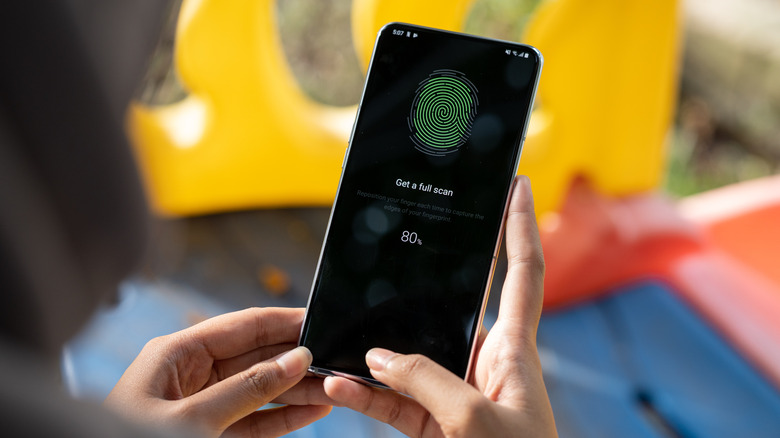
Biometric features like face unlock and fingerprint sensors rely on hardware components of your smartphone. As your phone ages or suffers physical damage, these functionalities can degrade. For instance, fingerprint sensors can become faulty due to heavy usage, shoddy repairs, or exposure to moisture. Similarly, damaged cameras or sensors can impact face unlock functions.
And that's not all. Drops or internal corrosion can cause these same features to work inconsistently, so it's pivotal to verify the biometric functions on your phone are working properly. If they do, it suggests the phone hasn't suffered severe damage impacting internal components. When biometric features don't work properly, you'll have to rely on passwords and PINs to lock your device, which are slower, less secure, and less convenient to use.
Additionally, phones with broken sensors have lower resale value. It's seldom practical to repair broken sensors given how costly it can be, so if you do come across non-functional sensors on a used device, that's a good reason to forego the purchase.
11. Simple diagnostic tests can help you catch issues
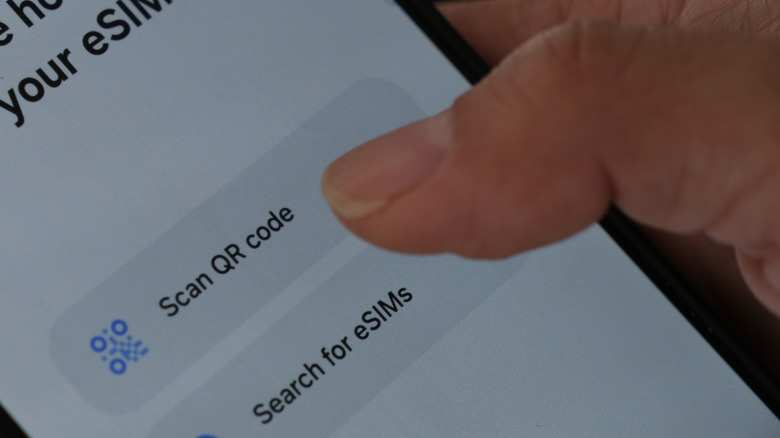
Once you've decided on a smartphone and checked its physical condition, it's time to run a simple diagnostic test to assess basic feature functionality. This check will help you figure out whether internal components like cameras, microphones, speakers, and Wi-Fi work as they should. Fortunately, it's quite simple to launch these diagnostics. You just need to follow some simple steps, and you're done. First insert your SIM card, then make a call to confirm it connects. Then load a website to see if the internet works, remembering to check both Wi-Fi and mobile data for connectivity issues. After that, play some music to see if the speaker works properly. It's also a good idea to test both the front and rear cameras. Take some shots and compare the quality output to the phone's specified megapixels.
You can also use hidden dialer codes or third-party tools to run smartphone diagnostics. These can reveal deeper issues on the phone, like CPU or battery problems. Don't forget to ask sellers to send you detailed reports of any checks they run — that way, you can catch software glitches or hardware issues that are easy to miss.