

9 Things You Need To Know Before Buying An iPad
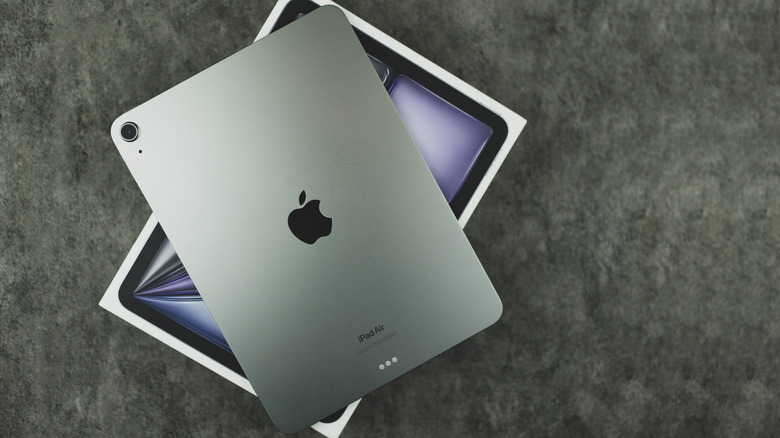
So, you've decided you're going to buy an iPad? Welcome to the family. And, once you've bought your brand-new tablet, you'll no doubt enjoy your powerful, slick, and good-looking iPadOS machine. iPads are by far the most popular tablets out there, selling more than every other kind of tablet put together, and Apple has been perfecting the formula since the first model was released all the way back in 2010.
But deciding to pick up an iPad is only the first of many decisions you're going to have to make before you've got that tablet in your hand. Which iPad should you buy, or should you get an alternative? Where should you pick up your new tablet from, and should you grab an accessory while you're at it? And, most importantly for cost-conscious buyers, can you get a discount or order perk alongside your new buy?
To help you make an informed iPad buying decision, we'll run you through nine important things you need to know about these Apple-made tablets to steer you in the right direction. These tips will help answer all your burning questions, so that buying a new device is less of a chore, and so you can enjoy a product that's the perfect fit for your budget and needs.
iPads are best enjoyed by iPhone or Mac users
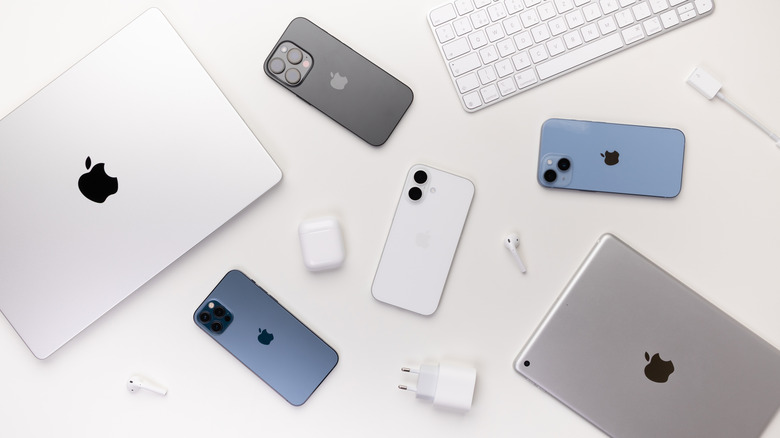
If you're still not sure whether an iPad is right for you in the first place, it's worth bearing in mind one simple fact: iPads are best enjoyed by people who are already in Apple's ecosystem. Specifically, already owning an iPhone or a Mac will help you get the most out of your new slate.
There are plenty of productivity tools that let you use an iPad with other Apple devices. For example, Hand Off lets you send tasks between your devices. (We've got a whole guide on how to control an iPad with your iPhone.) You can also use an iPad as a second display for your Mac computer or laptop in Sidecar mode, without using wires.
You don't need an iPhone or Mac to use many of the iPad's other features, and Android and Windows owners will still enjoy many of the slate's perks. But Apple has designed a whole suite of Continuity features, like the ones mentioned above, which will only work between iOS, iPadOS, and MacOS devices.
There are four different iPad families
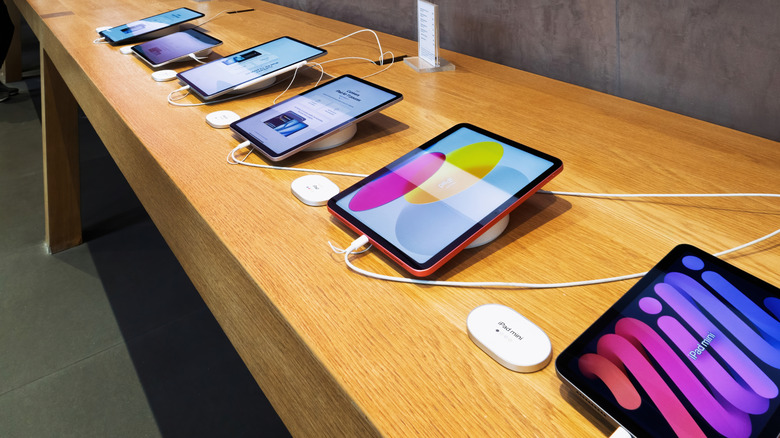
Apple sells four different types of iPads and each one is best suited for a different kind of user. We'll quote the start price, but you can generally pay more for a higher amount of storage.
The cheapest model is simply called the iPad, and its $329 price tag means that it's designed for buyers on a budget. We've previously written about how the entry-level iPad is Apple's best tablet thanks to its killer features, and it's true that these slates showcase the company's highlights at an affordable price. The slates are medium-sized, but if you want something smaller, the iPad Mini is an alternative. It starts at around $499 and shrinks the screen down to 8.3 inches, making it great for portability.
Next up is the iPad Air, which bumps up the price to $599 for 11 inches or $799 for 13 inches. These bring a little more power and improved features compared with the base model, making it great for creatives or students who don't want to break the bank. But if you've got money to spend, you'll opt for models like the iPad Pro M5. This starts at $999 for a 11-inch slate or $1,299 for 13 inches, and gives you a top-spec display as well as loads of processing power: perfect for business users.
Old does not mean obsolete (to an extent)
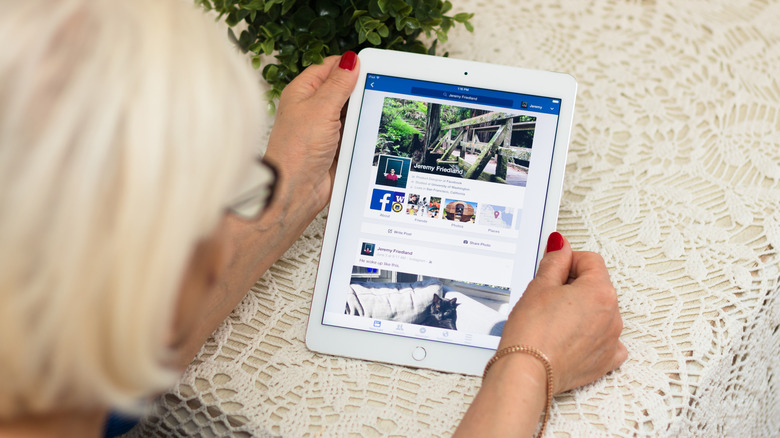
If you're looking to buy an iPad, you're probably seeing listings not just for the newest devices from the company, but for ones from previous generations too. Many shoppers wonder how long iPads last, and the truth is that you can pick up older models without much trouble, as these devices certainly don't become obsolete as soon as a new one debuts.
Many retailers still sell older iPads, often for less money than they launched for, and sometimes pre-owned or refurbished, too. Many online commenters recommend considering iPads released in the last three to four years, though some proudly tout even older models, especially Pro ones. According to users on Reddit, an iPad will reliably last for six to eight years, so it'll keep ticking for a long time even if it's an older model.
However, if you use an older iPad, you might miss out on features of newer slates, as well as compatibility with newer software. The iPadOS 26 compatibility list shows that new operating system updates can be quite exclusive, as older devices have chips that may not support the newer tools. Bear in mind too that accessories have compatibility lists, so if there's a certain peripheral you want to use, it's worth checking that you will be able to use it on an older device before committing to a purchase.
You may want to wait for a new release
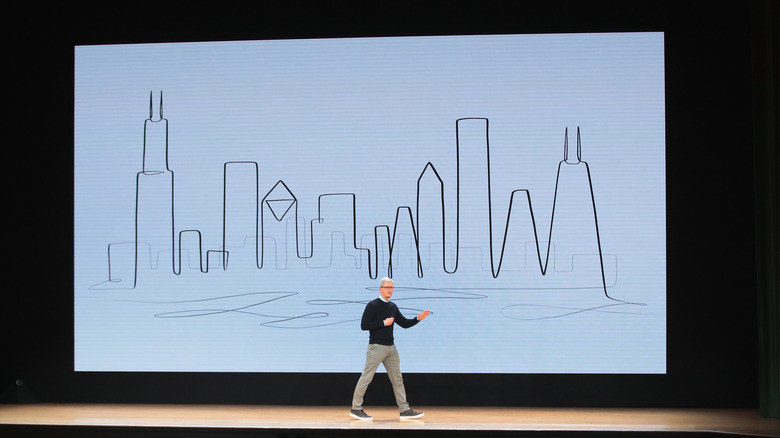
So you've decided that you want one of the newest generation of iPad. Apple's launching newer ones all the time. Because of this, it helps to know what's coming up soon, so you can buy a brand-new tablet as soon as it's released. The company doesn't give a heads-up before new ones come out, but knowing about past releases can help you predict future ones.
The oldest current-gen member of the troupe is the 7th-gen iPad Mini, released in October 2024 , though its predecessor came out in September 2021 , so we could be waiting until 2027 for a successor. The entry-level iPad saw annual releases until the 10th-gen model in 2022 and was only updated again in 2025. It's therefore impossible to say when a new device could come along.
Not so much for the iPad Pro and iPad Air; both saw new releases in 2022, 2024, and 2025, so it seems likely that new models will be released most years. In all of those release windows, the Air has usually come out earlier in the year, while the Pro came out in October in 2022 and 2025, but came out in May of 2024.
It's also worth considering Androids
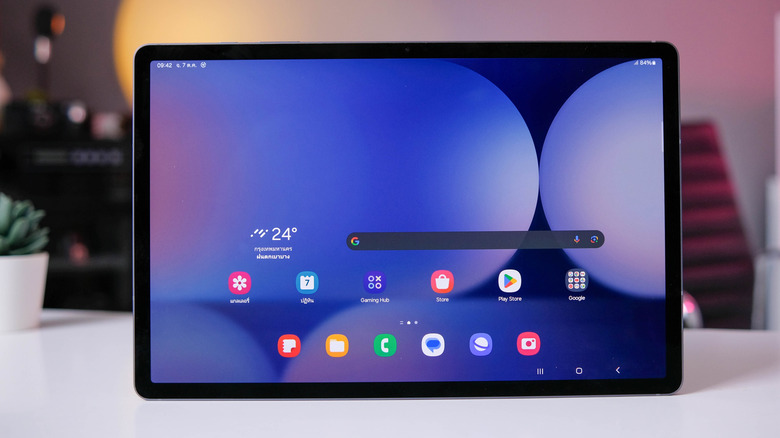
As mentioned in the introduction, iPads are the most popular kind of tablet on the market, but they're not the only ones. Plenty of tablets are released that run the Android operating system. Buyers keeping their options open may do well to keep these devices in mind, too, before making a purchase.
The two biggest tablet makers beyond Apple are Samsung and Amazon. (We've even ranked every Samsung Galaxy tablet from cheapest to priciest.) Samsung releases a broad range of slates, including super-cheap and super-premium options, while Amazon's options tend to stick to the budget side of the market, with affordable devices like the Amazon Fire 7.
You can find cheaper Android tablet alternatives to modern iPads if you shop around, as well as slates from brands like Lenovo, OnePlus, and Xiaomi,which offer unique features and tools. We've given great reviews to the likes of the OnePlus Pad Go 2, Xiaomi Pad 7 Pro, and Honor MagicPad 2 in the past, which all rival the iPad in various ways. But as the sales clearly show, iPads remain the most popular options on the market, so you're not making a mistake if you'd rather just pick up an Apple tablet.
iPad users see small but important discounts and perks
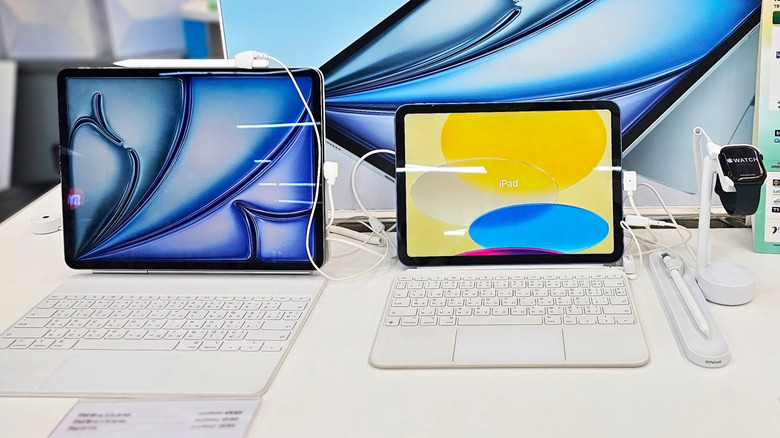
If you'd like to save money while buying your new or recent iPad, there are often temporary discounts you can find, or ordering bonuses, which can unlock new tools or services for your slate. These are recommended to keep your own costs low or help you get more for your money.
Over Black Friday, many different iPads tend to get discounted by various retailers — for example, in 2025, Amazon knocked $100 or more off some devices, and it's far from the only retailer to offer price cuts. Black Friday is always the Friday after Thanksgiving, and it takes place every year. Students can also save money all year round with Apple's Education Store, which offers devices for slightly less than their usual costs.
There are also various perks you can get when you buy a new iPad. All buyers get three months free on Apple Music, Apple Arcade, and Apple TV. These trials let you test out Apple's various subscription services to see if you enjoy them, without paying intially.
Apple's refurb program is well worth considering
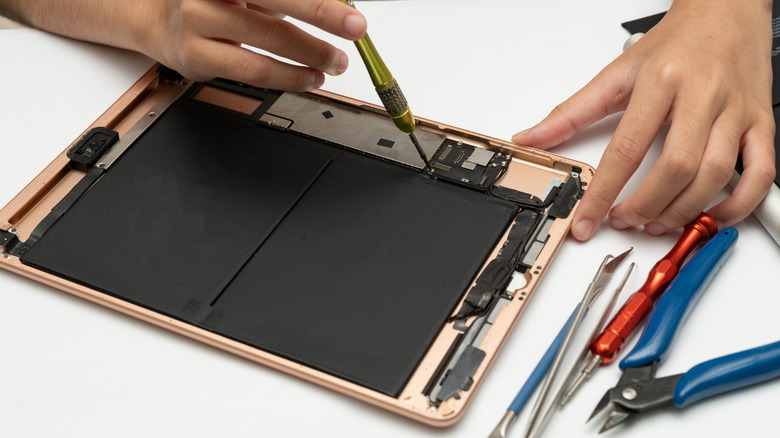
iPads aren't cheap, especially if you're buying a Pro model, but there's a way to save money on tech: buy refurbished. Apple has an entire Certified Refurbished store, offering pre-used and restored iPads at a lower price than they'd otherwise cost.
Certified Refurbished is an accreditation given to pre-owned tech which Apple has cleaned, tested, and, when needed, given replacement parts. They come with a year-long warranty and 90 days of AppleCare, on the off-chance that something goes wrong with your refurbished gadget. Online, buyers highly recommend buying Certified Refurbished; they say you can hardly tell the tech's not new, and sometimes devices work even better since they've been rigorously tested.
Other companies offer refurbished tech, too, with companies like Back Market and Reboxed specializing in it, Walmart selling Restored iPads, and Target offering its own refurbished and pre-owned devices. Many more brands sell pre-owned iPads, but if it's labelled as "refurbished," this ensures that someone's checked to make sure it still works well, giving you some extra peace of mind.
iPad accessories are a vital extra
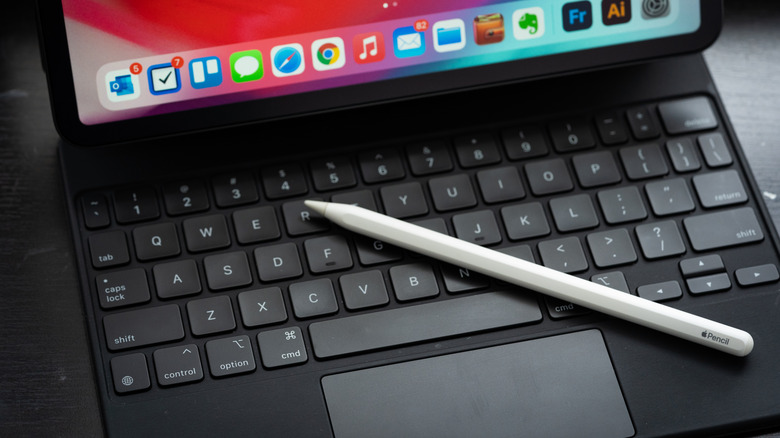
An iPad is really just a smooth, sleek slab of metal and glass that's elevated by the use of sold-separately accessories. Apple makes a few of these, and others are created by third-party companies. iPad users generally recommend getting a keyboard and an Apple Pencil straightaway.
If you've seen the three dots on the back of your iPad, you'll have an indication of just how important keyboards are to the iPad experience, as this proudly displayed Smart Connector is your ticket to various keyboard folios that work alongside the tablet. Keyboards turn your slab into a mini laptop, capable of word processing and typing, with some including mouse trackpads, too. Plus, they come with cases for when you're not using them, helping to keep your tablet safe when it's in your bag.
An Apple Pencil is a stylus made by the company, and it's not just used for sketching or handwriting notes, as there are plenty of underrated iOS features that take advantage of the Apple Pencil. They're handy for navigating, searching in fields with handwriting recognition, and notetaking, even when the tablet is turned off. There are a few different models, with your choice of tablet dictating which ones will work; Apple's site will tell you which to buy, and we've got an Apple Pencil comparison guide, so you can understand the differences.
Some retailers add iPad warranties
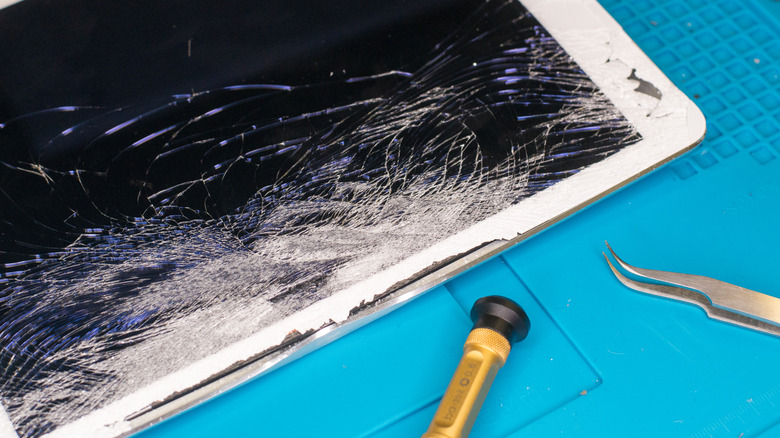
If you buy a gadget from Apple, you'll immediately have access to its Limited Warranty. This lasts for one year and covers any defects and issues — if these occur, you can get a repair from the company. However, it doesn't cover any damage from accidents or misuse of the tech.
Some retailers offer separate plans that do cover this kind of mistake, and which might be worth picking up if you tend to be accident-prone. For example, Walmart Product Care Plans include Accidental Damage Plans on portable electronics, which cover things like liquid damage and electrical failures.
If you really want to protect your new tablet, you can pay for AppleCare, a monthly subscription fee that varies depending on your tech and model. If you have AppleCare, you can get quick repairs if your tech is damaged, and replacements if it's lost or stolen. You can also get priority helpline care if you're having an issue with your gadget.