

4 Old Cables Almost No One Needs Anymore
With so many devices going to USB-C, you probably have dozens of USB-C cables, and they're worth keeping around. But USB-C doesn't cut it for everything. Devices like home theater and entertainment gear use HDMI, and computers and peripherals rely on options like Thunderbolt.
These aren't the only cables still in circulation, however. There are plenty of cable types worth keeping around, even if you don't use them as often. You might be tempted to toss your old Lightning cable, for example — but don't do it just yet, because it might come in handy for guests who still use an older iPhone or iPad. You may use wireless headphones, but it's still wise to have a 3.5 mm cable around because you never know when you might need it — there are still Android phones that come with a headphone jack, for example. There are other cable types, like microUSB, mini USB, and DisplayPort, that you should hang onto for a little while longer.
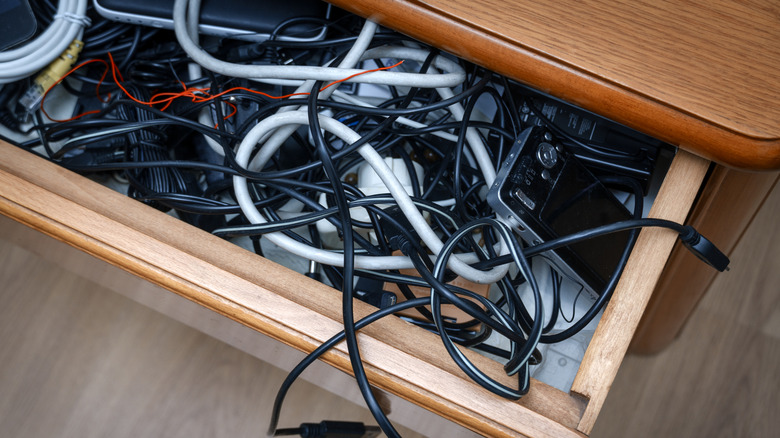
With that said, there are other cables that you can safely get rid of, because the chances are slim to none that you will ever need them again. From cables that connect to your TV or audio products to ones for your computer, smartphone, and other portable devices, it's time to purge. Reduce clutter in that "everything" drawer by getting rid of archaic cables that no longer serve a viable purpose.
Apple 30-pin connector
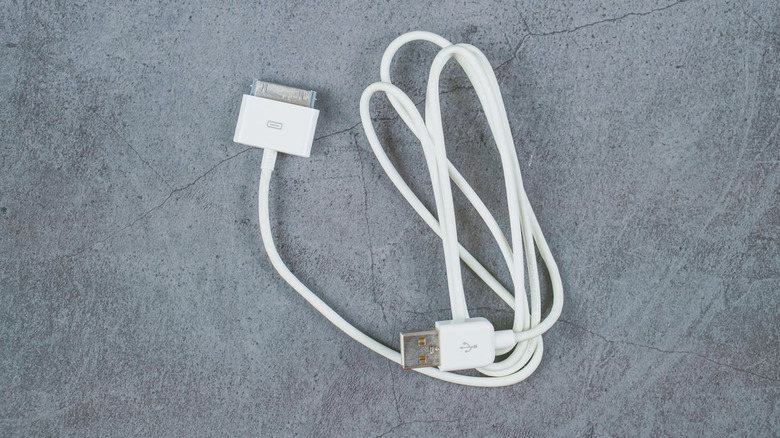
Remember when Apple introduced its oddly large 30-pin connector? It was used to recharge the now ancient and long-unsupported iPhone 4S as well as the iPad 3. Starting with the iPhone 5 and fourth-gen iPad and iPad mini, however, Apple switched to the sleeker Lightning connector — though even that is outdated now. For all models from the iPhone 15 onward, Apple now uses USB-C. So, not only is the 30-pin connector severely outdated, it only works with devices that are no longer supported anyway.
In getting rid of your old Apple 30-pin cables, you might as well also get rid of those old 30-pin docks and other accessories that flooded the market at the time the iPhone 4S was released back in 2011. The only viable reason to keep both the cables and the accessories is if you repurpose your still-functioning iPhone 4S to use it as an alarm clock or music player. Otherwise, off to recycling they go.
DVI cables
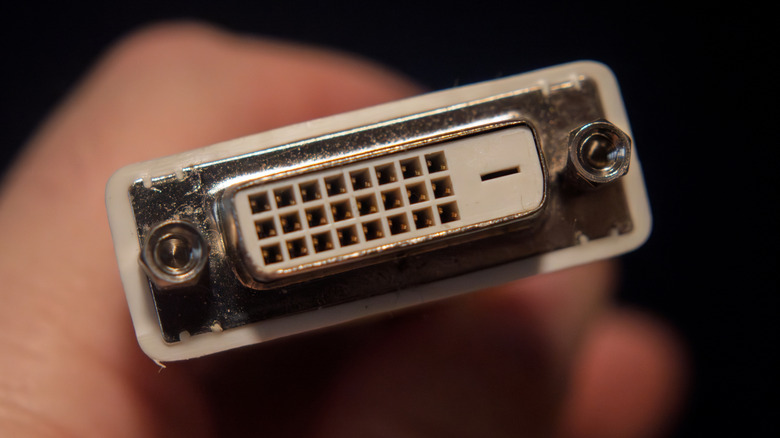
If you can believe it, DVI cables launched way back in 1999. DVI stands for Digital Visual Interface, and these cables are designed for facilitating video. However, there's no support for audio. Once DisplayPort and HDMI took over the market, with even computer monitors incorporating HDMI ports, there became no need for DVI anymore. HDMI offers the advantage of being able to handle both video and audio. It can also support high-res audio formats like Dolby Digital and TrueHD Audio, and advanced features like a 144 Hz refresh rate, especially useful for gamers.
You might still find that DVI cables are necessary in places like offices, schools, and other businesses that are holding onto legacy equipment. But by and large, for use within the home, chances are all your devices use HDMI and/or DisplayPort instead. If your PC or monitor still uses DVI, you're long overdue for an equipment upgrade. Once you do that, get rid of the archaic cables, too.
S-Video
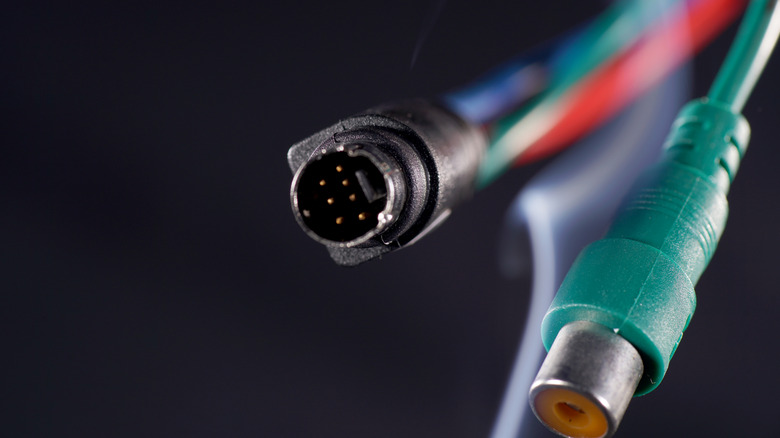
You may unearth one of those weird, circular-shaped cables from your drawer that looks so foreign, you don't even remember what it was used for. It might be an S-Video cable, an analog connector that was used back in the day to facilitate standard-definition video. Of course, the industry has long since moved to high-definition (HD) video, then Full HD (1080p), onto 4K, and even towards 8K, with some 8K TVs already on the market (though not much supporting content yet to match). Even the cheapest, smallest TVs today support at least 720p high definition.
With most TVs and other devices replacing this port with HDMI, you'll be hard-pressed to find an S-Video port on anything anymore. That goes for everything from TVs to laptops and monitors. The only reason to keep this cable is if you need it for a legacy gaming system like the PlayStation 3 or Xbox 360, a DVD player, an old camcorder, or if you somehow still have a functioning CRT TV in your home. If you've long since upgraded all those things, this cable is just wasting space.
Old wearable device cables
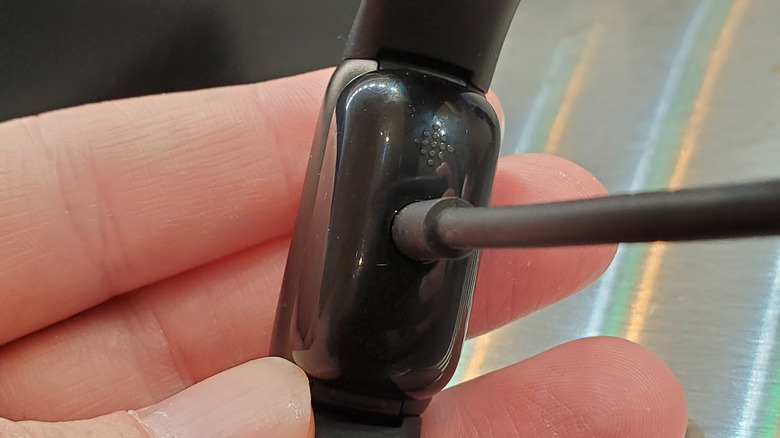
Fitbit used to launch new fitness trackers or smartwatches all the time, and they almost always came with a different cable and charging pins. If you were (or are) a fan of the brand or have been wearing fitness trackers and/or smartwatches for years, you probably have a drawer full of different cables for each of them.
Your oldest wearables probably don't even work anymore. Even many newer model wearables don't share the same charger, each with its own proprietary one. One exception is the Apple Watch, which uses a puck charger that should work across various generations of the smartwatch (albeit not at the same speeds). You're best off recycling old wearables and their charging cables and considering one of the best Fitbit alternatives or another brand.
If you're a fitness buff who has used many over the years, you'd probably be surprised with how many of these useless charging cables you have lying around that won't work for anything else. Getting rid of these cables and neatly organizing what's left using cheap gadgets that fix cable clutter can save you a lot of space and frustration. You can much more easily find the cable you need when you don't have to deal with a rat's nest of old ones you'll never touch again.