

7 Signs That You Probably Need New Headphones
You'll always want your headphones or earbuds to last as long as possible, especially if you've bought some of the best budget or expensive noise-cancelling headphones, and it's natural to take steps to protect them or keep them working for as long as humanly possible. Sometimes, though, you just have to wave goodbye to beloved tech and pick up something new.
They may be classic oldies or a recent beloved pair of headphones that've barely spent a second off your head, but there are a host of problems that can affect headphones if you use them frequently. They range from natural deterioration to wear and tear, and sometimes unhealthy habits you may have picked up. Whatever the case, these problems can mount and affect the way you use your tech, sometimes stopping it cold, sometimes just making it inconvenient.
If you've started to experience any of the following signs plaguing your headphones, it might be time to consider buying a new pair. That doesn't mean your current cans are useless: repairing them, repurposing them, or recycling them can give them an extra boost of life. But sometimes, the writing's on the wall, and it's time to pick up some new music machines.
The ear pads or headband are falling apart
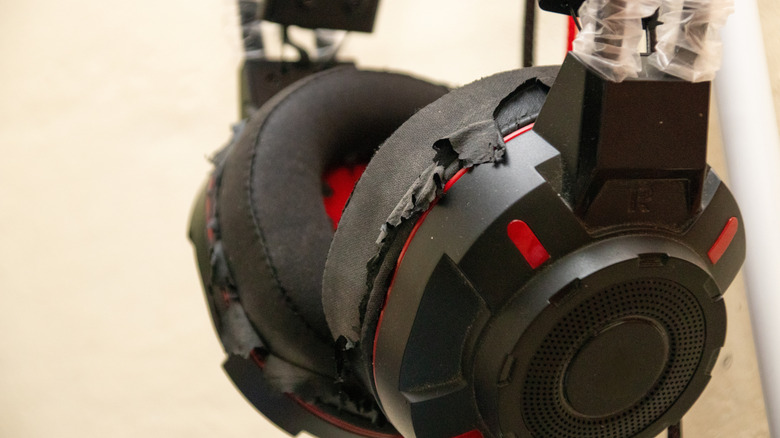
One of the most noticeable signs that your headphones are on the way out and need replacing is if there's physical damage to them. Often, the ear pads, which sit around your ears, will be the parts to go quickest. This is because sweat can damage the material due to salt and other minerals, which can ruin the softer elements of the headphones the quickest. Some useful measures keep the pads going longer, like wiping them down or using covers, but if you've found this article, it could be too late. Another part of the headphones often damaged, for the exact same reasons, is the other high-use part: the headband.
If your ear tips or headphone cups are damaged, this can be a sign that it's time to buy new headphones: not only does it affect how the device feels to wear, since it's pressed right up against your skin, but pads are important for headphones as they affect the sound quality. So you really shouldn't keep using headphones if the pads are visibly frayed or worn, or if they have lost some of their spring.
The battery life has become awful
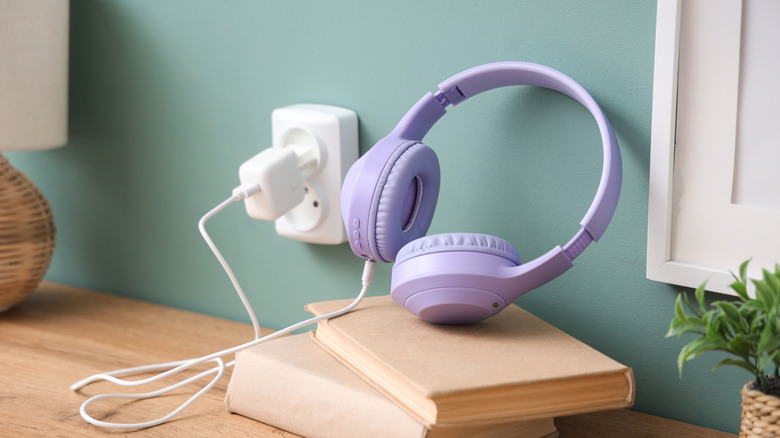
One of the sad yet unavoidable facts about gadgets you charge up is that their battery life gets worse over time. Headphones are just like smartphones, laptops, electric toothbrushes, and other gadgets in that regard. No matter how long they stay charged when you first get them, that duration will diminish over time. The reason for this is that batteries age from a standpoint, and do so at varying rates depending on how you use and charge them. Basically, the chemicals in the batteries slowly stop working at top efficiency.
You can put off the inevitable for a little while by following key practices like only powering your phone up to 80% full. That might buy you some time, but you'll eventually have to pay the piper. If you've reached the point where your headphone's battery just isn't lasting for as long as you need it to, it's a sign that you need to think about buying a new pair. Charging your headphones multiple times a day just isn't very convenient, after all. It doesn't mean the current cans have to be consigned to the bin, and there are plenty of uses for your old headphones if the audio components are still working fine. But by nature of the fact that the battery has deteriorated this far, you've likely had a long and happy partnership with the headphones anyway.
Bluetooth no longer works properly
While wireless headphones can connect in a few different ways, Bluetooth tends to be the most common connection found in earbuds and headphones, with few brands releasing Wi-Fi headphones. And there are many reasons your Bluetooth headphones might keep disconnecting, some of which point to a replacement being necessary.
It's an unfortunate truth of common tech that components inside a gadget can slowly deteriorate over time, and this can be true of Bluetooth receivers and transmitters. Generally speaking, buying more expensive gadgetry can help you squeeze more life out of your devices, due to the parts being higher-quality and manufacturing and quality control being more dialed in, but even that will only put off the inevitable.
If your headphones keep disconnecting from your audio source, but not turning off entirely, there's a good chance that the Bluetooth components have just about aged out (or are damaged). A repair can sometimes bring these back to life, but often buying new headphones will be a more reliable fix. And if you're worried about how unreliable Bluetooth can be, you're not alone, as many people wonder whether Bluetooth or wireless headphones are better to use.
The cable is damaged or needs to be held just so
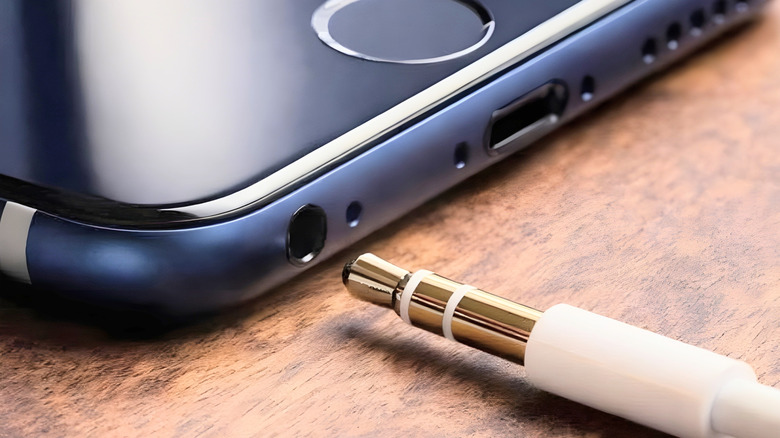
Are wired or wireless headphones more reliable? It can vary by device, but there's no arguing that both are susceptible to damage. Headphones are fragile, but cables are even more so. They're fine bundles of metal covered in thin sheets of rubber or plastic. A sharp object or determined pet can easily get through, and sometimes they wear down over time. If that's the case, and your cable is damaged, it's a sign that you need a new one — and if the cable is part of the headphones themselves, then the whole package may need replacing.
It's also a common complaint with wired devices that the source device will only recognize it when the cable is held at a very specific angle. You may have faced this issue with a charger yourself, and it can happen with headphone cables too. Sometimes the problem is with the jack device itself, but often it's a problem with the headphone wire. Replacing the jack is possible, but it takes some real technical know-how and the confidence to open your headphones up. Replacing the headphones, of course, is as simple as buying a new pair and plugging them in.
The headphones sporadically turn off
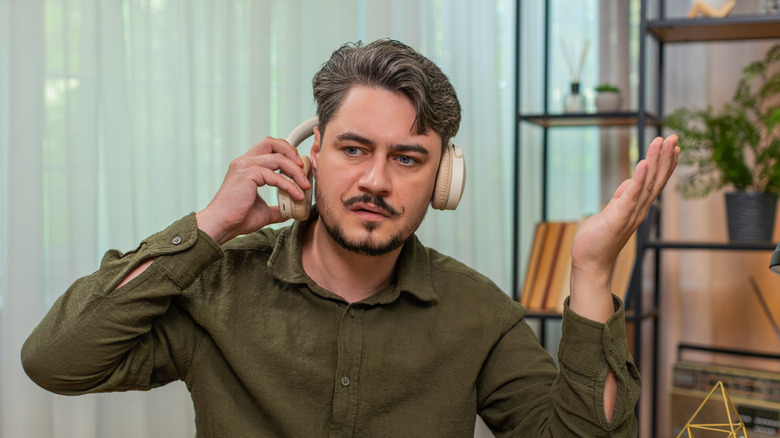
There's nothing worse than enjoying your beloved headphones — or any gadget for that matter — and having them unexpectedly turn off. This isn't just an occasional annoyance, but a possible death knell for your headphones.
The reasons for sporadic turning off can be numerous. It could be linked to something we've already explored, like Bluetooth giving up the ghost for no reason, or your battery life being so diminished that the headphones will turn off way before you expect them to. However, it could be something else entirely — maybe your headphones have wear detection and the sensors are malfunctioning, or the hardware inside your headphones is simply reaching the end of its lifespan. Not everything is built to last forever, and new (and more congested) network technologies can sometimes overwhelm older equipment.
In most cases, there's little you can do to solve the problem unless you're a repair expert. But you can at least get to the bottom of the problem, with headphone fans often suggesting similar ways to troubleshoot. Check the headphones with other devices, and if the problem goes away, it could actually be your audio source that's the problem. If they're fine when not connected to a device, it could be a problem with the way they hook up with a gadget. And if not, it could be a problem with the power. Either way, usually contacting the manufacturer or retailer will be your first step to fixing the issue.
Ports are loose or scuffed
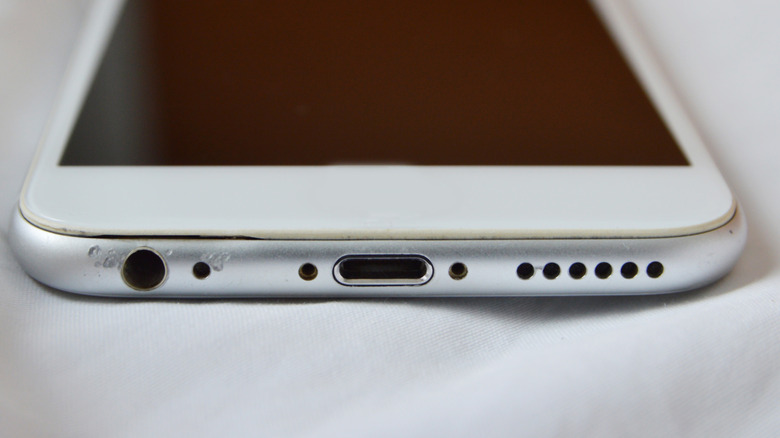
Sometimes, it won't be your headphones themselves breaking, but the docks on their case, which you use to power their best features. Many headphones have built-in cables, so they don't need ports, but if you use wireless ones, you'll probably have a USB plug for charging them up. You might also have a 3.5-millimeter or 4.4-millimeter jack for connecting an audio cable. Some people argue that USB port headphones are good for audiophiles, and some prefer the audio jack, but these plugs can all be damaged in much the same way.
It's common to hear reports of USB ports being dented or scratched over time, which is a natural side effect of just using them and repeatedly plugging things into them. Sometimes your headphone jack can loosen, which means your plug or jack will fall out of it when you put it in, which naturally won't be ideal for charging or listening via a wired cable. Again, this is often caused by wear and tear, sometimes to the port, sometimes to the plug. Testing your cable on other devices will clear up whether it's your headphones that are the problem. If that's the case and you aren't able to tighten the jack, the headphones might need replacing.
Sound quality has gotten worse
If you've bought the best wired headphones for audiophiles, or similar wireless models, it can be heartbreaking when they don't sound as well as they should. It's a common belief that headphones take a while to sound good, though experts don't necessarily believe in the need for a break-in period. Either way, your headphones should sound the same over time — or maybe even get better for a while if the break-in theory is right — but sometimes audio quality might actually get worse over the course of years. That's a sign it might be time to buy a new pair.
There are a few reasons your sound quality might get worse over time, many of which are similar to other issues we've examined. The internals, like the driver and amplifier, which affect sound quality, could get damaged through wear and tear, which can diminish sound quality with pops and crackles. If your headphone cup is damaged, the audio seal will be damaged, which can cause you to lose some of the sound you hear, especially bass tones. And other issues can arise, like moisture getting into your headphones or dirt clogging up the devices, which can again mean your headphones don't sound as good and clear as they once did.
Sure, you can fix some of these issues by repairing or cleaning the headphones, but this might be an involved process if it's something inside the headphones that's damaged and causing the issue. While the effort could be worth it if you own very expensive headphones, looking for a replacement pair might be the preferred option in many cases, especially if you're not all that handy with tech repairs.