

8 Things You Need To Know Before Buying A Color 3D Printer
We may receive a commission on purchases made from links.
For most of the history of consumer 3D printing, printers have been monochrome. In other words, you can print with only a single material, usually a single consistent color. Of course, you can use special rainbow filament or dual-color filaments to make your prints more interesting, but that's not the same as having a true multicolor print.
Then came the Automatic Material System printers (AMS). This allows a 3D printer to switch filaments at will. Load up a few filaments in different colors, and the printer will switch between them to create a final colored piece.
At first, these AMS systems were quite expensive; even buying an AMS upgrade kit for your existing monochrome printer wasn't cheap! Now, however, some of the best multi-color printers you can buy are under $500. Notably, the ELEGOO Centauri Carbon 2 Combo, which retails for $449, can be found for even less at times. But before you rush to finally join the ranks of multi-color 3D printer owners, there are some important things you should know.
Color 3D printing isn't one technology
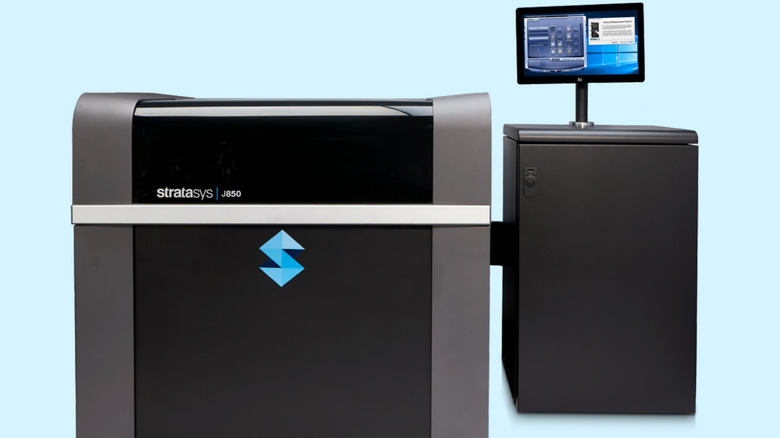
Color 3D printing isn't just one technology; there are several approaches to creating objects with multiple colors. At the high end, there are systems like the Stratasys J850 Prime, which is a full-color resin 3D printer meant for industrial-grade use. You can watch a brilliant breakdown of this incredible machine on Adam Savage's Tested YouTube Channel.
But we're interested in machines that cost thousands or hundreds of dollars, not hundreds of thousands! There's a new generation of color printers that use plastic filament rather than a traditional AMS. For example, several tool-changing printers are featured on our list of cool new gadgets for 3D printing, which use an intricate system to swap out the entire tool end of the print head, dedicating a nozzle to each filament type and significantly speeding up the process.
There are also multi-extruder printers that let you use several extruders, each with a different filament. A prime example is the SnapMaker U1, which seamlessly switches extruders as needed. These tool-changing and multi-extruder printers are much more expensive than this new generation of affordable AMS printers, but they greatly speed up multi-color printing while virtually eliminating waste.
Filament-based color printing has serious trade-offs
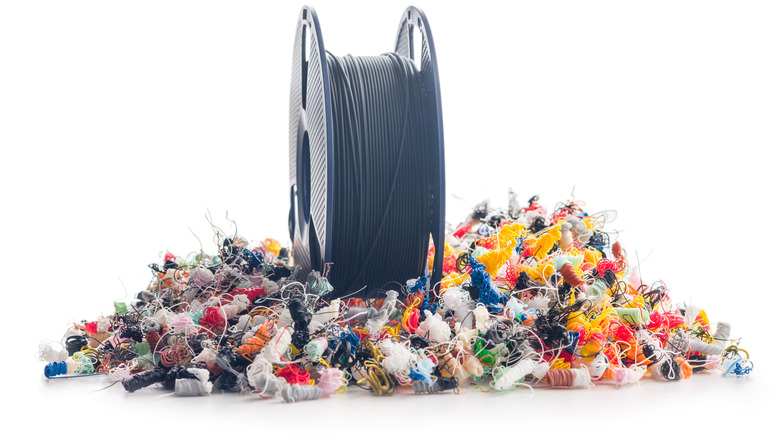
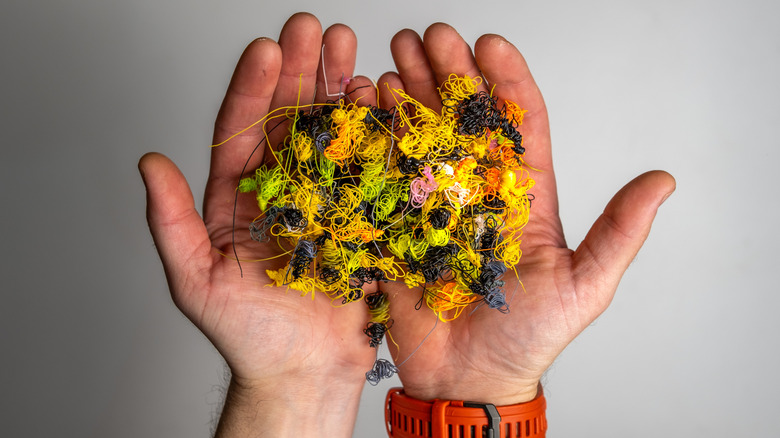
The elephant in the room when it comes to AMS-type 3D printers is purge waste, which can lead to significant material loss as you print. Because an AMS printer changes filament the same way you would manually, the print nozzle has to be purged of the previous filament every single time a change happens.
If the purge doesn't happen, some of the previous color would mix into the new desired color, and the print would be ruined. So the printer has to push new filament through until it runs cleanly before resuming the print. This wastes a little bit of the old and new filaments. Usually, it's also necessary to create a prime tower, which clears off any residue on the outside of the nozzle and stabilizes the pressure inside the nozzle.
While the amount of material wasted in this process might be only a gram or two, complex color models can require hundreds or even thousands of filament changes, leading to significant waste. There are some ways to reduce waste during filament changes, such as flushing into your object's infill, flushing into supports, or adding an additional object on the print bed to flush into. Regardless, if you're buying an AMS color 3D printer, waste is a problem you'll have to deal with.
Material costs add up quickly
Purge waste is a problem not only because it's literally wasteful, but also because it increases the cost of your prints and burns through material more quickly. However, setting the waste issue aside for AMS printers, any filament-based multi-color printer requires a higher upfront cost when it comes to material.
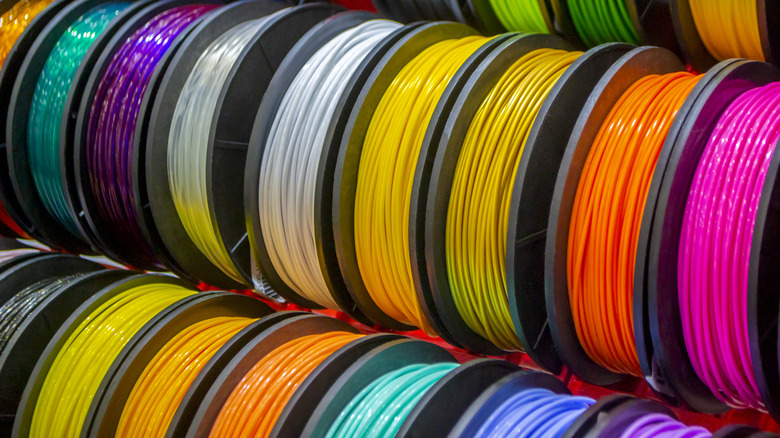
If you have a four-color printer, then you need four spools of filament to make full use of it. Some AMS systems can switch between ludicrous numbers of spools. For example, using the Bambu AMS hub, you can have up to 16 different rolls of filament to use in a single print.
There are filament grinders and recyclers, but at present, those are unlikely to save you money. The resulting filament is a mix of the colors that went into it, and it takes time and electricity to grind and extrude waste filament. So this is more a matter of principle than economics. Regardless of how you approach it, you'll need to expand your filament budget if you want to move into multi-material color printing.
Print times increase dramatically
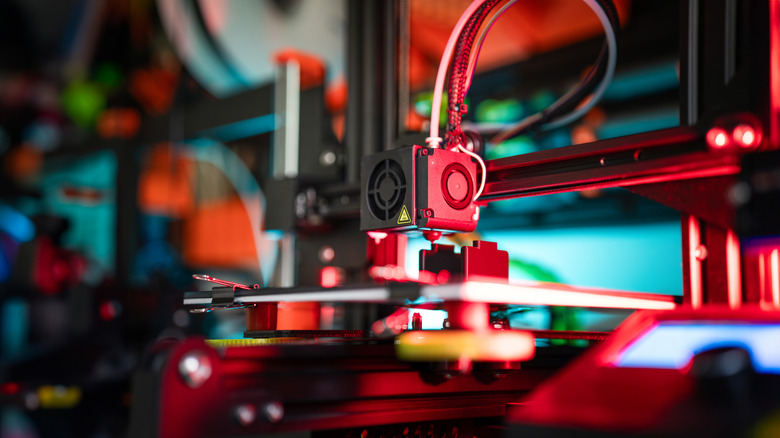
3D printers have been getting faster, especially with CoreXY 3D printers that can hit speeds like 500 or 600 millimeters per second. That Elegoo Centauri 2 Carbon printer we mentioned earlier is a 500mm/s class machine, which means that the print head can really whizz around as it completes the print. When you're printing in a single color with a single filament, modern printers can create objects at impressive speeds.
However, as soon as you introduce material changes, those print times go up dramatically. AMS printers have to go through the whole song and dance of cutting the filament, ejecting the old filament, pulling in the new one, heating things up, purging, priming, and then doing it all over again. If you're used to modern single-color print speeds, the increased print times might surprise you.
Alternatives to AMS, such as multi-extruders and tool-changing systems, aren't nearly as slow as AMS printers, but there's still a time penalty. How much of a penalty depends on the exact designs of your model. If you have multiple color changes per layer, you're in for a long wait, but if you design a part to only have a handful of changes in total, it might only add a few minutes. For more involved color schemes, be prepared to leave your 3D printer running all night. Or a few nights, if we're being honest.
Maintenance is more involved
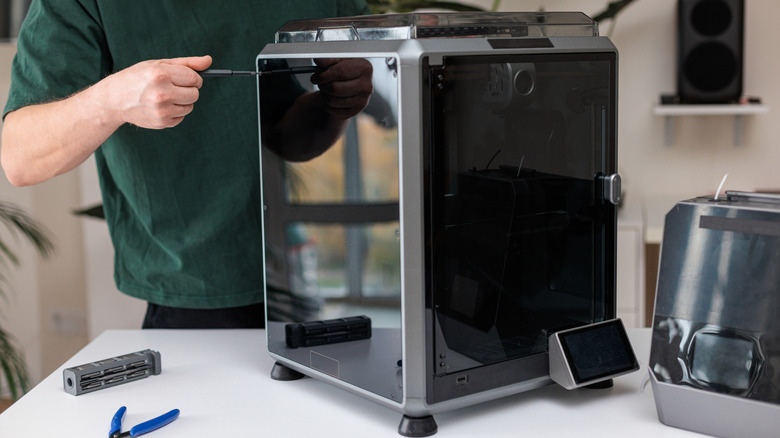
While basic maintenance like cleaning your 3D printer is more or less the same whether your printer prints in one color or many, there's no getting around the increased complexity (and therefore maintenance) of multi-color printers. You now have multiple filament lines that can go wrong; there's a filament cutter and waste chute system, which isn't used in single-color printers, and the printer will now be putting more hours on the clock for the same size print, compared to a mono-color model.
This means you'll have to lubricate your rails, level your bed, and replace worn components at a higher rate. More hours mean more maintenance, and more parts and complexity mean more failure points. The same goes for multi-extruder models, since you now have to deal with clogs and other common extruder issues multiplied by the number of extruders you have.
The various tool-changing designs also give us pause, since some of them (such as the Atomform Palette 300) have complex moving systems which are all quite new, so no one knows how well they'll hold up in the long term. Not to mention, monitoring 12 nozzles for wear is a much bigger job than the usual single nozzle! The difference in maintenance needs for your multi-color printer compared to a single-color printer might be minimal to substantial, but it stands to reason that, by its nature, there will be more of it.
The workspace and setup needs are more demanding
Traditional 3D printers that only print in a single color have become rather compact. You can easily run many popular models on a small table tucked close to a wall. As long as you have adequate ventilation, these printers don't take up more space than they strictly need to. The same can't be said for a multi-color printer.
Setting these printers up out of the box is, logically, more involved than setting up a standard single-filament printer. A typical CoreXY printer is largely ready to go out of the box once you've removed the packing material and undone the locking bolts. An AMS printer often requires more assembly before you can turn it on and get started. If you're upgrading an existing printer with an AMD kit, be prepared to take a fair bit of it apart and put it back together again.
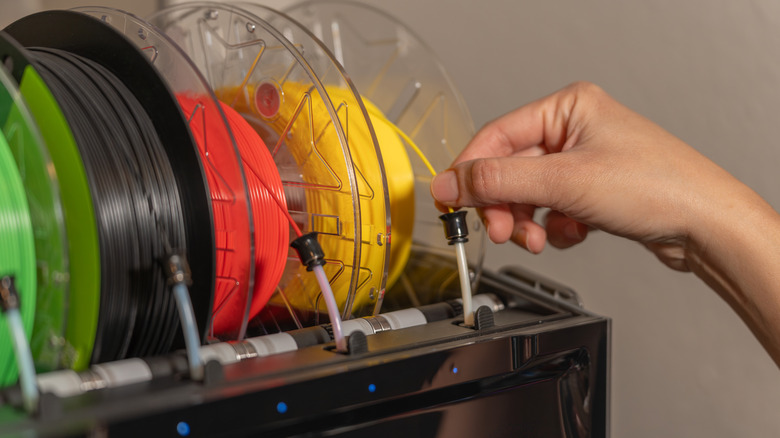
For your workspace, AMS systems need somewhere to house the filament rolls. Some are top-mounted, making your printer taller. Others are side-mounted, making it wider. The biggest issue is perhaps what to do about the purge chute. This chute is usually at the rear of the printer, which means you need to place it somewhere with enough space behind it for the chute to operate and for you to access it.
Painting is often the better choice

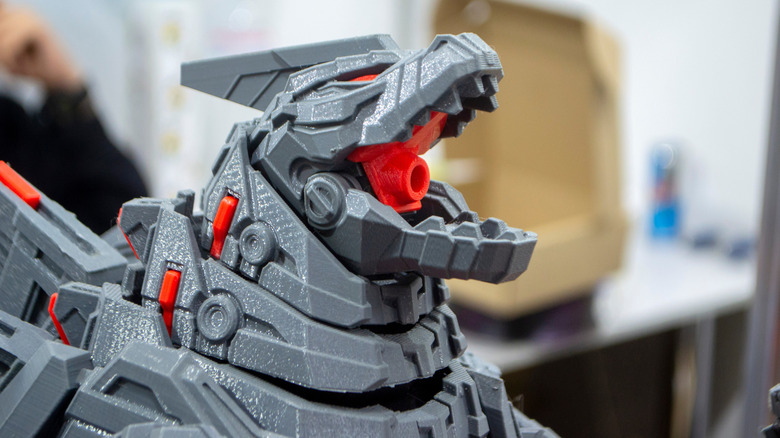
Many 3D printer projects involve miniature painting. It's been the go-to way to give color to a 3D print for ages, and honestly, in many cases, it still is. While that extremely expensive Stratasys resin printer we mentioned earlier might be good enough to create detailed colored 3D models, even the best systems that print in plastic filament can only do rudimentary color work.
That's enough for some designs, but for models that need a lot of detail (or, ironically, don't need much color), it might be easier to simply use paint. It's more labor-intensive, but weigh that against the time, waste, and cost of something like an AMS printer, and it could be the better option on balance.
If you're thinking of spending money on a color 3D printer, carefully consider whether the models you intend to print will really benefit from the current state of color 3D printing, or if it's not cheaper, faster, and easier to simply apply some paint.
It's still early days
3D printing technology for home use has been around long enough that it's reasonable to consider it mature. Heck, we're already seeing the first 4D printers, so the technology is hardly standing still. Likewise, AMS printers are now mature, making them more affordable. Despite the weaknesses of the technology we've covered here, affordability makes them highly attractive, and access to multiple materials in a single print can be game-changing.
It's clear, however, that the future of 3D printing won't stop at AMS. Engineers have been working on ways to address the speed and wastage issues, and we now have several printers to choose from, even if they are rather pricey. The problem is that these printers solve the core problems of AMS in very different ways.
Think of these next-generation of color 3D printers as beta models. Some of these concepts and designs will prove themselves in the trenches with early adopters, and some will hit dead ends. Unless you have a great reason to be an early adopter, it's worth holding off until we see more. In the meantime, there's nothing wrong with having a little fun with an affordable AMS printer.