

5 Common Mistakes That Could Actually Damage Your Nintendo Switch 2
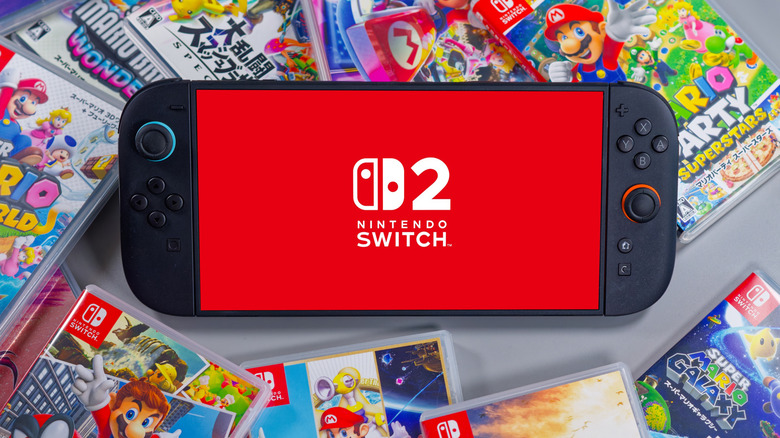
Seeing a launch in June 2025, the Nintendo Switch 2 is the follow-up to Nintendo's incredibly popular hybrid system. With a 7.9-inch LCD screen, 256GB of storage, and a custom NVIDIA processor, the Switch 2 is a nice upgrade over the original, and it has a rather sizable library of games featuring classic Nintendo characters. Though owning the system can be a lot of fun, there are some common mistakes users can make that may have big consequences for the system.
There are a variety of things you should never do with your Nintendo Switch 2, but we're taking a closer look at some common mistakes users can make that may have larger ramifications than they realize. While this can include things like ensuring you're using the right peripherals and cleaning supplies, there are also some parts of a Nintendo Switch 2 you should never remove. Ignoring these warnings won't guarantee a system failure, but each one carries the risk of damaging or even destroying your console.
Considering the Switch 2 has been hit with price hikes, replacing the system can cost some serious coin that you may want to spend elsewhere. U.S. customers get a limited 12-month warranty, while other regions may offer a similar warranty. Additionally, if you encounter issues with your system, you can visit the Nintendo Switch 2 support page for more information.
Using the wrong charger with your dock
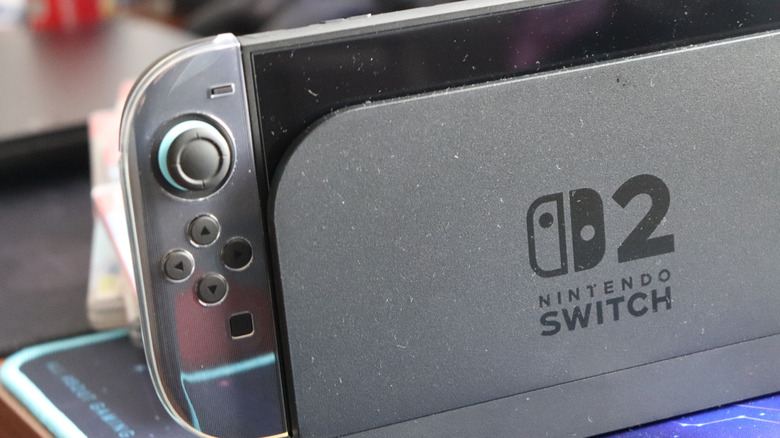
A great way to potentially break your system is by using incompatible peripherals. Though some may argue that companies recommend only officially licensed accessories as a business tactic, using Nintendo-authorized products ensures your system uses only compatible hardware. This can be especially true for a battery, as Nintendo recommends using only licensed AC adaptors or adaptors with 54W or more of output.
It's worth emphasizing that having the right charging accessory is important, as you want to ensure you're delivering the correct amount of power to the system. For example, if you typically charge the Switch 2 with the dock, both the system and the dock manage power, but users should know that the dock's power regulator can be damaged by cables with higher wattages than the dock can handle. If your dock fails and you're unaware, the extra power may damage your system.
You fortunately don't have to worry about what USB-C cable you're using with the system itself, just the dock. If you really want to get into the nitty-gritty details, a user on the r/Nintendoswitch Reddit did a rather nice deep dive into the issue. If you're not accustomed to power delivery options, using the dock accessories that came with the system is your best bet. However, that doesn't mean you can't have some fun with your dock, as there are plenty of sleek Nintendo Switch docks you can 3D print.
Removing the anti-scattering film
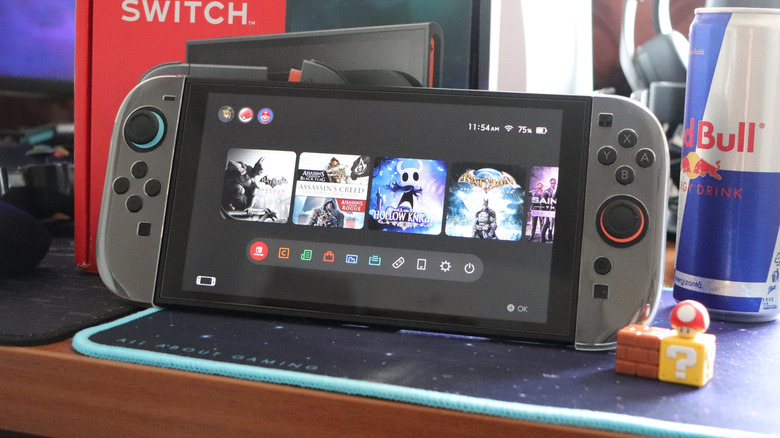
When buying a new electronic device, you may need to remove a temporary protective film from the screen before you can start using it. Usually, it's there to protect the screen during shipping; however, while the Nintendo Switch 2 also comes with a protective film, it's a permanent one that may have consequences if you remove it.
The Nintendo Switch 2 comes with an anti-scattering adhesive film, and Nintendo warns that it must remain on your device. This protective layer is designed to prevent glass from spreading if the screen cracks or breaks. This means that if something accidentally happens to your screen, the glass stays with the console rather than potentially being scattered around. You'll still have a cracked screen, of course, but a cracked screen may still operate or be less of a nuisance than a completely shattered screen.
It may not be ideal, but keeping the film on your screen does help you avoid picking up a bunch of broken glass, which in itself poses a hazard. If your screen cracks, you can always visit the Nintendo Customer Support page and try to submit a service request. For what it's worth, the OLED Nintendo Switch also includes this film. Of course, it may still be a good idea to get a third-party screen protector for your device, and we can explain why and offer some suggestions.
Cleaning your system with chemicals
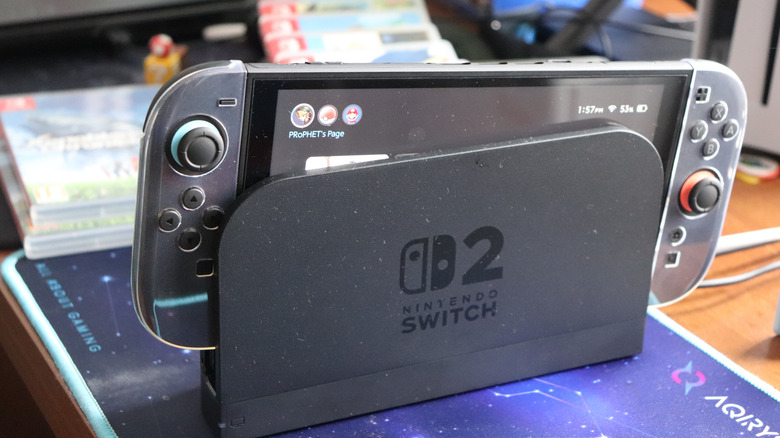
Like any electronic device that sees frequent use, there may come a time when you need to clean your Nintendo Switch 2. Keeping a device clean can help preserve its longevity, and it's usually a good idea to remove anything your hands may accidentally leave behind. However, before you grab a scrub brush and some industrial cleaners, be aware of what Nintendo has to say about keeping the console clean.
Whether it's the system itself, the Joy-Cons, or even accessories, Nintendo does have some recommendations for cleaning your system. First, ensure everything is turned off and unplugged from the system before cleaning. Then, use a soft, clean cloth to gently wipe the Switch 2, ensuring you use only a bit of water (you want the cloth damp, not soaked). Make sure your console is dry entirely before plugging anything back in.
Never pour a liquid directly onto the system, and it should also never be submerged in liquids. Should you need to disinfect the Switch, Nintendo recommends a "consumer-grade disinfectant" with up to 70% alcohol. Using anything stronger may damage your system. For example, a stronger isopropyl alcohol can corrode the console's plastic. With the Nintendo Switch 2 being a rather hefty upgrade over its predecessor, it's in your best interest to keep it properly clean.
Blowing into the system or cartridges
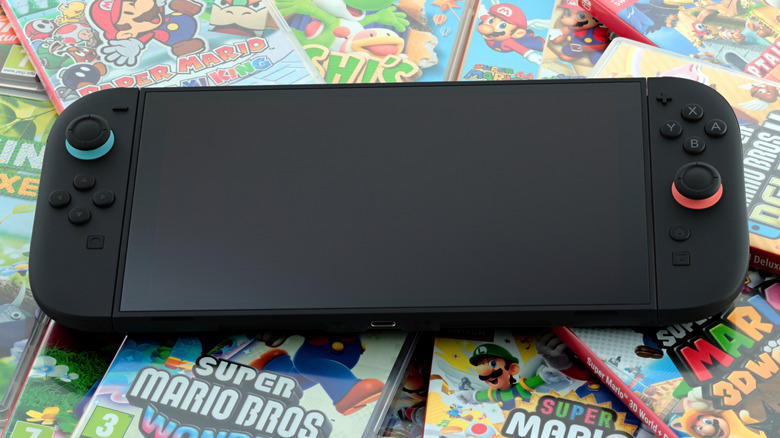
We may be showing our age, but back in the days of the original Nintendo Entertainment System (NES), it was a common trick to physically blow on the pins of your cartridges or console if the system wasn't reading the game. It was dubious back then, and the reality is that blowing into a cartridge or your system can actually be pretty bad for hardware. Don't even get us started on licking Nintendo Switch cartridges to see if you're a super taster.
Back in June 2023, Nintendo posted on its X support page that blowing into the original Nintendo Switch may cause the connectors to rust or corrode due to the moisture in your breath. Though this was for the original Switch, it's still a bad idea to do this on your Nintendo Switch 2 for the same reasons, as your breath may affect the connectors within the gaming slot. If your Switch 2 is having issues reading game cards, Nintendo does have some suggestions.
Make sure your Nintendo Switch 2 is running the latest system software. Check by going to System Settings from the Home menu. Scroll down and select System, then choose System Update. You can then check if a game needs an update by highlighting the game in the Home menu, pressing the plus (+) or minus (-) button, and selecting Software Update. Tap on Via the Internet to check for one. If you're having issues with multiple games, you may want to submit a service request.
Storing it in a bad location
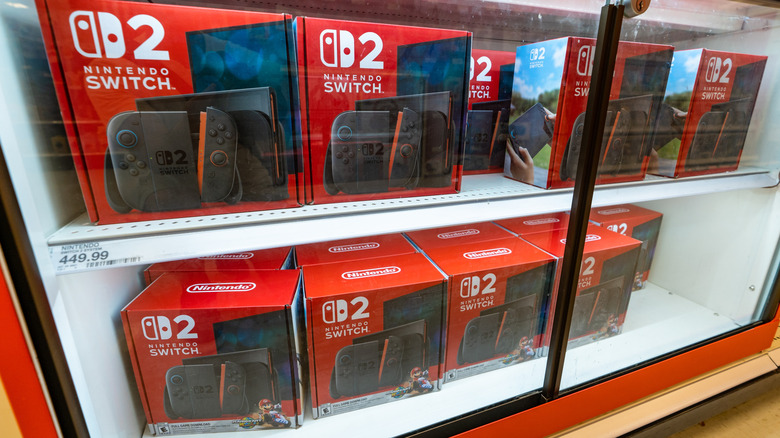
One of the easier ways to accidentally break a Nintendo Switch 2 is by leaving it in a poor location. Like most electronics, the Switch 2 needs a clean, well-ventilated space, and Nintendo offers advice on a good location, saying that keeping a Nintendo Switch 2 on the floor is ripe for punishing the system, especially if it's an area of your home with heavy traffic.
Nintendo also recommends storing the system in a cool, dry area free of "foreign material" like dust, moisture, or other small particles that may impact the system. Additionally, you want to ensure that the system is not exposed to "extreme heat or cold," as cold temperatures can slow the system, whereas hotter temperatures can cause damage to the screen. This also means keeping the Switch 2 away from direct sunlight for extended periods. Additionally, make sure the location doesn't block your system's vents to ensure proper heat regulation.
Lastly, this one may not be as common, but Nintendo does recommend keeping the system away from magnetic objects. While it may not harm the system, the Switch 2 can render items with magnetic strips, such as credit cards, unusable. So your system may be fine, but you may still need a new credit card. Of course, remember that a good carrying case is also an option.