

8 Ways To Cut Down On Noise In Your Home Office

We may receive a commission on purchases made from links.
Working from home, if you're lucky enough to have the opportunity, can be an amazing experience. There's no commute. You can wear comfy clothes, and you can decorate your workspace any way you like. What does it matter when you can do a background replacement using your video chat app of choice?
Unfortunately, noise is something you might be surprised can turn into an issue in your home office. While most workplaces can be a little noisy, corporate offices are generally built to limit noise, because it can be a disruption to productivity. However, you can't call HR on your retired neighbor who insists on mowing the lawn at 9 a.m. right outside your office window, and if you live in an apartment, those kids stomping around in the unit above you after school don't care that you have a report due in the next hour.
The good news is that, even though you can't do anything about most sources of noise, you can make changes to your home office to cut down or even eliminate many of them. This helps create a calm, productive environment for you to play Solitaire until your shift ends.
Seal window and door gaps
At its core, sound is just vibration traveling through a physical substance, or medium, like air, water, or even building materials. When it propagates through the air around your eardrum, sound physically moves the tiny parts of your auditory system, which translates the vibrations into nerve signals your brain can understand.
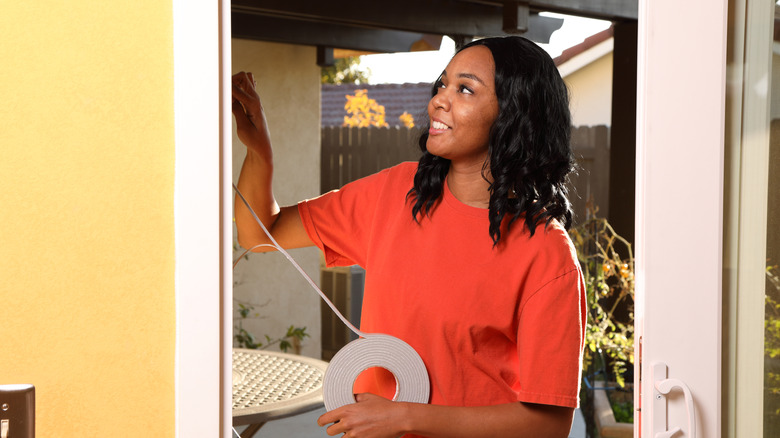
While sound can come through any solid material, an insulated wall saps energy from those waves, which means you can more clearly and loudly hear a sound if it doesn't have to pass through other things first. This is why street sounds are louder outside than they are inside your home, behind walls and windows. It's also why you can reduce sounds from outside your home office by insulating the air gaps around your windows and doors. To be clear, this won't soundproof your office, but it will reduce the volume and clarity of the sounds.
You can use a simple solution like weatherstripping to essentially seal up any noticeable gaps, or you might try a more heavy-duty, quick-fix solution like a large door draft stopper. That gadget can be a good first step if sound is coming into your office through the large bottom gap some doors have. As an added bonus, any sealing and insulation you do to your home office will also make your air conditioning and heating more effective and energy efficient, better insulating your office from the outside weather, hot or cold.
Add soft furnishings
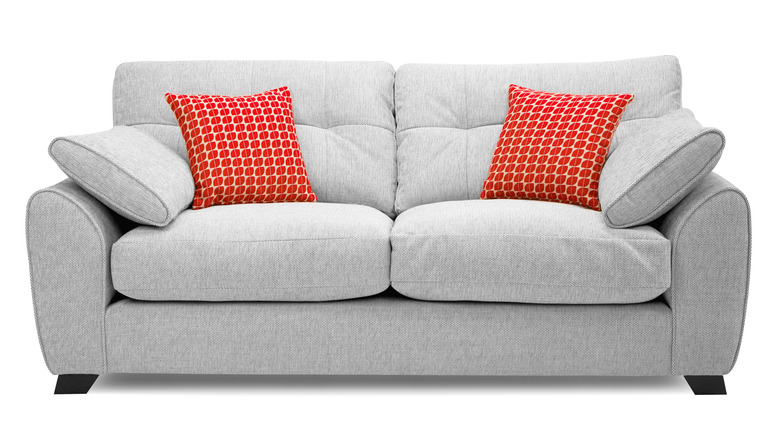
We are dealing with two types of sound management here. One is soundproofing, which encompasses the ways you can block sound completely, so that you can't hear it. The other is sound absorption, where the sound isn't completely blocked, but by placing obstacles in its way to absorb some of its energy, you can reduce its overall volume. Sound-absorbing materials also have the benefit of preventing intense echoing. You've probably experienced how harsh and echo-prone sound is in an empty room before you move all your stuff in. Once you have some curtains, carpet, a few soft chairs, and other objects in the room, the acoustics become flatter, almost dead. When you clap your hands, the noise doesn't get beamed back at you from every angle.
While your home office undoubtedly already has at least a desk and a chair in it, you can decrease the total sound reflectivity by adding a couch, putting in some throw rugs to cover a stone or tile floor, and generally removing opportunities for sound to bounce or become concentrated. A killer trick here is to use noise-blocking curtains, since windows are a key entry point for sound. If you want to go to extremes, you can opt for soundproof curtains, but these are less convenient since you can't easily open them to get some fresh air. Another option is to bring in soft furnishings, a sleek and cheap DIY solution, to help with your noise problem. This allows you to flex your flair and keep your aesthetics intact while achieving a quieter environment.
Add acoustic panels

Adding soft furnishings to your office is a great first-line option to exercise sound control, because it doesn't affect the aesthetics of your room in a negative way. Using curtains, rugs, and furniture just looks like interior design, but those measures aren't always enough. They may not be practical, either, since it can be expensive to buy more furnishings. Your office might be too small to accommodate them, anyway. Or, maybe, you're just someone who likes sleek minimalist gadgets and abhors clutter.
Whatever the reasons that prevent you from just adding another big couch to your office, the next option on the list is acoustic paneling. These are boards of special material that allow you to alter how sound propagates through your office. There are several types of acoustic panels you can buy. In some cases, you can use a mix of different panels and place them in multiple locations in your office to do separate but important jobs.
Acoustic wall tiles are popular because they don't take up that much space and generally look nice, and you can use them to make tasteful decorative patterns. You can also get acoustic panels that have artwork printed on them, allowing you to disguise their true purpose. Most people should probably start with a basic set of acoustic panels and judge how much of an effect it has. Remember, this isn't an all-or-nothing situation. You can use a combination of soft furnishings and purpose-built acoustic panels to get your final results.
Upgrade your headphones

We should be building statues of the inventors of active noise-cancelling headphone technology. This ingenious method of actively silencing noise by using destructive anti-sound waves has changed how we approach public transport or being in noisy public places in general. But it can also be an incredible productivity tool.
On the list of things you can do to reduce the noise in your office, simply putting on a set of headphones is the least invasive, and often the most convenient. Of course, this depends on your tolerance for wearing headphones while you work, which is just one reason you shouldn't buy cheap noise-cancelling headphones. Another is that not all manufacturers have equally effective technology. I'm lucky enough to own a set of Apple AirPods Max and Sony WH-1000XM4s, which are both widely regarded as having top-tier ANC (Active Noise Cancellation) technology, but not all options on the market are as good.
For most people, these headphones are comfortable enough to wear all day, and the noise in your office just goes away with the press of a button. Perhaps more important is the inclusion of transparency modes. Here you can not only deactivate the noise cancellation when you need to, but you can also allow sound in through the external microphones of the headset. This means that when you need to speak to someone, or need to hear what's going on around you, you don't have to take the headphones off every time. There's no underselling what a productivity booster this technology can be, and the silence really is golden when everything is stressing you out.
Move your desk away from noise sources
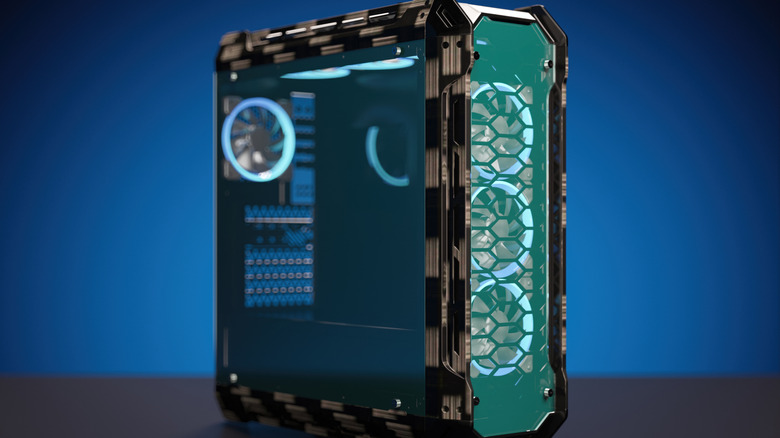
You might have done a double take there, but yes, one answer to making your home office less noisy is to move your desk away from sources of noise. Alternatively, you could move the noise sources away from your desk, whichever is easier or more convenient.
What sort of noise sources are we talking about here? A common culprit is a noisy laptop or desktop computer, but it can also be your air conditioning unit, a fan, or any point source of noise. It may seem like this wouldn't be a very effective strategy, but physics tells us a different story. Sound propagates in a way that makes it subject to the inverse square law, which basically says that, for every doubling of the distance from your ears to the noise source, there's a significant drop in volume. In theory, volume drops about six decibels for every doubling of distance. So if you're three feet away and move to six feet away, volume would drop by six decibels.
Of course, your office isn't a lab setup with no obstacles or perfect sound propagation, so the drop may be less pronounced. Even so, moving away from noise (or vice versa) if you want a quieter workspace makes good common sense, and it's backed up by the nature of sound.
Use a white noise machine

It feels counterintuitive, but one way to combat noise in your home office is to add more noise. We're not talking about destructive anti-noise, the way noise-cancellation works, but a special type of sound known as white noise. There are various types of colored noises that have different purposes, such as helping you sleep or helping you concentrate, but white noise has very specific properties. In particular, it contains frequencies across the entire audible spectrum, which makes it sort of harsh but also helps it drown out other sounds.
Generally, white noise is best for aiding productivity and has the added benefit of drowning out other sounds in the same higher-frequency band. You can gain access to white noise in a number of ways. First, you can simply use a white noise app, or play a white noise video or audio file on your computer. However, there are also inexpensive white noise sound machines that you can place all over your workspace to create a white noise zone that makes distracting sounds harder to perceive. White noise isn't for everyone, though, so before you spend any actual money, listen to some examples or try a free app first to see if it helps or makes things worse.
Put your noisy computer in another room
Earlier we suggested that moving your laptop or desktop computer farther away from where you sit and work can be a great way to cut down on the noise produced by these machines, but you can go a step further and put your computer in an entirely different room altogether. This is especially useful if your work involves intense computation or 3D graphics. That's the sort of workload that really makes the average computer scream in protest, but even average computer noise can be distracting.
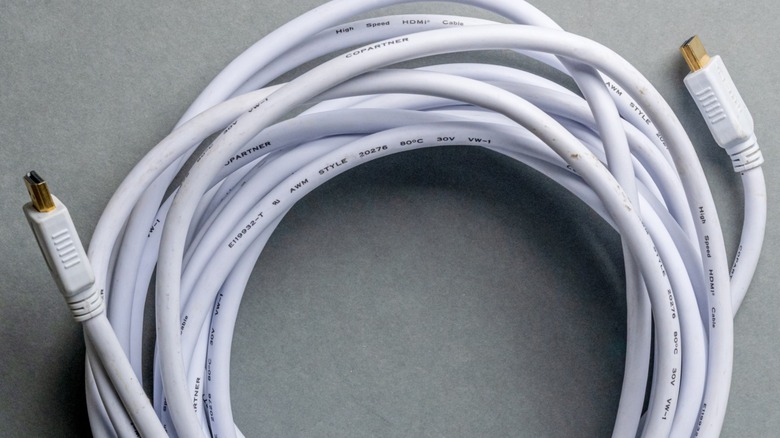
So, how would one go about this? There are a surprisingly large number of options. If you're in a position to do so, you can drill a hole through your office wall and place the computer on the other side. Then use a long USB cable, as well as a long HDMI or DisplayPort cable.
Even USB cables as long as 16 feet won't usually cause performance problems for peripherals. If you need USB 3.0 or faster speeds, you're out of luck, but the gadgets that need that speed, like external SSDs, can generally be plugged directly into the computer. We're only looking to extend keyboards, mice, and webcams, none of which need more than USB 2.0 speeds. HDMI cables can be quite long without causing quality loss, but you might need an active repeater in some cases. Of course, there's always USB-over-Ethernet and HDMI-over-Ethernet, if you really need to use a long run of cabling.
Service noisy equipment
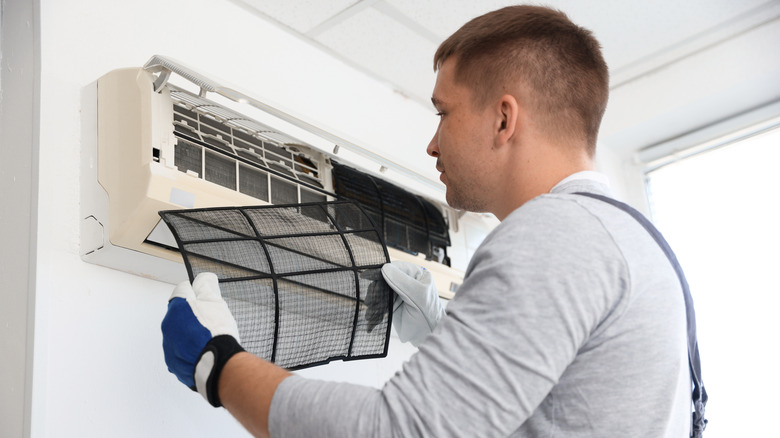
One reason you might have a noisy home office in the first place is that some of your equipment is making noise that's not normal. A rattling heater, buzzing fans, a clogged air conditioner, or lights that hum are all examples of things that add to the general cacophony of your work environment.
It might be worth investing in a small decibel meter to measure how loud the noises in your home office actually are. A typical business office sits around 60-65 decibels, but if you're working alone in a home office at your computer, noise should not be above 55 decibels. OSHA places the maximum safe exposure limit (with time boundaries) at 85 decibels, but that's not for work where you need to concentrate and do mental tasks.
Track down sources of loud noises, and see if the problem equipment can be repaired or serviced. This doesn't just include fixing up air conditioners or your office mini fridge. You might also want to clean your laptop or desktop PC fans, or do something about a door that rattles when the wind is blowing. Each one of these sources of noise pollution might not be a big deal in isolation, but add them all together, and it's enough to drive you up the wall!