

8 Smart Home Settings You'll Wish You Changed Before Your Trip
We may receive a commission on purchases made from links.
The sheer number of conveniences you can unlock after turning your house into a smart home is immense. Sure, you may have to spend a pretty penny to purchase new smart appliances and replace existing fixtures, but the advantages will be clear in no time and justify the cost of all this tech. Using your smart lights in creative ways or turning your kitchen into a smart hub that requires little to no monitoring is just the tip of the iceberg when it comes to the many ways smart homes can make your life easier.
One of the biggest perks of a smart home that will entice anyone concerned with their house's security is its ability to deter burglars and other ne'er-do-wells from breaking in. There are so many unique features and automations across the bulk of smart home tech available for consumers that you won't even have to worry about your home becoming a prime target for thieves when you're on vacation. Imagine "Home Alone", but instead of leaving your child behind to ward off these burglars, all you have to do is tweak some settings to ward off thieves without wrecking your entire house in the process.
Anyone going on vacation should definitely take a deep dive into their smart home's settings to figure out how to optimize power usage and ensure their house doesn't suffer any permanent damage while they're away. These prudent measures will go a long way toward making your time off worry- and stress-free.
Enable vacation mode for your smart lights
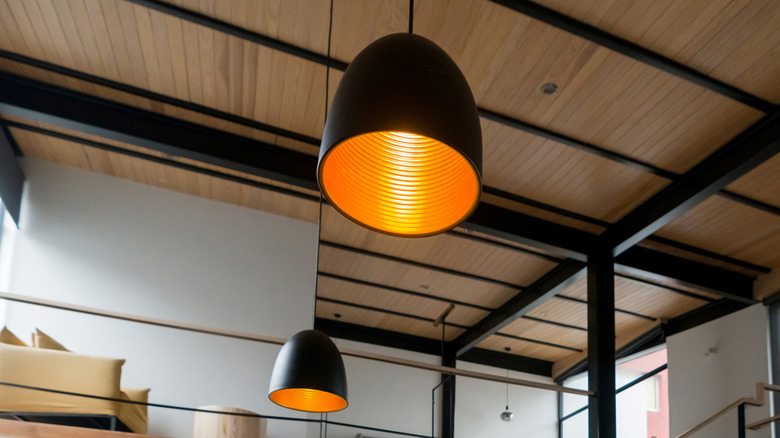
Most people will keep their lights off when leaving for an extended trip, with the obvious purpose of conserving power. However, any would-be burglar scoping out an easy target for a break-in will eventually realize that said house is unoccupied, making it a prime location for their criminal activities. If you're paranoid about your house becoming ground zero for every thief in the vicinity, then do yourself a favor and enable vacation mode — or an equivalent setting — for your smart lights.
Instead of just staying off and announcing to the world that no one is occupying your house right now, your lights will mimic your presence, giving outsiders the impression that you've never left home. Lights will turn on and off at night realistically to make it seem like someone is moving about the house, which is enough of a deterrent for burglars. This little-known fact will make your smart home more secure than ever.
Activate away mode in your smart thermostat's settings
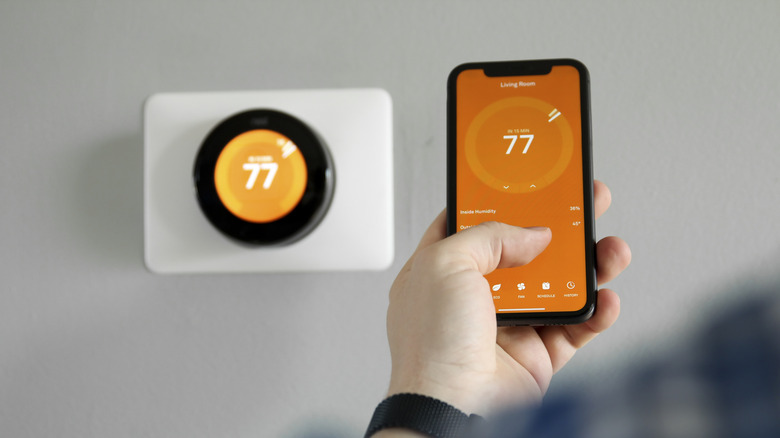
A thermostat is a must-have in any U.S. household, given how both humidity and freezing temperatures can make it uncomfortable to stay in your home otherwise. While many argue there's no need to replace a regular thermostat with a smart one, the benefits of upgrading your system are unmatched. Aside from the obvious perk of setting schedules so your thermostat runs at max capacity only when you're at home, this smart tech can be very helpful when you're going away on a long, long vacation.
Most smart thermostats have a version of an away mode, which ensures the unit isn't consuming too much power when you're not around. However, it doesn't completely tone down the thermostat to the point where it's totally ineffective, which can be a problem in areas with high humidity or low temperatures. The last thing you'd want is to come back home after an amazing vacation only to get stressed out all over again when you see that your house is moldy because of excessive humidity, or your water pipes are frozen (or burst) due to sub-zero temperatures. With your smart thermostat in away mode, you can prevent damage to your home without expending too much energy.
Set up a temporary smart lock code to account for emergencies
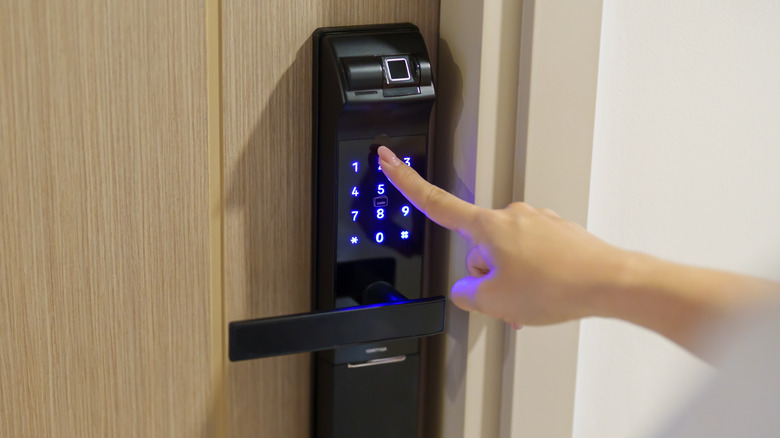
One of the most essential smart home gadgets you should be using in 2026 is a smart lock. It's very useful for safeguarding your security. Even a seasoned lockpicker will find it a major challenge to break into your house when encountering a smart lock without a keyhole, with the only recourse left being to generate a lot of noise and attract unwanted attention as they try to force their way into your abode. Another reason to install a smart lock sooner rather than later is to give your neighbors a way to enter your house in an emergency. This can be done by setting up a temporary passcode that can be changed and managed remotely, even if you're thousands of miles away from your home.
If one of the sensors in your home detects a leak, break-in, or anything else along the same lines, you can contact one of your trusted neighbors and give them a temporary code to gain access to your house. This solution is definitely more elegant than just leaving a key with someone. After all, it's entirely possible that the people living next door who have your keys aren't around and won't be able to respond to the emergency in time. There's also a possibility that your keys could be stolen, misplaced, or even copied, which is why a smart lock with a temporary code is the best solution to handle emergencies when you're on vacation.
Turn off any power-wasting automations
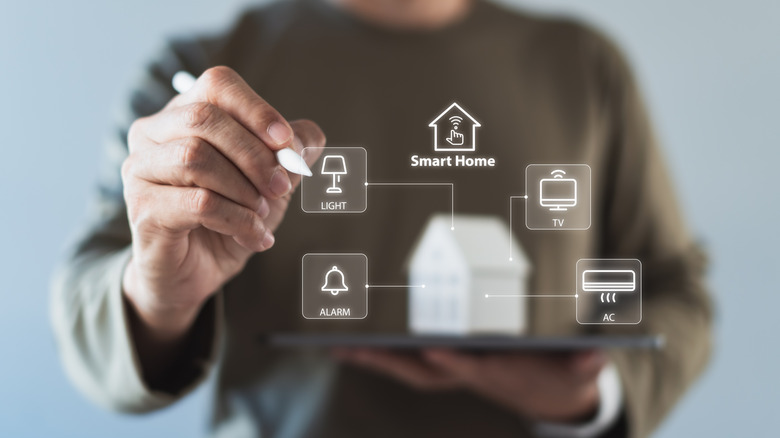
Setting up several smart home automations that do all the work for you when you're lounging at home is very convenient. However, all these automated procedures will be completely wasteful when you're not around for days, weeks, or months on end. Most smart home owners forget to turn off these automations, causing their homes to waste a ton of energy while they're gallivanting in another city or country.
If you've set up numerous automations, then it can understandably be inconvenient to dive into the settings of all your installed tech and turn off these schedules one by one. Thankfully, stuff like vacation or away modes — which we've already mentioned — can overwrite these automations for you while also carrying a variety of important tasks when you're out and about for a while. As for the rest, spending an hour or two turning off these automations is well worth the effort, especially once you see how much you've saved on your electricity bills!
Check out Alexa Emergency Assist, Nest Aware, and HomePod's Sound Recognition
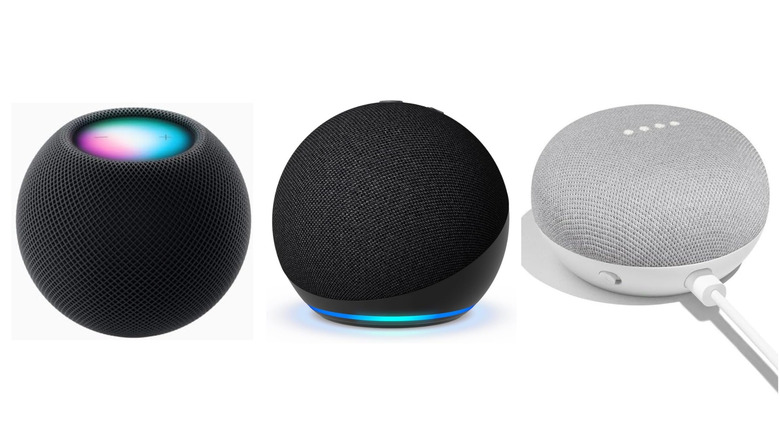
Most people who want to make their smart home ecosystem as robust as possible will prefer controlling all their appliances via a smart assistant. A hub like Amazon Alexa, Google Nest, or Apple HomePod is perfect for this. They also unlock an enhanced level of control over your household with an additional investment.
Alexa Emergency Assist, Nest Aware, and the HomePod's Sound Recognition are three useful security systems that will notify you if an emergency arises when you're not at home, like your smoke or carbon monoxide detectors going off. Alexa Emergency Assist is arguably the most robust of the lot, detecting the sound of breaking glass and letting you access a 24/7 hotline to interact with an agent and quickly address any possible break-ins. All these security features can be enjoyed for $7.99 per month or for an annual payment of $79.
Meanwhile, Nest Aware is a decent option for Google Nest users. It also detects the sound of breaking glass. It requires you to make a manual 911 call, which it makes accessible in the app. For $8 a month or $80 annually — which is bumped up to $15/month or $150/year if you opt for Nest Aware Plus.
While the Apple HomePod's Sound Recognition is arguably the least robust of the trio, it's totally free, making it a no-brainer for anyone using this hub to control their smart home. It will detect smoke or carbon monoxide and alert you, but Apple does not recommend relying on it in situations that pose physical risk or involve emergencies. The money you save on a subscription can also be used for more robust security solutions to offset the drawbacks of Apple's Sound Recognition.
Automate your smart shades however you see fit
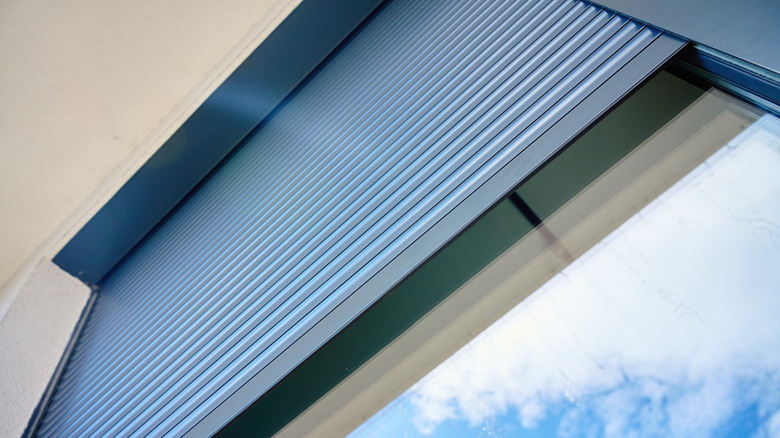
Don't assume that your smart shades are completely useless when you're going on vacation. There's a reason why it's highly recommended that you use these overlooked smart home accessories. Most people would prefer to keep these shades down when they're not at home so that any would-be intruders can't peek inside their house. While this is definitely a practical way to use your blinds, keep in mind that any house with its blinds down for too long will make it clear to outsiders that no one is at home.
If you want your blinds to also play a role in mimicking your presence when you're off enjoying another locale, a great course of action to take would be to set up schedules for your smart blinds to come up and down as they normally would when you're at home. This, coupled with vacation mode on your smart lights, will be far more effective at making it seem like your house is occupied, which should be enough to deter burglars from taking a major risk and entering when they're not sure if you're around.
Keep your smart garage door locked at all times
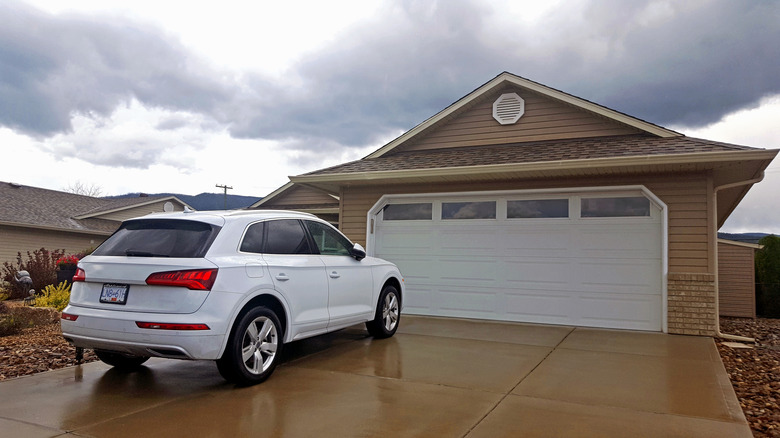
Locking all your doors and windows is fine, but make sure you aren't neglecting your garage door in the process. After all, this avenue of entry is a prime target for burglars, who might get lucky if they find out that you left the door to your garage unlocked before going on vacation. Thankfully, if you are on your way to the airport and get paranoid about this, you'll be glad you installed a smart garage door instead of relying on an old-school one.
After all, you can remotely monitor the status of your garage door and see whether it's locked or not. It may seem like a minor feature, but any frequent vacationer who is a bit absent-minded when it comes to double-checking their garage for any possible security concerns will love the convenience that smart garage door controls bring to the table.
Update your smart sensors and cameras while enabling max safety and security
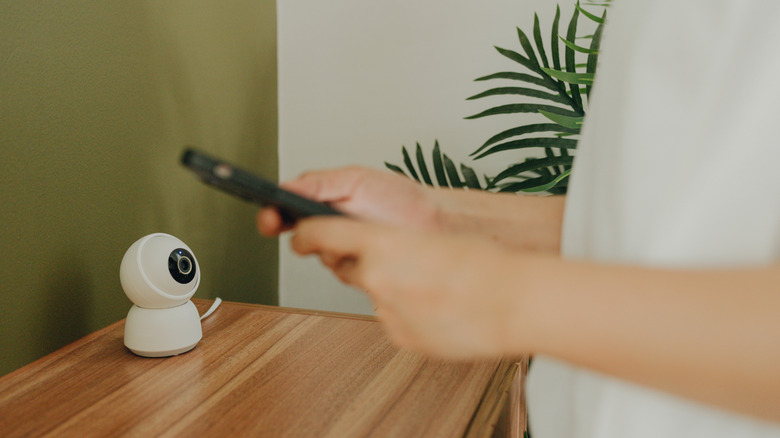
Regardless of whether you're at home or not, installing smart sensors and cameras is one of the first steps you should take when transforming your house into a smart home. Sure, smart lights and assistants are definitely cooler and make it easy to show off your high-tech home to your guests, but don't make the mistake of setting up your smart home without safeguarding your home's safety and security. Smart home sensors will notify you immediately in case they detect water leakage, smoke, or carbon monoxide. Meanwhile, the functionality of smart security cameras is obvious. Their very presence is often enough to make burglars think twice before breaking into your home.
That said, don't assume that installing these sensors and cameras is enough to achieve the highest level of home security before leaving on vacation. Make sure that the firmware of all these devices is updated to minimize glitches while preventing the software from being easy pickings for hacking attempts.
Along with this, tweak the settings on these devices to provide the highest level of safety possible when you're not at home. Your smart sensors should send priority-level alerts to your phone that are impossible to ignore, lest they get lost in the sea of notifications that your phone is usually drowning in. Regarding your security cameras, they should be active at all times and send any alerts — again, priority-level — if they detect a person near your house. Audio recordings should also be active so you know exactly what's going on if a suspicious individual or group lingers for too long.