

10 Home Theater Mistakes You Might Be Making, According To Enthusiasts
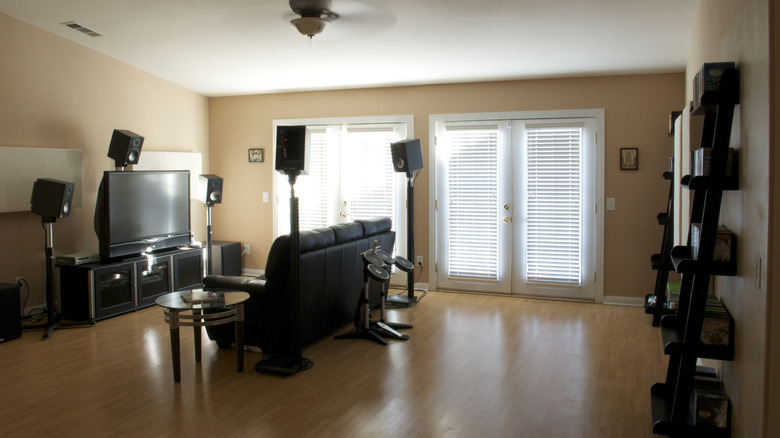
There is an art to assembling a high-tech home theater setup. There are countless factors to consider, such as the dimensions of your room, lighting conditions, choosing the right television or projector, finding the right furniture for watching your favorite movies, and plenty more.
At the end of a home theater journey, everyone has the same experience. They put on a movie or video game and, within minutes, notice all the mistakes they made, then go to Reddit to see if anyone else has had a similar experience. Invariably, they're not the only ones who accidentally set their TV too high or failed to provide proper ventilation for their overpriced home theater cabinet.
While it's easy to fix some mistakes, others are trickier, and if you screw up some things, you might have to start from scratch in order to fix it. They say an ounce of prevention is worth a pound of cure, which is to say the best way to mend a mistake is to not make it in the first place. Here are 10 home theater mistakes you might be making, according to enthusiasts.
Failing to account for sunlight
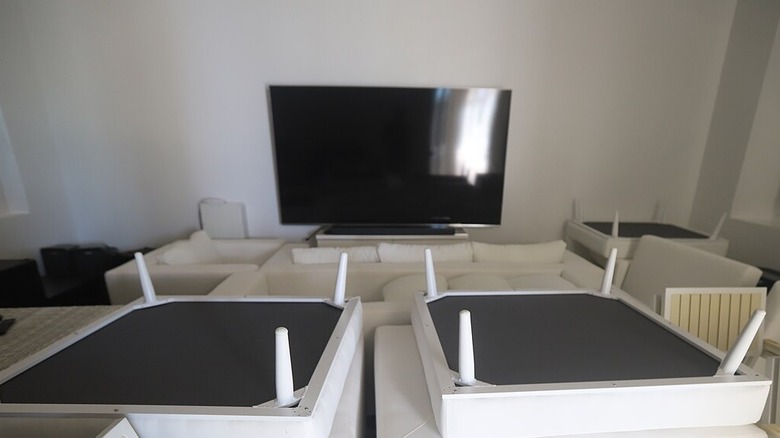
For our first entry, we'll look at something that can be tremendously annoying. There's nothing worse than setting up your television and then sitting down to watch a movie, only for the image to be completely blocked due to sunlight reflecting off the screen. Not only is it irritating, but it can also damage your display, especially the organic compounds found in OLED screens (the "O" in OLED stands for "Organic," after all).
Thankfully, there's a relatively easy fix, but it might impact the aesthetics of your room. You might have beautiful drapes, but if they're not properly blocking sunlight from interrupting your daytime TV time, you need to buy a set of blackout curtains. These curtains are thick enough to block outside light and let you watch TV without pesky glare ruining your experience.
If you really don't want to deal with blackout curtains for style reasons, you should keep track of how sunlight interacts with your home theater room. Maybe take a photograph or a short video of your room every hour from sunrise to sunset. With this data, hopefully you can find a spot in your room that's out of the way of direct sunlight. It's not as perfect a solution as blackout curtains, but it can still mitigate the problem.
Not considering your acoustics
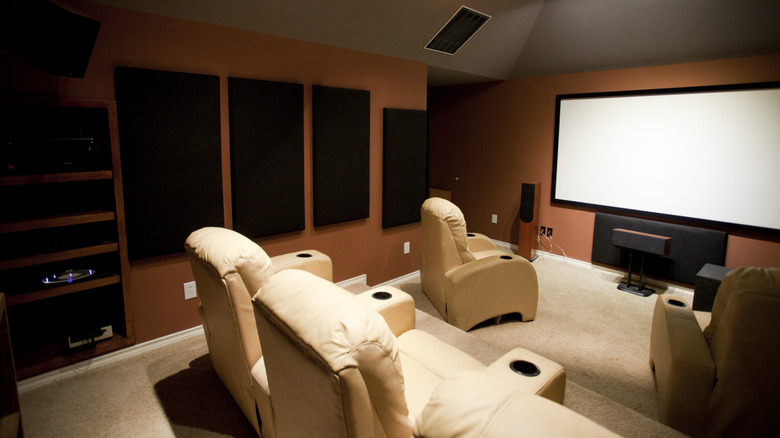
There are many tricks to upgrading your home theater audio, but your room is one of the most important elements of your setup. Of course, not all rooms are created equal. You can't just put a TV and a booming sound system in a room and expect it to sound perfect, even if you place them perfectly. If you're wondering why your sound system is echoing all over the place, it's because you didn't consider the acoustics of your room. This is something podcasters and musicians (especially drummers) have learned to deal with.
If you can, it's best to add foam paneling to your home theater walls and have professionals install carpeting throughout the room. It will make a world of difference in keeping sound waves from bouncing around the environment like lasers ricocheting in a room full of mirrors. The blackout curtains mentioned earlier will also help absorb errant sound waves.
However, if you've already finished installing your home theater setup and it's too much hassle to move everything to install carpeting and wall panels, it's not game over. You can buy foam panels online and use double-sided tape to stick them to the walls. You can buy a roll-out carpet. If you have room, you can place beanbag chairs, blankets, and pillows around. Just having objects like these scattered around your home theater space will go a long way towards improving the acoustics of your room. It might not be a full professional fix, but it'll do, and you'll notice the difference immediately.
Placing your TV too high or far away
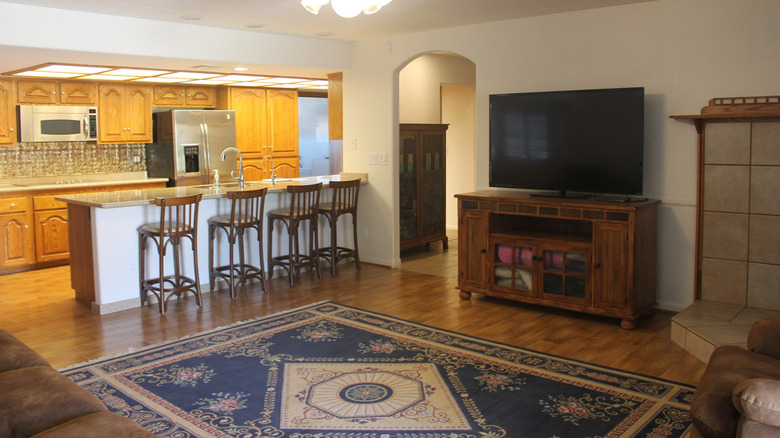
When it's time to unwind and relax, some people like to watch funny cat videos or skateboard fails. When I need a good laugh, I look at the "TV Too High" subreddit, which chronicles the unfortunate souls who have, as the name suggests, placed their TV too high. When a TV is placed too high, the viewing angle is askew, which can lead to an unpleasant image due to warped black levels, especially on backlit LCD screens.
Unfortunately, if your TV is too high, you might have to get a whole new home theater cabinet or reinstall the wall mount. A quick fix is to sit farther from your TV so the viewing angle isn't so bad, but that leads to another problem: Your TV is too far away. To get the proper 4K experience, you need to be sitting within a certain distance of your TV; if you're too far away, a 4K UHD image is effectively indistinguishable from a traditional 1080p image.
Ideally, the center of your TV screen shouldn't be much higher than eye level. If you absolutely have to mount your TV high on a wall, at least you can mitigate the damage by getting a mount that lets you adjust the angle of the TV so it's slightly tilted towards the floor.
Using wrong/outdated equipment
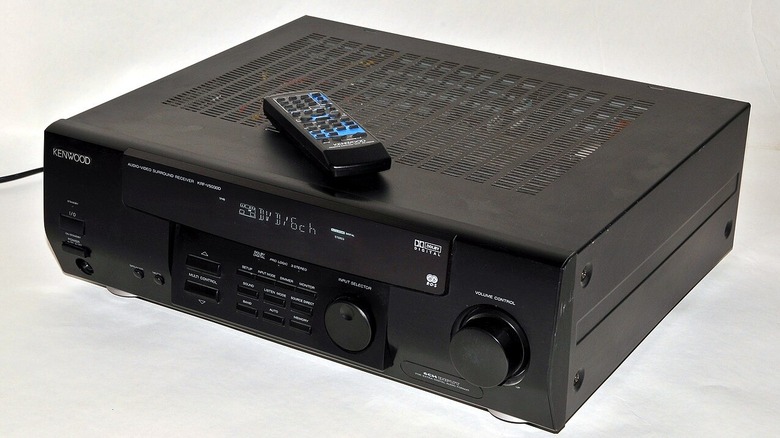
Maybe you have an existing home theater setup, and you want to upgrade your TV. Perhaps you're switching from a 1080p SDR screen to a 4K OLED with HDR. So, you install your existing setup in the new space and switch out your TV ... wait, why aren't you getting a proper 4K image?
Turns out, when upgrading from Full HD (1080p) to UHD (4K), your old HDMI cables and sound receiver might be holding your TV back from achieving its full potential. Many modern devices should always be plugged into an HDMI 2.1 port. If your HDMI cords aren't HDMI 2.0 or above, you should upgrade. And if your receiver is more than a few years old, you might need to upgrade it to something that's actually compatible with HDMI 2.0 or later. If not, you'll still get a signal, but it won't be 4K.
If you want to get the most out of your TV, you'll need to upgrade your HDMI to 2.0 or above. You'll also want to upgrade to a modern receiver. This won't come cheap, but if you have a proper 5.1 or greater sound setup, you'll need one. If you use a soundbar, however, you can sidestep the receiver entirely and hook your HDMI 2.1 devices directly to the TV. If you have many devices and don't want to keep swapping cables, you can use a splitter to add more inputs. Just make sure you get a splitter that's compatible with the latest HDMI features.
Overspending on new equipment
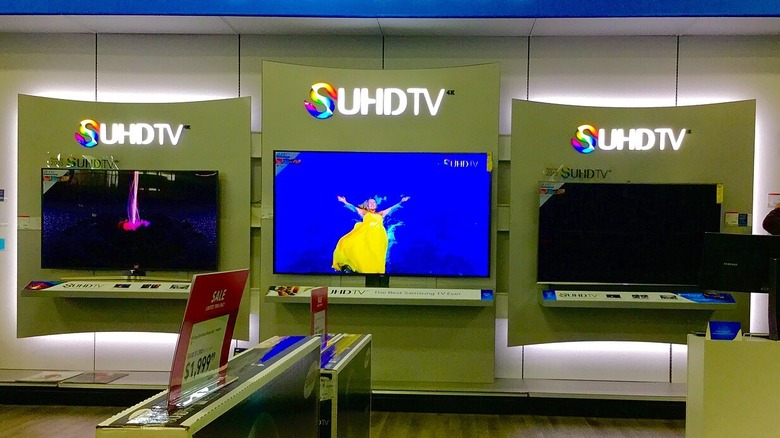
This is a tricky one. If you want fresh, pristine equipment covered by the manufacturer's warranty, buy new equipment. It's not the only option, but it's the easiest and most expensive. If money is no object, then sure, shell out as much cash as you want to get shiny new gear for your setup. However, if you don't want to max out all your credit cards and take out a bank loan just to afford 7.1 speakers, there are other options.
The internet age has changed shopping forever. Between Craigslist, eBay, Facebook Marketplace, and other online outlets, a shrewd buyer can get top-shelf gear without paying top-shelf prices. There are vintage pieces of audio gear that are in high demand today, and they can sometimes be found on these sites. If you know exactly what you want, you can probably find it second-hand and potentially save hundreds of dollars over buying new. After all, if someone absolutely needs to get rid of their equipment, they'll sell it at a huge discount if that's what it takes to get it out of their house.
Of course, it goes without saying, but I'll say it anyway: buyer beware. Buying secondhand means you're not protected by warranty, and you run the risk of buying something that might be broken. Maybe that's why they were selling it. If you get a piece of broken equipment, you can bring it to an electronics repair shop (or crack it open and try to fix it yourself), but there's no guarantee you didn't just throw your money away. It's up to you to decide if it's worth the risk.
Mismatching your speakers
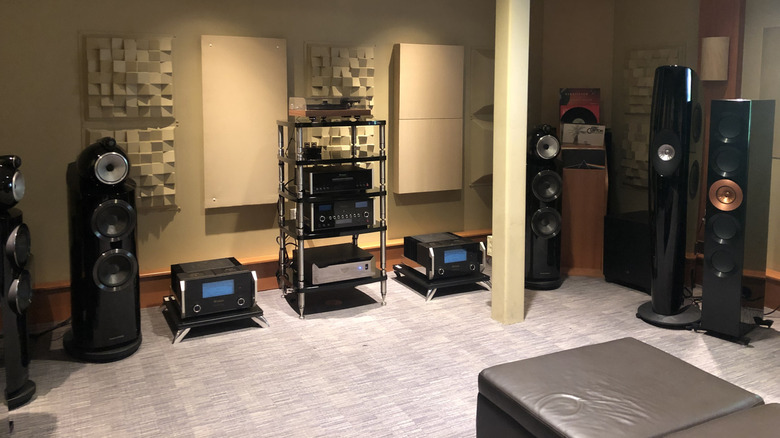
If you have a pair of top-tier stereo speakers, but want to upgrade to a surround sound setup, don't skimp on the rear and center channels. If you have great big stereo speakers, they will overwhelm the other channels. Sure, you can adjust the balance, but then you're holding back your stereo speakers so that the other channels can keep up. On a 5.1 setup or better, the center channel is arguably the most important speaker. If your center speaker is more of a squeaker, so to speak, you might be better off just sticking to two-channel stereo.
You might be particularly proud of your stereo speakers, but if they're ruining the balance of your sound system, you have two options. You could invest in rear and center channels that match the power of your stereo speakers. Or you could get a separate set of stereo speakers that play better in a surround sound setup. Especially if your home theater is in a small room, you don't need huge speakers to get great sound. What you really want is speakers that play nice with each other so that the whole system is properly balanced for greatness.
Maybe you can't bear to get rid of your old-school tower speakers. Perhaps they're family heirlooms with a rich acoustic sound. There's no reason you can't have those connected to a separate audio setup dedicated exclusively to music, like your turntable for playing your vinyl collection.
Cord mismanagement
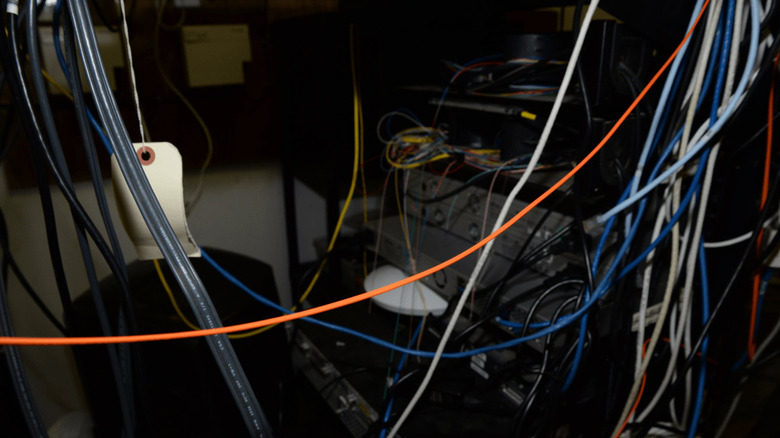
You've set up your home theater system, and you're proud of it. The image on your TV looks incredible. The speakers are delivering amazing sound. Alas, there's one problem: You've amassed a terrible mess of wires coming from all corners of your setup. Simply put, it's ugly. If you have a home theater cabinet/shelf/stand, your cords might be naturally hidden behind your equipment, but if you have a wall-mounted setup, what can be done about this aesthetic problem?
Before you start plugging things in, you should have a plan for cable management. First of all, you should label your cords and know exactly where everything is going to go. It's way easier to figure everything out beforehand so you can just plug and play with minimal fuss. Then, some rubber bands or zip-ties can be used to keep the cables from firing out in all directions. You can also buy cord hiders to make your setup look better and more efficient.
It's not recommended that you drill into your wall to hide power cables. That's a code violation and could get you into trouble, especially if an errant spark or an unexpected power overload causes your setup to accidentally burn down your house. If you're interested in doing something along those lines, consult a professional electrician.
Not facilitating proper ventilation
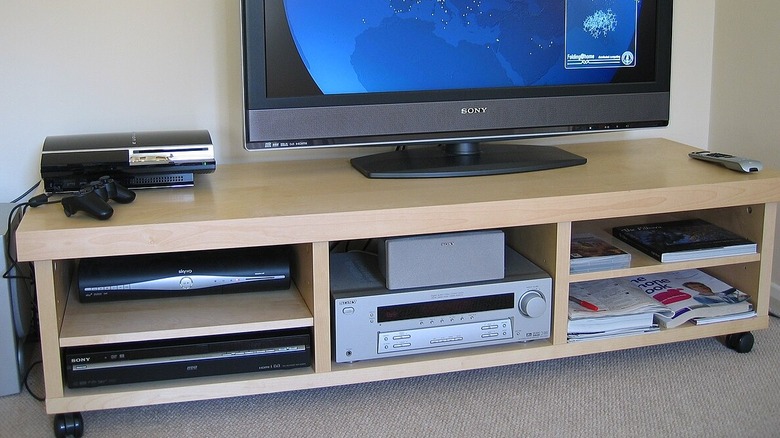
If you have a home theater cabinet or TV stand with an integrated shelf, it probably has multiple compartments for various essentials like an A/V receiver, video game consoles, Blu-ray players, and other common equipment. However, these cabinets and shelves often don't consider one of the most crucial elements of a home theater setup: heat.
Just about every element of your home theater setup generates heat. That's why their shells feature many vents to keep the internal components safe from overheating. Unfortunately, many people don't consider the heat generated by their home theater setup until it's too late. They put their devices in a cabinet's small cubbyholes that aren't big enough to let the hot air out. Even worse, for the sake of space efficiency, people might stack their devices on top of one another, causing the heat from the bottom device to rise right into the one on top.
There are a few things you can do to protect your equipment. For one, make sure everything has room to breathe. If your cabinet has cubbyholes with closed backs, use a reciprocating saw or something similar to carve a hole in the back so the air has somewhere to go. Make sure there's at least a few inches of clearance around the various vents on all of your home theater gear. Follow these steps, and you should avoid overheating, even on a hot summer's day.
Failure to baby-proof and pet-proof your system
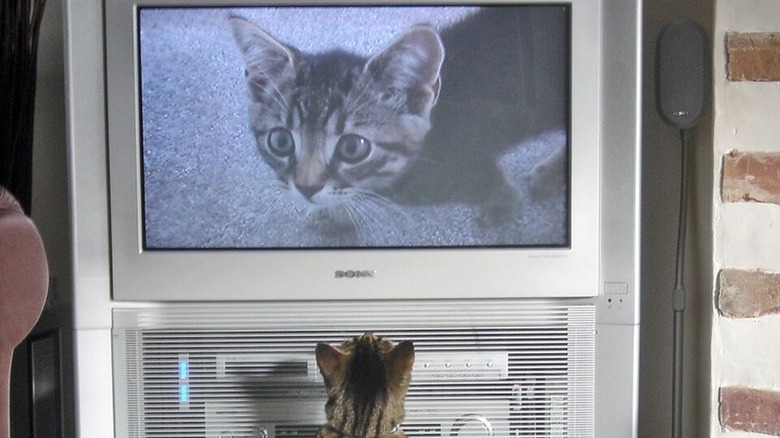
Do you have little babies or pets? If so, you have some work to do to protect them from your home theater setup, and the other way around. Cats love playing with string. You know what looks like string? Pretty much every cable sticking out of your A/V system. If your curious kitty starts chomping on wires, they can absolutely destroy some of your equipment. They also shed hair that can clog the ventilation on your gear.
Little babies are also curious and love playing with whatever they can get their hands on. They love to climb on things, and that can lead to disaster if they wind up causing a TV to fall and hurt them, or worse. Most modern flatscreens aren't as heavy as old-school CRT monitors, but you still don't want one falling on top of your toddler.
There are furniture anchors that can go a long way towards keeping furniture, including TV sets, from falling. As for cats and other bitey animals, practice proper cord maintenance so they can't get at the wires. As for cat hair (and human hair and dust and dirt for that matter), you might be tempted to use a vacuum to clean the vents, but be careful, since errant static electricity could destroy your stuff. You're better off buying a can of compressed air and using that to clean your delicate electronics.
Failure to calibrate your TV's picture settings
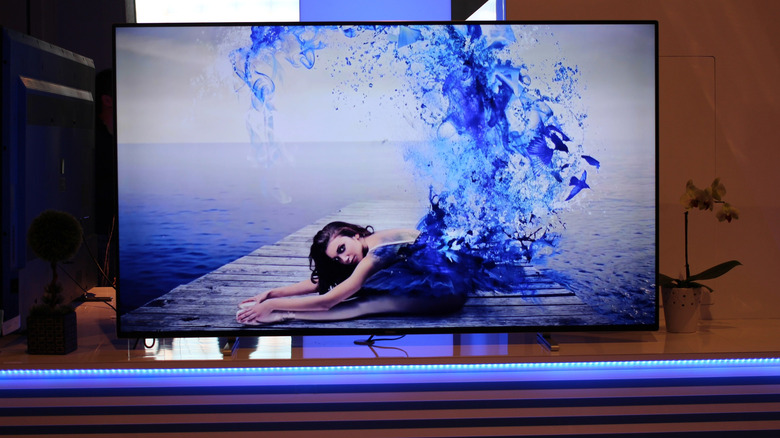
This final entry might seem simple, but it's still amazing to me how many people don't take the time to properly calibrate their television sets. By default, TVs have all their useless bells and whistles enabled. Extreme brightness and motion smoothing might look attractive under the fluorescent light of your local Best Buy or Wal-Mart, but it's gaudy and ghastly in a home theater environment.
Calibrating TVs is a more involved process than ever in the age of HDR, or high dynamic range, which allows for much greater color depth than was possible in the past. If you have an old DVD with which you calibrated your first TV decades ago, it's probably not sufficient for today's OLED screens. You can find high-quality test patterns online that can be used as a resource to get optimal picture quality. If you can afford it, you can have a professional come to your house and calibrate your TV, but with some practice and patience, you can calibrate your smart TV without any fancy tools.
Aside from in-depth color tuning, there are some other things you can do to make your TV instantly look better. For one, disable the eco-saver setting, which messes with your brightness for the sake of being more power efficient, but it's just not worth it. You should also change your TV's color temperature to be as warm as possible, which makes the color white actually appear white, rather than a faux-white metallic blue-grey. Above all, please, for the love of all that is good in this world, disable motion-smoothing.