

10 Common Mistakes Homeowners Make With Smart Appliances
We may receive a commission on purchases made from links.
Smart devices can be a good addition to your home. They assist in automating simple tasks and allow you not to worry about every little detail. It's a great way to take the weight off of your shoulders that you need to do everything within your house or micromanage endless details. When you're first getting into adding smart home devices, it can be exciting but a bit overwhelming as you dive into it. It's easy to make a mistake when you begin this process, and there are some ways to bridge your previous home setup with your new device-filled one.
We've researched some of the biggest mistakes new smart home users make. Many of these examples and recommendations come from people who have had these devices in their homes for years. The selection highlights issues so those who are doing this for the first time don't run into the same issues. These are 10 of the most common mistakes homeowners make with smart appliances that you should try to avoid.
Choosing features that require ongoing subscription fees
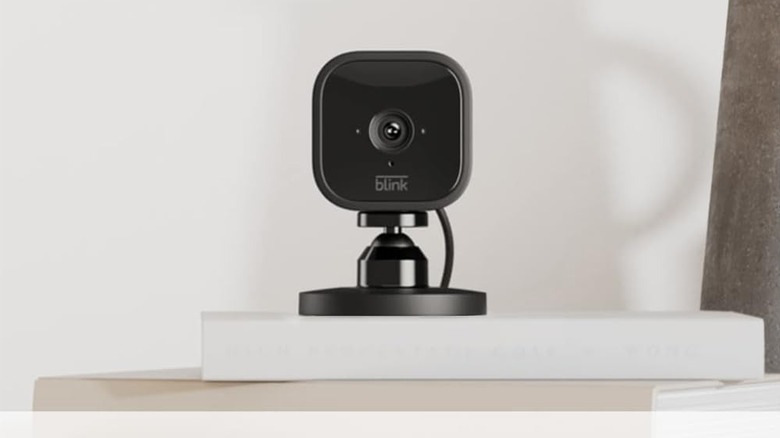
Subscription fees are everywhere, and there's a good chance you can encounter them when you're setting up smart home devices, especially for security cameras. There are a handful that require you to not only buy the new device, but to get the most from them, there's an added subscription fee every month. Homeowners who are new to smart devices might believe this is the way things are, especially when picking from brands like Telus, Google Home, or Blink, which all require monthly subscriptions. Homeowners can avoid these fees by wisely selecting products and devices that don't come with these additional fees. Devices that require these are one of the 4 things homeowners should think twice about before buying.
When purchasing a smart device, double-check if it comes with a payment plan or if you have to sign up for a specific service. If you do, like with Google Nest where you're expected to pay a subscription fee every to use certain services, it might be a good idea to find an alternative device or brand. For example, you might want to go with Aqara, Arlo, Amazon Echo (although there's an option to get an Alexa+ AI assistant, but it doesn't restrict the core features), or Ecobee.
Assuming there won't be glitches
It's easy to assume that after installing a smart device, the solution lasts in perpetuity, and you never have to worry about it again. But there's always the chance of a problem. These problems can span an entire system, especially if you're building up a robust network in your home or developing it into a security network.
Because of how complicated errors can be, it's a good idea to understand how these devices work. Start small, like beginning with simple light switches and smart speakers that respond to vocal commands. What also helps is to go through the troubleshooting steps the manufacturer recommends when there's an error in your system and understanding why a device might have these issues. Problems can also vary from having too many systems in your network that are not set up properly. You may encounter problems with voice commands or slow response times too.
You'll want to keep the instructions for any smart device and perform monthly tests on it when you initially get it. This way, you get a better idea of how they work, what to expect when you encounter hiccups, along with getting to know what looks normal for these devices and what to expect when the device is not working properly. There's always a chance a smart device starts to malfunction, and knowing how to tackle those issues is a good step when setting up your smart home.
Not naming devices properly and organizing them
Giving your smart device a proper name when you add it to your network can seem like a small detail, but it could be important. Making a proper name so you know, immediately, what device you're looking at and where it is, is a good practice. It's an easy mistake to name a new camera, or light, something basic like "Smart camera 2" or "Backyard light 3" if you already have several others in your network. Going with this simple nomenclature can mean that if something goes wrong with it, you might not know where it is or which device is experiencing problems in your network.
You may want to be more specific. You can go with "Front Door Camera Entry Right Corner" for a name. It's long, but it tells you exactly which camera it is and where it is in your house. If you see that there are problems with this device, you'll know exactly where to go to check on it. You can keep it simpler for smaller devices, like multiple lights you have in the living room, naming them "Kitchen Ceiling Light 1." Naming the room is important, along with describing the device, and marking it differently from other devices you already have there.
Ignoring device compatibility
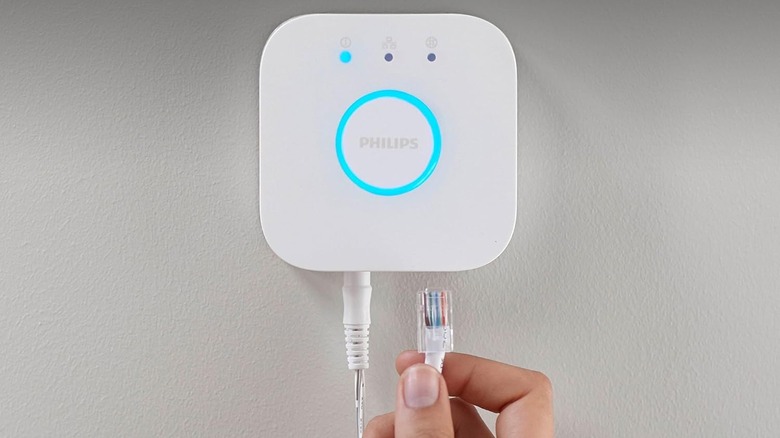
Knowing how the smart devices inside your house will work together is important. You want to double-check to see if eeach device you pick up will be compatible with the others you've purchased or are planning to use. This way, they can function with each other. We don't mean that a device can't communicate with a Cloud Service, but with other smart devices in your home, specifically.
This mindset goes for the lights you use, outlets, or any security cameras that you want to add to your smart ecosystem. Knowing how they can work together and communicate with one another can make life easier for you. A good way to ensure this is to get a hub, like the Philips Hue Bridge, the SmartThings hub by Samsung, or the Homey Pro hub. These are centralized devices designed to connect to your smart devices, ensuring they communicate with each other, even if they don't quite speak the same language.
We recommend grabbing something like this if you have an expansive, or are making plans to expand, your smart home network. If you have only a handful of devices in your home, you're better off checking to see how they work individually, rather than integrating everything.
Not optimizing power usage
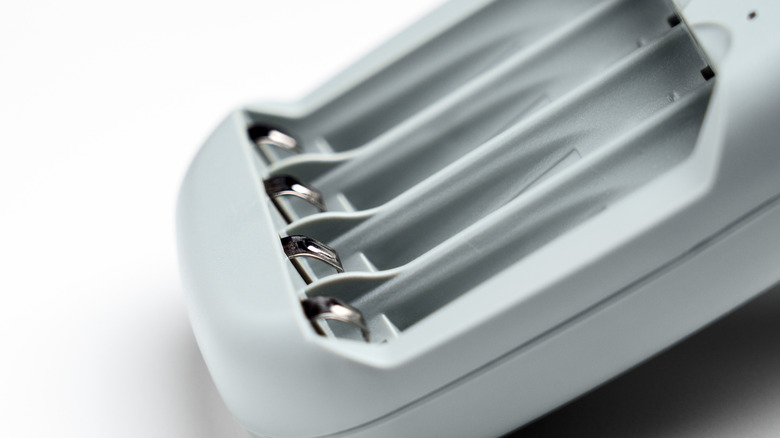
Some of the smart devices you have in your home may function on batteries, as many of these products use them. Normally, these devices are good at optimizing power saving, and they're not always turned on. However, it might be a good idea to make sure you have the proper settings on them, and you're protecting your wallet from having to buy batteries frequently. Some users do note that smart devices have a higher battery drain when using Wi-Fi as they're more consistently online.
There are a few settings you can modify to ensure your devices are not operating at full capacity, and you can make sure they're only on when you want them to be. You can do this by going into the smart device's individual settings, or scheduling them to turn on at set times, scheduled through an application.
Making sure these devices are on and used during peak hours is the best way to make sure you get the most from them without draining batteries. Some devices might also give you a heads-up when they need additional batteries or when they reach a certain power threshold, which is a good indicator to ensure they don't suddenly stop working when you least expect them to power down.
Overloading your Wi-Fi network
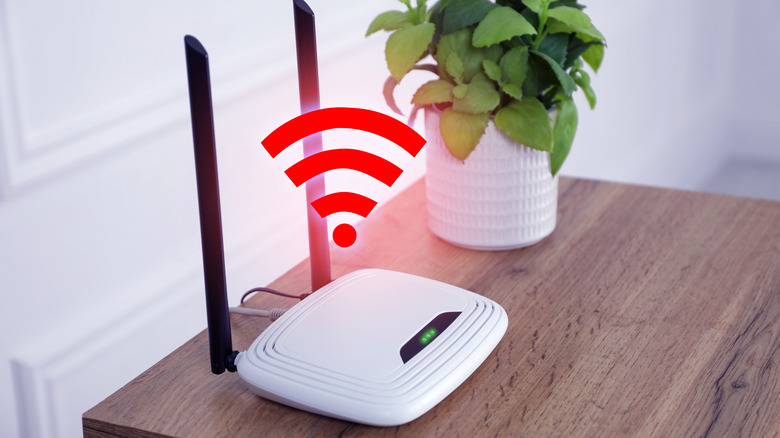
Many of the smart devices you'll be adding to your home are going to be scattered throughout your house and property. They might be outside, on the edge of your property, or in odd corners tucked away. Because of this, it's a good idea to make sure that your Wi-Fi network is up to the task. The strength of your signal is not the issue, but its overall range, as it needs to reach and speak with these various devices spread out all over.
If it doesn't, there's a good chance that particular smart device won't be able to connect to the rest of the network. You'll be out of luck with that device until you upgrade your network or get a Wi-Fi mesh system. These are useful if you're looking to stretch out your home's Wi-Fi signal. There are also clever tricks to extend your Wi-Fi network, such as using the router's guest network.
The best way to do this is with the help of your smartphone. You can visit the different locations where you want to place a smart device and use the DevCheck application. It's a free application that allows you to test your Wi-Fi signal strength. You'll be able to visit different parts of your house to test the signal, seeing if it's a worthwhile spot that will work for future devices before you commit to those locations.
Forgetting to locally back up data and relying entirely on Cloud Services
There's a good amount of information that your smart devices get saved to the cloud network or an outside resource to keep track of it. You want to make sure you're backing up all of this as often as possible so that you can access it at a later point or if you want to review these details. There's always the chance that if the Cloud goes down for your network, or something goes wrong on their side, you could lose everything. This also means you're relying too much on the Cloud Network to protect everything you upload, or making sure that if the Cloud Network is not connected, these devices are still functioning.
When it's gone, and you can't access it anymore, it's gone, and there's no way you can bring it back. Having a backup of this information is always useful, especially if you want to stay on top of relevant information and details. You want to create reliable backups using dedicated hard drives or folders on your computer to make sure you have access to these files, especially if they're videos. You'll want to make regular backups of your systems and see if you can run your devices locally, which means picking brands that continue to function this way, such as through Matter or Home Assistant.
Not taking advantage of automations
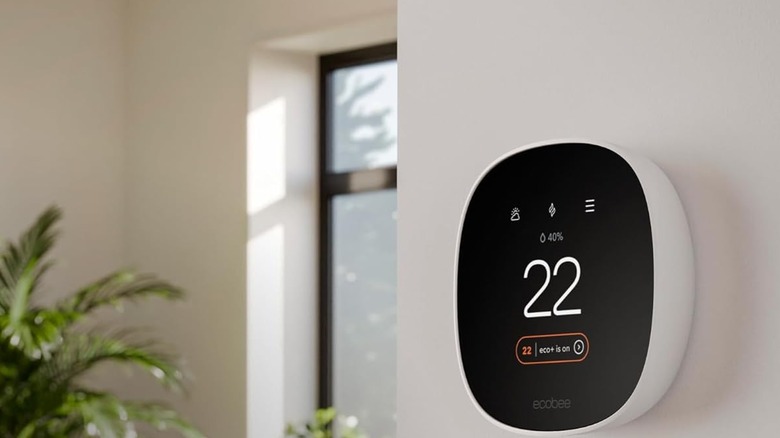
The primary goal of adding smart devices to your home is to make life easier. It's easy to forget that many of these small tasks are things you can interact with, but they can also be automated, and adjusting the settings of these devices could mean you no longer have to intervene directly. You don't have to adjust the thermostat when it gets hot. Instead, if it reaches a certain temperature outside, your smart thermostat has already turned on, and the AC is running throughout your home well before you even need it. There are also automations you can use that save you money.
You can do this by running through the various settings of your smart devices to see what tasks they can do automatically. You'll want to see if the lights in your front or backyard can turn on automatically if you walk in a certain range, or if a camera in the front of your house can begin recording if it detects motion within a certain range. You can make this even more personal by automating what your lights and television do for a movie night, or having your entire house lock up, and the lights go down when you're getting ready for bed.
Replacing already simple controls
Similar to wanting to automate as many things as you can, there's such a thing as too much automation. You don't want to go overboard and have your smart devices doing nearly everything for you, to the point where you lose control. You want to avoid having to rely too much on automation for simple tasks, such as being able to turn light switches off and on when you leave a room. Being able to turn them all off, or on, during a certain time of day, but don't remove the ability to do this yourself.
You'll also want to avoid having just one control method. Although many smart devices utilize voice controls, being able to control them through another method is a good idea, be it through your smartphone's application or a remote that you can use. It's always a good idea when you create a new routine or add a new device to your home to test it out for a bit to ensure it works. You'll want to test all methods you have for this device, ensuring it can work for you whenever you need it, and you're not creating more work for yourself by having them complete simple tasks that you can do.
Glancing over privacy settings
It's always good to make sure that smart devices are not listening and storing what you're saying, and selling that data to the company behind that brand. There's a good chance that this could be happening, and that's why you want to read through the privacy settings for every smart device you add to your home. You want to make sure that your protection and safety are your top priority, and not that you can feed them data about your preferences and lifestyle to others.
There's also the chance, and a legitimate fear, that your smart devices are watching or monitoring you while they're in use, or not being used. There have been a handful of cases of photos leaking where companies took photos of people in their homes, or knew what they were watching on their smart televisions, whether the TV was offline or through a DVD. Several smart TVs have been accused of collecting data with their consent.
There are ways to avoid this, such as deleting the advertising accounts or making sure to check off certain settings that are automatically turned on through a smart device. Running through the privacy settings and privacy agreements is a good idea to protect yourself and your home further.