

7 Signs Your CPU Is About To Fail
We may receive a commission on purchases made from links.
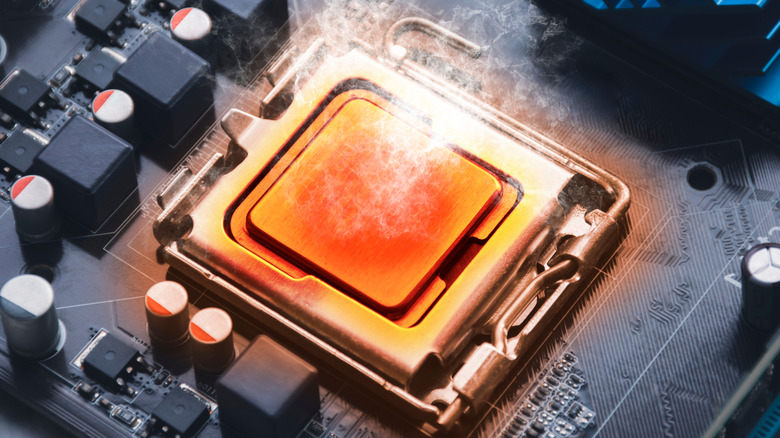
The Central Processing Unit (CPU) is arguably the most important component in your entire computer. This is the general-purpose processor that runs the core software code of your operating system and all the applications you use. While there are other specialized processors in your computer, like the Graphics Processing Unit, the CPU is the component that has a role in everything your computer does.
So, it stands to reason that if your CPU is on the way to the big motherboard in the sky, things will go wrong in serious ways. CPU failure is usually sudden and total, but there can be signs that suggest it would be prudent to start saving for a new one, or that unless you make some changes, you will eventually have a dead CPU on your hands.
To be clear, some of these symptoms are inevitably shared with signs that other hardware is failing. Some system instability could also indicate that your GPU is about to fail, or that your RAM is about to fail. In other words, these signs are generally the starting point of your investigation, rather than the moment where you gather all your components in the drawing room and reveal who the true culprit is.
Frequent crashes or Blue Screens of Death (BSODs)
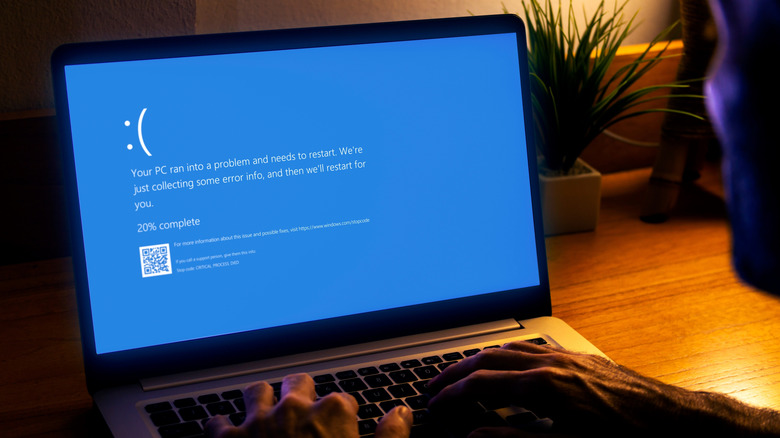
This error screen shows that your computer has had a hard crash. The Windows kernel encountered an issue that it could not resolve — such as corrupted data that would lead to data loss — so, the only option was to stop everything and shut down the whole computer. These days, in most cases, BSODs are likely hardware-related. If the error is something like "WHEA_UNCORRECTABLE_ERROR" or "CLOCK_WATCHDOG_TIMEOUT" and it happens frequently regardless of the software you're running, chances are your CPU is acting up.
While it's true that BSODs can be caused by software alone, this is fairly unlikely. Most software runs in a way where it can be isolated and fixed, without bringing the whole system down. However, problems in software with low-level system access can cause havoc, such as the CrowdStrike software that lead to massive global Windows PC failures.
Microsoft has finally killed the Blue Screen of Death, making it black again as it was briefly in the past. However, this does nothing to make the implications any less dire for a BSOD.
Your PC freezes randomly
When you run into a BSOD or other type of crash, at least your hardware is functional enough to show you an error message and fail gracefully. A much worse scenario is if your computer just freezes. Since the CPU is involved in everything to some extent, a random freeze is more likely to be CPU-related than, for example, a freeze that happens when you do something specific like running a graphics-intensive game or copying a large file to your SSD. The latter could be a sign your SSD is about to fail, but it's not a smoking gun for your CPU.
If your computer freezes for no apparent reason, whether hours into a game or seconds after you log in to Windows, that has CPU problems written all over it. While this could still involve faulty memory, you can quickly and decisively eliminate that possibility using a memory test. If it's not your RAM, and it happens even in a test environment like booting from a live USB (which rules out your SSD), then things aren't looking good for your CPU.
Of course, instability like this means you should always undo custom CPU-related settings like overclocking to ensure that you haven't caused the problem through a misconfiguration.
Your processor fails stress tests
At this point you may be wondering how it's possible for a CPU to be faulty, but still seemingly run fine 90% of the time. The short answer is that a modern CPU isn't just one thing on the inside. Modern CPUs actually consist of multiple processors referred to as cores. It's entirely possible for just one of your cores to have a fault, and random crashes or system freezes don't happen unless that specific core is engaged. Even then, only a specific processing element of that core might have a problem, so it also matters what sort of operation the software is trying to perform, before the fault becomes apparent. My Windows laptop has 24 CPU cores, and I doubt that half of them are doing anything of consequence even when I'm using my computer actively.
To find the fault, we need to induce a crash or failure with software that purposefully maxes out the entire CPU in a way that almost never happens in real-world situations. These software packages are usually used to check if memory settings or CPU overclocking is stable or not. The logic being that if the hardware can endure this unrealistic load, normal computing will never knock it over.
Any healthy CPU running at its stock settings should have no issue completing these tests. If your computer crashes or fails during them that's a big sign something's not right. OCCT, Prime95, and HeavyLoad are all good options.
Your system becomes unstable at stock settings

Overclocking used to be the best way to get the most out of your PC, but these days modern CPUs are pretty good at pushing their own clock speeds to the limit if you make enough power and cooling available. This is generally called the boost clock, as opposed to the base clock, which is the speed the CPU is never meant to drop below unless it's overheating. If you have overclocked your CPU beyond its automatic boost clock level, then there's a good chance you've introduced instability. This can be reversed by simply restoring the CPU's default settings.
However, if your CPU is acting like an unstable, overclocked CPU even when all of its settings are as stock as they can be, that's a big 'ol red flag. If the CPU is unstable because it's getting too hot you can usually fix it by replacing the thermal paste or pad, while verifying that the fan on your heatsink is working properly.
If that's not the issue, then there's a chance your CPU is getting the incorrect voltage for some reason, so a BIOS and CPU firmware update would be in order. This exact thing happened with Intel's 13th- and 14th-generation desktop CPUs, where a bug caused the CPUs to overvolt themselves, leading to crashes.
Your computer randomly reboots under load

Beyond BSODs with an error message, and random freezes, another common sign of a CPU that's not happy with its lot in life are random reboots. Again, this could be as much a sign that your motherboard is about to fail, rather than your CPU, but it's high on the list of culprits. A computer that instantly does a hard reboot suggests a power-related problem, but if your computer started freezing or stuttering before the reboot, that is likely to be CPU related.
It is worth checking that the power supply connection to the CPU on your motherboard is as it should be. You can use a PSU tester to rule out a dodgy power supply as the cause of sudden shutdowns or reboots. In fact, you also need to eliminate your RAM and GPU as potential culprits as well. Yes, CPU troubleshooting can be very annoying indeed.
Your motherboard reports CPU errors during startup
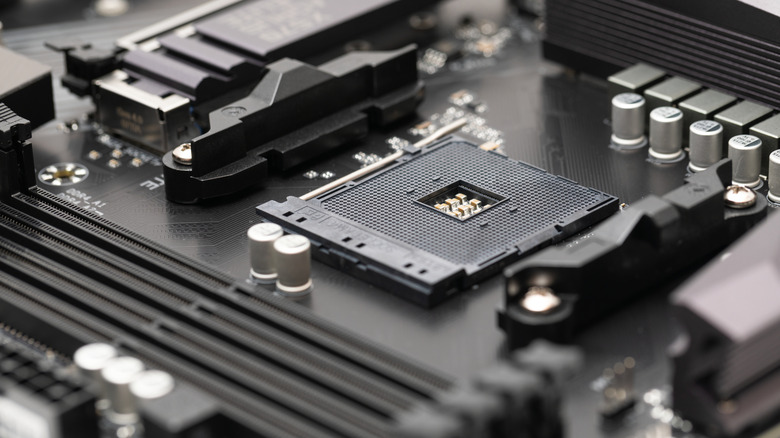
If you're looking for a sign of CPU failure, there's nothing more literal than a motherboard error code. The motherboard tests the CPU at every boot, and if there's something wrong with it, it will let you know. To be clear, a CPU error from your motherboard does not mean your CPU is dead, damaged, or failing. However, it's a strong indicator that something serious is wrong. So, how can you recognize a CPU failure message from your motherboard?
The oldest form of motherboard error code is a beep code. This emanates from an independent buzzer plugged directly into the motherboard, and so it does not need a working soundcard or plugged-in speakers. You'll have to look up the beep codes for your specific motherboard, because they differ depending on who made the BIOS. There are usually multiple CPU error codes, such as one for a CPU voltage error, and another for a dead or missing CPU.
But beep codes aren't the only sign of CPU failure from a motherboard. Many modern models use either error LED lights, or an LCD screen that can show a two-digit error code. Again, you'll have to check your motherboard manual to know exactly what these codes mean. There may be several specific numbered codes for different CPU issues.
Your PC sometimes can't detect the CPU at all

If your computer won't boot up at all with a given CPU in its socket, that's a clear enough signal. But what if the CPU works sometimes and other times the system won't boot? The CPU might need to be reseated, and it's always a good idea to test it in a different computer to see if this unreliable booting behaviour follows the CPU or not. If so, the CPU may be on its last legs.
If the intermittent failed boots are not accompanied by CPU-related error codes as we mentioned above, it's probably a different component behind the issue. A computer that only gets going every second or third try can be a nightmare to troubleshoot, but while the CPU is not the most likely reason for it, it's also the easiest possibility to eliminate if you have another compatible test system that you know works.