

7 Major Benefits Of A Smart Home Thermostat You Shouldn't Ignore
We may receive a commission on purchases made from links.
The sheer volume of smart home tech available on the market is immense, and you may be overwhelmed when it comes to picking a starting point to transform your house into a technologically powered hub of convenience. Do yourself a favor and get your hands on some useful smart home sensors and cameras first. This way, you'll be instantly informed of any fires or CO leaks, while any criminals trying to break into your home will either be deterred by your security system or give police all the proof they need to nab these thieves. Once you've invested in your smart home's safety and security, it's time to prioritize comfort.
With some of the best smart home thermostats from companies like Amazon, Google, ecobee, Sensi, or Honeywell Home, you can turn the simple act of heating or cooling your house into a dynamic process that optimizes how this device works. Changing settings and helping this thermostat adjust to your routine helps maximize the level of comfort you can enjoy with this device. Suffice it to say, you won't have to worry about the temperature in your house reaching uncomfortable levels once you maximize all the benefits that can be enjoyed with a smart home thermostat.
Energy-Saving Mode
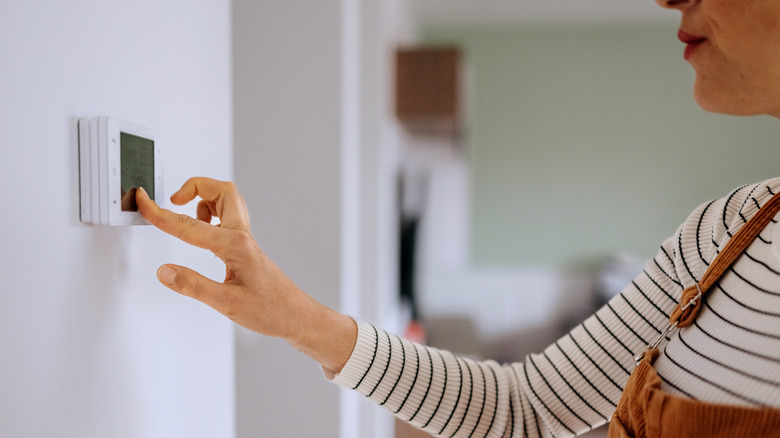
No self-respecting smart thermostat would ship without an Eco Mode, Energy-Saving Mode, or anything else along the same lines. After all, smart thermostats are supposed to be better than manual ones for your energy bills. This is because they usually come with a mode that can regulate the amount of energy it uses while managing the temperature of your house.
Usually, your smart thermostat makes small adjustments to your house's temperature in Energy-Saving mode. This way, it helps your house feel cozy without working at full tilt all the time, which is far more useful than you'd expect. Expect to save almost 12% on home heating and 15% on cooling if you judiciously use Eco Mode. It's a perfect setting to leave your thermostat on when you're not at home but don't want to completely turn off your thermostat. After all, who'd wanted to enter a freezing or sweltering home after a hard day's work?
Personalized automations
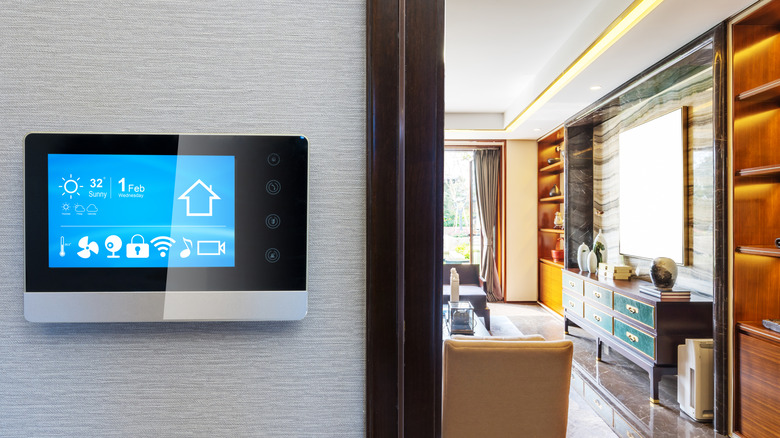
Automation is one of the best ways to make the most of all the expensive smart home tech you've investing in, and thermostats are no exception. Sure, you can set this appliance on a schedule as per your daily routine, but regular thermostats are also capable of that. Instead of sticking to these basic tasks, it's time to see just how complex you can make these automations so that you can enjoy one of the biggest benefits of installing a smart home thermostat.
Take the example of geofencing — most smart thermostat apps have location-tracking services, letting you place a virtual fence around your home to let your thermostat know whether you're leaving or coming back home. Depending on your location, you can automate your thermostat to switch to Energy-Saving mode or something similar when you're not around, and switch back to its regular operations moments before you're about to come back home.
Some smart thermostats are so advanced that their automations are carried out without any input on your end. This tech studies your behavior and learns your preferences when it comes to what temperatures you prefer at various times of the day, adjusting its settings automatically after a point to save you the trouble of having to manually adjust its temperatures all the time. Other times, the answer is way simpler — occupancy sensors detect whether a person is active at home, gone for the day, or sleeping. Depending on what the smart thermostat senses, it adjusts the temperature accordingly to ensure optimal power usage without compromising on comfort.
Remote control
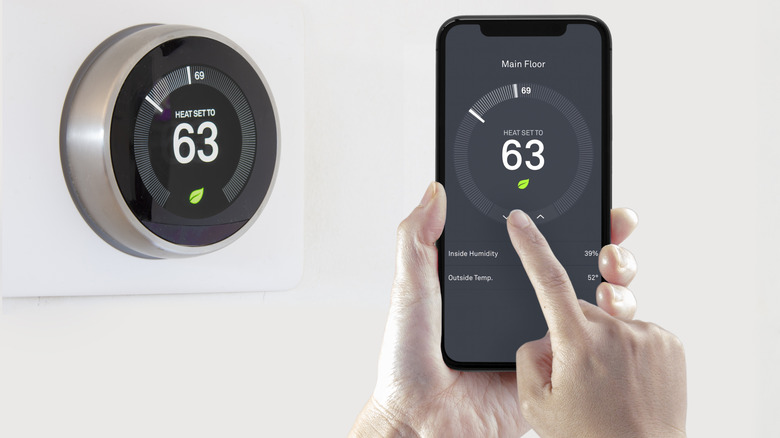
As obvious as it may sound, the convenience of controlling a smart thermostat definitely counts as a worthwhile benefit for anyone who loves tinkering with their device's temperature values but hates getting up every few minutes to do the same. Now, instead of having to keep a remote handy or satisfying their obsession over the thermostat at the cost of their comfort, all they need is a simple app to get the job done.
All you need to do is open the in-app remote on your phone and use it to control your smart thermostat however you see fit. From changing the temperature values to altering the mode of operation, the convenience of using your phone as a remote control for your thermostat is far more valuable than you'd expect. Basically, if you use a smart thermostat and still rely on physical controls to operate it... you're doing it wrong.
Connection with other devices
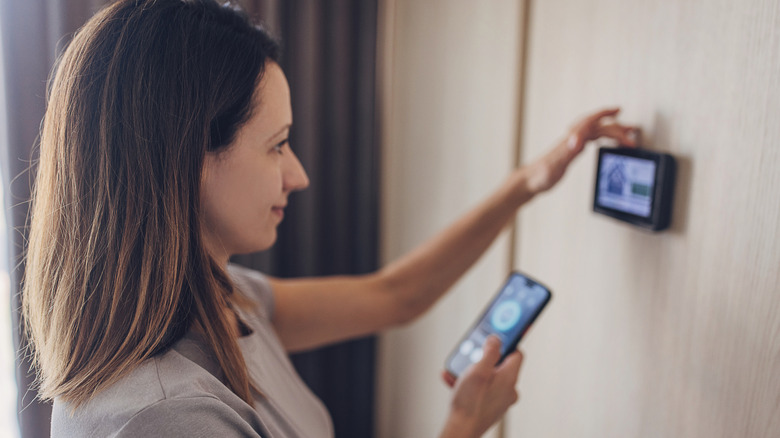
One of the biggest perks of a smart home ecosystem is how different devices can interact with each other via a common interface, which goes a long way in letting you set up more complex automations. Usually, most smart home enthusiasts achieve this courtesy of a smart home hub. With the Google Home, Alexa, or Apple's Home app, you can head into its settings and set up routines involving two — or more — devices, letting you set advanced automations that put the "smart" in smart home. Your smart thermostat is no exception,
If your smart thermostat has a temperature and humidity sensor, then its values can govern whether the device works as normal, goes into overdrive, or switches to energy-saving mode. However, if your thermostat lacks this feature, then don't worry — YoLink, Govee, and Tapo provide a separate temperature and humidity sensor that can be linked to your smart thermostat, instead. Just register the temperature or humidity values in the routine you're setting and decide how your thermostat should react.
If you want your smart thermostat to go into energy-saving mode automatically when you leave in the morning and switch to regular mode once you're back home from work in the evening, then geofencing isn't the only way to achieve this. If this feature is absent or not working properly for you, then install a smart contact sensor — Aqara, Sonoff, and Phillips is pretty reliable here — to your front door and set the time of day for when it chooses the appropriate mode for your thermostat. This way, you can ensure that your thermostat works optimally when you're not around, saving electricity when you're in the office and providing the level of comfort you desire when you're back home.
Data analytics
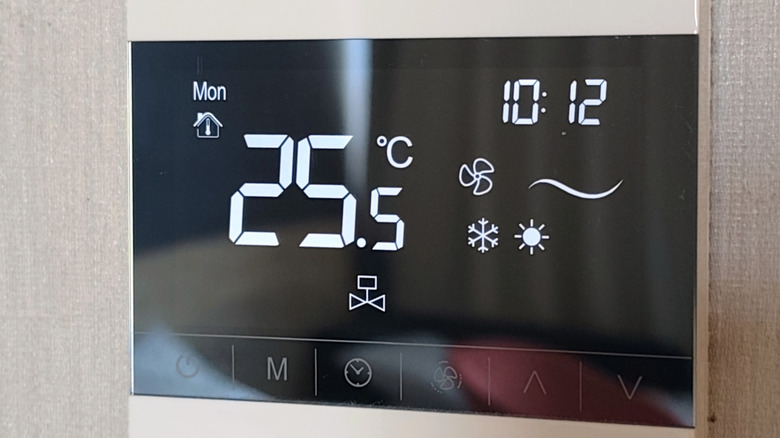
Smart thermostats automatically adjust how they operate to maximize power savings — either on their own or with routines that you've set up — and that's not the only way they help you monitor their use. Most smart thermostats update their apps with any relevant usage metrics, letting you know how much energy is being used at various times throughout the day.
Perusing this data lets you figure out at what times you can mitigate power use, especially if the electricity bill is hiking up a bit too much for your liking. This is highly recommended for anyone who doesn't want to waste power... or money, for that matter. Based on this data, you can either keep your thermostat in Eco Mode during peak power consumption hours, install other cooling solutions like ceiling fans to reduce your dependence on the thermostat, or use power-saving radiators to heat up the house instead.
Critical alert notifications
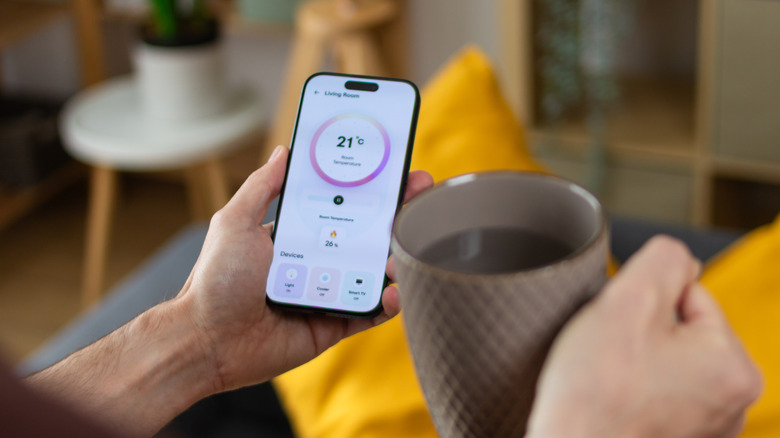
One thing you probably didn't know your smart thermostat could do is give you status updates regarding the operation of their HVAC systems. Usually, if the filters are so clogged that they directly impact the effectiveness of the thermostat, it'll send an alert to your device reminding you to get the filter replaced or cleaned, based on the kind of HVAC filter equipped in your system. It's a very helpful update that will help you remain on top of any maintenance requirements, ensuring that your thermostat works smoothly without facing any issues in the long run.
Along with this, your smart thermostat will also notify you if the heating or cooling system shows any irregularities or just fails outright. This prompt update will help you stay on top of things, calling a technician who can identify the issue and get it fixed as soon as possible. In areas with extreme temperatures, staying for even a meager 24 hours without proper cooling or heating can be a nightmare, which is why these updates can be a godsend and let you take immediate action to rectify the problem.
Away Mode
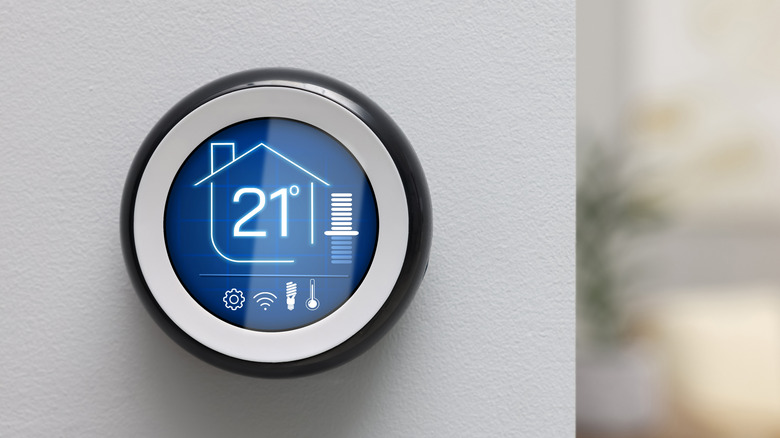
Don't make the mistake of turning your thermostat off when you leave your home for an extended vacation. Perhaps this won't be the worst thing in the world if you don't live in an area where temperature and humidity are at regular levels, but the same can't be said for every location in the US. Alaska is an obvious mention when it comes to sub-zero temperatures, although the freezing cold also affects Minnesota, New Hampshire, and North Dakota. Meanwhile, states like Louisiana, Texas, and Mississippi can get excessively humid.
If you go on vacation and leave your thermostat inactive in these regions, then be prepared to come back to a house with frozen pipes or mold growing out of every corner. This is why most smart thermostats include a Vacation or Away Mode — instead of being turned off outright, your smart thermostat will help you save money while ensuring that indoor temperature and humidity values don't stay at extreme levels for too long. By changing this smart home setting before your trip, you can enjoy a worry-free vacation instead of being paranoid about the state of your house when you're supposed to be relaxing.