

5 Smart Devices You May Want To Block From The Internet
We may receive a commission on purchases made from links.
Many smart devices in your home are only "smart" because they connect to the internet to access cloud services or enable remote control from your phone, no matter where you are. However, some smart devices can communicate with each other through other means. If a gadget doesn't need the internet to function, you may want to block it from the internet entirely.
Smart devices can be a major source of Wi-Fi interference in your home. If you have a dozen devices regularly sending signals to the internet, it can overload your network and slow everything down. It's also worth noting that every internet-connected device could be a potential vulnerability that hackers can exploit. If the product manufacturer fails to implement effective security updates, malicious parties can slip in and access your personal data. Blocking unnecessary devices from the internet is one of the best ways to protect your smart home from hackers.
The five smart devices listed below are strictly ones that can connect to other devices via Bluetooth, Zigbee, or proprietary local protocols. These are not devices that will lose all their smart functionality by being disconnected from the internet. In fact, keeping them offline may be the best way to use them.
Smart locks
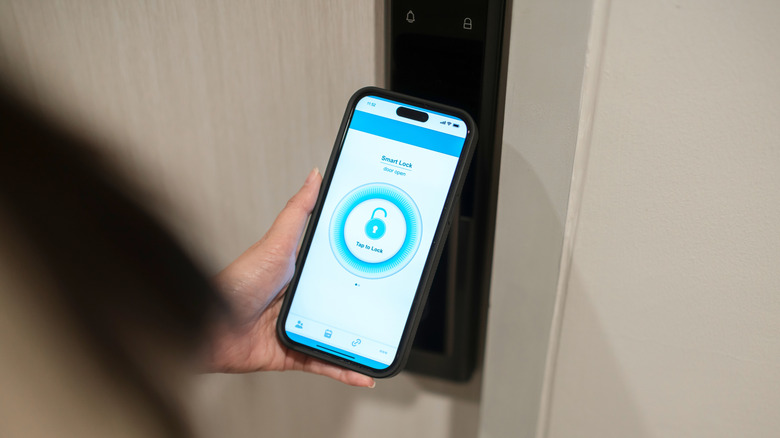
Smart locks typically use Bluetooth or Wi-Fi to connect to your smartphone or other wireless device so that you can unlock your home without an old-fashioned key. Some may use biometric locks or number pads instead, but the point is that there's no traditional lock that can be picked or accessed with a stolen key. Most smart locks can use internet connectivity to let you lock or unlock the door from anywhere, which adds another layer of convenience and peace of mind. But if you've ever questioned how safe smart locks actually are, then getting one that works offline is probably the right call.
By blocking your smart lock from the internet, you mitigate the risk of hackers shutting it down remotely before breaking into your home. And, if you're strictly unlocking the door with biometrics or a nearby wireless connection, there's no need to clog up your Wi-Fi network with a smart lock that's always online. In many cases, a Bluetooth-only smart lock will have a much lower upfront cost than Wi-Fi alternatives. The Kwikset Aura Reach Smart Lock goes for $159, almost half the price of the Kwikset Halo Select Plus, which costs $299 from the same manufacturer.
Hybrid smart security cameras
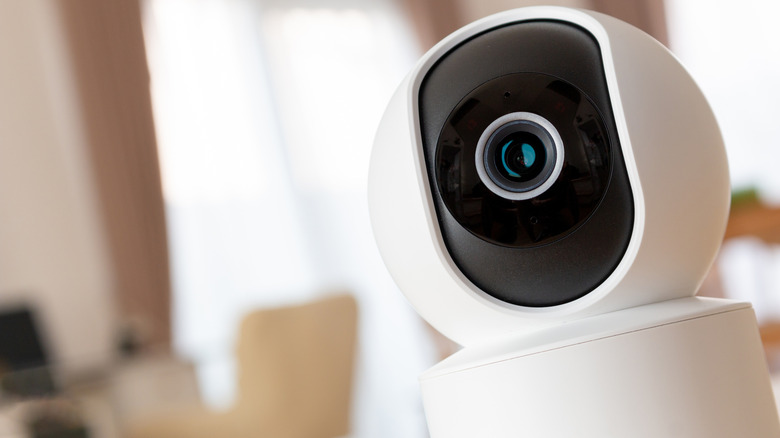
Smart security cameras can connect to the internet to allow for live monitoring on your phone, generate real-time alerts, and store recorded footage in the cloud. However, you may want to block your security camera from the internet either to reduce the number of connected devices or because of the privacy concerns associated with cloud storage of home video footage. You might wonder, though, if disconnecting your security camera will cancel out all of its "smart" benefits.
This isn't the case for hybrid security systems that can use cellular data to enable live streaming and push notifications. The Eufy 4G LTE Cam S330 is one example of a security camera that can operate over a cellular signal and also stores footage locally on a microSD card, giving you full control over video recordings. Consumer Reports rated the best home security cameras with local storage. While not all local storage-enabled cameras are compatible with cellular networks, any of them are worth considering if privacy is your main priority.
Smart TVs
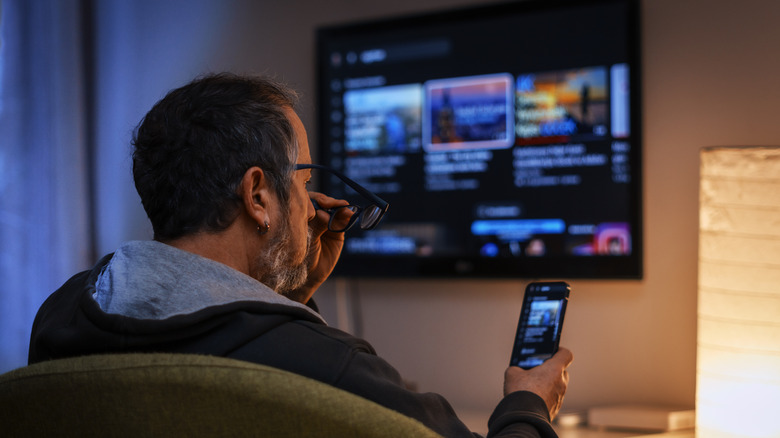
Perhaps the main benefit of a smart TV is that it allows you to run streaming apps like Netflix or YouTube without connecting an additional device. But if you prefer using a Roku, an Amazon Fire TV Stick, or a video game console to play your favorite media, there's really no reason to keep the TV connected to the internet. The best part is that there are still plenty of smart features you can access without an online connection.
One of the coolest things you didn't know your smart TV could do is wirelessly connect your phone or computer and mirror content to the big screen. This lets you play games or work on the big screen without connecting the TV to the internet. Smart TVs also tend to have built-in media players, which let you watch video content directly from a USB drive, an external hard drive, or your local media server.
Smart lighting systems
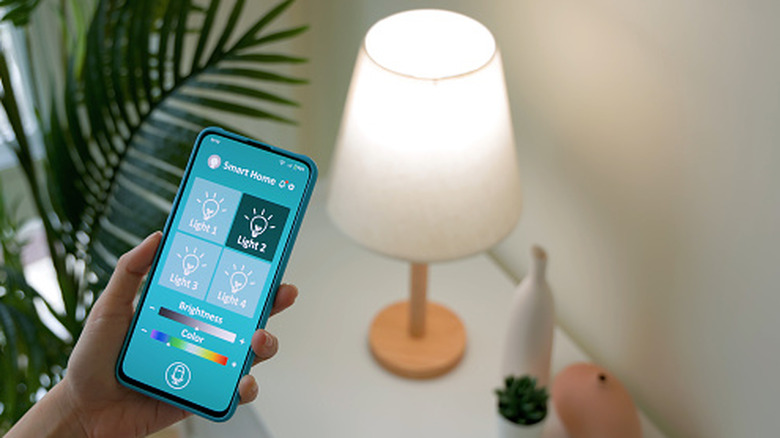
A lighting system can comprise many smart devices, with bulbs, switches, and sensors as the main components. That's a lot of activity for your home Wi-Fi network, but all of it can be controlled offline via Bluetooth or a smart hub with local connection protocols. Even if you block the entire lighting system from the internet, you still have ways to configure brightness, color, and energy-saving options for every bulb in the house.
It's best to design your home lighting system to be independent from the internet in the first place. If your lighting requires a Wi-Fi connection to turn the lights on or off, any internet outage can feel like a full-blown blackout for your home. Take a look at the best Bluetooth smart light bulbs you can buy on Amazon to see that some of the highest-rated smart lights are completely functional without internet access.
Local smart hubs
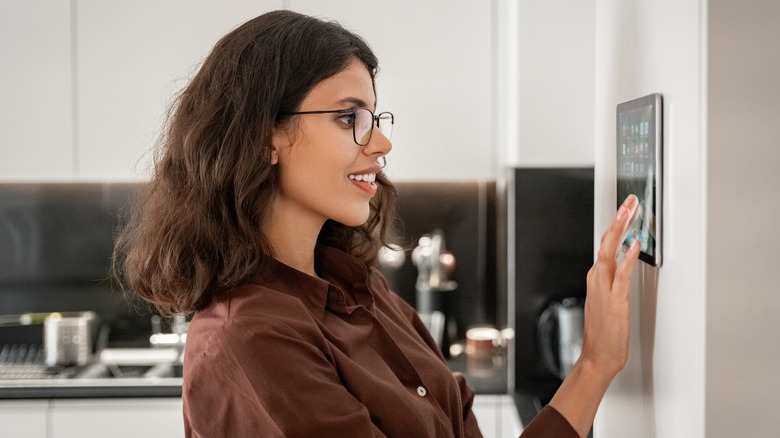
If you have a wide array of smart devices in your home, a hub will centralize control over them. It's a device that helps different smart gadgets work together, monitors their usage, and enables advanced automation. Your smart hub can also be your primary point of contact for commanding your entire technological ecosystem with voice commands. Some of the most popular hubs, like the Samsung SmartThings Station or the Amazon Echo Hub, rely on internet connectivity to bridge all the devices and process voice commands. However, it's entirely possible to block out the internet and still use a smart hub for home automation.
A local smart hub uses Zigbee or other short-range communication protocols to create a smart network independent from your home Wi-Fi network. And because you're cutting out the extraneous factors that come with an online connection, you're bypassing many of the reasons why some people believe there's no need for a smart home hub anymore. The hub is more relevant than ever in an ecosystem blocked from the internet. It's something that brings out the full potential of many types of smart devices, without the security risks and network burdens that come from actually connecting all of those devices to Wi-Fi.