

7 Lesser-Known Alexa Commands For Better Sleep

We may receive a commission on purchases made from links.
Having a good night's rest can be difficult. Not only do you have to be in the right headspace to fall asleep finally, but for some, it can be difficult to stay asleep for a full night and feel rested in the morning. For those who have an Alexa device, you can use this tool to your advantage in multiple ways to help you rest. You'll still want to prepare a cup of chamomile tea and step away from your computer and smartphones as you get ready for bed, though.
We've looked at the best techniques, available through Alexa, that you can utilize when you next try to fall asleep. These range from the device telling you a helpful bedtime story to guiding you through a peaceful meditation, as you gradually find peace and get to sleep after a long, tiring day. These are eight lesser-known Alexa commands that you can use for a better night's sleep.
Alexa, tell me a story

For those who like to hear a structured tale, asking Alexa to tell them a story is a good way to help them fall asleep. You can add the Storytime skill to your Alexa, and in the future, Alexa can select a story for you, with various sound effects and voices, providing you with a complete tale as you're trying to fall asleep. These stories are one of Alexa's fun easter eggs.
There are over 100 short stories that Alexa can read. Many are for children, but Alexa can also read your audiobooks through your Audible account, or from your Kindle. If there are stories you'd like to read from your featured library, Alexa can go through those instead of reading a random short story. Both are optional choices to help you fall asleep, especially if you're having Alexa reread a story you've already completed.
Alexa, open a guided meditation
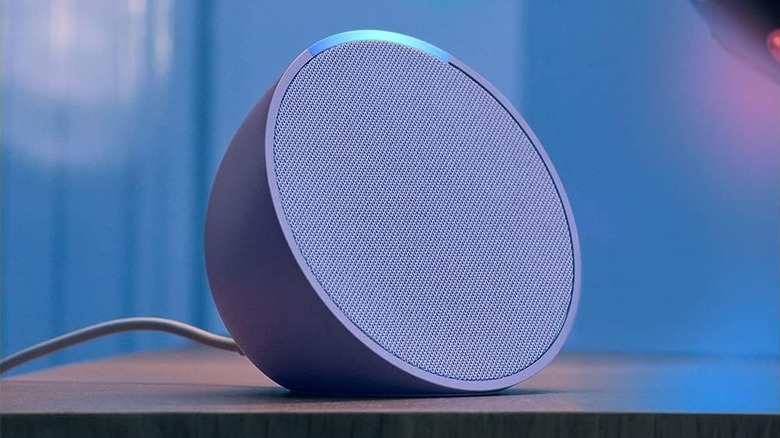
Rather than listening to a story, there's the option to go with a guided meditation. The guided meditations that you can use through Alexa provide you with step-by-step instructions on breathing, how to relax your mind, and finding a proper center point.
The process can begin with tranquil music or white noise, as a person speaks above it to lead you through the steps of relaxing your body, calming your mind, and rhythmically breathing. The process is meant to be soothing and can often lead you to fall into a pleasant sleep.
Some of the recommended meditations include White Noise Meditation, Mindfulness, Nature Meditation, and Mindful Meditation, to name a few. Depending on which you choose, you can give Alexa further instructions, such as setting how long you want the meditation to last before the sound stops. The meditations are typically five to ten minutes long.
Alexa, open sleep sounds
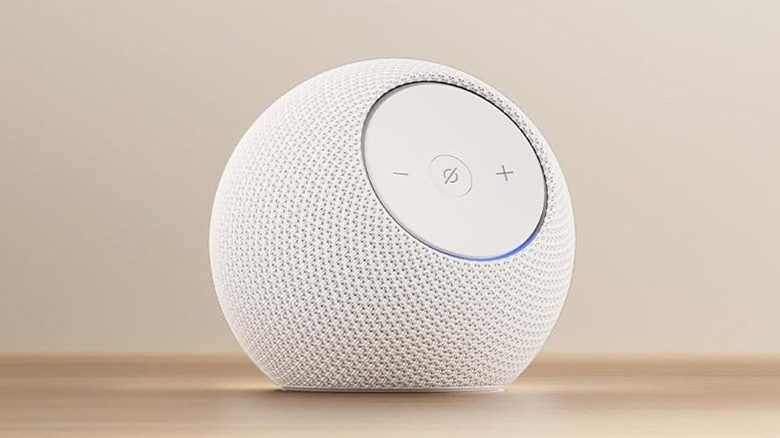
For those who need background noise that doesn't draw their attention too much, there's the use of white noise. You can have Alexa provide you with a series of white noise effects that act as sleep sounds in the background, helping to soothe, and avoid worry about the upcoming workday or other stress that you might be feeling.
You can try using a variety of different skills from Alexa, such as Sleep Jar, Sleep and Relaxation Sounds, or White Noise. These are all available tools that you can download and then use with your Alexa device. You can choose one to call your "sleep sounds" or pick a particular effect each time, asking, "Alexa, turn on thunderstorms from Sleep Jar," to get it working. From there, the device begins to play the white noise for as long as you want, or you can set a timer so it turns off after a little while.
Alexa, start the night light
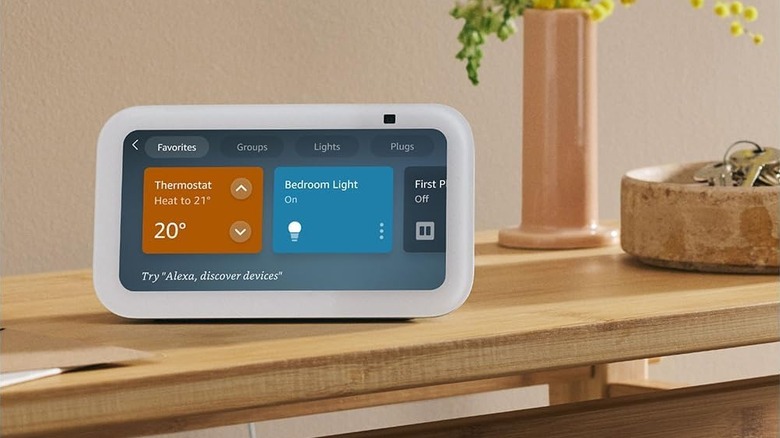
A less-known feature of Alexa devices such as the Echo, is the ability to turn them into a night light. By adding a Night Light skill to the gadget, it allows for soft lighting for those who prefer not to sleep in complete darkness. Others use these lights if they ever need to visit the restroom in the middle of the night. This helpful function allows them to still see enough to make it through a hallway without needing to turn on a much bigger, brighter light, which could make it difficult to fall back asleep.
You can strategically place your Echo somewhere in your house that helps to make it easier to see where you're going, such as across from the door to your bathroom, somewhere in your kitchen, or close to a corner in your bedroom leading to the hallway. Don't forget to test it out a few times before you try using it in the middle of the night though.
Alexa, set a sleep timer for an hour
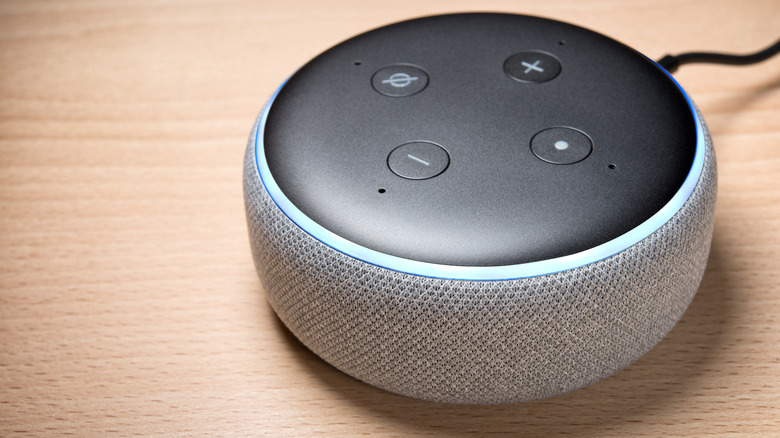
Alexa can set a sleep timer to help you slowly fall asleep. When the timer runs out, your lights will be completely off, and anything you might have had Alexa playing will also be shut down. It's a nice way to ease you into a sleeping state, without forcing you to think about the lights or the music as you're going to sleep, and you can use Alexa with any of these nine smart lights for your bedroom.
There's little setup you need to do beforehand, as the command, "Alexa, set my sleep timer for an hour," is a standard phrase. However, if you want it to do more, you can add to this phrase and say, "Alexa, set my sleep timer for an hour with my bedroom light," or "with my sleep sounds." This way, the sleep timer is now tied to the lights in your bedroom or the white noise you use to fall asleep. Just ensure you're saying the specific light names that you have in your bedroom based on what you have saved in your smartphone.
Alexa, remind me to go to bed at [time] every day
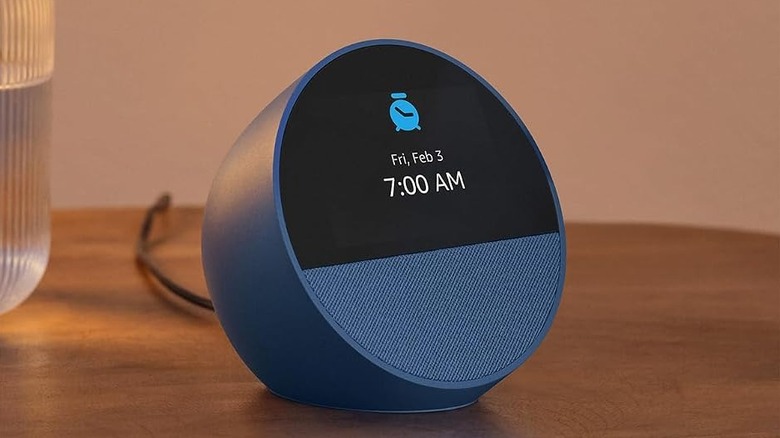
Creating a routine for Alexa to remind you ahead of time about going to bed could be an effective method for getting into bed much earlier. You can use these reminders to encourage yourself to start winding down in the evening before you start your nightly routine and get ready for bed. It can also stop you from dipping into late-night indulgences, which experts say to avoid if you want to get a good night's rest.
You can ask Alexa to set a reminder at a set time every weeknight, and the reminder will go off at that preset time, reminding you to get ready to go to bed. You could even set a reminder an hour before you want to get ready, another fifteen minutes beforehand, and the final one for when you want to begin brushing your teeth and turn everything in the house off. These gradual reminders are a good way to begin a bedtime pattern, so that eventually you don't need them and you start feeling tired and ready for sleep at that suitable time.
Alexa, it's time for bed
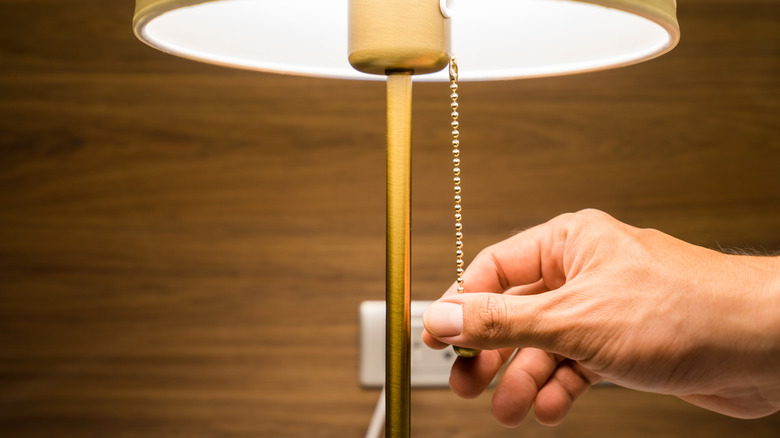
You can also create a routine with Alexa that you start when you're getting ready for bed, so that the device helps you with locking up your home and preparing your bedroom to sleep. Routines are groups of customized actions bunched together that you create in the Alexa application. A command, such as "Alexa, it's time for bed," can trigger a series of tasks for Alexa to complete. It's a handy function that can be used extensively to automate many processes in a smart home.
When you say your command phrase the program can go through the list you made, turning off connected smart lights, activating smart locks, and so on. As Alexa is connected and able to interact with a variety of smart devices it can manage their bed time too, leaving you to make your way to the bathroom and start brushing your teeth. The less you have to do on your way to bed, the easier it might be for you to fall asleep.