

5 Reasons Why People Are Ditching Windows 11
Nearly five years after its release, Windows 11 may not have reached the levels Microsoft would've hoped for. Some people remain hesitant about the upgrade, and many who switched either moved back to Windows 10 or installed a lightweight operating system. Despite everything good it brings to the table, Windows 11 has some hard-to-ignore drawbacks that are pushing users to ditch the iteration for good.
To some users, Windows 11 feels slower than Windows 10 on older computers, while many keep reporting issues with Windows 11 updates. There's also increasing AI integration, including features like Copilot and Recall (on Copilot+ PCs), which has become a point of criticism. Additionally, privacy-conscious users are leaving the OS because of data tracking concerns. Other commonly cited reasons for ditching Windows 11 include slow or broken search, less-useful Start Menu, less Taskbar customization, mandating Microsoft accounts during setup, and intrusive ads.
Keep in mind that Windows 11's market share is on the rise, despite all the criticism it's received since the early days. Windows 10's end of support may have played a major role, but there are people happily using Windows 11 for everyday tasks. Yet, this doesn't change the fact that a large number of users have chosen to stay on Windows 10 or explore alternatives. And they have their reasons for it.
Performance issues on older laptops

One of the biggest complaints users have with Windows 11 is that it's slow on older laptops, primarily ones with 4-8 GB of RAM. While Windows 11 officially requires 4 GB of RAM, you'll need more for optimal performance. That's because background processes and tasks take up a significant part of memory, higher than what Windows 10 did. This impact on performance directly affects your experience. From running apps to using File Explorer, everything slows down. The extent, of course, comes down to your computer's processor and available memory, but even users on supported PCs are reporting slowdowns.
Remember, there are ways you can speed up a Windows 11 PC. This includes disabling unnecessary startup apps, turning off animations, updating drivers, disabling non-critical services, clearing storage, and adding more RAM. But that's not something most users want to do, especially as alternatives keep getting better.
This is where other lightweight operating systems shine, giving Windows 11 a tough challenge. After switching to Linux or ChromeOS Flex, many users report better performance, even compared to Windows 10. Linux has improved over the years in terms of app support, is more customizable than Windows, and can do things Windows can't, making it one of the first choices of users ditching Windows 11.
Windows 11 comes with a lot of bloatware
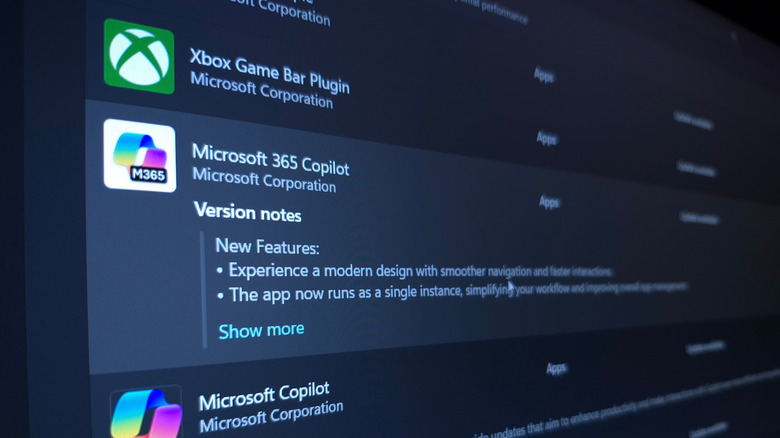
If you've ever set up a Windows PC, you likely noticed that it comes with a lot of pre-installed software, most of which you'll never need. Those unwanted, pre-installed programs offering little value to the user are called bloatware. And Windows 11 has many of those, generally more than Linux and macOS. When it comes to bloatware, not all the blame lies with Microsoft. Manufacturers, too, install their own utilities and third-party antivirus software in a bid to increase adoption, but more often than not, these apps just occupy storage space and consume resources in the background.
Keep in mind that it's not just additional pre-installed programs, but the whole Windows 11 interface that now feels bloated, according to many users. The search menu has far more unnecessary tiles than before, while the search functionality itself feels broken. Even for an average user, all this is a major inconvenience.
While you can get a cleaner search menu and uninstall Windows bloatware, it shouldn't come down to that. The Windows 11 experience should be clean and user-friendly out of the box. And since it doesn't feel that way, many are choosing to stay away from Windows 11, and instead sticking with Windows 10, or opting for Linux or macOS.
Updates remain a concern
For the longest time, users have been told that updates are essential to the Windows experience, as they improve security and performance, as well as bring new functionalities. But with Windows 11, the approach seems to be causing trouble, as users repeatedly report issues after installing updates. The number of buggy Windows 11 updates this year is on the rise, leaving many users frustrated. And as it turns out, this is becoming a key reason for ditching Windows 11.
Let's face it, no one wants an unpredictable operating system that breaks periodically, forcing users to troubleshoot the problem. More often than not, uninstalling the problematic update and rolling back any changes it made does the trick.
Some users have also adopted a careful approach where they wait for a few days after an update is released, and only install it if others don't report issues. The problem wasn't as pronounced on Windows 10, and other popular operating systems today are considered relatively safer and more predictable when it comes to updates.
Not everyone is appreciating the AI integration
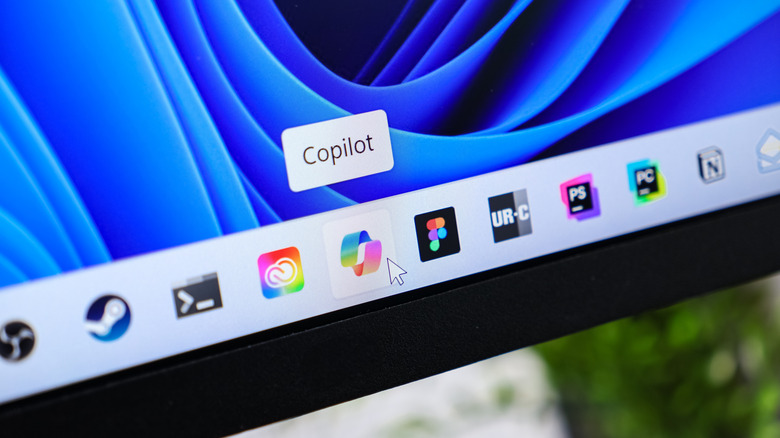
In recent years, AI has taken the world by storm, becoming an integral part of workflows across professional and personal spaces. Whether it's to help users write code, pick the top-rated laptop or smartphone, plan an itinerary, or just a casual question, AI chatbots have redefined the space. But the AI integration in Windows 11 feels more forced than natural, and as a result, not everyone is happy about it.
From a dedicated Copilot app and AI-powered tools in Paint and Notepad, to Copilot shortcuts in context menus and the controversial Recall feature, users feel that AI is taking over Windows 11. Some of these integrations are helpful. But many feel that most of it could be avoided, and Microsoft should instead prioritize other important parts of the operating system like performance and reliability.
There are also reports that Microsoft is dialing down on AI in Windows. This is being seen as an attempt to win back users who ditched Windows 11 in the recent past for this reason. It remains to be seen whether this has any positive impact, but for now, it's clear you'll be seeing less AI-powered features in Windows.
Windows 11 still raises privacy questions
While it's one of the lesser-known aspects, data collection and related features on Windows 11 have long been opposed by users, many of whom ditched the OS for a safer, more privacy-oriented experience. If you think sticking with Windows 10 is an option, keep in mind that the iteration has reached the end of support, and the Windows 10 ESU (Extended Security Updates) won't last forever. You'll ultimately have to make a choice, and some did as soon as they realized that Windows 11 was still collecting as much information if not more, making the upgrade an unfeasible choice.
While this may not seem like a big problem to some, privacy advocates have long cautioned against allowing operating systems and apps to track usage or collect data. As was the case earlier, part of the collected data is essential, as it helps Microsoft diagnose and troubleshoot issues on Windows. But anything beyond that raises questions. That's why you should consider reconfiguring privacy settings on Windows 11.
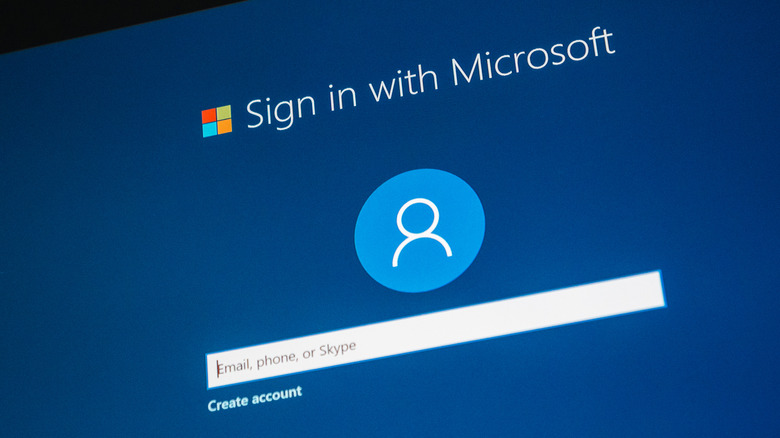
Also, mandatory Microsoft account sign-on in Windows 11 is another cause for concern. Some users simply prefer keeping their PC separate from Microsoft's ecosystem, but the latest iteration is making it increasingly difficult to do so. Remember, you can still use Windows 11 with a local account, but the fact that it isn't as simple as it used to be is a good enough reason to switch for users who value privacy over convenience.