

The MacBook Pro Has The Best Laptop Resale Value — If You Avoid These 5 Problems First
So you've decided to sell your laptop. Whatever your reasoning may be, a MacBook Pro is a top-of-the-line device from Apple, so it can be good at holding its resale value for those interested in selling. After all, new MacBooks often come with high sticker prices, so it makes sense that a used one can also fetch serious coin. However, before you go listing the device for sale online, there are some things you should know in order to get the highest amount possible.
There are plenty of things you shouldn't do with a MacBook Pro, but selling it isn't really one of them. Though Intel-based Macs may not be terribly valuable at this point, devices with Apple's own M-series processors (starting in 2020) can still be sought after, especially if the device is only a couple of years old. Nevertheless, there are several things users should consider before selling, including how well the machine looks and operates (especially the battery), where they should sell it, and when.
MacBooks have changed quite a bit over the years, so the exact amount a machine is worth will vary from device to device. Remember that it also helps to be realistic with your expectations. Even if a used MacBook Pro can retain much of its value, it's certainly not going to retain all of its original value, so expecting what you paid would be a lofty goal. Nonetheless, here are some things to avoid if you're trying to get as close to that number as possible.
Damaging the machine
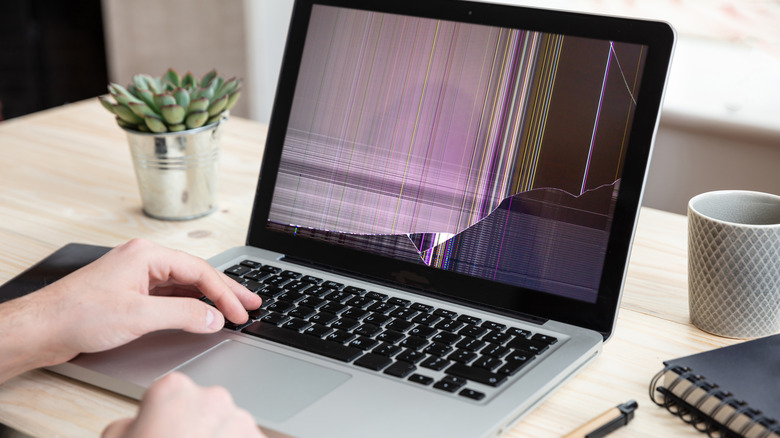
While you can sell a MacBook Pro that has broken parts, don't expect to get anywhere near the same price as a functioning machine. Missing keyboard keys, a cracked screen, or even scuffs and scratches can all lower the value of a MacBook. Users should especially avoid water damage, as it can be one of the largest detrimental factors when it comes to getting a good price.
The internet has plenty of MacBook accessories to protect against drops and scratches, including items like keyboard covers, body cases, screen protectors, and more. Even so, preventative care can start with your workstation. Make sure the area you work in is clean, as this can be a great way to avoid spills or other issues with your MacBook Pro. Keep your device well ventilated and consider a sleeve or bag when carrying it around. A good microfiber cloth will also help you keep the MacBook looking fresh.
On the flip side, knowing what's wrong with your MacBook can still help you get a better price for it, as it can give a buyer an idea of where to start fixing it. Be transparent when selling your machine, even when it comes to the software side of things. You can also try fixing problems yourself, though this may create additional issues. The cost may also be more than the potential money you get, anyway. If you want the highest amount for your MacBook Pro, do your best to keep it as pristine as possible.
Treating the battery poorly
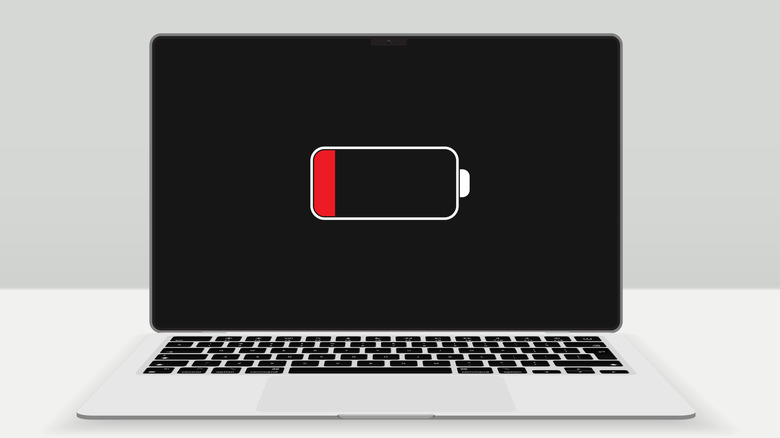
Considering lithium-ion can slowly degrade over time, selling your MacBook likely isn't the only reason to preserve its battery. A buyer shouldn't expect something fresh from the manufacturing floor, but they will likely want the device to hold a charge. Various mistakes can ruin a lithium-ion battery, and this ultimately can have an impact on the amount you get when selling your MacBook Pro. If the battery is weak or dead, that can be a problem.
A modern MacBook Pro is built to keep around 80% of its original charge capacity at its maximum cycle count (the number of times a battery is depleted and recharged). MacBook Pros made since around 2009 typically have a maximum cycle count of 1,000, and you can use this number to get an idea of the condition (and therefore value) of your battery. You can always check cycle count on a Mac by holding the option key and clicking the Apple icon in the menu bar, then going to System Information and selecting Power from the right-hand column under "Hardware." Here, you'll see the cycle count under "Battery Information."
MacBooks also have their own battery protections, including features like Battery Health Management and Optimized Battery Charging, so be sure to investigate your options. Other ways to preserve the battery include not leaving it plugged in all the time, keeping your software up to date, avoiding extreme temperatures, and keeping the charge percentage out of the single digits. After all, you probably wouldn't pay much for a dead battery, so assume others likely feel the same.
Falling behind on updates
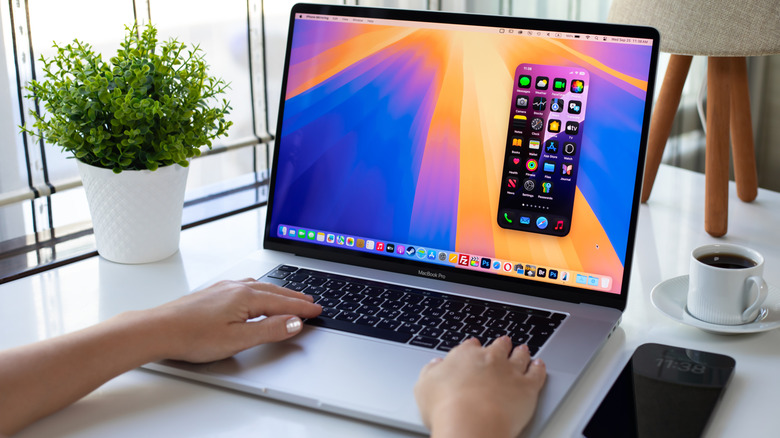
Making sure a device is running the latest software is vital for security updates, but it may also have an impact on the resale value of your MacBook Pro. This isn't necessarily about accidentally skipping an update or two; it's more about ensuring the machine is actually capable of receiving them. If a device can't receive a software update, it's pretty likely buyers will lose interest. While a MacBook's age factors heavily into this, users should also keep a couple things in mind.
Apple is pretty good about releasing a new version of macOS every year, though this typically means older devices get cut from support. Just as an example, when Apple moved to macOS Tahoe 26, the 2019 MacBook Pro 16-inch was the oldest model supported (and several MacBooks won't get macOS 27). Some older MacBooks can still receive security updates (typically within three release cycles), but Apple will even stop delivering these if the company determines a device is at the end of its life.
A MacBook Pro that can no longer receive security updates is essentially obsolete, as even core apps or iCloud may stop working. In turn, this will most certainly have an impact on resale value. Remember that you can always check for an update by selecting the Apple icon from the menu bar, then going to System Settings > General > Software Update. It may seem like a small thing, but it can have a big impact on the asking price of your device.
Selling at the wrong time
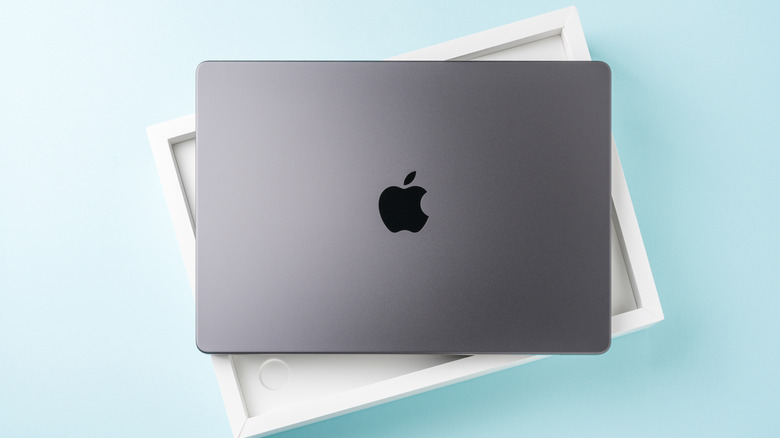
Getting the most out of your MacBook means selling it at the right time. Along with making sure the product is still physically viable for a buyer, specific time periods may be more advantageous for those looking to sell. The used laptop market can fluctuate, and the older a machine gets, the more likely it is to lose money. Like a good joke, timing can be everything.
A great time to sell your MacBook Pro is before Apple announces a new one. Some buyers may fret that Apple may be changing its pricing structure, and some may just have a fear of missing out. Apple typically announces new products in March, June, September, or October, so these can be good times to research. Another good time to sell can be between two and four years after the device was purchased. The MacBook Pro will still ride the wave of being a current device, and it's likely that prices haven't dropped too significantly. It's likely demand for the device will still be there, as well.
Of course, a great time to sell is really whenever you need a new one. If you're noticing performance drops on your current device or you find you don't use it like you used to, then selling it may be the right call. But if you're able to work on it without issue, holding onto it can also be smart. However, it's also good to remember that there are some clever uses for old MacBooks.
Going with the first seller you find

We have our own suggestions on where to sell a used laptop for the best price, but doing your research before handing off your MacBook Pro can pay off figuratively and literally. For starters, remember that Apple has its own Apple Trade In program, which can be a convenient way to trade your device for credit toward a new one. If cash is what you're after, keep these things in mind.
When selling your MacBook Pro, something to ponder is whether you want a quick sale or the best return. For example, selling your MacBook Pro through Craigslist, Facebook Marketplace, or eBay can bring a higher return, but it may take longer to make the sale. It may also take more work running your own listings. Meanwhile, trading it in or selling it to a local retailer may be faster and easier, but then you're giving the store a cut of your cash. Weigh your options before committing.
You should also do some research on what similar Macs are going for online. This can give you a solid idea of asking price or what you may expect from a third-party retailer. You can also look at what Apple is selling current models for and lower your price from there. Remember any upgrades you made (such as getting additional RAM) can be factored into the price. However, at the end of the day, make sure you're happy with the amount you're getting while keeping expectations in check.