

8 Things That Can Ruin Your Headphones' Sound Quality
We may receive a commission on purchases made from links.
Headphones are an essential part of most people's lives these days. Unless you're one of those people who like to blast music from your smartphone on public transport or in restaurants, that is. For the rest of us, headphones are not only a great way to access content privately, but also likely the highest-quality way you have to consume audio.
Because headphones can tightly control the relationship between ear and driver, you attain levels of audio fidelity and detail that would take a lot of effort to duplicate with a speaker system. With headphones, there's no need to calculate speaker placement and angles or treat a room with acoustic panels. Audiophiles might love to debate the minutiae of sound stages and transparency, and forums rage with arguments about what headphone brands to avoid, but the truth is that, whatever headphones you've bought, they probably sound perfectly good. We're way past the point where even cheap headphones sound so bad you want to take them off.
That said, eventually, your headphones probably won't sound as good as they did when they were new. Even worse, you may never have heard how good your headphones can actually sound because you're using them wrong. So if you like the idea of preserving or improving the audio your earpieces deliver, you need to be aware of the lurking dangers that can ruin the sound quality of your headphones.
Playing them louder than their drivers can handle
You are probably aware that it's possible to blow loudspeakers if you push too much power into them, and the tiny drivers in your headphones are no different. In fact, it's arguably easier to do with headphones, because the delicate electronics inside those smaller devices work on the scale of milliwatts.
It's not even necessarily a sudden and dramatic end. Instead, run your headphone drivers with too much power and the voice coils can overheat and even melt, and the actual speaker diaphragms can be forced to move further than they're designed to. There's a reason headphone manufacturers list the maximum power the devices are rated for. While an external headphone amplifier is a great audiophile gadget for getting the most out of high-impedance headphones, you need to ensure the model you plug into that jack can take the heat.
One issue here is that headphones vary in their sensitivity. This is how efficient the headphones are at turning power into noise, which means some headphones will sound quiet even when you have the volume cranked. There is a good rule of thumb to keep in mind here: In general, if the power being pushed through the headphones results in listening volume that's too loud to be safe or comfortable, and especially if you hear distortion in the audio, back off the volume dial before there's permanent damage (to your ears or the device).
Driving an amplifier to the point of clipping
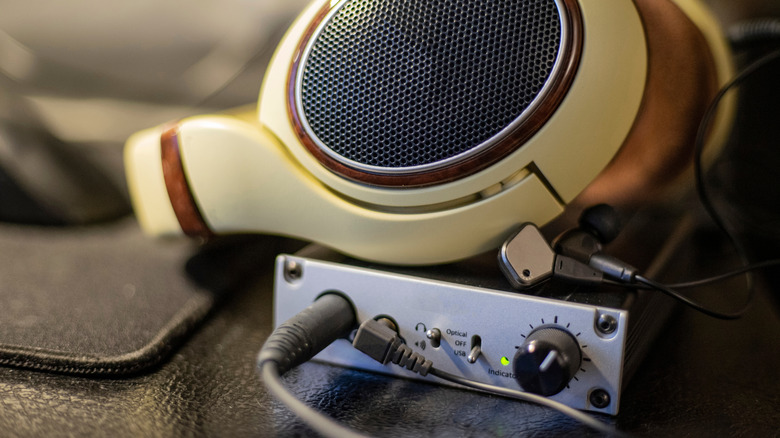
If you turn your headphones up too loud, then the sound will become distorted as the drivers go outside of their rated capabilities. Everyone has an intuitive understanding of how that sounds, but it's possible the distorted audio isn't caused by your headphones themselves.
If the audio signal coming into your headphones is already distorted, then your headphones' drivers will faithfully reproduce that distorted sound. The next device up the chain for you to check is the amplifier. Like your headphones, the amp has a range within which it can cleanly reproduce a boosted version of the incoming audio signal. Push beyond that, and you get clipping, where the peaks of the sound waveform are snipped off, and the audio comes across as gritty or compressed.
This is why it's important to match your amplifier to the right set of headphones. The impedance and sensitivity of the cans have to be such that the amplifier is in its sweet spot while driving them loud enough for your needs. Clipping happens at or near the amplifier's limit, so if your headphones still sound too quiet when the amp is on the verge of clipping, you'll need to change one or the other.
Worn-out ear pads or a poor seal around your ears
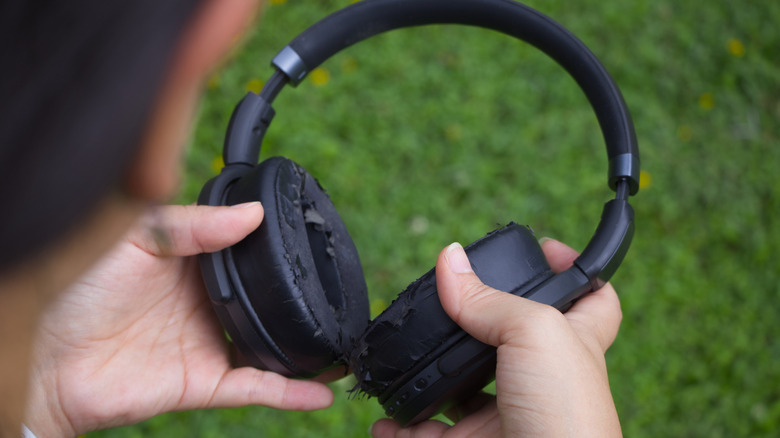
It's amazing how much of a difference the earpads on your headphones can make to the sound they deliver to your ears. For example, I still use my launch Apple AirPods Max headphones, and the stock pads eventually became too ratty for further use. Unable to find any OEM replacement pads in stock at the time, I settled temporarily for an aftermarket set. The characteristics of these pads were very different, and made my headphones sound noticeably worse.
In principle, this also means you can upgrade the sound of your headphones by fitting better pads, but setting that aside for now, it also means earpad wear can make your headphones sound worse over time. The insidious part is that you won't necessarily notice unless you compare your well-worn set to one straight from the box. So what's actually happening?
One part of the issue is that foam pads compress with long-term use. The headphones need to have some level of clamp force, or they'll fall off. However, over time that changes the thickness and shape of the pads, which in turn modifies the acoustics of what you hear. The drivers are now closer to your ears, and the foam's density determines how it interacts with sound. Cracked and worn earpad foam also weakens the sound seal. If the foam pads are no longer soft and form a tight seal against your skin, your bass will become thin and ambient noise can seep in to corrupt your audio quality.
Using the wrong ear-tip size or material
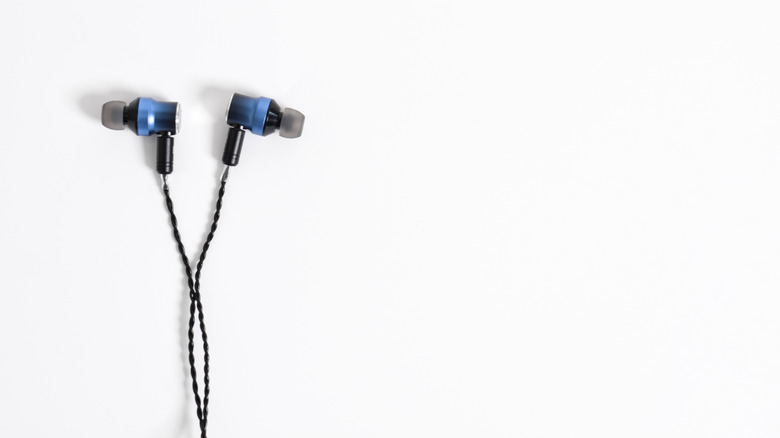
The foam pad issue above obviously only applies to over-ear and on-ear devices, but earbuds have their own version of this issue. Some models, like the standard AirPods or the recent trend of open buds that aren't inserted into your ear canal, are actually a good demonstration of the problem. Since these buds don't form a seal with your ear, they tend to sound tinny, with weak bass and mediocre mids.
The tradeoff is convenience, and the ability to hear what's going on around you without the expense of an electronic passthrough mode. However, there's no denying the drop in sound quality. Likewise, if your buds that use a traditional silicon tip don't seal correctly with your ear canal, the audio immediately and dramatically sounds worse. Rather than device degradation, the problem here is ear-tip fit.
Your buds probably came with three or four sets of tips of different sizes. Picking the right size is crucial, and don't necessarily assume both earholes are the same size, either. Some buds have a companion app that can conduct a fit or seal test, and tell you if sound is leaking, and you should make use of that facility if you have it. For me, the actual optimal solution has been to use foam tips like the Comply TrueGrip Premium series. Your buds won't fall out, your ears can breathe, and the seal is perfect. They do, however, require special cleaning considerations compared to wipeable silicone.
Clogged earpieces, moisture, and hair
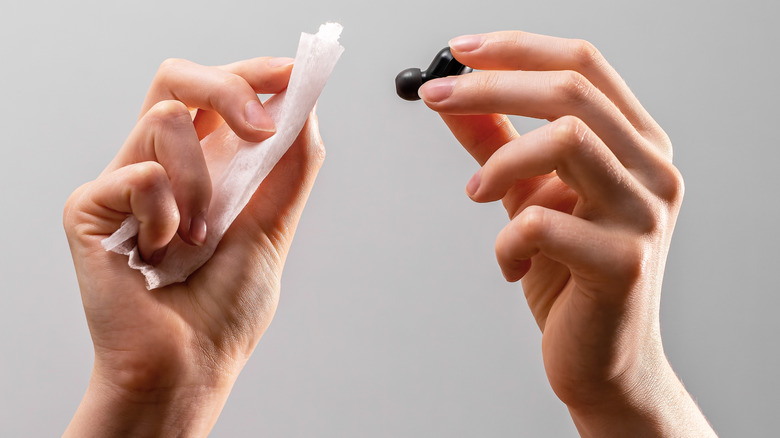
Regardless of the type of headphones you're using, they are a wearable class of device. Anything that's going to come into contact with your body and follow you around while you go about your business will eventually become soiled. Bud earphones, for example, get clogged with earwax that makes its way down your ear canal naturally. The device designers knew this, so the buds have tiny grills that stop that wax from getting into the inner workings, but if that grill is caked in wax, then sound can't pass through as intended. That's why it's important to clean your earbuds regularly.
Human sweat is also a bigger issue than you might think. It's one reason that not all headphones are suitable for jogging or going to the gym. Check the IPX rating of your headphones or whether the manufacturer sanctions workouts. Most headphones will handle a little sweat or moisture from normal daily activities, but not buckets of sweat that clog, corrode, and eventually kill your phones.
It's not just wax and sweat you have to worry about. Human or pet hair can penetrate the fabric cover of standard over-ear or on-ear headphones and come into contact with the driver. While this sounds harmless, in some cases it can cause buzzing and vibration as the hair interferes with the movement of the speaker's diaphragm. Luckily, this is fixable by removing the earcup pads as per the manual and using a small, soft brush to gently remove any hair or other debris.
Dropping or crushing your headphones
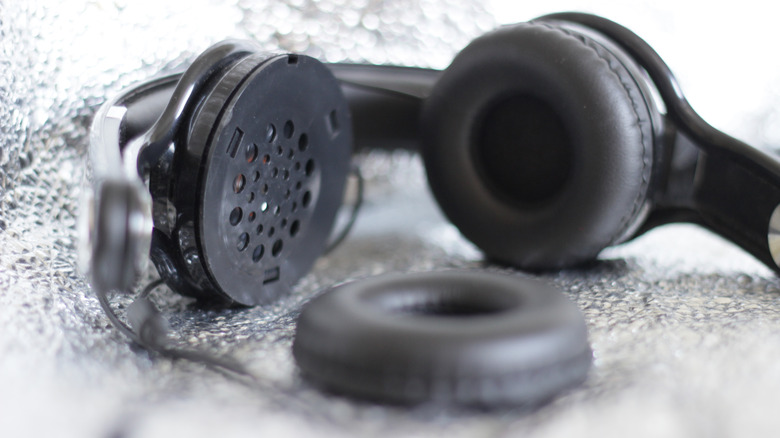
Before you say it, yes, it's very obvious that if you drop your headphones and they break apart, or if you crush them to bits, then the sound quality probably will be affected no matter how much duct tape and glue you apply. This isn't about those big, obvious accidents that destroy your headphones outright.
No, we drop our headphones on the floor, they look fine, and we keep using them. Likewise, you might think nothing of throwing your foldable headphones into a backpack with the rest of your stuff and slinging that bag around all day. However, anything that deforms the headphone cups or the drivers themselves can have an impact on audio quality. After all, the headphones were acoustically engineered to be that specific shape. Even if they look fine, tiny changes can have an audible effect.
This could also be why your headphones are no longer making a good seal with your head. Metal headbands can become deformed from drops or even being mildly squished. There is, after all, a reason why more expensive headphones come with a hard travel case. For example, my Sony WH-1000XM4s are foldable and come with a compact hard case that lets you put them in your backpack or luggage without fear that something will crush them. Ultimately, however, the best solution here is to be mindful of what you do with your headset and protect it from falls or ending up at the bottom of your luggage.
Listening over a low-quality Bluetooth codec

When you want to send audio wirelessly, you need to make a few compromises. While even the most humble pair of headphones can receive the full, uncut audio signal over copper wires, that's not the case for Bluetooth audio. This technology uses various codecs (coder-decoder) to compress the sound data and then send it over the small amount of bandwidth that's available to your headphones, where the process is reversed.
The standard Bluetooth codec is SBC, and all Bluetooth devices are required to support it. However, this is a particularly lossy codec, and it comes nowhere near the gold standard of CD quality. There's a good chance your headphones support something better, like AAC or LDAC (for Sony headphones). You might also be able to use more modern high-resolution and lossless codecs if both the audio device and your headphones support the standard. In that case, you should be able to use a codec with a higher quality than SBC either through a setting on the device or a companion app for the headphones. In some cases, the problem with your sound quality is that you're using a codec that's too bandwidth-intensive, but switching is often still the solution.
Software enhancements and bad audio settings
Your headphones are clean, you haven't dropped or crushed them, and you're using a wired connection or the best Bluetooth codec possible, but somehow your headphones still sound bad. You know they can sound good when you connect them to other devices, but your laptop, phone, or other specific device just sounds terrible.
In this case, you most likely have a situation where the audio settings on the device in question aren't playing ball with your headphones. If your device has a graphic equalizer (EQ) or at least equalizer presets, making some adjustments might help if, for example, the bass is too much for your headphones and causing them to distort. Tuning the EQ of your headphones is a key step in making them sound as good as possible. If both your headphones and device have EQ settings, make one of them neutral, or you're just putting a hat on a hat.
Another common culprit in causing poor headphone audio quality is audio enhancements, such as virtual surround or any sort of audio post-processing. A good example is Windows Sonic for headphones on Microsoft Windows, which has debatable value even when it's working correctly, but can also mix poorly with some headphones. The kicker is that you might have this or some similar feature turned on without knowing it. If you've exhausted this and all the other options on our list but your audio still doesn't sound right, that just may be a sign that you probably need new headphones.