

4 Disadvantages Of Buying Cheap Samsung Tablets
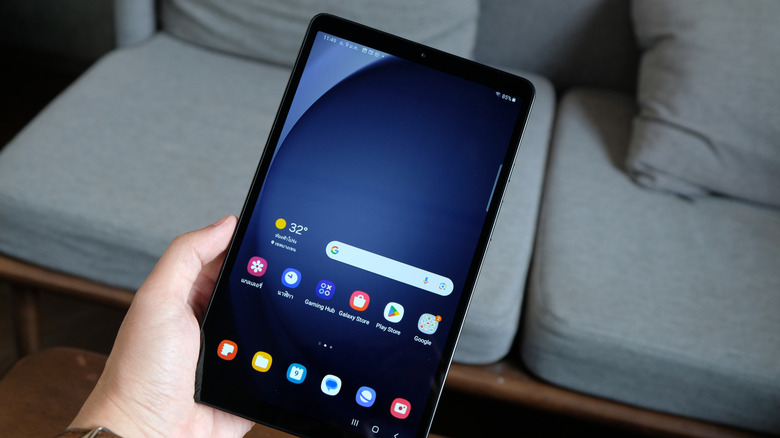
Nothing's more frustrating than seeing a tablet on sale for a low price, only to realize after a few hours of using it that the bargain deal wasn't a bargain at all. Not all tablets are made the same, after all. Even reputable brands like Samsung make mid-range, budget, or entry-level devices for a reason. Thankfully, Samsung makes that clear with a separate lineup of cheaper, budget-ranked tablets: the Galaxy Tab A series, which shares its name with the affordable Galaxy A-series phone lineup. While most of these models aren't expensive, some recent devices include a slightly more premium variant to boost the lineup.
For example, one of the best-selling Galaxy Tab A models on Amazon is the Samsung Galaxy Tab A11+. Still, it's not even close to the cheapest Samsung Galaxy tablet you can find, even with third-party sellers involved. The Samsung Galaxy Tab A9 Wi-Fi can be found for $163, and the international Galaxy Tab A11 Wi-Fi model costs $133. Acquiring those tablets is very feasible — but that doesn't mean you should. Depending on what you want from a tablet, it has a few unwanted drawbacks you should consider. First, the hardware specs are much worse than Galaxy S tablets; the cameras, display, and battery are noticeable downgrades. It also lacks features like S Pen support, and software support longevity can be questionable — sometimes too short, depending on the model you buy, since only the newest generation makes the seven-year cut.
1. Weaker processors and low RAM
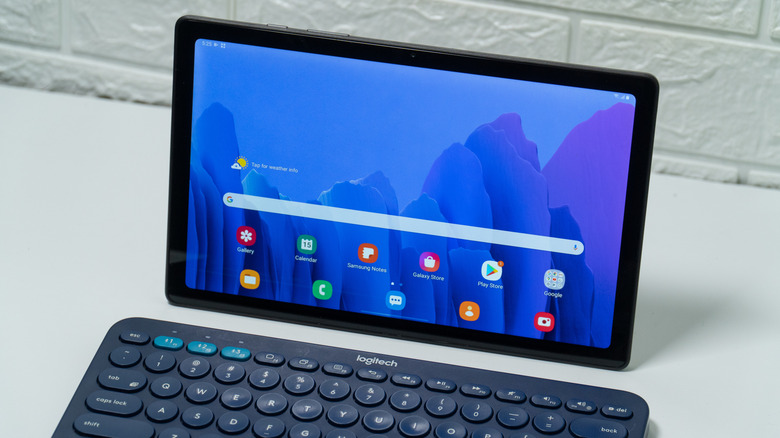
Performance matters, and cheaper Samsung tablets can feel sluggish and unresponsive at times. It's not a big deal if you are buying a tablet for reading, but you can also get a dedicated e-reader for a more targeted experience. Samsung Galaxy Tab A series tablets use midrange processors and low RAM to cut costs. For example, the international Samsung Galaxy Tab A11 (released September 2025) is equipped with a MediaTek Helio G99 processor and comes with 4GB to 8GB of RAM. The higher-end 8GB RAM should be fine on a tablet, but 4GB can feel limiting for anything beyond casual use with lightweight apps and browsing.
The MediaTek Helio G99 isn't the best entry-level chip; it's weaker than some newer entry-level Dimensity chips, particularly the Dimensity 7300, and some users have said it seems overpriced for what it offers. Gaming is almost a no-go, and there's also no 5G support on the cellular variant (it's 4G only). For someone wanting to take advantage of Samsung's generous seven-year software upgrades, it almost makes no sense, since the processor and RAM won't keep up with the most demanding of modern needs. The Galaxy Tab A9 uses the same processor — you can only move away from it by upgrading to the Plus variants — the ones typically sold in the U.S.
2. Cameras are not spectacular
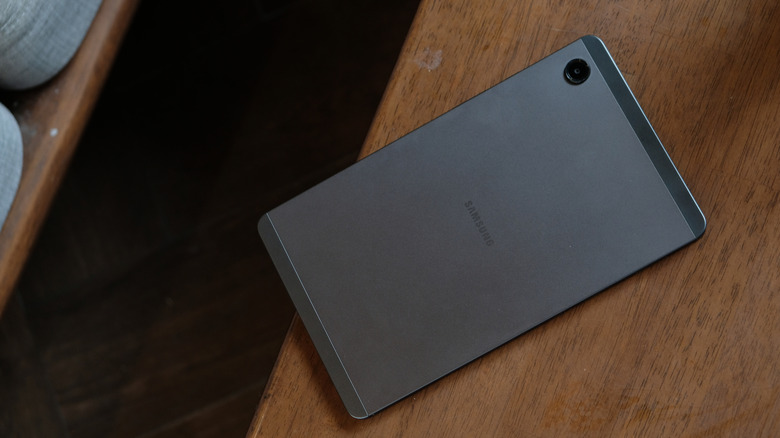
When taking photos with a tablet, it's best to temper your expectations. Generally, most tablets aren't purchased for their photo-taking capabilities, but it is still a nice-to-have feature. Part of that is because of the weight and bulk, and plenty of smartphones do the job better and are more convenient to use. However, you ideally still want your tablet to take acceptable photos, especially if you're photographing a paper document or homework for online submission.
At a minimum, you want the tablet cameras to capture legible photos in normal lighting. Unfortunately, that gets very tricky with cheap-end Samsung tablets. The sensors are smaller and lack optical image stabilization (OIS), so it's much easier to produce blurry images without correction. Smaller sensors mean they gather less light, so you'd likely get poor performance when taking images in a dim room — leaving you with less flexibility in when/where you capture photos.
3. Smaller batteries
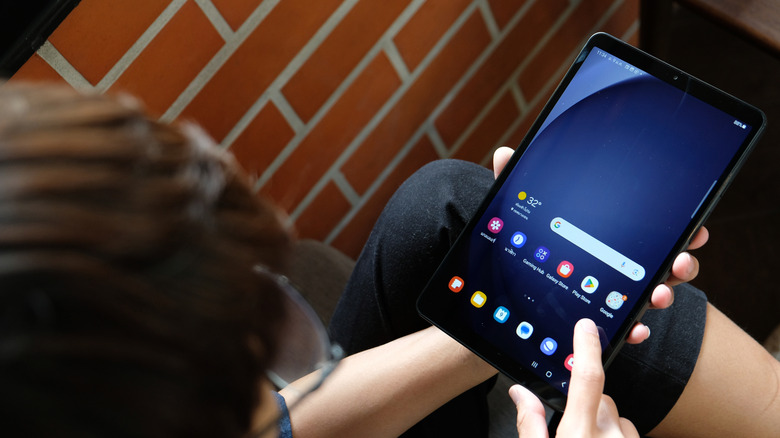
Battery life is subjective, but it can be better or worse, depending on how often you use the tablet, what you do with it, and how long you plan to keep it. Essentially, tablet batteries aren't inherently bad, as long as the manufacturer optimizes the software around them. Samsung's One UI is a bit more software-rich (or heavy) than near-stock Android, which may affect normal usage. Although Samsung does a pretty good job of making it work, even on their budget hardware lineups.
The problem is mostly with the smaller battery and the diminishing capacity that naturally occurs with prolonged use — which is more noticeable in cheaper tablets with weaker processors. A smaller battery often means shorter usage time, so you charge it more often; over many charge/discharge cycles, capacity begins to degrade. That's not a big deal if you're comfortable replacing the battery on your Galaxy tablet or absorbing the associated costs. For budget Samsung tablets with only a few years of software support, it's rarely worth it.
4. Missing features
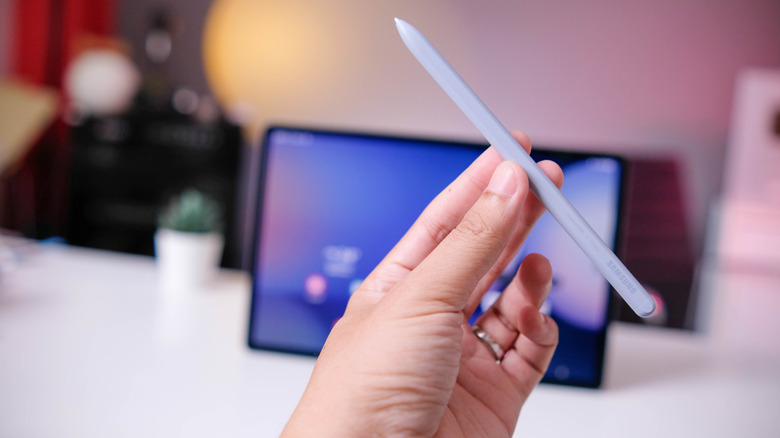
Samsung does offer a more premium lineup of tablets for a reason. One is for the hardware, and the other is for adding exclusive features. For example, if you want to use an S Pen, you'll need to buy an S-series tablet or a Samsung rugged Tab Active. Otherwise, it simply won't work. Another example is Samsung DeX. If you've been orbiting Samsung's ecosystem, you'll know Samsung DeX is one of its best, most distinctive features for productivity. Anyone purchasing a tablet, might choose to bring it traveling or for class, which is where this feature works its magic: it essentially lets you turn your tablet into a mini-computer, which you'll probably want when you're working on a class project or running a presentation. Samsung DeX is even more convenient on a tablet because you can use it without an external monitor. Unfortunately, Samsung DeX doesn't make the cut on most of the company's cheaper tablet lineup — limited exceptions for the Tab A9+ and A11+.
Samsung's Galaxy Tab A lineup generally lacks Galaxy AI, which can be both a negative and a positive, depending on the user. However, some may want to stay connected to the AI suite if they've grown accustomed to it on their phones — such as Note Assist and Browsing Assist. Lastly, the display is also different on these cheaper tablets. You'll find that Samsung usually sticks to LCD panels for its lower-end tablet hardware. That means you won't get the deep blacks and rich color you'd get with the higher-end Galaxy S tablets, along with the 120 Hz refresh rate — which is noticeably absent in the Galaxy Tab A11+. Simply put, the viewing experience just won't be as good.