

5 Disadvantages Of Using Your Laptop Microphone
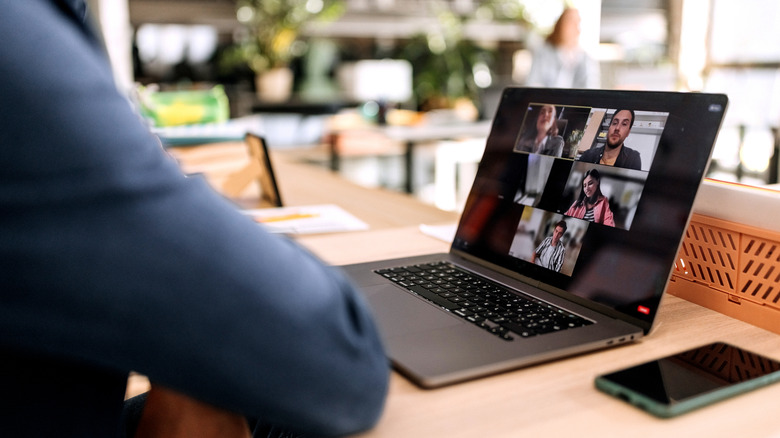
Today's laptops are pretty likely to include an on-board microphone, but how far this component gets you is really going to depend on your needs. For those who use a microphone just for a quick video call or meeting, the mic included with your machine is probably fine in a pinch. However, if you find that you need to rely on your microphone more and more, then using the one included with your device can really have its disadvantages.
A laptop microphone's downsides can help explain why some may want to consider a high-end microphone for their work setup. Laptop mics can typically function well enough on their own, but one of the major problems is ensuring the microphone is actually close enough to your mouth that it isn't picking up background sounds (or just picking up the sound of your keyboard). These microphones can also overcompensate for their inherent shortcomings by applying certain effects that may also create distortions in your audio.
There's also the fact that laptop mics can have issues tracking head movement, and third-party external mics have the capability to offer so many additional options. Naturally, there are some uses for a PC microphone aside from making Zoom calls, but those that spend a lot of time using audio inputs should consider a microphone that works with their productivity and needs. There are a lot of microphone options out there, and sticking with the default on your laptop may be more detrimental than one would think.
You're likely not close enough

While this can be a bit of an overgeneralization, different microphones typically need to be at different distances for them to work best. There can be a number of reasons why distances matter, but two important factors are signal-to-noise ratio and the proximity effect. The proximity effect deals with where the microphone is located — if a microphone is too close, audio can become bass-heavy or distorted. Signal-to-noise ratio, meanwhile, deals with the amount of background noise that might be overwhelming your recording.
With laptop microphones, there's going to be very little you can do to correct these factors, especially signal-to-noise ratio. With the microphone attached to a laptop, you may not be able to have it close enough to your mouth, and moving closer to it may create some awkward positions. Essentially, if you can't get close enough to your mic, you're likely not getting the best audio quality, and there may be few options in terms of fixing it.
If you think your microphone is picking up more of the audio from the room than from your mouth, or if things sound like they have heavy bass, it's more than likely your positioning causing issues. An external microphone can help with positioning, though some USB microphones can have their own disadvantages, as well. Distance ultimately depends on the type of microphone you're using, but ideally, you want to be 6 to 12 inches away from your mic for the best audio clarity.
Your keyboard can be a nuisance

If you're using a laptop microphone, the sounds in a room may get picked up, but certain unavoidable noises may also be coming directly from your machine. Depending on where the microphone is located on your device, you may find that it's picking up the sounds of your keyboard keys as you type. Naturally, this is really going to depend on how loud the keys can be, but it's possible your microphone is still picking up the vibrations that are moving from the keyboard to the laptop's chassis.
Depending on the severity, this sound can be highly distracting for those listening. However, before picking up a new microphone, there are some solutions you can at least try to potentially mitigate the issue. You can always adjust the microphone gain and input sensitivity (Settings > System > Sound > Volume in Windows 11 for microphone volume), or you could rely on noise-canceling software which your laptop may already provide. However, we're also going to explore some reasons why bundled software may create its own issues, as well.
Just like how an external microphone can help deal with background noise, an external mic can help eliminate the sounds of your keyboard. On the flip side, buying a new keyboard in the hopes that it's quieter may be a costly solution, but if you have an old one lying around, it may be worth giving a try if it'll support your laptop. We also have some other ideas for an old keyboard if it doesn't.
Your laptop may overcompensate
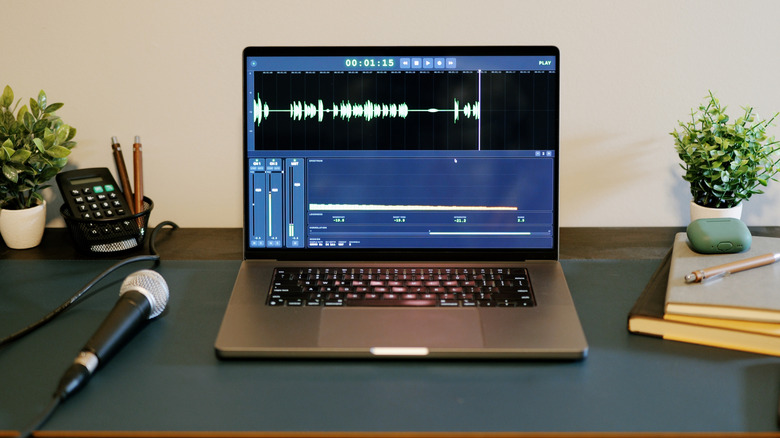
Today's tech comes with a plethora of features that are meant to help users, and this even includes the tech inside a laptop microphone. With modern machines, many of them can rely on digital signal processing (DSP) to attempt to overcompensate for many of the environmental factors that may be interrupting an audio signal. Manufacturers can rely on software to add noise gates or compression to your microphone audio in an attempt to make the audio cleaner. It may help eliminate background sounds, but it can also make your voice sound unnatural or even robotic.
Just to provide one example of the tech, laptop manufacturer Asus relies on artificial intelligence noise-canceling technology to help "filter out unnecessary noise from microphone input," and it can even work with multiple voices. If you find you don't like Asus features, you can disable them through the MyAsus app, but other laptop brands may not give you the option. Useful as built-in DSP effects may be, having your own external microphone ultimately gives you more control over how your audio sounds.
If you use an external microphone, you can ultimately set up your own DSP to tackle audio practically however you would like. It may require a bit more work on your part, as you'll need to do some research to see what software your operating system supports, but it will likely result in clearer audio on your end. Of course, other mistakes may also be ruining your PC audio, as well.
Laptop microphones can be sensitive to your movement
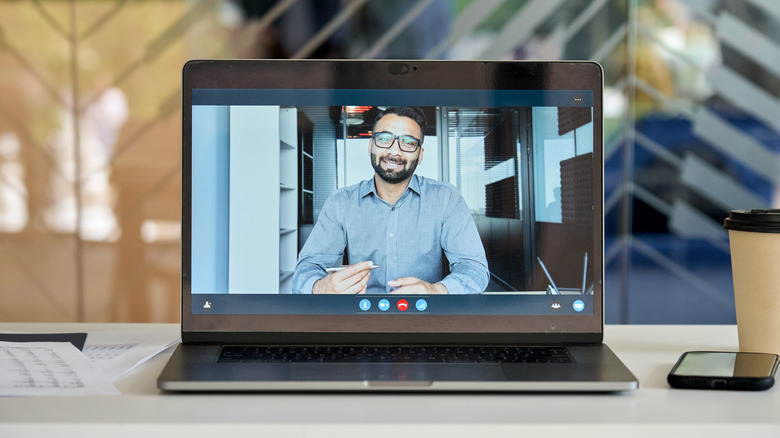
Directionality can be a problem for laptop microphones, especially when environmental sounds are a factor. However, how the device actually picks up your voice may create audio drops, as the microphone may have issues picking up your voice as you move your head. Naturally, this is all going to vary by device — though, as an example, it wasn't hard finding HP laptop owners complaining that they need to sit directly in front of the microphone.
By using your own microphone, you can have more control over the way it picks up audio. While there are an assortment of microphones that focus on directionality, some may prefer a cardioid microphone that has a wider pick-up area. There are also supercardioid and hypercardioid microphones that may provide a narrower window for vocal recordings than basic cardioid mics. Some users may even prefer to pick up sounds in a multitude of directions, so something like an omnidirectional microphone may actually benefit them.
For gamers, a similar idea is also a reason why it may be better to buy a USB microphone rather than another gaming headset, and it really boils down to having more options and better control. With traditional microphones, there's always the option of moving the microphone closer, but as we've already discussed, this may not be as easy with a mic that's built into a laptop. However, even without an additional microphone, there's likely still room for experimentation in placement.
External microphones can offer so much more
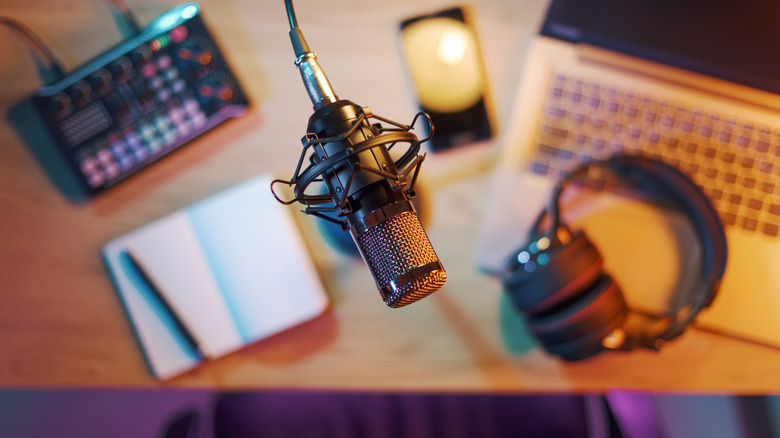
The hardware inside a laptop can depend on a number of factors, including how old it is, who made it, and more — and this also holds true for the microphone. Even if you find the audio quality on your built-in microphone to be well-suited for your needs, the sheer variety of options available in the wild means you may be missing out on some features you didn't even know you needed. We've already looked at how external mics may benefit your overall sound, but they can also help with comfort or provide additional benefits.
For some examples, the built-in microphone in your laptop is convenient because it usually doesn't require any additional effort on your part — but a good pair of headphones with a built-in microphone can be good for when background sounds are overwhelming, and you may appreciate the potential audio buffs you'll get with other media. Something like a lavalier (clip-on) microphone may also help with background noise, but there's also the added benefit that you can move around more easily with the microphone pinned to your shirt.
External microphones can also come with their additional features, though you may want to look at user reviews to see if these extras are actually worth buying. Just as an example, the Samson G-Track Pro USB Condenser Microphone includes its own audio interface and an on-board mixer. A laptop mic can be acceptable, but it's worth knowing that third-party microphones can offer so much more. For amateur podcasters, it can be one of the more useful accessories, that's for sure.