

4 Common Problems With Anker Power Banks
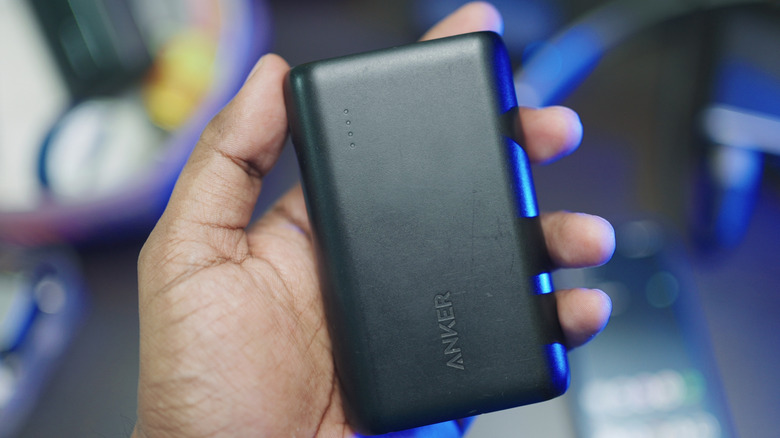
Mobile accessory brand Anker offers an array of power banks that are widely considered by experts and Consumer Reports to be among the best portable chargers on the market due to their impressive charging speed, portable design, and recharging speed. While it's important to take into account these factors and others, such as price, port selection, and TSA guidelines when picking an Anker power bank, you should also be aware of some of the most common problems associated with the devices. Those can include the battery draining quickly, slow or abnormal device charging and recharging, and overheating.
This list isn't specific to just one Anker product, though each issue may not impact all models. Rather, these are problems Anker itself has identified among the common issues of more than one portable charger model, with some potentially a result of user error and handling mistakes. So below, we break down these common issues and some troubleshooting tips for combating them.
Battery draining quickly
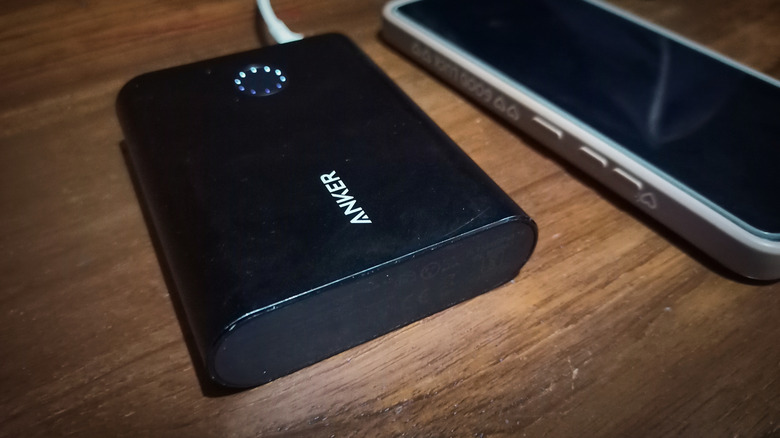
When you buy a portable charger, it's important to note that its rated battery power capacity isn't its real output, as roughly 30%-40% of this advertised power can be lost during energy conversion, leaving you with around 60%-70% of usable energy to charge your devices. So, for example, while you may buy an Anker PowerCore 10000 and expect 10,000 milliampere-hours (mAh) of battery capacity to charge devices, you'll actually get more like 6000 or 7000 mAh. You can check the usable battery capacity with a USB power meter or a multimeter, but if you have neither, you can get a quick rough estimate (for a 3.7-volt power bank) by multiplying the rated power by 0.6.
However, if you find that your Anker power bank's battery is draining more quickly than normal or provides fewer charges than it used to, there are troubleshooting tricks you can try. The first is to ensure you don't leave a USB-C-to-lightning cable attached to the charger's USB-C PD port (if applicable) when it isn't being used. These cables can continuously draw low-level power when attached to a power source, eating up your power bank juice regardless of whether or not it's connected to a device. However, this doesn't apply to all models, as some Anker power banks come with a built-in cable. Similarly, avoid using a device when it's being charged, as this can further drain the Anker battery. If you're still experiencing issues, charge the power bank fully again, use a different cable, and try the Anker with a different device to see if the issue persists.
Slow device charging
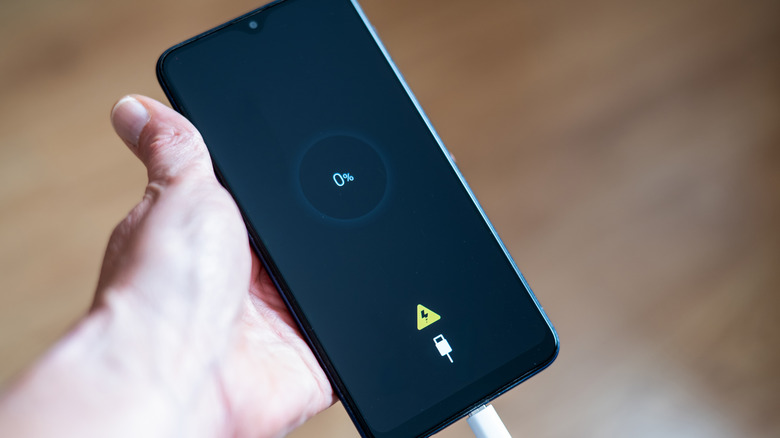
Anker power banks are often praised by experts for their fast charging, so if you find yours are slow to charge devices, it may indicate a problem. There are several reasons your Anker charger might not be charging at full speed, including using your device while it's being charged, charging a higher-capacity device, exposure to certain environmental conditions (like extreme temperatures), or if your phone is running an intensive background process that's quickly sucking up that fresh charge juice.
However, if you've addressed these potential reasons and are still finding your Anker power bank is charging devices slowly or abnormally – or even failing to charge them at all — there are some troubleshooting tricks you can try. First, replace your charging cable with a high-quality version, as a damaged, frayed, or poor-quality cable could cause charging performance issues (or even be a safety risk). While estimates vary, USB-C cables tend to last between one and two years, so if yours is older, it may be time for a new one.
Next, try charging a different device with a similar capacity to see if the issue is with your power bank or with your device. If the other device charges normally, restart the original device and see if that rectifies the issue. If it's your power bank, remove all attached cables and restart it (the method will differ depending on your Anker model). If the issue persists with your power bank, it might be time to contact Anker support.
Slow power bank recharging
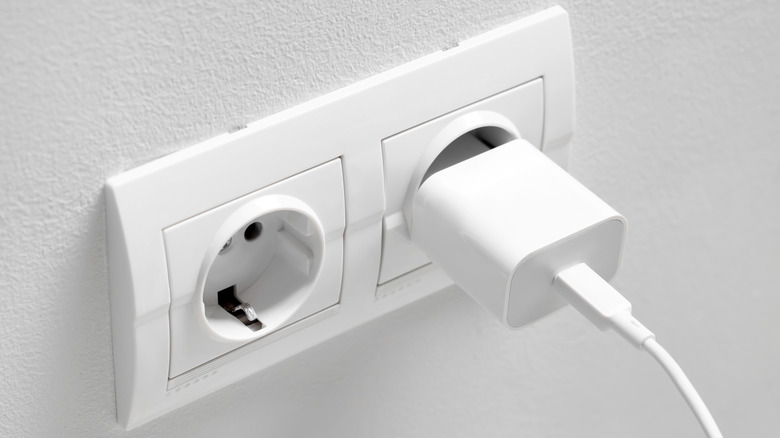
There are many reasons why your power bank may recharge slowly or fail to recharge, including that the wall plug you're using may be too low-wattage to juice a high-capacity power bank, you're using the wrong USB cable, or you may be trying to charge the power bank while it's charging another device.
To troubleshoot the issue, first replace your wall charger or plug with a different one to see if that's the cause of the recharge issues. If the power bank still won't recharge, try changing out the cable for a newer or higher-quality one in case damage, age, or a cheap build is impacting its recharging ability. Next, try plugging the power bank into a different wall outlet to see if maybe the original outlet is causing the problem. If none of this helps, you'll need to remove all the cables from your portable charger and restart it. While this method differs for each Anker model, you should generally be able to do this by pressing and holding down the power button for around 10 to 15 seconds for several models, including the PowerCore 20000.
Once you've done that, plug the power bank into a wall charger again to fully recharge it. If you're still having issues, you might consider contacting Anker support.
Overheating
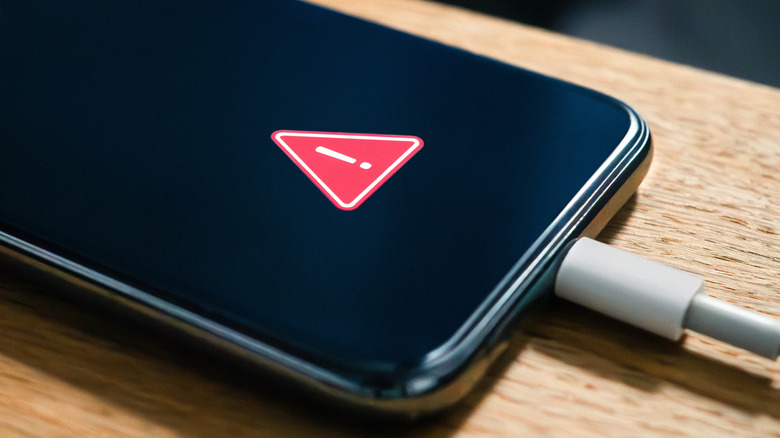
Power banks can naturally become warm when charging a device, as heat is generated (and therefore emitted) during energy conversion. If either your power bank or device is repeatedly becoming so hot that you cannot comfortably hold it in your hand, though, it might be a sign your power bank is no longer safe to use. Thankfully, there are some troubleshooting tips you can try before looking for replacements.
First, unplug your charger, the device, and any attached cables, then let the charger sit for five minutes. Next, change the charging cable and wall outlet you're using (if recharging). In addition, try charging another device instead and see if the problem persists. In addition, make sure not to leave your powerbank out in the heat, direct sunlight, or other extreme temperatures, and that the charger has plenty of ventilation.
If the problem only occurs with a specific device, then the device may be the issue. If it occurs with multiple devices, however, then the power bank itself may be the problem, with the overheating potentially pointing to a battery cell issue. If your power bank's casing is swelling or bulging or looks physically damaged, it's probably a lost cause, and it may be unsafe to continue using.
How did we choose these issues?

To come up with this list, we reviewed the pages that Anker maintains for troubleshooting common problems with the Anker 737, PowerCore (common battery), Anker 10K, and Anker 20K power products, as well as FAQs and support articles for other Anker power banks at the company's Support Center site. This approach allowed us to identify widespread recurring problems across Anker's wired power bank range rather than highlighting issues with one specific portable charger product or individual model malfunctions, such as the recalled PowerCore 10000 models.
These are issues Anker itself has acknowledged as being common enough to address in problem-solving articles for several products. The manufacturer has provided troubleshooting tips to address the root causes, making these useful scenarios to tackle in this article.