

4 Useful Samsung Galaxy Phone Apps That Sync With Your Watch
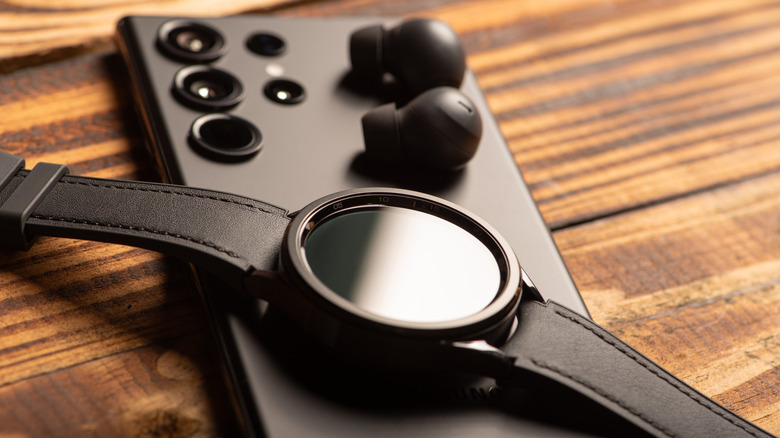
Samsung is well-known for its smartphone offerings, with the Galaxy S26 and the Galaxy S26 Ultra being the most recent flagship releases. From the processor to the camera system, these phones are packed with state-of-the-industry hardware. But Samsung is more than just phones, and its lineup of smartwatches is also well regarded. Both Galaxy phones and Galaxy Watches are only as capable as the software onboard, though.
Luckily, there seem to be endless options out there when it comes to available apps. Many third-party developers do a good job of expanding the functionality of Galaxy phones and smartwatches, some of which could even be considered essential apps for Samsung phone owners. But Samsung develops its apps with features that are unique to its own device ecosystem, allowing users to sync their devices in powerful ways,
Several such Samsung apps can go a long way toward making the pairing of a Galaxy phone and a smartwatch more effective for users. With the right apps onboard, the two devices can work together to track a user's health, take pictures, record video, pay for things while shopping, and manage a smart home setup. We've singled out some Galaxy phone apps that are not only capable of doing these things in tandem with a smartwatch, but that expand upon what the pairing can do in a number of different situations.
Samsung Health
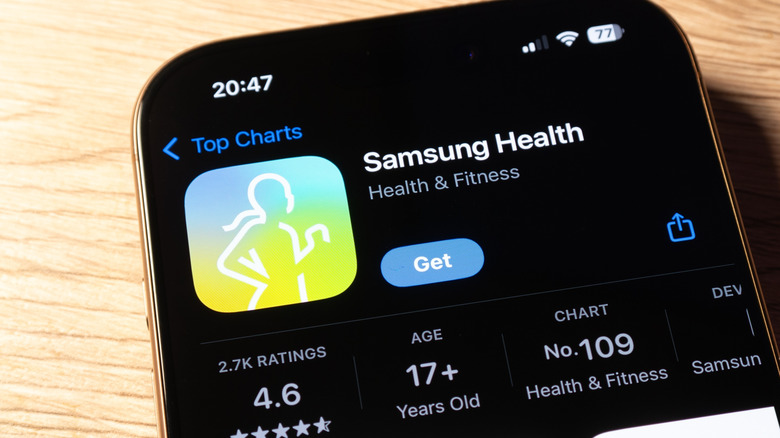
Samsung Health is the first-party app used by Galaxy phones to keep track of a user's health and fitness data. When paired with a smartwatch, even more tracking features are available to collect that data. A Galaxy phone can track basic metrics like step count throughout the day. The watch, however, opens Samsung Health up to advanced data such as heart rate and sleep patterns. Also available through the Samsung Health app is nutrition logging and dietary information, as well as access to various mindfulness activities like breathing exercises. The app even provides users with a timeline that illustrates their stress levels at different times throughout the day.
And, while many new features of the Samsung Galaxy Watch include various health metrics, Samsung Health plays a major role in bridging what a smartwatch and a Galaxy phone can do. In particular, the app acts as the central hub for all of the aforementioned data. Because the app is capable of tracking activities, you can launch a run or bike ride directly on the Samsung Health app on a compatible smartwatch and leave your phone behind. The app will sync across the devices, and when you finish your workout, you can view the data on the phone's larger display. The app can even house personal health records, as it allows you to input information like immunizations, allergies, and health conditions.
Camera Controller
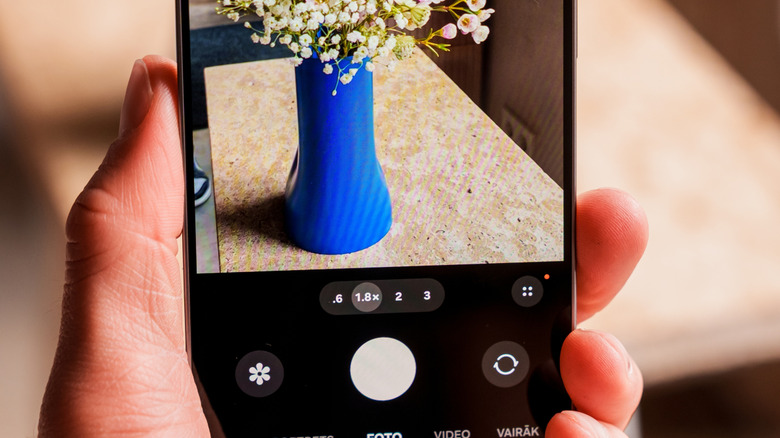
Several Galaxy phone models can rightly claim a place on the list of popular smartphone cameras. Recent Galaxy phone models like the Galaxy S26 and Galaxy S26 Ultra, in particular, feature some pretty impressive smartphone camera hardware, and several previous generations of the Galaxy S still hold up well in the same regard. For smartphone photographers — or for anyone who simply likes to take pictures — using Samsung's Camera Controller app offers Galaxy users more opportunities to ensure they capture memorable moments throughout the day. This is especially true for users who want to take quality pictures of themselves or of scenes that are tough to capture with a simple point-and-click.
With a compatible smartwatch on their wrist, users can call on the Camera Controller to control their phone camera right on the watch's display. It provides a mirrored view of what's being shown in the phone's camera app, as well as a shutter button that acts as the picture-taking mechanism. It also functions as the record button when shooting video. Camera Controller can be extremely useful when taking group photos, as it gives the picture-taker an opportunity to hop into the photo and fire the shutter without anyone being the wiser. It also gives users the chance to take better pictures of themselves, using the phone's front-facing camera instead of the lesser hardware ofbuilt-in selfie cameras.
Samsung Wallet
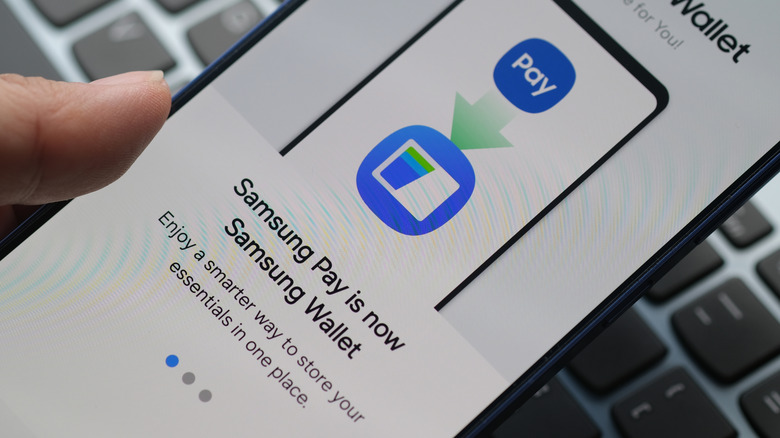
Android users may be familiar with Google Wallet, but there are numerous digital wallets you can try instead, Samsung Wallet among them. It's Samsung's all-in-one app for the things we used to keep in our wallets. It can store debit and credit cards, boarding passes, movie tickets, compatible ID cards, and even some store loyalty cards. The app makes paying for things incredibly convenient, and for many Galaxy phone users, it can prevent any need for a physical wallet at all.
Just like with the Samsung Health app, a Galaxy Watch with Samsung Wallet installed can function without any need for a Galaxy phone. With the two apps installed, users can launch a workout on the watch, go out on a run, and grab a quick snack or a drink for hydration while their phone is way back at home. And, of course, the two devices can also work in tandem. You can use digital tickets like boarding passes from both a Galaxy phone and a Galaxy Watch. Both devices also allow push notifications, so if gates or boarding times change, they'll display right on the watch.
One thing to note is that Samsung Wallet isn't compatible with Android watches made by other manufacturers. Like some of Samsung's other first-party apps, it's meant to operate solely within the Samsung software ecosystem. Owners of a Galaxy Watch, however, can use Samsung Wallet in tandem with their Galaxy phone, reaching for whichever device is most convenient when they need the app.
SmartThings
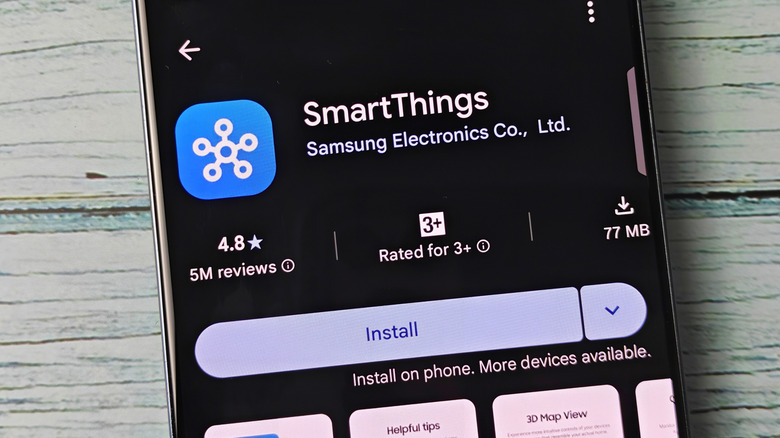
While Samsung Galaxy devices play a large part in the company's popularity around the world, its software and hardware ecosystems extend into the home as well. SmartThings is its app for running a smart home from one central hub, and we also find it to be among some essential Galaxy Watch apps. It connects to smart TVs, refrigerators, washers and dryers, and even smaller smart home components like smart light bulbs and lamps. It's not restricted to Samsung devices, either, so Galaxy phone and smartwatch owners can use either of these devices to monitor and control smart home setups made up of devices from numerous brands.
The smartwatch version of SmartThings can adjust lighting, check security cameras, and even control a thermostat. With compatible TVs, the watch can take the place of a remote control. The app remains functional on the watch even without a Galaxy phone nearby. While the devices stay in sync with other devices through the SmartThings app, you can also use them independently of each other. The phone acts as the initial SmartThings setup device, but the watch can monitor and control connected devices all on its own. This allows busy homeowners to use a smartwatch to monitor and control their smart home devices even while using their Galaxy phone for calls, navigation, or work tasks.
How we selected these Galaxy phone apps
Android phone apps and Android smartwatch apps are in no short supply. Though several of them can be considered essentials, many more are made by third-party developers and don't necessarily offer all that much value. Samsung is dedicated to its software ecosystem, though, and that's why here we've selected only first-party apps designed specifically for use across Galaxy devices. Our goal was to find apps that are helpful in everyday situations and provide extra value when used across Galaxy phone and smartwatch pairings.
Some of these apps are best used with the combination of devices, while others can boost the usefulness of your Galaxy Watch even if your Samsung phone is not nearby. All of them allow you to sync data and functionality across your Samsung ecosystem, though, giving you a more seamless experience throughout your day.