

11 Essential Gaming PC Tips Every Beginner Should Know
So you're finally the proud owner of your first gaming PC: congratulations! Whether you bought one pre-made or used our essential tips and tricks to build a PC, you're at the beginning of a fruitful relationship with your new rig. But there are some essential tips worth knowing before you go any further.
You get out of a gaming PC what you put in: A little care, attention, and thought can go a long way, and since you're a beginner in the field, there are some decisions you can make now that'll pay off in the future. Knowing important pieces of information can help you get more for your money, save time when you're stuck, and keep your gaming rig humming for a long time.
With that in mind, here are 11 essential gaming PC tips that everyone who owns a rig should know, and you'll find them especially useful if you're a beginner in the hobby.
Get to understand the lingo

A quick browse on a PC gaming forum, skim of a helpful guide, or continuation through this article will bring you face-to-face with the tip of the iceberg of gaming jargon. There are plenty of acronyms, initializations, and slang phrases that get thrown around, and you'll quickly be lost – or worse, annoyed – if you don't know what they mean. You might try to puzzle it out with context clues, but many common computing terms have strange origins. In this article, concepts will be explained when they're discussed, so you'll know what you're reading, but that's not always the case. As such, it can be useful to look up the lingo.
The PC Gaming Wiki can be a useful place to start, as its glossary explains to you not just slang phrases, but useful concepts and snippets of terminology. When it comes to retailers, hardware acronyms and initializations will often be spelled out, so you can recognize them for next time. And you'll likely quickly recognize the initials of your favorite games when people online mention them — but it's impossible to completely avoid unfamiliar phrases, so a tool like the PC Gaming Wiki is useful to have on hand.
Buy accessories (but the right ones)
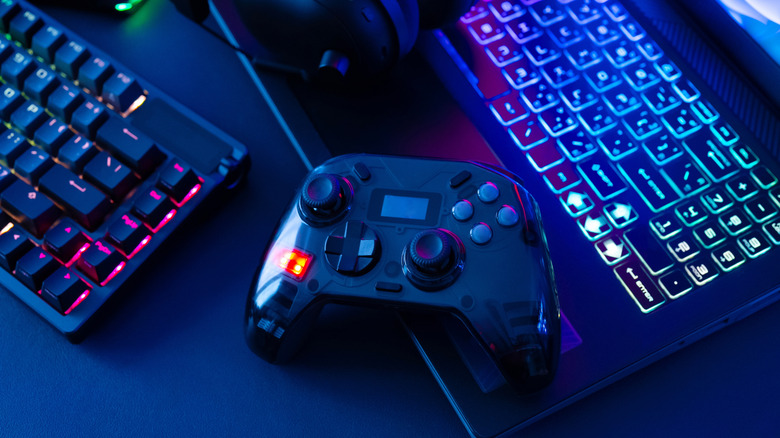
Getting your rig is only the first of many purchases you need to make as a PC gamer, and there's much more you'll need or want to put in your shopping basket. These include vital buys such as a monitor, audio output, keyboard, and mouse, as well as optional extras like controllers, foot pedals, Wi-Fi extenders, and USB gadgets for PC gamers.
Online, some gamers also recommend paying for a second monitor, a footrest, a monitor stand, and a supportive chair if you're going to be spending a lot of time gaming. These can be later purchases if you've just picked up your PC, because all of them will last you for years.
So how do you know which accessories to buy? It's worth finding a brand you like, with reviewers often recommending tech from Alienware, Razer, and HyperX. But make sure you don't get upsold into unnecessary extras: A Bluetooth mouse isn't useful if your PC doesn't have a Bluetooth adapter, and you shouldn't buy a 4K monitor if your graphics card can't output at 4K. Also, make sure to count how many ports your rig has, as it might dictate which accessories you buy if you don't want to get a USB dock.
Keep your rig dust-free
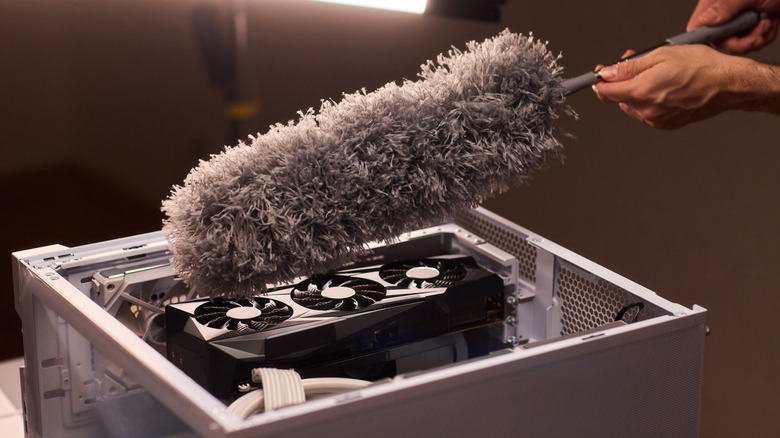
Something you'll come to discover about your new gaming PC is that it's a massive dust magnet. This might seem like an inexplicable curse, but it's actually because of static electricity produced by your computer. Dust can be quite bad for your rig, as it clogs up air holes, impeding ventilation and causing overheating, which, in the short term, affects performance and, in the long run, shortens your internals' lifespans.
So it's important to carry out adequate maintenance, to keep your rig dust-free, and that means getting on your hands and knees and opening your tower up. Experts recommend using compressed air to blow dust out of crevices, as this can dislodge hard-to-reach pockets of dust, and also using microfiber cloths or brushes to wipe dust off. We've got an entire guide on how to remove dust from any electronic in your home, and the PC is no different. It's advised to carry out maintenance every six months – it isn't necessary to do it more regularly if you're giving the rig a thorough clean when you do.
Cleaning your PC rig may seem like an unnecessary chore, but the benefits are just too important to ignore.
Put your PC in the right spot
An important, though often-overlooked, decision many first-time PC gamers have to make is where to actually put their rig. Not the monitor, or the keyboard, or speakers, but the tower itself.
Largely, this is for airflow reasons. The ability of air to move through your computer is important for preventing dust buildup and keeping the insides cool. If your PC is backed up against a wall, your fan won't be able to draw in or expel air efficiently, so it won't be operating optimally.
There are other considerations to keep in mind regarding location, including other dangers to your PC. Putting it up against a radiator could cause it to overheat at best, and might literally melt plastic components at worst. If it's within reach of kids or pets, it could be at risk too, and a PC can be a trip hazard if it's in a place you walk regularly. The best thing you can do is look around your PC spot to identify any potential hazards, while making sure it's still within cable reach of your rig, and adjust its position to address any performance and safety concerns.
Learn the gaming strengths and weaknesses of your GPU
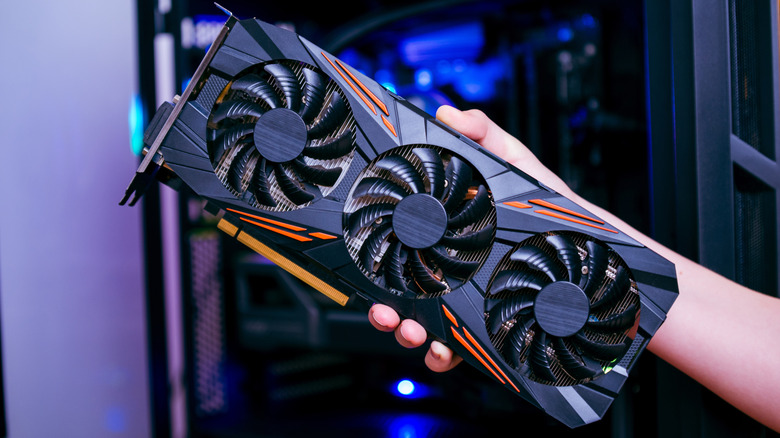
The gaming potential of your PC will depend on your graphics card. Graphics Processing Units (GPUs) handle different tasks in different ways, so your kit will dictate whether you play modern blockbusters, older titles, or indie hits. It'll even be important for which graphics options you can choose on the games you play.
Some GPUs can handle Ray Tracing, a graphics technique in modern gaming that simulates realistic lighting, while others support DLSS, which adds frames to improve framerate. These and other similar technologies can improve how a game runs and looks, as long as your internals support them.
You can find out more about your GPU by running a benchmark, which runs tests on your setup to see how well it performs and compares it to other devices. The results can show you how your PC handles tasks like ray tracing and generating high-res graphics, so you know what kind of game you can and can't play.
Ensure you're getting the best internet speeds
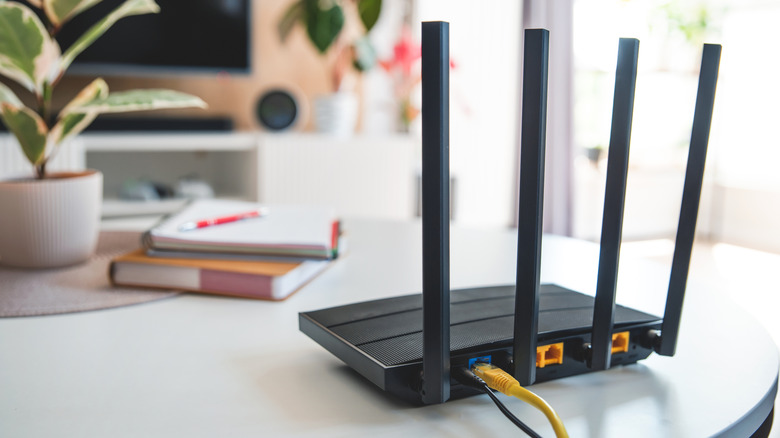
Depending on the kind of gamer you are, a good internet speed is going to either be pretty handy or absolutely vital. If you think you'll mainly play offline games, it'll be the former. Faster internet lets you download the title quicker, so you're playing it sooner. But if you're planning to enjoy online games, a fast internet connection is necessary so you can keep up with your teammates or rivals. And as a new PC owner, you've probably already made up your mind whether you want to connect to the internet via Wi-Fi (wireless) or Ethernet (wired).
So, how do you get a fast internet speed? Generally, Ethernet is more reliable than Wi-Fi, and is usually faster,though depending on your home setup, it just might not be feasible to use a wired connection like this. You can find out your internet speed using tests like Speedtest, and a download speed of at least 15Mbps is generally recommended for gaming.
If you think your internet speed should be faster, check whether other open programs are using up bandwidth. Press Ctrl, Alt, and Del, open Task Manager, and look at the Network column. It lists what's using up network data, so you can see if an unexpected download is hogging bandwidth.
Understand what the important folders are on your PC
We've already established that PC gaming has a lot of lingo, and now that you've memorized all that, let's give you a second important lesson. Your PC has various folders that you'll use loads in your gaming adventure, and it's worth knowing what (and where) they are, so you can save loads of time in the future and get the best gaming experience.
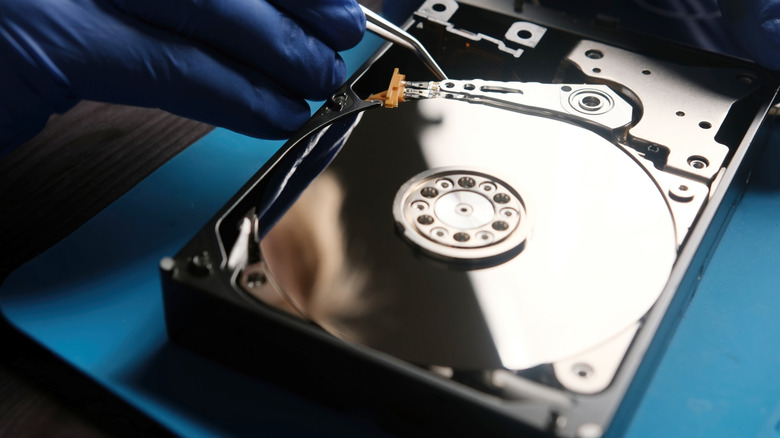
Your main computer storage is the C drive, and other letters are assigned to other storage systems. There are two types of expandable storage you'll see sold: Solid-State Drive (SSD) and Hard Disk Drive (HDD). If you're buying extra space for big games, it's recommended that you buy an SSD, as it has faster load times and is more reliable than a hard drive. HDDs are better for documents and files, though some report having a fine gaming experience when playing from an HDD. However, by default, games will be installed onto your C drive.
In the past, you'd have to delve deep into your computer files if you wanted to install mods, but thankfully, it's much easier now. On Steam, mods can be added directly through the Workshop, and some other mod sites, like Nexus, work similarly by automatically adding them to the game.
Co-ordinate your RGB set-up
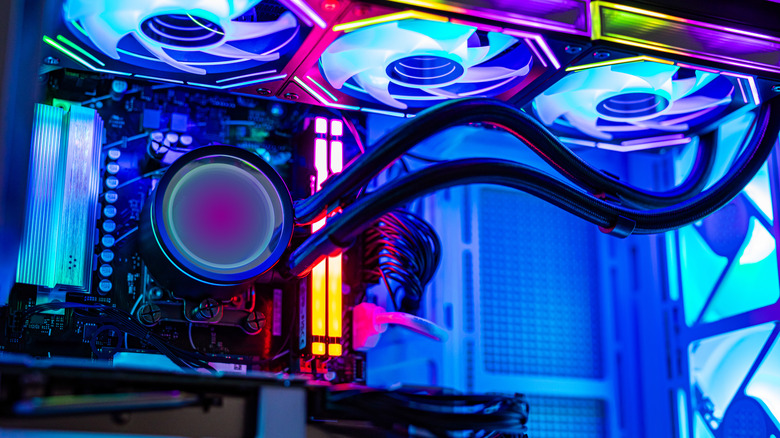
When you were buying your gaming PC and all the extra accessories you've picked up, you probably noticed that many touted RGB as a selling point. Standing for Red, Green, Blue, this refers to the multi-colored lighting that various pieces of kit can glow in. And it's a massive deal for PC gamers.
If you ask fans, some will stand by RGB for the simple reason that it looks cool to have your entire apparatus synchronize its colored glowing. But others point to practical benefits, such as specific keys glowing depending on your game or creating a more immersive gaming environment. You can ignore it if you like, as some won't notice the benefits, but for others, it can dictate buying decisions.
So how do you actually use it? Each different device's RGB lights can be controlled and customized via the manufacturer's own software: Asus has Armoury Crate, Corsair has iCUE, and so on. But some first-party apps let you control other aspects, like Asus' Aura Sync, and there are third-party programs like SignalRGB that can control all your lights from a single hub. Working this out sooner, rather than later, can ensure you buy other accessories that are compatible with what you already own.
Find free or cheap games to enjoy
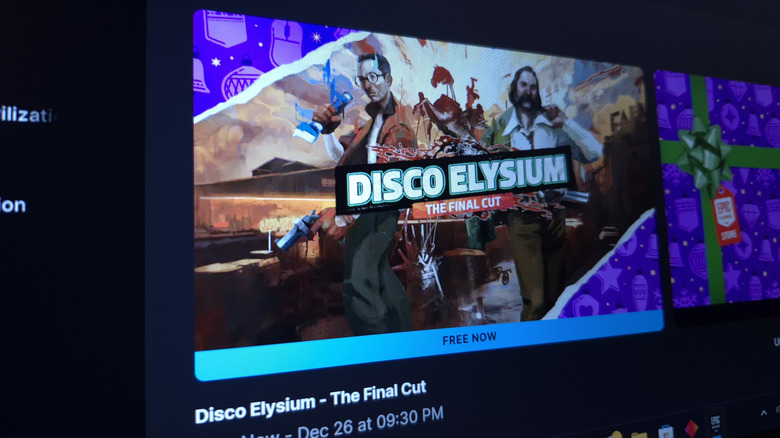
One of the joys of being a PC gamer is that you can often find cheap or discounted games to enjoy, so you can save money over the long term. Naturally, the best of these are the ones you don't have to pay any money for: the Epic Games Store gives one or two every week and a free daily over the Christmas break. Also, Amazon Prime subscribers can use Luna to claim from a large list of monthly games. You don't need to pay to make the most of your PC.
There are other ways to save, too. Steam often does sales which discount loads of games, with the Steam Summer Sale perhaps the best-known, and new ones happening frequently. Alternative games retailers often run simultaneous events, so there will be loads of money-saving options.
Many people pick up their games via the Humble Bundle, which offers a selection of titles at a low upfront price, with proceeds going to charity. Another way to save on games is through subscription services, like Xbox's PC Game Pass, EA Play, or Ubisoft+, which give you access to a library of titles for a monthly fee. Prolific gamers can use these to enjoy loads of titles at a low cost, but it doesn't pay off if you only play now and again.
Know the best places to ask for advice

There's a massive online community of PC gamers, and so there's always an expert available somewhere who can give you advice in a pinch. This can be tips on hardware buying decisions and problems, software tricks that'll save you time, and advice on the PC games you enjoy.
Naturally, one of your first ports of call if you need any help could be Reddit. The r/pcgaming subreddit boasts millions of weekly visitors, with users discussing industry news, game reviews, and hardware topics. There are other subreddits for specific games, brands, and studios, so you'll always be able to find an expert.
Other online forums can give you useful advice. Steam has a busy Community section which is useful for game tips and bug fixes, while forms like Linus Tech Tips' sees hardware fans discuss different products. And if you're stuck on a specific problem or bug, or need general advice, simply Googling it can bring up useful suggestions.
Only upgrade your PC when you need to
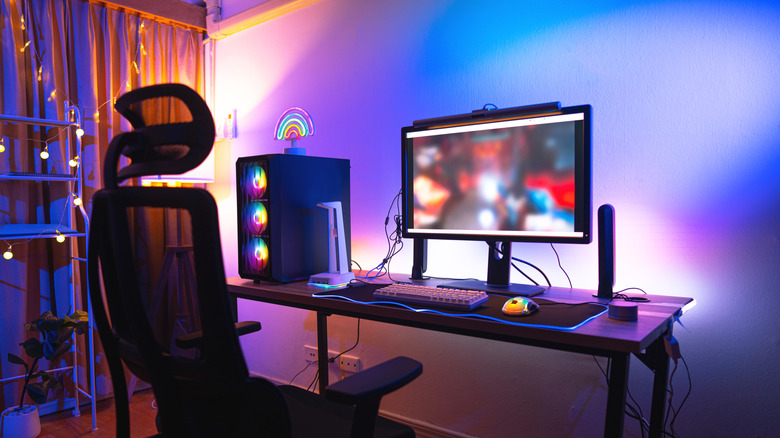
If you're a PC gaming beginner with a fresh, up-to-date machine, then you don't need to worry about upgrading your rig for a few years. Enjoy it! But one of the perks of owning a gaming PC is that you can add, remove, and replace parts like GPUs, RAM, and Wi-Fi modules, and it's hard to resist the temptation to do so. But think before you buy, and only get a new piece of kit if you really need it.
The release of a new graphics card doesn't necessarily mean that you need to ditch your current one. The Steam Hardware Survey shows that most gamers rock old GPUs, and some PC upgrades just aren't worth your money. In addition, with the memory crisis making them expensive, it's worth waiting as long as possible to upgrade.
Most gamers recommend upgrading your PC only when parts start to perform poorly, with online forums full of gamers swearing by kits that are years old. That life cycle could be even longer if you only play indie or older games. The exception is if parts get damaged, and so if your games aren't working when they once would, it's time to see which of your components has broken and replace it.