

Stop Spending Money On Raspberry Pi Projects And Use Your Old Laptop Instead
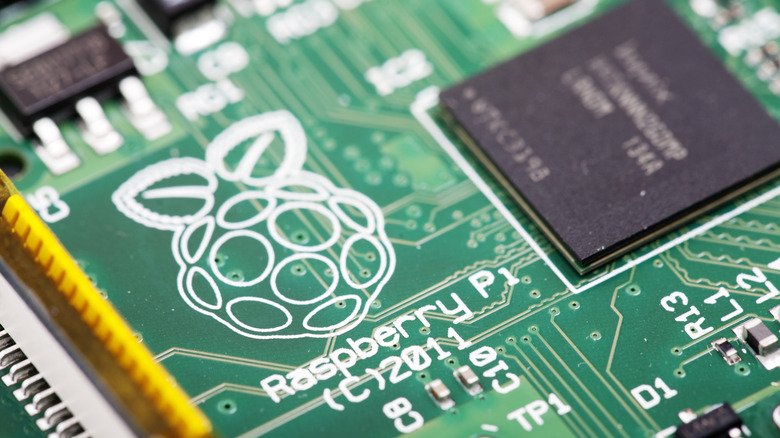
For years, the Raspberry Pi was the go-to board for any hobbyist with a fun idea for a project. After all, they were highly-extensible, widely-used, and cheap. However, due to RAM shortages brought on by the unchecked expansion of AI data centers, a single 16 GB Raspberry Pi 5 now retails for $305 — almost triple its price from launch in January 2025. With costs expected to remain high for the foreseeable future, now is the perfect time to learn how to recycle and reuse old computer hardware. You'll not only be learning something new, but saving money and preventing a perfectly-good device from ending up in a landfill.
That said, it's important to set realistic expectations. Most laptops start slowing down after a few years and minimum software requirements are constantly increasing, so an old device probably won't be as powerful as you remember. Still, finding creative, homemade solutions to everyday problems is its own reward, and even more satisfying when it doesn't cost anything.
What kind of projects can an old laptop handle?
There really aren't very many limits beyond your own creativity. Raspberry Pi hardware doesn't have anywhere near the same level of performance as laptops or desktop computers, so unless a super-compact or low-energy device is required, an old laptop is likely the better option anyway.
One of the benefits of a streaming-focused entertainment ecosystem is that virtually any device with an internet connection and a screen can become a home media center. As long as it can open a supported browser, streaming video shouldn't be a problem. You could also turn it into a Plex server or NAS, letting you access files remotely, though it's a good idea to stick to 720p or 1080p video since 4K requires higher download speeds and a decent graphics card/CPU for smooth playback.
Any laptop from the last 10 years should be able to handle tasks like emulating games, office work, and basic coding without too many problems. Just try to avoid anything that requires a lot of processing, like video editing or 3D modeling. These activities are tough for modern PCs and are almost certainly destined to fail on an outdated laptop.
Things to be aware of when using older hardware
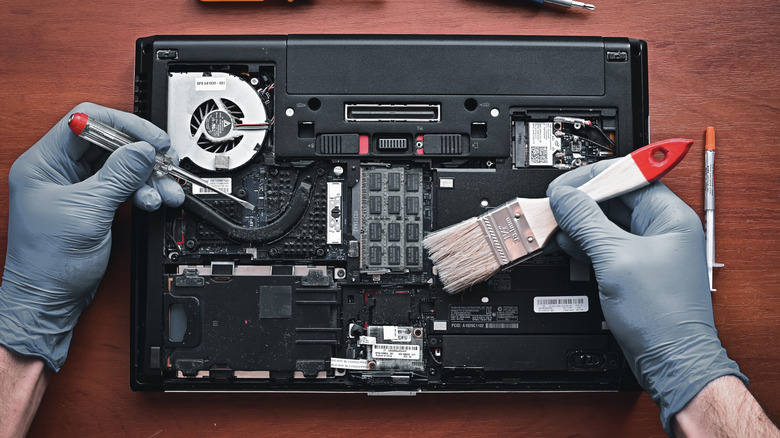
If you haven't used a device in a long time, it's important to perform a quick safety check before putting it back to work. Frayed cables and swollen batteries are dangerous — if you see them, follow proper disposal guidelines and do not power on the device. If you can easily access the fans, give them a quick clean too. These tend to accumulate dust, preventing proper airflow and causing excess heat buildup. Wiping them down with a dry cloth will help keep things cool and quiet, while ensuring you get the best-possible performance from your device.
Just like humans, computers get less efficient as they age. If simple tasks like booting up take a long time, consider installing a different operating system. Linux is the obvious choice thanks to distributions like Lubuntu and Linux Lite offering a Windows-like experience with less bloat. Depending on your project and distro, you may have to learn to use the command line, but Linux's graphical interface can take you further than most people think.
Finally, think carefully before using an old laptop for public-facing projects or anything accessible from outside of your home. Outdated systems may contain vulnerabilities that an attacker could exploit. While unlikely, it never hurts to consider security, especially if your project involves cameras, microphones, or storing sensitive information.