

The 8 Cheapest Ways To Still Enjoy Retro Games
We may receive a commission on purchases made from links.
Gaming has been around for decades, and much like how music has classic rock, gaming has retro games. Players of all ages have engaged with retro games to either relive the glory days or for younger folks to check out how gaming was in a time long gone. Thanks to continued interest, retro gaming has become its own industry, with a host of retro-inspired devices, efforts to keep old games alive through preservation, and a large, dedicated community around video game emulation. Thanks to these efforts, it's actually quite easy to enjoy retro games.
The question is how much do you want to spend to do it? Retro gaming runs the gamut from intensely expensive to functionally free depending on the methods and what you're willing to deal with. It's no secret that physical copies of some retro games go for a whole lot more than many are willing to spend to enjoy a single title. Others may be okay with spending a little bit to recreate the original experience as closely as possible instead of playing games for free on a mouse and keyboard on a computer monitor.
As a retro gamer, I understand the problem and respect the hustle of players looking for their favorite ways to enjoy retro games. If you're newer to the community and you're looking for ways to play retro games on the cheap, this article can help. After all, the Internet Archive's collection of SNES games is no more, so you'll have to find another way to do it.
Old consoles and games
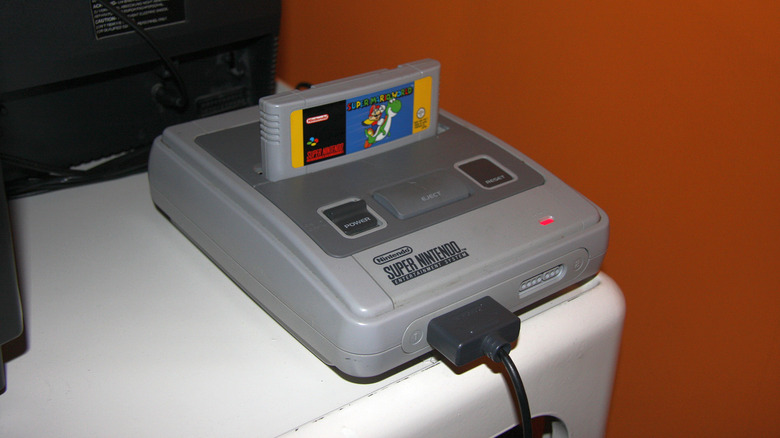
The first and most obvious method of playing old games is to simply buy them. This is primarily done on websites like eBay, as well as specialty shops like DK Oldies and Lukie Games. Some mainstays like GameStop also sell older consoles. The premise is simple enough here. You can buy a used or refurbished console and then old, refurbished games, and play them the same way kids did 30 years ago.
In terms of price, it varies wildly, which is why this option is at the bottom of the list. It's entirely possible to get some old, functional consoles for under $100 with a little patience, and depending on your taste in games, you can find inexpensive games for that console that run you a few bucks. Of course, if your tastes are expensive and the console you want is a special edition, rare, or perfect, you may end up spending hundreds of dollars for the stuff you want.
There are other things to consider as well. Many of these old systems don't have HDMI, which means you need an adapter to make them work on modern TVs or an older TV with the proper connections in the back. This sets you back even more money if you don't already have that stuff. So, this is one of the more expensive ways to enjoy old retro games.
Hyperkin RetroN 5 (and other retro game systems)
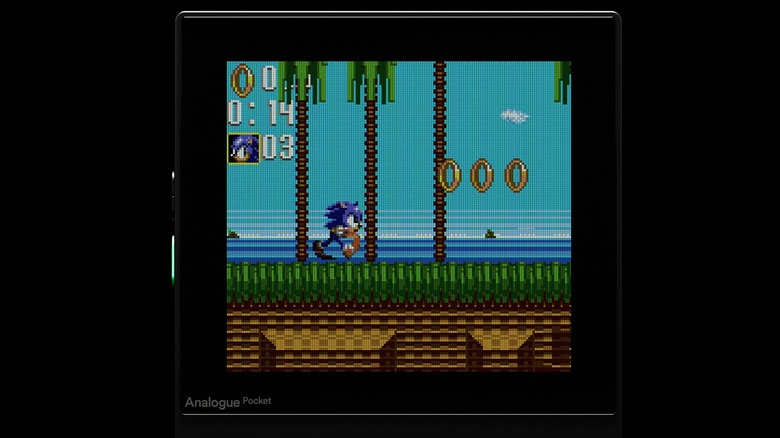
There are hardware makers out there that take a lot of the work out of making old consoles work on newer TVs. These include products like the Hyperkin RetroN 5, RetroN 3, and things like the Analogue Pocket or the Analogue 3D. These systems are essentially third-party re-releases of old consoles. You buy them, hook them up, and plop in your old game cartridges to play them once again. Each system supports a different set of consoles. For example, the RetroN 5 has cartridge slots for the SNES, NES, Super Famicom, regular Famicom, Sega Genesis, Sega Master Drive, Game Boy (and Color), and Game Boy Advance.
These devices are usually quite excellent and give you the ability to play your existing library of games without having to hunt down the individual consoles for all of them. Since they're newer products, their price tags are more predictable, and most of these consoles support multiple systems. Thanks to these factors, going this route is usually less expensive than buying retro consoles off of eBay, although if you have to buy several consoles to get everything, the prices can still add up rapidly. The RetroN 5 was $170 on Amazon at the time of this article, and the Analogue Pocket rings up at $240.
Another positive with this route is that these devices are already compatible with HDMI, so you don't have to worry about researching HDMI adapters or anything like that.
Android-based handhelds
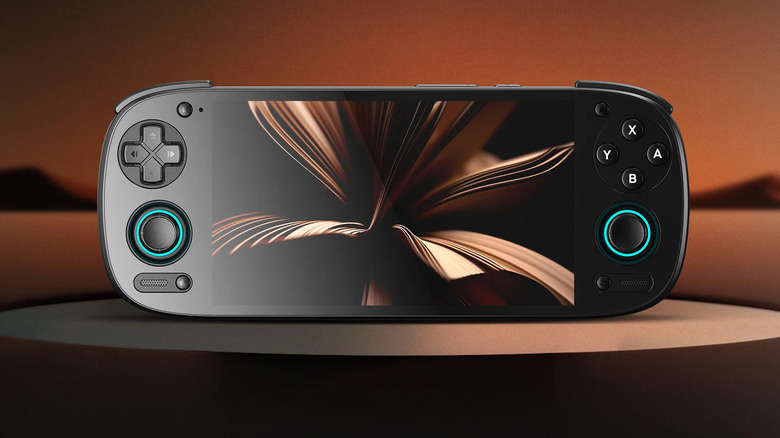
Android-based handhelds exist in a weird space. The idea is that these things are basically mini tablets with controllers welded onto the sides. They sit in the same genre of machine as the Nintendo Switch 2, and many Android gaming handhelds are cheaper than the Switch 2. They come in various sizes and shapes. Some look like a Switch; others look like souped-up Game Boys. However, they all do the same thing. You can use them to run emulators, play retro games, and carry that collection around with you.
One of the most trusted and popular items in this space is the Retroid Pocket. You can find the fifth generation pretty easily on Amazon, but you can also get the latest Retroid Pocket 6 from the maker's website directly. It costs around $250 for a modern model, which is about the same price as retro consoles like the Analogue Pocket. That makes them affordable, but not necessarily inexpensive. The good news is that you can also play Android games on top of emulated games, giving you even more options to play.
The benefit is that you have an Android tablet with a built-in controller, and you can immediately download emulators and go. Just make sure to enable the Google Play Store during setup, which is an option if you buy the Retroid Pocket, so that you can take advantage of the Play Store's selection of emulators on top of the ones you can download elsewhere.
Build your own emulator box with Raspberry Pi
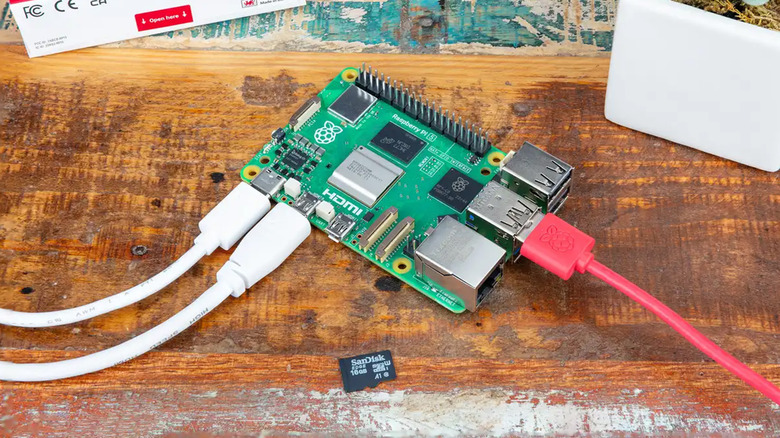
There are a lot of ways to play retro games, and some of them require more effort than others, but for a meaningful payout. One such example is the Raspberry Pi. These are development boards usually sold to power users and professionals for use in various things, including custom mini-PCs, fully customizable streaming boxes, and even to control smart home technology as a hub, even though smart home hubs aren't entirely necessary anymore.
Another application is turning the Raspberry Pi into an emulator box. These little things come with HDMI ports built-in, and all you have to do is install an OS, usually Linux, and then load the thing up to the gills with emulators and games of your choice. It's not an easy process, but there are many tutorials on how to do it. If you go through the effort, you can have basically a mini console that plays all sorts of games. These things come with HDMI and Bluetooth support, so you can pair a wireless controller and hook it right up to your TV.
You can get a Raspberry Pi for under $200, and that's all you need to get started. The biggest cost here is time, as you'll need to learn how to do a number of things to get it up and running. Once done, though, you'll have access to dozens of old consoles and games for those consoles that play directly on your TV.
Ports and remasters
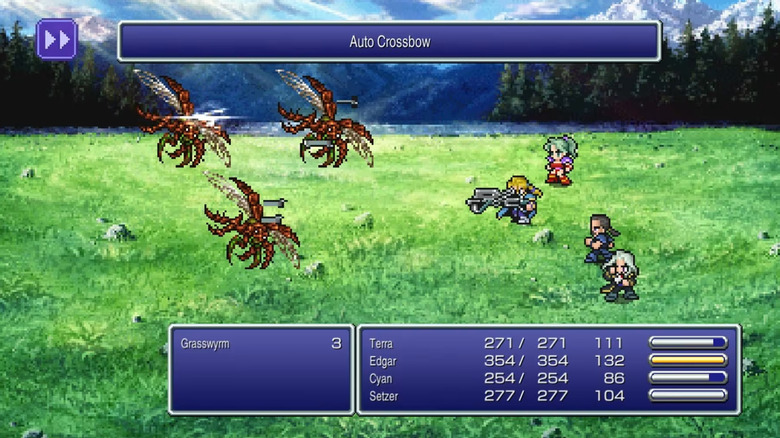
Studios haven't just sat around and watched players enjoy games that were released decades ago. Many of them have been hard at work taking their old games and either porting them to modern systems or remastering them entirely to freshen up the experience. These are all over the place and on virtually every modern platform. One of my personal favorite examples is the "Final Fantasy Pixel Remasters." Square Enix remastered the first six Final Fantasy games, and they're available for basically every gaming platform. They aren't perfect but include a lot of quality-of-life changes while still remaining largely faithful to the originals.
There are many of these across all platforms. The original "Rollercoaster Tycoon" is on Steam, "The Elder Scrolls IV: Oblivion" came out in 2025 for multiple platforms, and PlayStation owners have access to nearly 200 ports of old games via the PlayStation Plus Classic catalog. These range in price from a few dollars to around $60, depending on the title and how recently it came out. Steam also has roughly 350 retro games from the 1980s and 90s.
Since these games are on platforms gamers are likely to already own and engage with, they get to skip the cost of hardware and go straight to buying the games, which is a lot cheaper than most hardware options. The only downside is that not every platform has every port or remake, so while options are plentiful, they are not universal.
Retro-inspired games
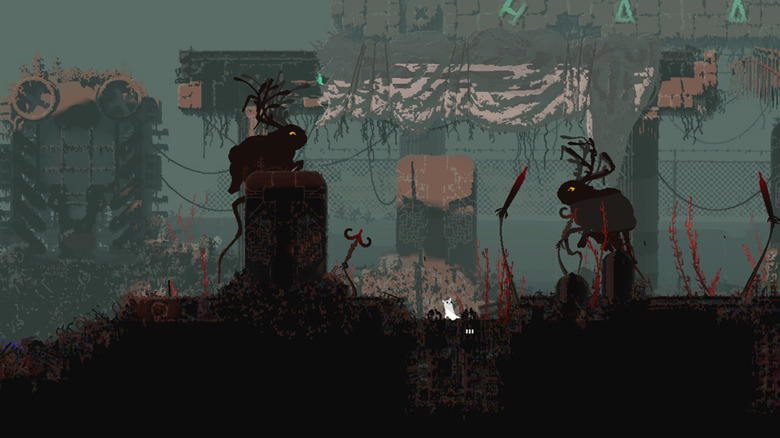
Retro-inspired games are a little bit of a wildcard, but it does make sense. The indie gaming scene is rife with games that use retro graphics, mechanics, and other elements. One good example is "Undertale," an RPG that looks like it came out during the NES or SNES era and went viral some years ago for its blend of retro looks, unique gameplay choices, and humor. It took many of its cues from existing games from many years ago and even includes an ode to "Final Fantasy 6" in a mockup of the game's iconic opera scene.
You can find stuff like this all over the place, especially if you game on PC where indie hits on Steam are a dime a dozen and usually include mashups of popular genres. For example, Hollow Knight is a 2D game that mashes up the "Metroid" and "Castlevania" genres in what gamers call a Metroidvania, and uses a 2D art style with parallax backgrounds similar to several old PlayStation 1 games like "Rayman," "Castlevania: Symphony of the Night," and others.
Some other examples hit the nail right on the head, like "Super Cakeboy," an action-platformer reminiscent of dozens of older titles. The full list is exhaustive, and many games are available on every platform. PC is the clear winner here, though, although indie favorites have been getting more ports to consoles in recent years.
Free retro game websites
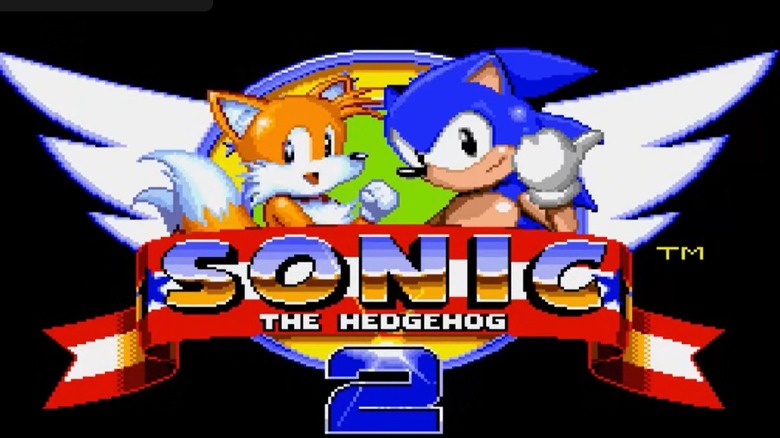
If you're really strapped for cash, a quick and easy way to play the occasional retro game is by finding it online. A lot of older games didn't take a ton of horsepower to run, and so you can actually play them in browser windows without much effort. Since they're playable in a web browser, which most people have access to, and the price for most of these websites is nothing, this is one of the few truly free ways to access some retro games without spending any money and using hardware you already own.
Websites that do this aren't easy to find, but DOS Zone is pretty good for very old games like "Sim City" and other MS DOS games like the original "Diablo II." There are sites that support other systems, like RetroGames.cc and WePlayRetro, both of which house many older consoles like the SNES, NES, PlayStation, and Sega Genesis. The experience is far from perfect, but the price is right, especially if you want to just revisit an old game for a little while to get some nostalgia in.
All of the above websites are free to use, and they also support saving and loading, so you can continue where you left off. Some of them offer optional subscriptions that add features like cloud saving, which eliminates the need to download your save files or keep your browser cookies intact so you don't lose your files.
Emulators
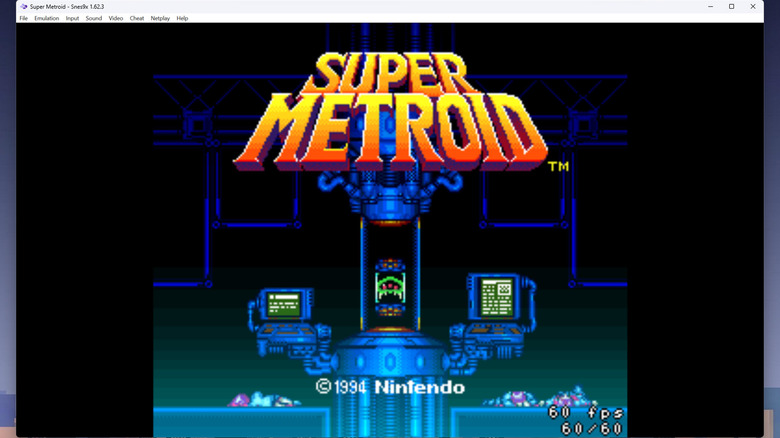
Easily the most popular and most recommended way to engage in retro gaming is through emulation. Emulators are pieces of software that pretend to be hardware, and they play games from the system they're emulating. The nice thing about emulators is that most of them are free and run on your existing hardware, including PC, Linux, and macOS, and there is a healthy emulation ecosystem on mobile as well. There's a bit of a learning curve, especially if you use powerhouse emulators like RetroArch. However, once you get the hang of it, you can play basically any retro game pretty easily.
The only downside to emulation is that it's a little bit of an ethical gray area. Emulators are completely legal, so you should definitely download those, but most of the methods that players use to get ROMs are considered illegal piracy. Fortunately for gamers, big gaming companies are content to go after websites that distribute ROMs rather than individual users for having them.
Should you get your hands on an emulator and some games to go with it, we recommend picking up a wireless or Bluetooth controller so you can play these games the way they were designed to be played, which is with a controller. Almost all emulators are free, although you may pay a couple of dollars for ones on mobile, and given how many games you can play with these things, it's easily among the cheapest ways to play retro games today.