

5 Signs It Might Be Time To Upgrade Your Tablet
With components becoming more scarce and electronics only continuing to rise in price, squeezing every bit of life out of a tablet you already own can be a smart move. At some point, however, your device will reach the end of its life, and purchasing a new one will likely be the next logical step. Whether you bought an expensive tablet or invested in one of the most affordable tablets you can use for your home or office, you should know the signs to look out for when it comes time to upgrade your tablet.
From no longer receiving updates to storage or screen issues, several signs can indicate your tablet is reaching the end of its life. You may just want a hardware upgrade, but we also have a couple of suggestions on how you can get more life out of your tablet, when applicable. As useful as a tablet can be for streaming content, playing games, or even staying productive, even the best tablets must eventually retire.
Naturally, it's also important to remember that an old Android tablet can still be useful. This means users can repurpose a device if it's not too far gone. But if you're the type who likes to hold onto things, consider the indicators below to see whether it's time to send your tablet to a recycling center.
It no longer receives updates
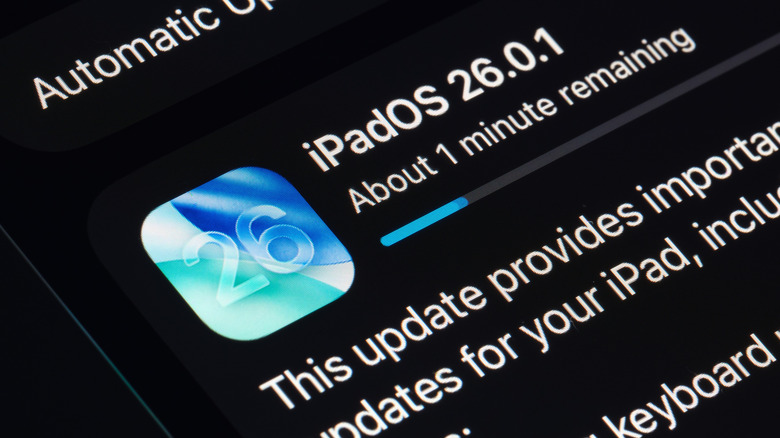
Along with providing users with access to new features, keeping an operating system up to date is important for security reasons as well. For example, iPadOS 27 delivers an improved Siri and additional child safety features, while Android 17 brought tablets new multitasking features, among other notable improvements. However, since some iPads won't receive iPadOS 27 or Android 17, your device may already be behind.
Fortunately, the window for tablets to receive updates is fairly long with Apple or Android. iPad users can expect updates for about 8 years, with security updates for up to 10 years. Android users can expect anywhere from 2 to 5 years, though this depends heavily on the model. If you stop receiving software updates, it may be a good sign that it's time to upgrade. This is especially true if you're no longer receiving security updates, as they tend to extend beyond typical software updates.
You can check on an iPad by going to Settings > General > Software Update, or on Android, go to Settings > System > Software Updates. If you can download and install it, it may be worth keeping the device around. You may need to worry about other factors, but running the latest software may mean one less thing to consider if you're thinking about upgrading.
Tablet has poor battery life
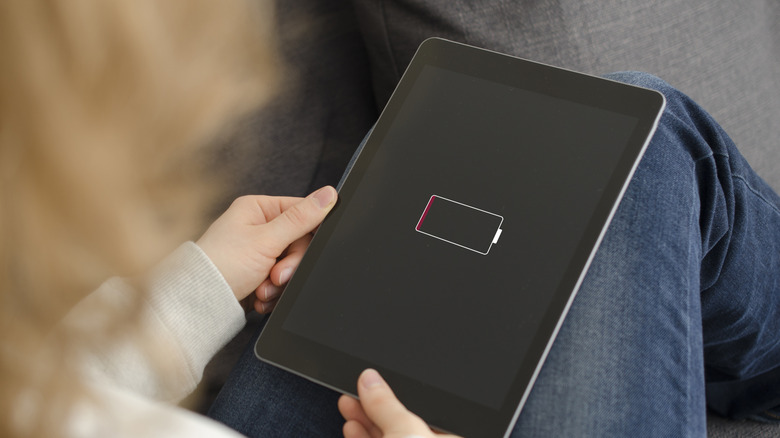
Whatever tablet you're using, there are good odds that it's running on a lithium battery. Unfortunately, these batteries can degrade over time, though how long it may take to do this largely depends on the type of device, the size of the battery, how you're using it, along with other factors. In fact, there are plenty of mistakes you can make that can hurt a lithium battery. If you find that your battery is constantly depleting no matter how much you charge it, it may be time to consider a new portable device.
One thing that's important to remember is that tablets can have a specific cycle count for their battery. Essentially, a device only has a certain number of charge cycles (meaning it's gone from 0% to 100% and back to 0%). A high cycle count can mean it may be time for a new tablet. For a general rule of thumb, an iPad is meant to retain 80% of its battery and can usually complete 1000 charge cycles. For Android, it will vary by device.
On newer iPad models (M4 and M5 iPad Pro, M2, M3, M4 iPad Air, iPad mini A17 Pro, and iPad A16), you can check the status of your battery by navigating to Settings > Battery > Battery Health. You may need a third-party tool on Android, but you can also check to see if you have battery settings under Settings > Battery. Remember that additional signs that your battery may be going bad include the device randomly shutting down or being incapable of holding a charge.
The screen is damaged
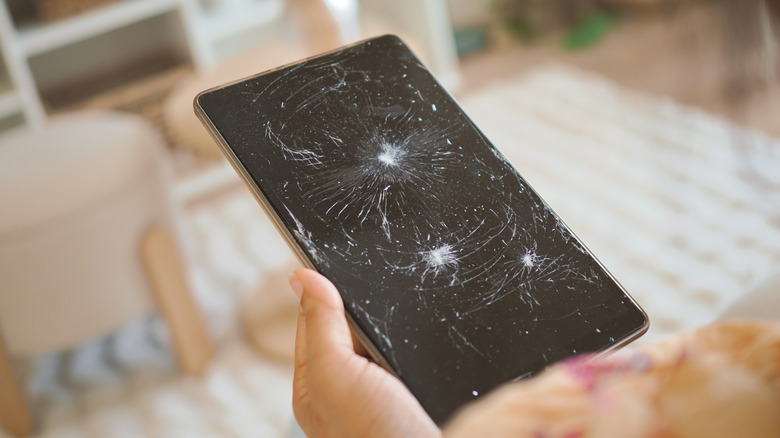
A tablet is only good if you can use it, and a damaged screen can easily prevent you from getting even simple tasks accomplished. This is especially true if you primarily use your tablet to watch media. For what it's worth, you can protect a screen without a screen protector, but if you're already past the point of no return, it may be time to replace it.
If your display flickers or is unresponsive, that alone can indicate the screen is finished. However, cracks, inconsistent brightness, odd colors, or even peculiar shadows or lines can also indicate you need a new screen. Essentially, if the display isn't acting how you expect it to act, it may be time for a replacement. If you're experiencing these issues, first check whether you have an active warranty that will replace the screen or device. Even if it's expired, though, you may still have other options.
Something to keep in mind is that you may be able to find a service technician who can replace the screen for you. You may also be able to do it yourself with some research and a bit of know-how. If you go that route, consider the cost (and time investment) of replacing the screen versus buying a new tablet. Depending on what you find, it may be more cost-effective to replace the screen than buy an entire device.
Storage issues
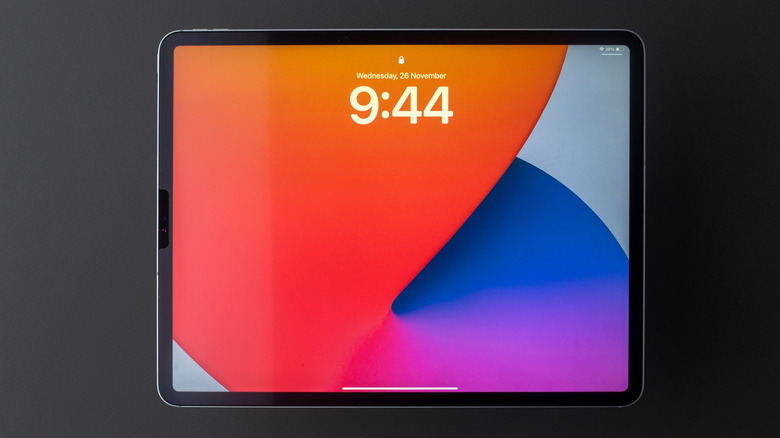
Depending on how long you've had experience with a smartphone or tablet, there's a solid chance you've come across a low storage warning on your device (especially if you're an Apple fan). Some tablets let you expand storage with something like a microSD card, but once your storage is full, it can cause problems. These problems can start small, but they can quickly become major issues if left unresolved.
At first, you may just find yourself deleting photos or removing apps to make some space (we also know some ways to free up space on an iPad), but as time goes on, this may not be enough. You know things will start to be a real issue when apps begin crashing or stop working, you're having issues taking photos, or you find that overall device performance is suffering. This can largely be because your device doesn't have enough space for temporary files, meaning background processes fight for resources and certain virtual memory techniques may fail.
Fortunately, a new tablet doesn't necessarily have to be your only option. Along with researching ways to free up space, you can also consider cloud storage options to make some additional room. Something like iCloud for iPad or Samsung Cloud for Galaxy tablets may give you some extra space, but you may also want to consider the cost of these services versus getting a new tablet entirely.
It's time for a hardware upgrade
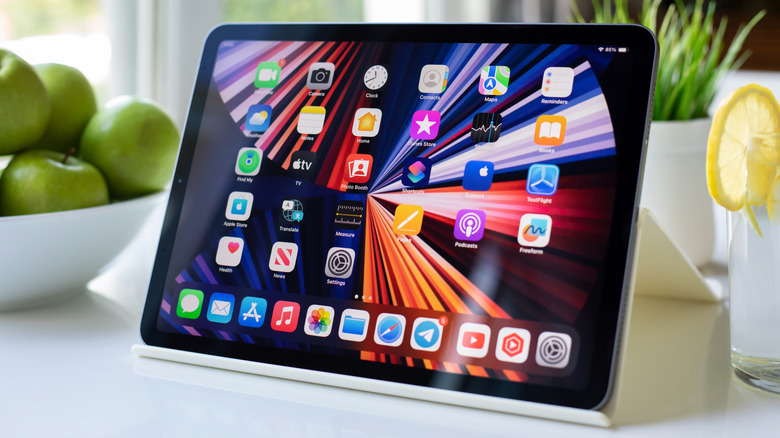
We explored why it's important to keep tablet software updated, but access to new hardware can also be a factor if you think it's time to upgrade. Just as software can add new features, new tablets can typically come with hardware upgrades. Though they may seem flashy, new hardware can indeed be nice, but it isn't always entirely necessary.
Let's use the iPad as an example. If you were on something like a seventh-generation iPad, upgrading to the A16 iPad would move you from a 10.2-inch display to an 11-inch one. You would also move from an A10 Fusion chip to an A16 chipset with a 5-core CPU and 4-core GPU. The upgrade would also move you from a Lightning port to USB-C, and we know plenty of ways to take advantage of that fact (other than charging).
Of course, it all depends on your needs. Depending on what you use the tablet for, upgrading just for a new camera or an improved CPU may not be necessary. If you use the tablet casually for watching movies, you may be fine with what you have. If you use it for work, the new upgrades may help. Before dropping any cash, think about what you use your tablet for, and then try to get some hands-on experience with a new model to see if it's worth it. You may find your old one still has some gas left in the tank.