

Software Support Drives The Growing E-Waste Problem - Here's Why
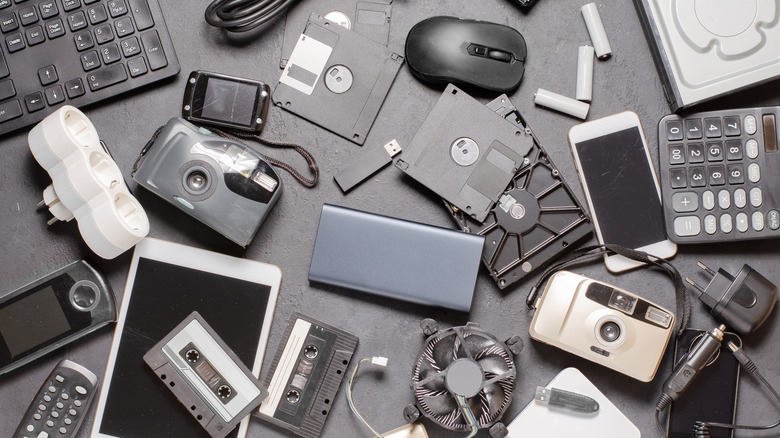
Every obsolete device you throw away, every broken gadget, and every new electronic you acquire eventually becomes e-waste. According to the World Health Organization, electronic waste is one of the fastest-growing sources of solid waste today. It's a huge problem, mainly because modern electronics can contain hazardous materials that don't belong in a landfill. They must be handled properly, and there's just so much of it. Millions of tonnes of e-waste build up every year. But something else is exacerbating the problem and usually overlooked: software support. When a device reaches end-of-life and stops receiving security and software updates, understandably, people move on to something that does. This affects not just consumers but also large organizations with swarms of computers and devices that must be replaced.
Microsoft phasing out Windows 10 and ending its support lifecycle is a great example. In many cases, Windows 10 computers work fine and will continue working for years. However, when Microsoft ends security support and leaves potential vulnerabilities unpatched, many companies have no choice but to upgrade to a more secure platform. That will result in an enormous increase in e-waste. The reality is that this affects all electronics, from smart home devices and wearables like smartwatches to desktop computers, tablets, and mobile devices. Sometimes, these devices aren't abandoned or disposed of because they stopped working or stopped receiving support; it's simply because they don't perform as well with new OS versions or apps, or they can't run the latest versions of desirable software. Planned obsolescence also happens when devices are intentionally made irrelevant, forcing users to upgrade to the newest model.
How much is software support really to blame?
Since at least 2014, an estimated 1.7 billion pounds of e-waste has been attributed to expired software and discontinued cloud services, according to the U.S. PIRG Education Fund's Electronic Waste Graveyard. That database also lists a selection of old devices that contribute to the growing e-waste problem, including some of its most recent additions: old Windows 10 computers, discontinued Kindle devices, Samsung's older Galaxy Note models, Belkin Wemo smart home devices, and much more.
Communities are rallying around the idea of fixing or securing some of this old tech. For instance, The Restart Project offers a toolkit for community repair groups to help phase out Windows 10. But the real question is, why aren't some of the big organizations that create and maintain these products doing this?
Organizations like PIRG and Open Repair Alliance fully believe there's a path forward where e-waste can be significantly reduced by extending software support, making products last longer, and making them easily repairable. ORA also explains that it's now "cheaper to pollute" than to preserve old electronics and handle them responsibly, and that needs to change. It calls for those creating the bulk of the waste to pay for it, rather than consumers. More importantly, it also advocates repurposing old technologies and devices, which you can do personally.
What can you do about it?
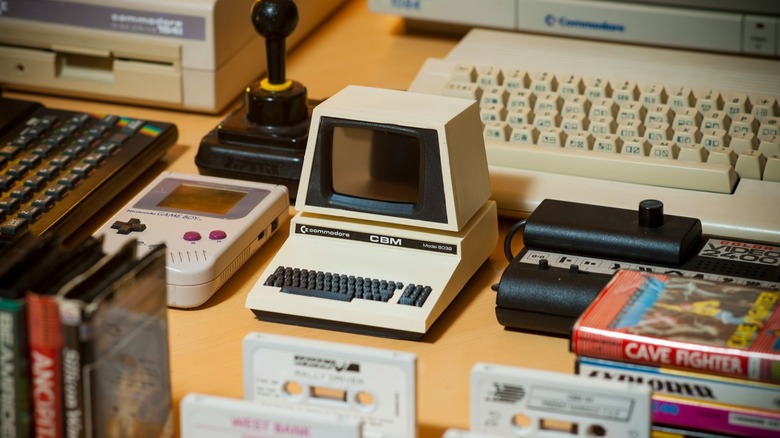
The takeaway isn't that you must immediately stop using all tech and stop buying new gear. But rather, know what to do with your old tech so it's recycled and handled responsibly. Moreover, don't immediately toss devices when they reach EOL or when software support ends, if you can help it. There are still ways to make use of them.
Understanding how to handle old electronics, or any that are no longer safe, is step one. Know where designated drop-off centers are, and how to identify dangerous gadgets that can't go in the trash. You're looking for the crossed-out trash can symbol if available, or if the device has a battery, especially a rechargeable one, you need to take it to a proper center. The Computer Technology Association has an easy-to-use recycling locator tool, and Earth911 has another similar tool.
Ultimately, it's not safe to continue using devices like computers or phones that no longer get software support as-is. They become a bigger target for software vulnerabilities and nefarious actors to exploit. But that doesn't mean you have to throw them away. You can still use them in interesting ways. Consider some use cases for repurposing your old Android phone, for example. You can do the same with old tech, old work computers, and nearly everything else in your home, including smart speakers, routers, wearables, and old TVs. There are a ton of resources out there to help you, too, including community sites, video tutorials, you name it. You can turn an old tablet into a smart home panel to control your setup, turn your old laptop into a retro gaming console, or even do something crafty with those old smart bulbs.