

13 Smartphone Audio Upgrades That Just Work
We may receive a commission on purchases made from links.
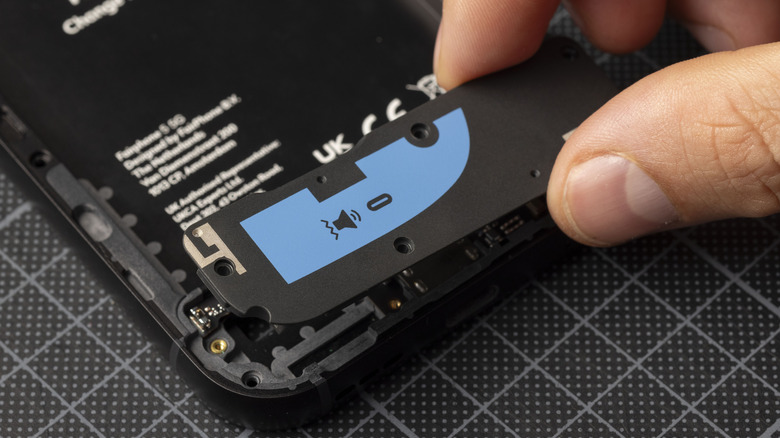
If you've heard the speakers on a half-decent modern smartphone, you'll know that they're generally quite impressive. While they may not be the best option for listening to music, these tiny speakers tend to be loud and clear, and even deliver a bit of bass and stereo separation on some higher-end phones.
That may be great for watching a YouTube clip while you do the dishes, but you can do even better. With some creative thinking (and sometimes a little money), you can upgrade your phone audio so that the sound coming from your device is a better match for the gorgeous visuals of modern phone screens.
Whether you're using headphones or raw-dogging your phone speakers on the train or a plane (please don't do that), we've collected some of the most effective ways to upgrade your smartphone audio. Implement some of these, and you'll have no excuse to settle for tinny, unsatisfying sound.
Calibrate and fit your wireless buds properly
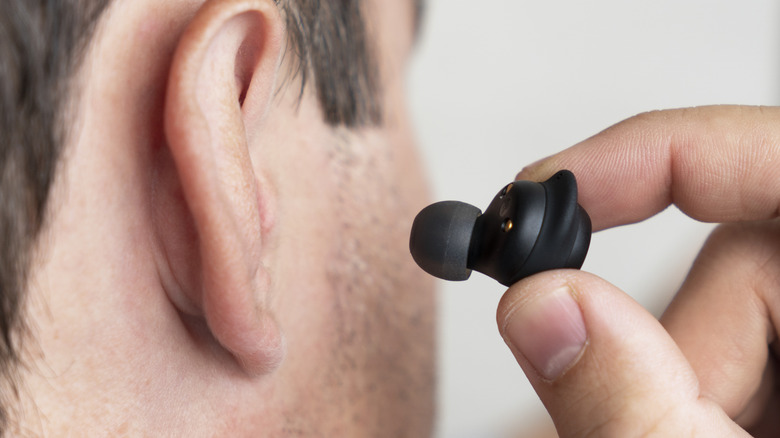
Using earbuds, particularly true wireless earbuds, is a fantastic way to get better sound from your phone. However, you may not be getting the best sound your earbuds are capable of producing. Broadly, there are two types of earbuds. Those in the style of Apple AirPods 5 don't form a seal with your ears and let outside noise in. This can be more comfortable for people who don't tolerate silicone eartips well, but it does pose a challenge for sound quality. It's also a good choice if you always want to hear what's going on around you but don't want to pay for a transparency feature.
The other type of bud, such as the Apple AirPods Pro 3, uses a silicone tip to create a seal with your ear canal. This allows the buds to exert fine control over the audio you hear, but it's a little more complicated than that. If you're using tips that don't properly form that seal, you'll end up losing bass and definition in the audio. Likewise, if the buds don't sit securely, they can slip and degrade the audio.
Some modern buds come with a companion app that lets you do a fit test that tells you if the seal is good or not. Advanced models may also do an acoustic test using the internal microphones to customize the sound delivered to your ear canal. Keep in mind that your two ear holes may be different sizes, and memory foam tips may be a better solution for some.
Try wired in-ear monitors instead of wireless earbuds
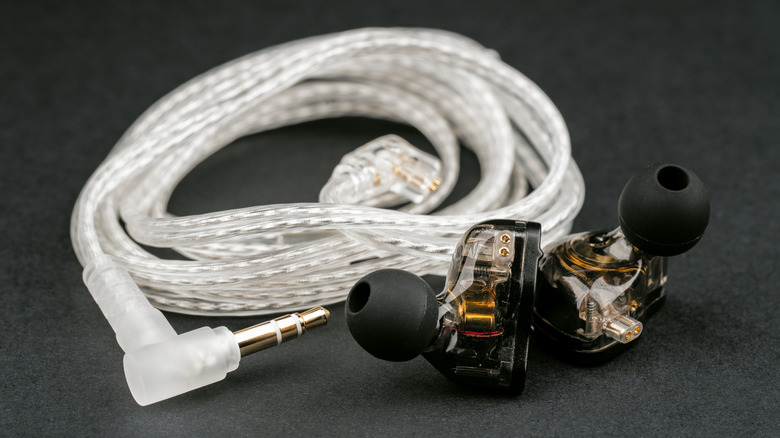
There are several important differences between in-ear monitors (IEMs) and earbuds that could make wired IEMs a solid option for you if you're looking for better audio from your phone. Of course, most phones don't have headphone jacks these days, but this is easily remedied using a USB-C or Lightning adapter.
Being wired, most IEMs immediately give you access to lossless audio quality tiers in apps like Spotify. There are currently only two lossless Bluetooth codecs (AptX Lossless and L2HC), and unless your phone and buds both support one of those, you're always listening to compressed lossy audio. Any wired set of headphones does away with this issue while also eliminating the potential for audio lag that's also part and parcel of the Bluetooth experience.
That's true for any set of wired headphones, though, so what makes IEMs special above and beyond the wired advantage? Much depends on the specific model, but these headphones were designed to give musicians clarity, comfort, and a secure fit. The optimal solution is to have custom tips made using molds of your ear canal, but that can be expensive. For most people, a typical affordable set of IEMs will already fit your inner ear well and offer clear, powerful full-range audio. The Sennheiser Pro Audio IE 100 Pro Wireless In-Ear Monitor is one of the most flexible, albeit premium, examples offering wired and wireless connectivity.
Use an EQ app
Every speaker and amp configuration has some unique character. It colors the original audio recording in some way, emphasizing or de-emphasizing some parts of the frequency range. Headphones that are marketed as monitors often aim to minimize this. The goal is to make the audio sound as true to the intentions of the audio engineer who mastered the sound as possible. Most popular headphones are tuned to be more pleasing to the average ear. The Harman Curve, for example, is a popular sound profile that emphasizes bass, but different headphone and speaker makers have their own flavors too.
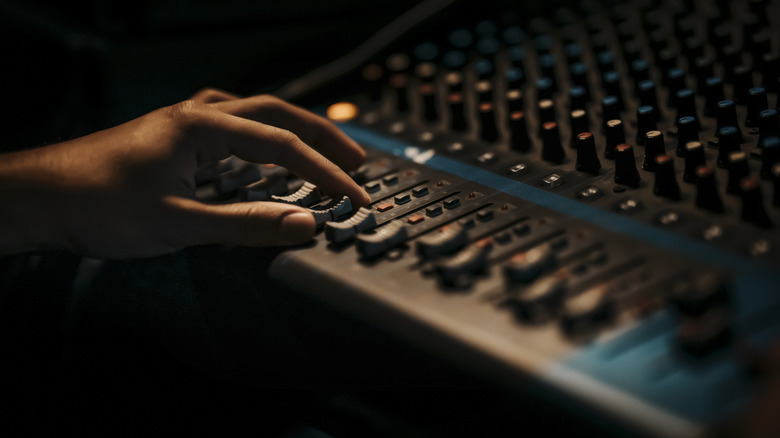
But there's really no such thing as a correct tuning, so what if you don't like the way your smartphone speakers or headphones are tuned? Adjusting your equalizer (EQ) settings is one of those hidden features that can boost a phone's audio quality. This allows you to set the relative volume of the bass, mids, and highs in the mix. Some EQs are very granular, and some just let you tweak things crudely, or offer quick presets like rock or movie.
There is also a difference between system-wide and app-specific settings. You may have access to system-wide settings, for example, but some apps like Spotify offer an internal EQ, which only affects the audio from that specific application. However, if you do have a system-wide EQ on Android, changes to the Spotify EQ can affect the whole system.
Add a compact external DAC
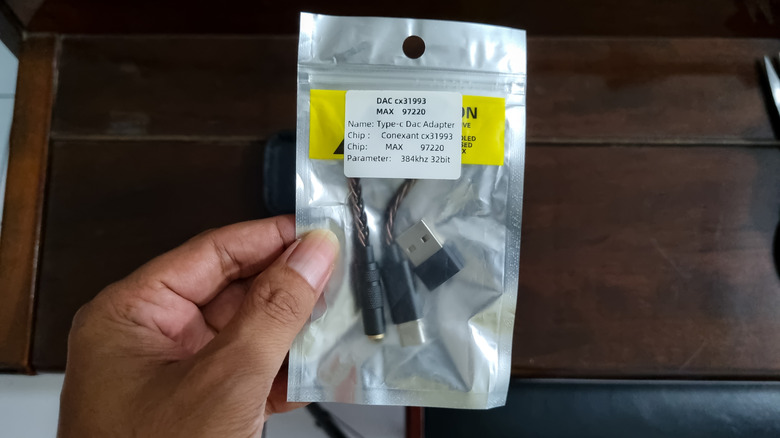
Inside every smartphone lives a DAC, or Digital-to-Analog Converter. This is a device that takes a digital audio signal and turns it into the analog electrical impulses needed to drive your phone's speakers. When phones had headphone jacks as standard, that same analog signal from the DAC would be routed to your headphones. However, in modern phones without that jack, you typically need an external DAC. The USB-C and Lightning headphone adapters we mentioned earlier usually contain a small, simple DAC, but if you have a higher-end set of wired headphones not specifically designed for use with low-output devices like a smartphone, the results can be underwhelming.
In these cases, something like the iFi GO Link, a compact external DAC, can help improve the volume, clarity, and quality of the audio from your headphones. When What Hi-Fi? reviewed this DAC, it touted the GO's open and spacious sound, as well as its support for a variety of high-res audio formats, all at a relatively reasonable price. Just keep in mind that if your headphones were already giving all they've got using a standard cheap headphone adapter, an external DAC like this one can't miraculously make it better.
Make wired headphones Bluetooth-capable
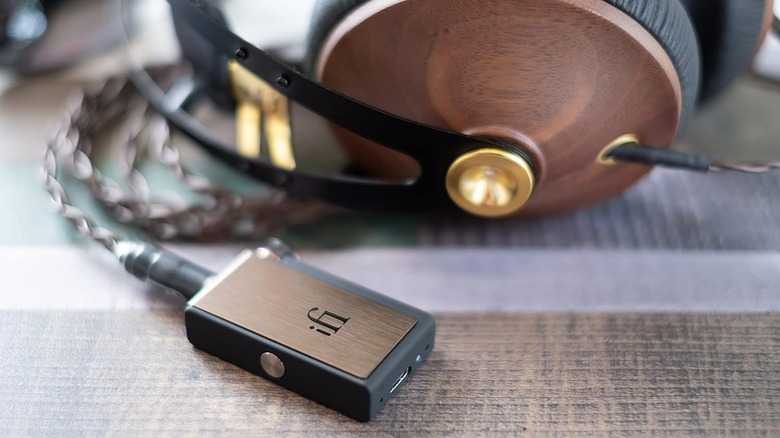
One of the best ways to get better sound from your phone is to use a better set of headphones. However, the best headphones you own (or can afford) might only offer a wired connection. Usually that's a win-win situation, since switching to a wired connection is also a surefire audio upgrade. However, there's nothing wrong with preferring a wireless connection for the convenience it offers, and there are some situations where a wired connection might not be practical, such as when you're jogging or you need to tuck your phone away somewhere a trailing wire wouldn't work.
In these cases, you might want a dedicated Bluetooth receiver. These devices can take any 3.5-millimeter (or larger) wired set of headphones and effectively turn them into a set of Bluetooth headphones. It's a cost-effective way of turning the excellent wired headphones you already own into something that will work with any modern phone.
Since you're picking the Bluetooth receiver part of this equation, you have the opportunity to decide what wireless audio features and quality you'll get. You can buy a $17 generic Bluetooth receiver, and that's fine. Combined with a decent set of wired buds, it's likely no worse than the results you'll get from much more expensive true wireless buds. However, invest in something like the iFi GO blu, and you'll open a whole new world. It supports hi-res audio and high-quality Bluetooth codecs, and it also functions as a high-quality DAC.
Replace the phone speaker on the go
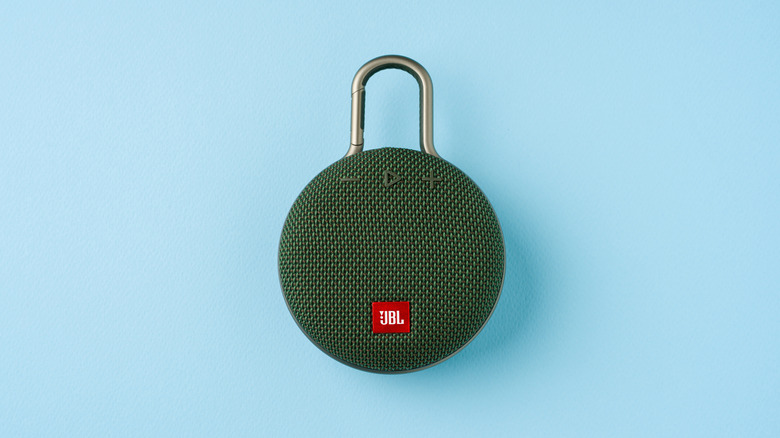
We've given headphones plenty of attention so far, but not everyone is looking to improve their smartphone audio only for themselves. What if you want to watch a video with someone or put on some mood music at a picnic or impromptu gathering? The obvious answer is that you need a portable Bluetooth speaker.
There's a huge amount of variety in this market, and these speakers range from tiny portable speakers that will fit in your pocket to large and powerful speakers that are more like a 1980s boombox in size. If you're on the go, you might opt for the smaller end of the spectrum, and the best Bluetooth speakers are moderate in size. They tend to strike a good balance between volume, sound quality, and portability.
When we put together a list of compact speakers that deliver more powerful sound than your phone, the JBL Clip 5 was right at the top of the list. This is the speaker we'd recommend to most folks looking to get better audio from their phones while on the go. It's small enough to clip to a belt loop, backpack, or door handle with ease. Despite being compact, it delivers warm, full-range audio. It's also dust- and waterproof, which means you don't have to shy away from the beach, pools, or steamy bathrooms.
Adjust your streaming app settings
Have you ever heard of the saying garbage in, garbage out? If you're playing back a source file with terrible inherent quality, it doesn't matter how good your phone's DAC and speakers are or how expensive your headphones are.
The good news is that if you're using a streaming app to listen to music or watch video, you have control over the level of quality you get. Assuming you have enough bandwidth to make it possible, look for the quality settings in the app of your choice and bump it up a notch or two. If the app allows for downloading so you can listen to content offline, then those downloads likely have a separate quality setting, too. Just keep in mind that very high-quality files will take up significantly more space on your device's storage. If you're on a metered connection, streaming at higher quality settings will also run up your usage more quickly.
Video streaming apps like YouTube and Netflix don't have separate quality controls for audio and video, which means that picking a lower video quality setting may also lower the audio quality. In most cases, though, the video quality needs to be at rock bottom for the audio to noticeably suffer.
Use over-ear headphones
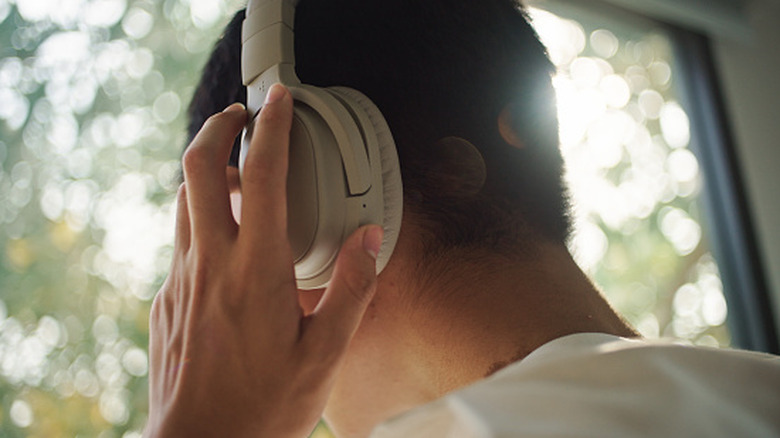
Earbud-style headphones are popular for several reasons. They're compact and easy to transport; you can use them just about anywhere without drawing attention to yourself; and they're usually much better from a quality standpoint than your phone's built-in speakers.
Even so, large, over-ear headphones will almost always outperform tiny buds when it comes to pure sound quality. With larger drivers, a seal that goes all the way around your ears, and much more space for a powerful built-in DAC (for self-powered models), you just can't beat a more traditional set of cans. Premium headphones like the Sony XM6 or Apple AirPods Max aren't as easy to transport, but if you can fit them in your bag, you'll be treated to some of the best audio that technology can produce.
You don't have to use a fancy, expensive over-ear set to blow a typical set of earbuds out of the water, either. A budget-level set of wired over-ear headphones combined with an adapter for your phone should do the trick nicely.
Change your Bluetooth codecs and disable multipoint audio
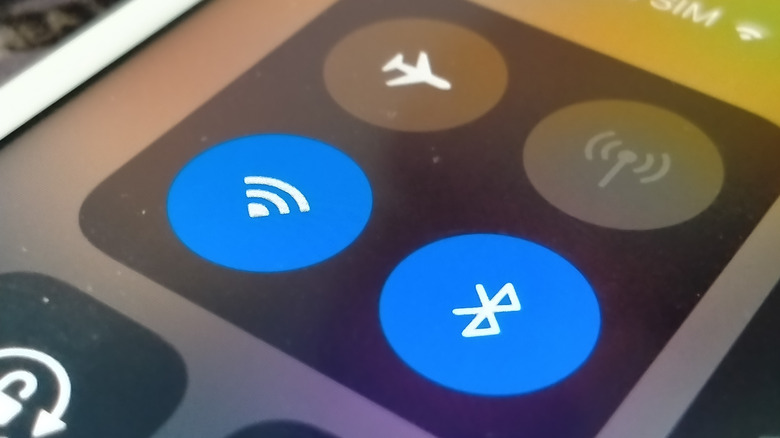
Bluetooth audio isn't one monolithic standard. There is a universal mandatory Bluetooth codec called SBC that all Bluetooth audio devices must support, but beyond that, several other codecs exist that all have their own unique value proposition. Some offer much higher quality at the cost of range, while others focus on latency to make watching video or playing games tolerable.
SBC sounds just fine, but if your smartphone and headphones both support a higher-quality Bluetooth codec, then forcing them to use it instead of the lowest common denominator can improve your audio experience. If your headphones have a companion app, you might be able to change the codec used there. For instance, Sony's headphone app lets you switch to its proprietary LDAC codec, allowing for hi-res audio in excess of CD quality. To get to this quality level, you may have to disable multipoint audio, which is the feature that allows one set of headphones to be connected to two different devices at once.
If you don't have an app to use, then on Android phones you can often specify the codec to use by entering developer mode. You'll have to look up the steps for your specific handset, since it can differ by brand and model. If you're using Beats or AirPods with an Apple device, you're already using the best in-house codec Apple has, so there's nothing more to do.
Update your headphone firmware
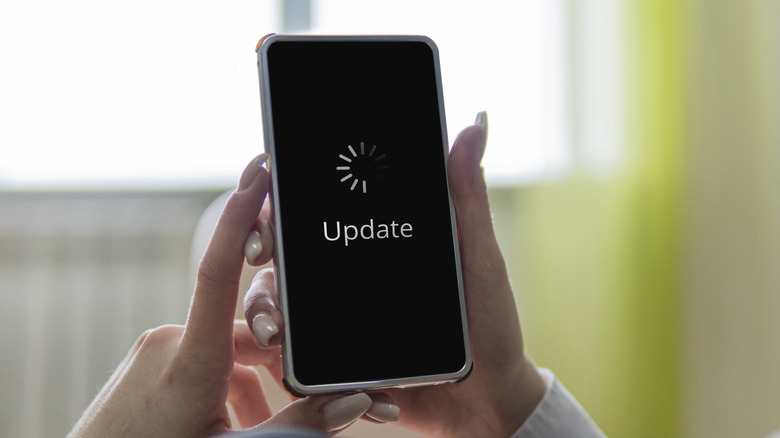
If you're using Bluetooth headphones and they have a companion app, then there's a good chance those headphones will receive firmware updates from time to time. Firmware refers to the read-only software that's built into a device to run its core functionality. Manufacturers can and do update firmware over time to address defects and to enhance feature sets.
Firmware patches usually contain bug fixes to address issues that affect security, reliability, and performance. Sometimes, however, these updates can also bring improvement to audio quality. For example, new firmware might expand the number of Bluetooth codecs the headset supports, or it can make the phone more efficient so that higher bitrates are sustained.
Sometimes the manufacturer makes tweaks to the audio tuning or how well features like noise cancelation and transparency work. Regardless of the specific details, it's worth updating your headphone firmware if you have the option. Just keep in mind that it often won't happen automatically (though Apple's headphones will automatically update when connected to an Apple device). Most of the time, you'll have to initiate an update using a mobile companion app with the headphones connected to your phone. Or, if the headphones have a desktop app, you might need a USB connection. It all depends on the make and model of the cans.
Enable spatial audio in movies and games
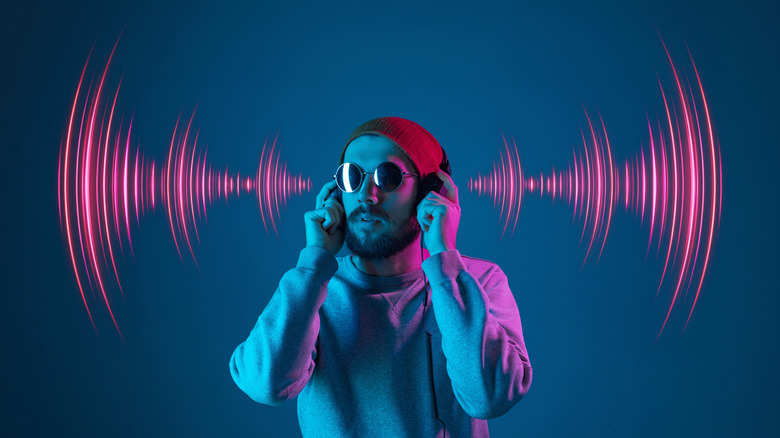
Any speaker configuration has a soundstage, which describes how your brain perceives the position in 3D space around you for the origins of sounds. A mono speaker just sounds like audio is coming from the speaker. A stereo recording with two speakers can trick your brain into thinking sounds are coming from places where there are no speakers, and as we move into advanced multispeaker surround systems like Dolby Atmos, sound objects can be placed anywhere in 3D space around the listener.
Some headphones out there have their own spatial audio technology that can completely change what your music or movies sound like. Normally, headphone audio sounds like it's playing inside your head, but with spatial audio this can be widened to make it sound like you're listening to a traditional stereo audio speaker pair in the room with you. That's great for giving movies a more cinematic sound, for example.
Spatialized audio can also help dialog clarity or enhance the soundstage of music so you can more easily hear all the detail in a song. This is, however, a headphone-specific feature. Some headphones have a spatial filter that can be applied to any audio played through them. You just need to turn on spatial audio in a companion app or by using a button or other control on the headphones. In other cases, such as with Apple's Spatial Audio technology, the app, device, and headphones all have to support it. In the case of Apple's tech, though, it's virtualization of true multichannel audio, and not just a stereo effect.
Remove your phone case (or use one that doesn't block sound)
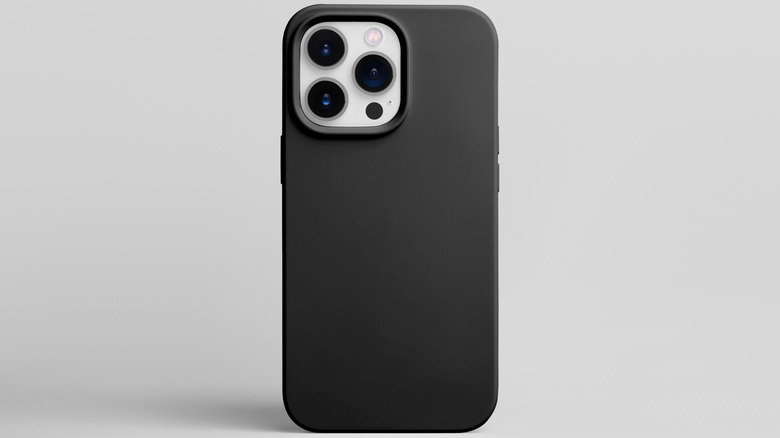
If you use a phone case, then there's a small chance that it's making your phone sound worse when using its external speakers. Normally, a well-designed case or screen protector will have precisely positioned passthrough holes for your phone's speakers. However, if these are misaligned or designed incorrectly, the sound can be blocked or trapped in the case, resulting in muffled audio and reduced volume.
This is easy enough to test. Just play some audio with the case on, and then play the same audio with the case or screen protector removed. If you hear an improvement, you might want to consider getting a different case. Or, if you have a higher-end modern phone, why not go caseless? With the latest phone glass technology and extensive drop testing, you could argue that smartphones are now durable enough that cases aren't strictly necessary for average day-to-day use. Ultimately, it's your call.
Use a passive phone amplifier stand
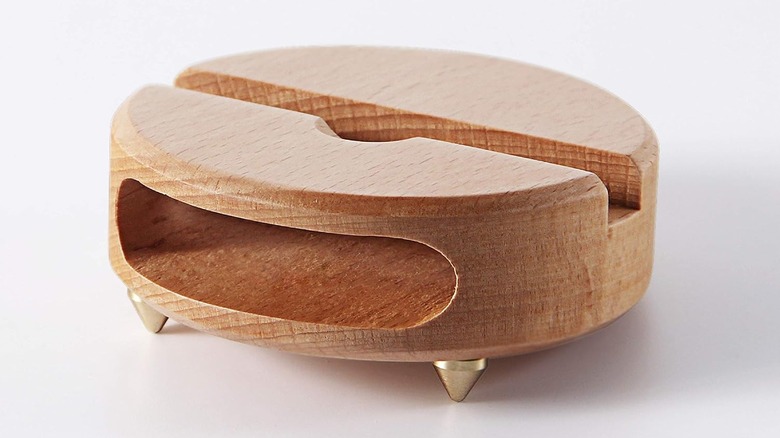
We're ending this collection of smartphone audio upgrades with a low-tech solution that can be oddly effective in the right circumstances: a passive phone amplifier stand. This is a phone stand that boosts your phone's speaker output through an acoustic chamber. It's effectively like an old-style passive megaphone or a gramophone horn.
You can buy these directly from sites like Amazon, where they're offered in various styles and materials, including wood. However, if you have a 3D printer, you can choose one of many designs the printing community has come up with over the years.
While these gadgets are called amplifiers, there is no powered amplification happening here in the literal sense. However, this can make some types of audio more discernible. It's great for YouTube videos, audiobooks, or anything with spoken dialog where you might have a hard time making out the words on normal smartphone speakers.